Orbita – Procedural Planet Generator
 Eron Lumbre
## Installation
1. Download ORBITA_v1.0.zip and do not unzip it.
2. In Blender, open Edit › Preferences › Get Extensions.
3. Open the ⌄ menu at the top right, choose Install from Disk… and pick the zip.
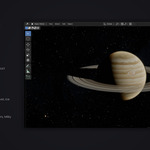
4. In the 3D Viewport, press N to open the sidebar and select the Orbita tab.
5. Click Generate planet.
To update, install the new zip the same way. To remove it, uninstall ORBITA from the same Get Extensions page.
Requirements: Blender 4.2 LTS or newer (tested on 4.2 LTS, 4.4 and 5.0). Works with Cycles and EEVEE. No image textures and no internet connection needed.
## Where to find it
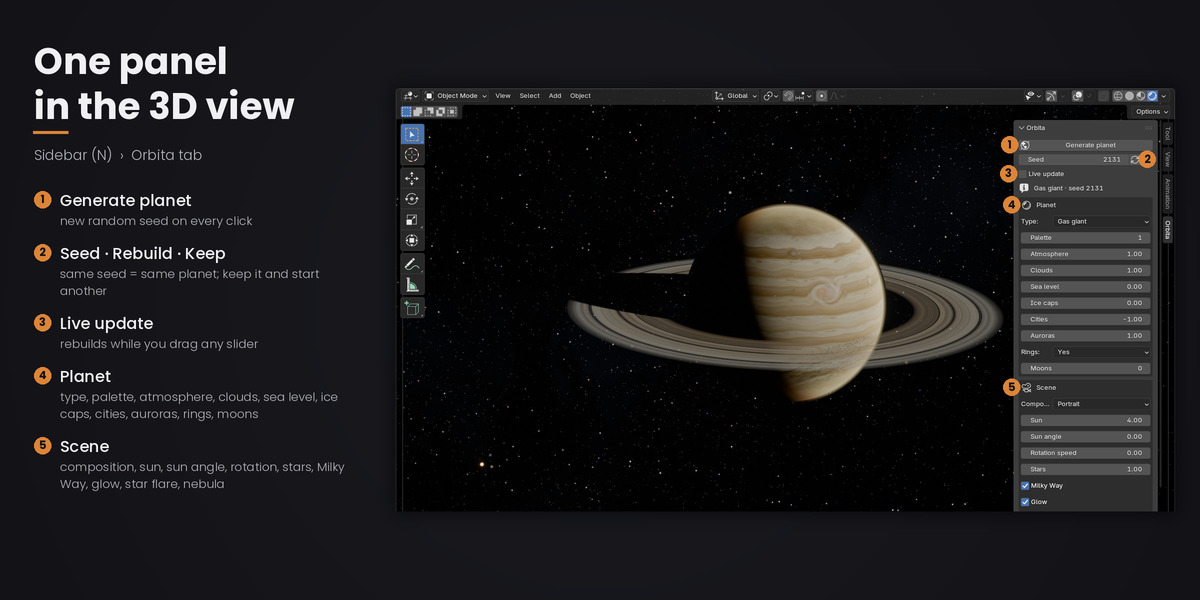
All controls live in 3D Viewport › Sidebar (N) › Orbita.
## Top of the panel
- Generate planet: creates a new planet with a new random seed.
- Seed: the number that defines the planet. The same seed and settings always give the same planet.
- Rebuild (refresh icon): rebuilds the planet with the current seed and settings.
- Keep this planet (pin icon): keeps the current planet. Its collection is renamed ORB_Kept_01, ORB_Kept_02… and the next planet starts a new system, so you can build scenes with several planets.
- Live update: when on (default), every change to a setting rebuilds the planet right away. Turn it off to change several settings, then press Rebuild.
- Info line: shows the type and seed of the current planet, which is useful when the type is Random.
## Planet
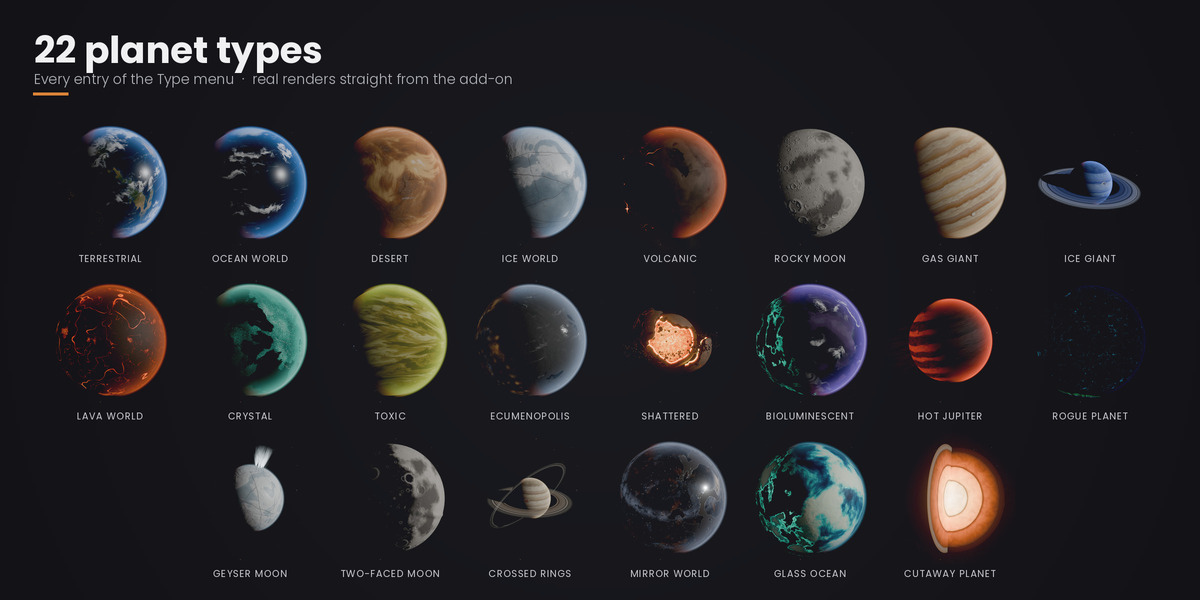
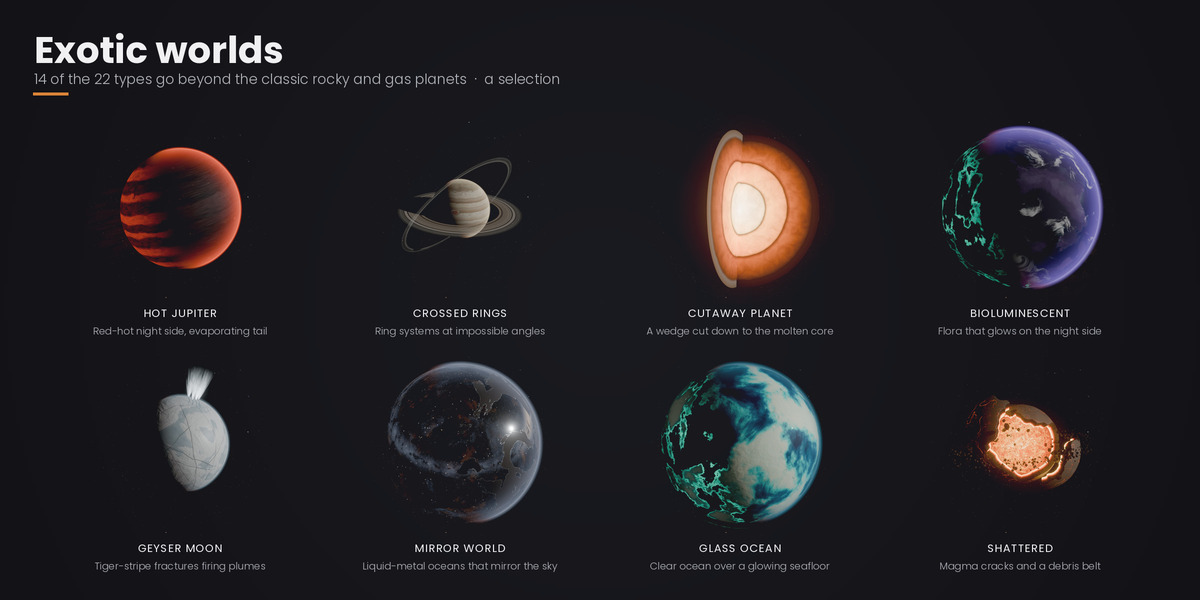
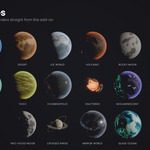
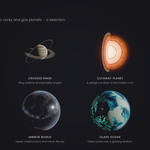
- Type (Random + 22 types): the planet type. Random lets the seed choose.
- Palette (−1 to 9): −1 lets the seed pick one of the curated palettes for that type. 0 or higher picks a specific palette; types with fewer palettes wrap around.
- Atmosphere (0 to 3, default 1): strength of the atmosphere halo. 0 removes it.
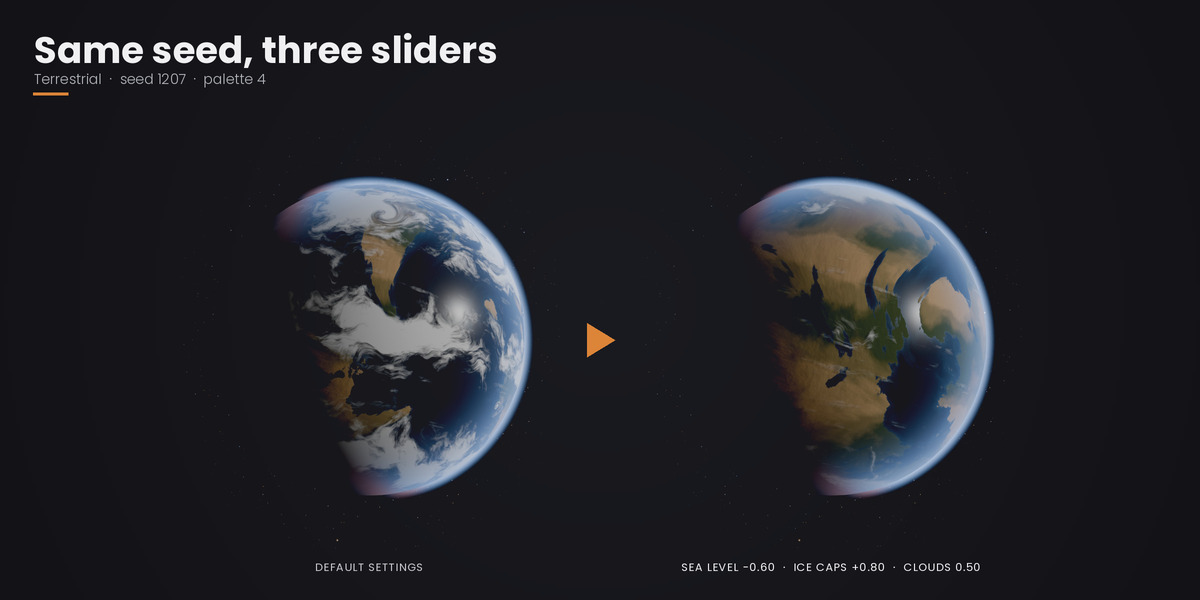
- Clouds (0 to 2, default 1): cloud cover. Below 1 gives fewer clouds, above 1 gives more, and 0 turns the cloud layer off. Only for planet types with clouds.
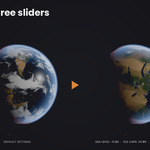
- Sea level (−1 to 1, default 0): lowers or raises the oceans on planet types that have them.
- Ice caps (−1 to 1, default 0): shrinks or grows the polar caps and snow.
- Cities (−1 to 1, default −1): city lights on the night side. −1 leaves it to the planet type; 0 to 1 sets the amount yourself.
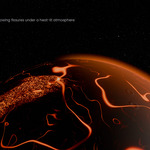
- Auroras (0 to 3, default 1): strength of the polar auroras on the night side, for planets that have them.
- Rings (Depends on the planet / Yes / No): rings decided by the seed, always on, or always off.
- Moons (−1 to 5, default −1): number of moons. −1 lets the seed decide.
## Scene
- Composition:
- Portrait: the whole planet with 3/4 side light.
- Backlight: the sun behind the planet, a thin crescent and a bright atmosphere halo.
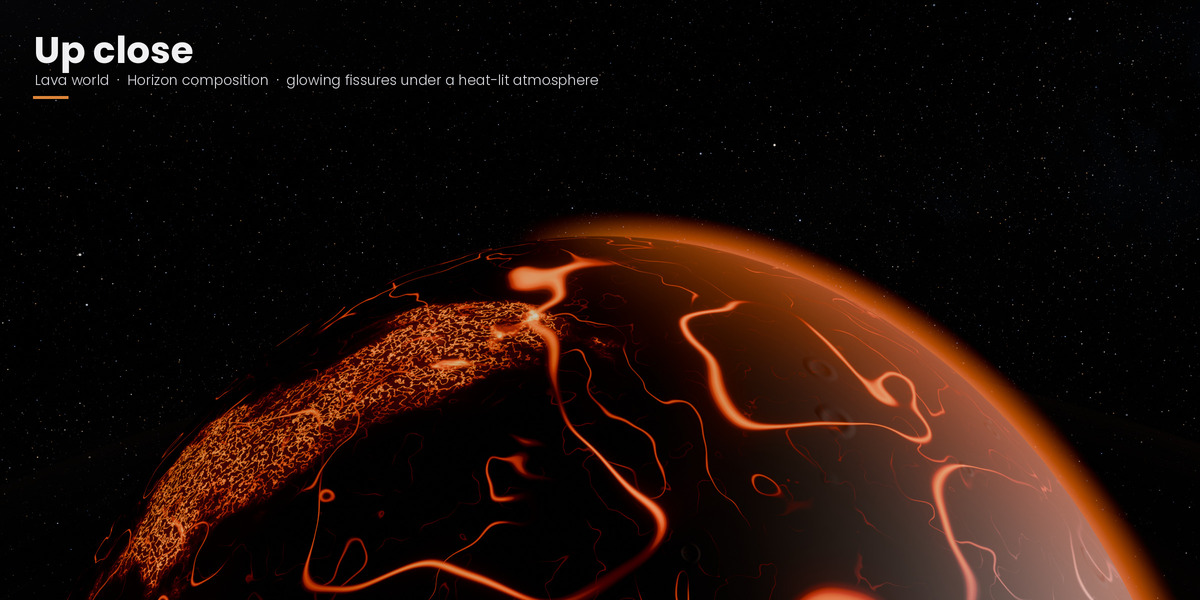
- Horizon: a close camera, with the planet's limb crossing the frame.
- System: a wide shot with rings and moons.
- Sunrise: close to the planet, with the sun peeking over the limb.
- Sun (0 to 20, default 4): sun strength.
- Sun angle (−90° to 90°, default 0): turns the sun around the planet.
- Rotation speed (−10 to 10, default 0): animates the planet turning over the timeline, with the clouds drifting a little faster. 0 keeps it still.
- Stars (0 to 3, default 1): starfield brightness.
- Milky Way (on/off): a galactic band with dust lanes in the sky.
- Glow (on/off): soft bloom in the compositor for city lights, lava and the sun.
- Star flare (on/off): a six-ray flare on the sun disk (lens effect).
- Background nebula (on/off): lets a faint two-tone nebula appear in the sky.
## What ORBITA adds to your scene
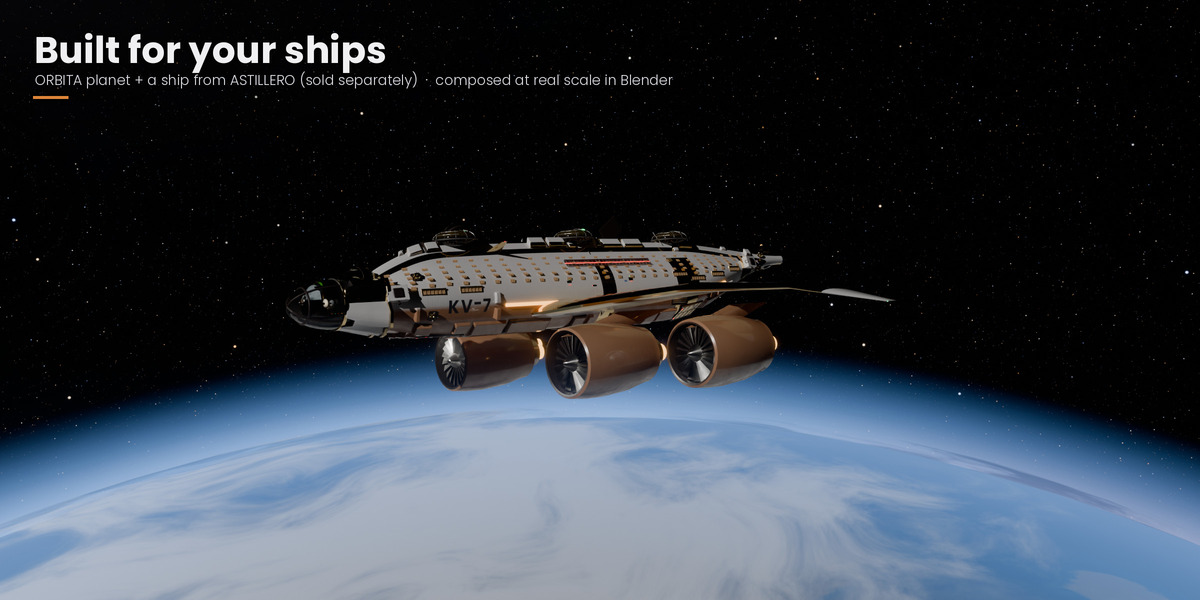
- A collection called ORB_Sistema with the planet and its layers, rings, moons, the sun, the sun disk and the camera. Objects and materials use the ORB_ prefix. The planet has a radius of 1 m.
- A world called ORB_espacio with the procedural sky, set as the scene's world.
- The view transform is set to AgX with the Punchy look. If the render engine is neither Cycles nor EEVEE, it is switched to Cycles. With Glow on, a bloom node setup is added to the compositor.
- Generating again replaces only the contents of ORB_Sistema. Kept planets and your own objects are left alone. The only startup objects it removes are Blender's default cube, light and camera, and only if you have not touched them.
## Support
Have questions about this product?
Login to message
| Blender Extension Compatible | Yes |
| Published | 11 days ago |
| Blender Version | 4.2 - 5.0 |
| Extension Type | Add-on |
| Render Engine Used | Cycles, Eevee |
| License | GPL |

Discover more products like this
sci fi planet generator space concept art sky planet Shader procedural rings environment