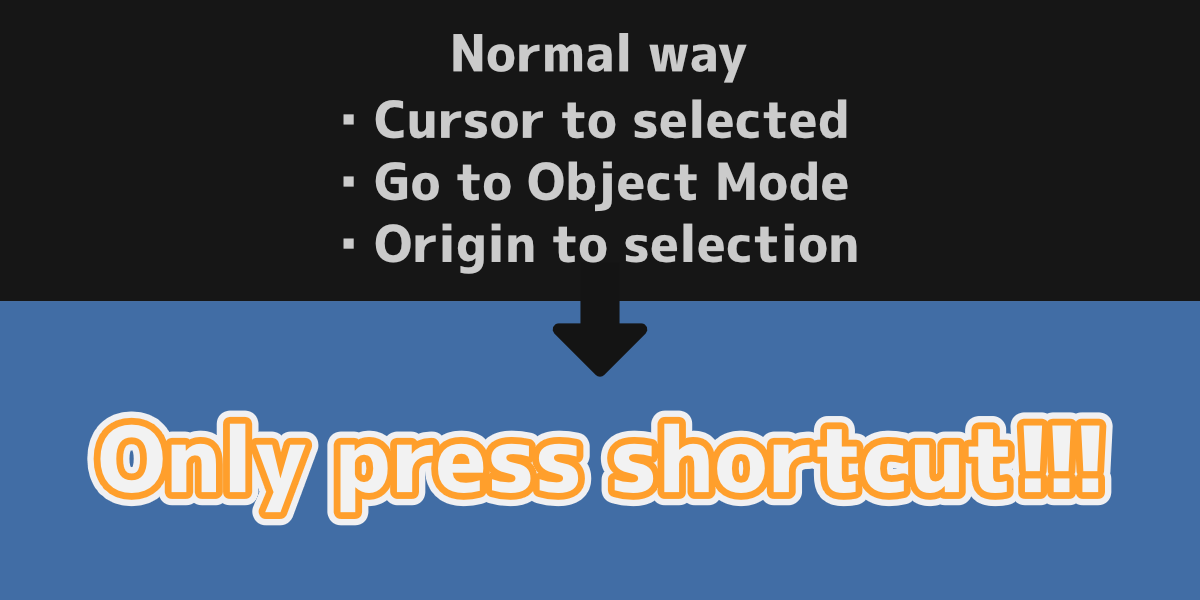
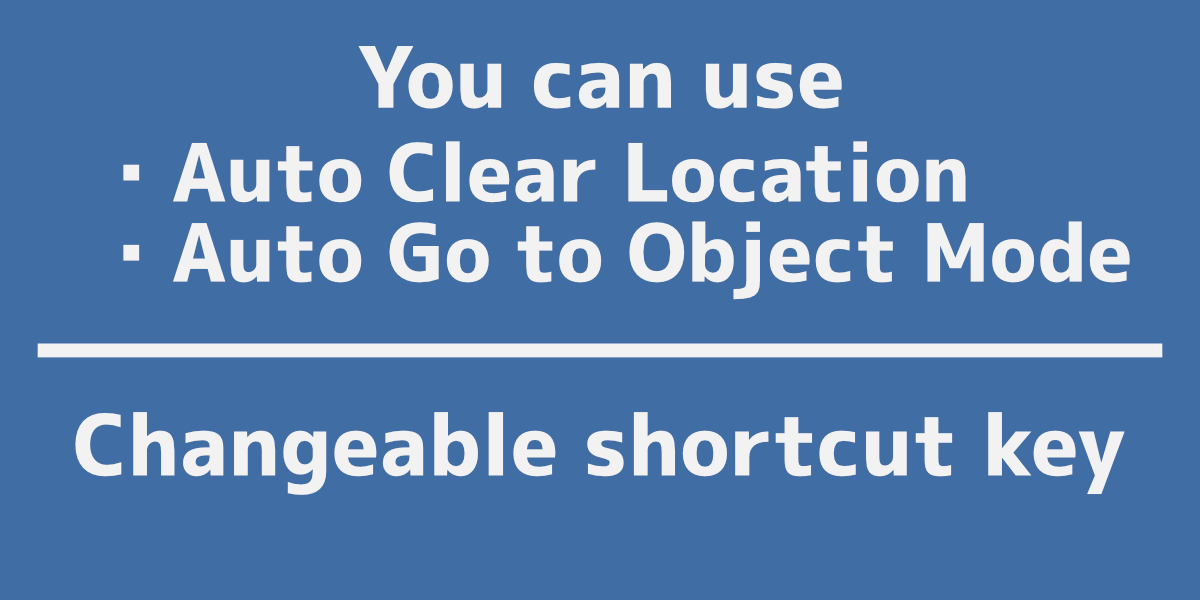
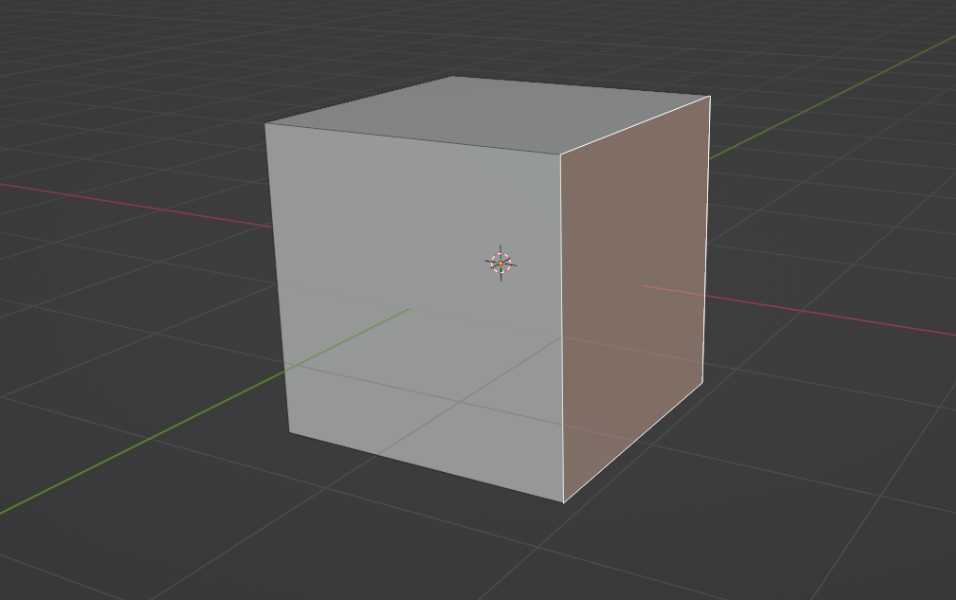
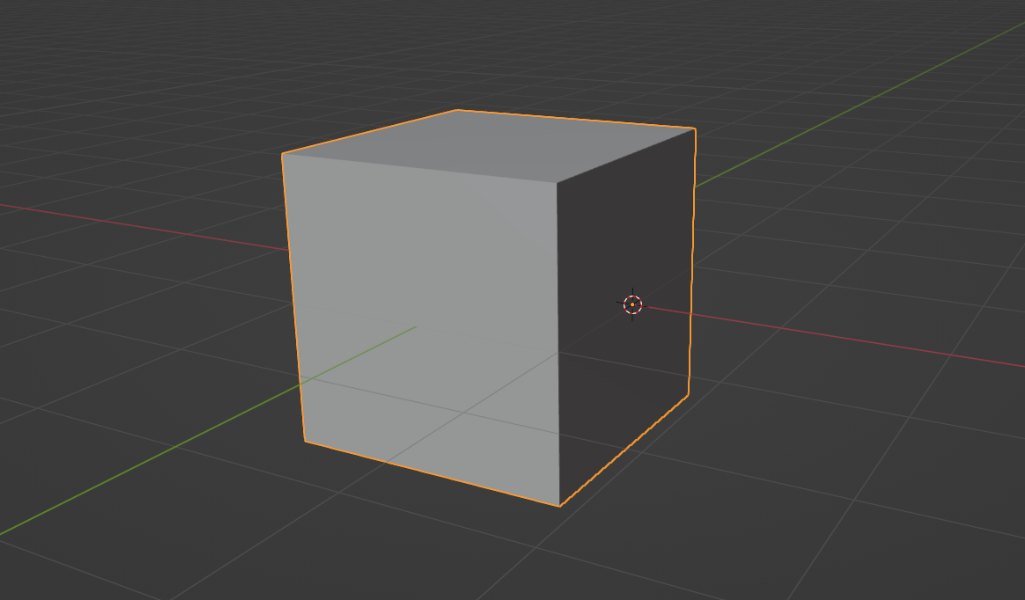
Origin to Selected

sum studio in Modeling


Item Rating

This item has an average rating of 4 from 11 ratings by the community.

64%
19%
0%
0%
19%

Purchase this item to leave a review!

  • Joachim Schmidt
    over 4 years ago

    I doesn't work at all. I use Blender 3.1. and I tried many different Shortcuts. But nothing happend, when I press them. The Origin allways stays in the same position...

    • sum studio

      over 4 years ago

      Did you press Shift+Q in Edit Mode with selecting mesh object?
      If so, and nothing happens, the shortcuts may be in conflict.
      Please change shortcut in preferences > Add-ons tab>Origin to Selected or preferences > Keymap > Key-Binding > type "shift q" in text box(then found "Operator").
      If you've tried the above and it still doesn't work,send a message by click Ask a Question button in product page.

$1

Have questions about this product?
Login to message

Details
Sales 300+
Rating
11 ratings
Published over 4 years ago
Blender Version 3.0 - 5.0
License GPL
Discover more products like this

set origin addon Set Origin