 Sonneblom Digitaal
What it does
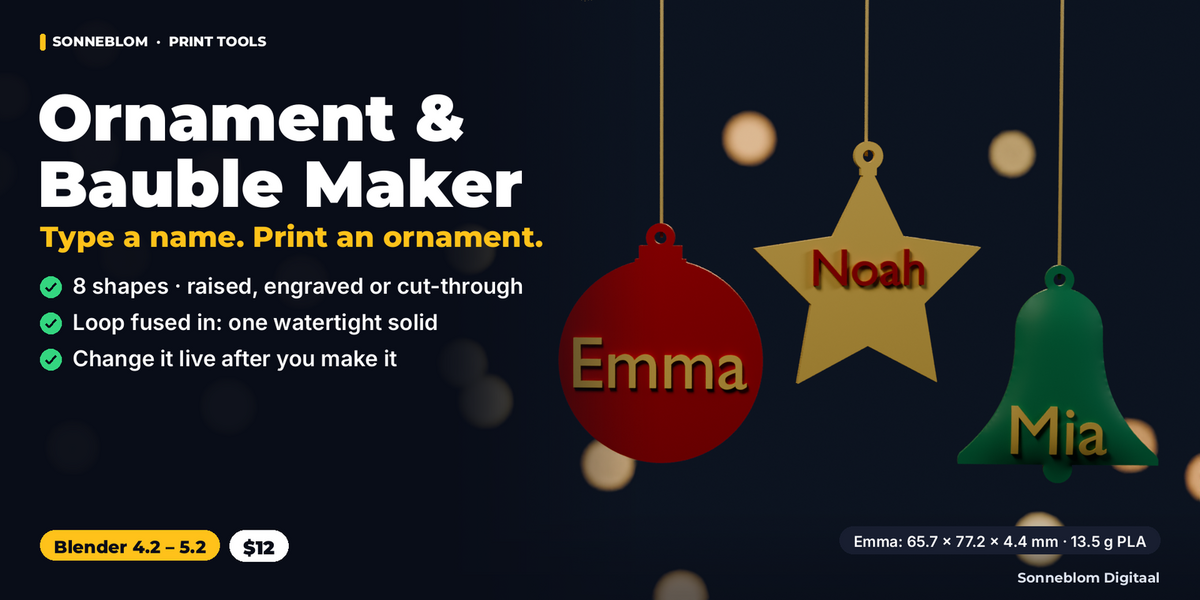
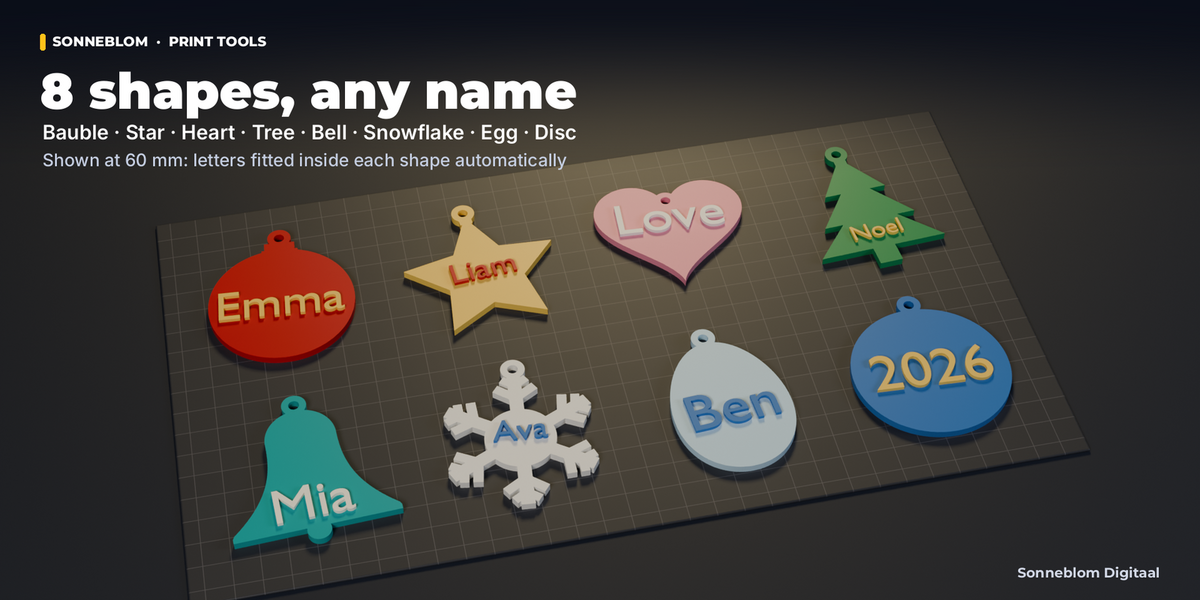
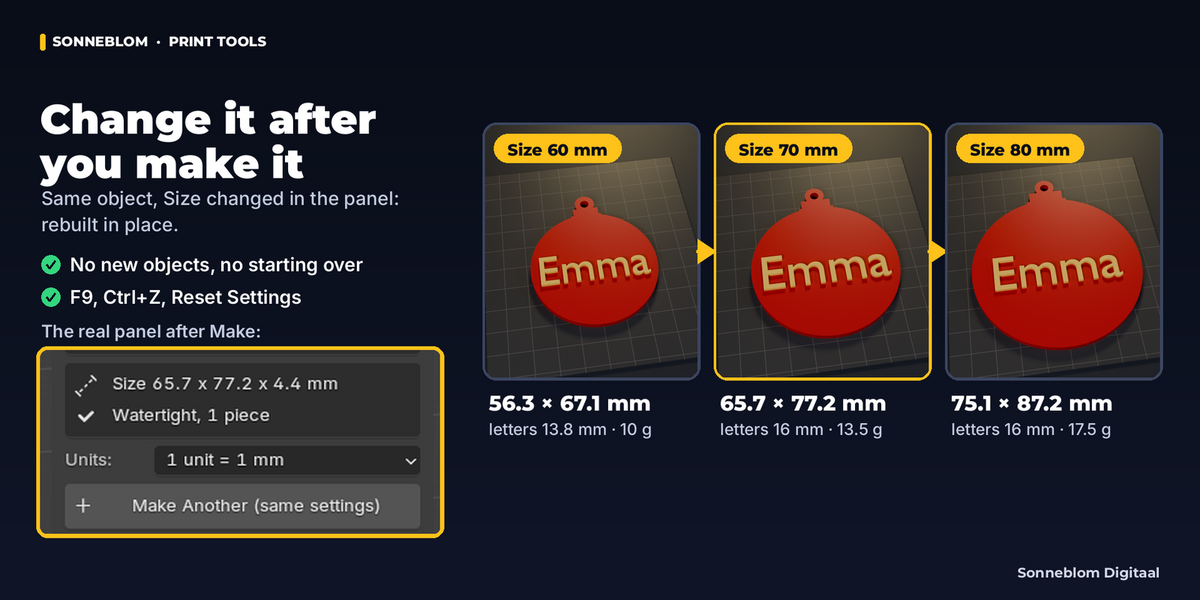
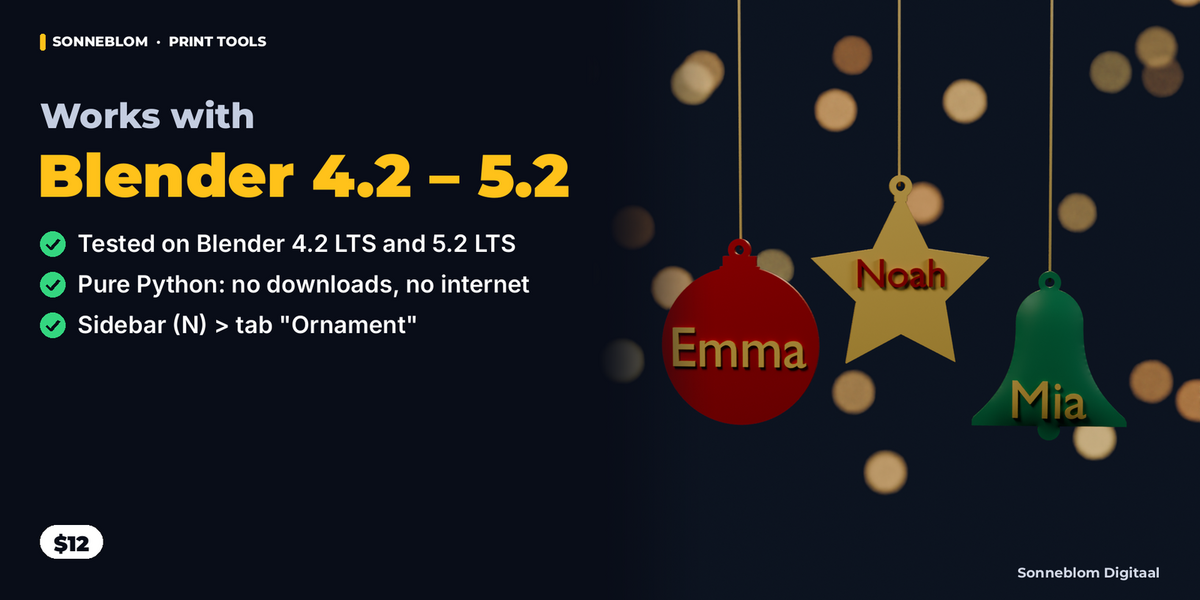
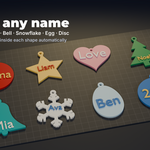
Ornament & Bauble Maker turns a typed name into a print-ready Christmas ornament in one click. Pick a shape (bauble, star, heart, tree, bell, snowflake, egg or flat disc), type the name, and you get ONE closed solid: the body, the letters and the hang loop fused together, already in millimetres. The letters are fitted inside the shape with an edge margin, so long names never run off the edge. Everything stays live: change the name, the shape, the size, the letters or the loop in the panel and the same ornament is rebuilt in place, with its real size, letter height, weight and a watertight check shown right there.
Who it's for
3D printing hobbyists making personalised baubles for family and friends, makers who sell name ornaments at markets or online and need dozens of names with the same look, teachers and clubs making a set for a whole class, and anyone who wants a custom ornament without modelling text, booleans and loops by hand. Also works for Easter eggs, Valentine hearts and gift tags.
Key features
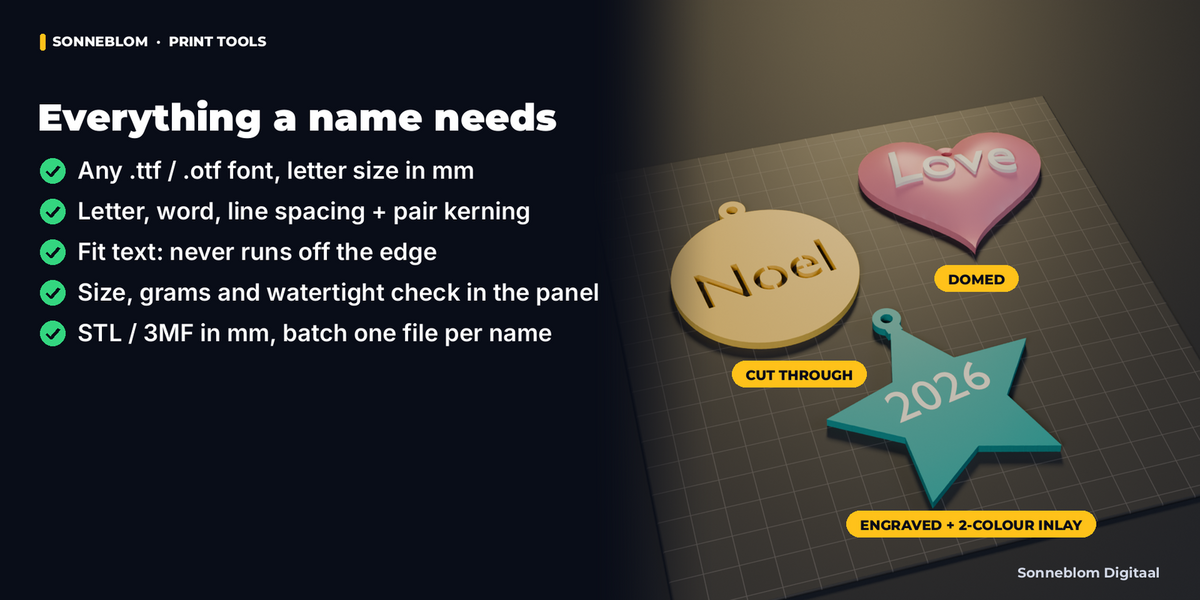
- 8 shapes: bauble, flat disc, star, bell, tree, snowflake, heart and egg, any size from 15 to 300 mm.
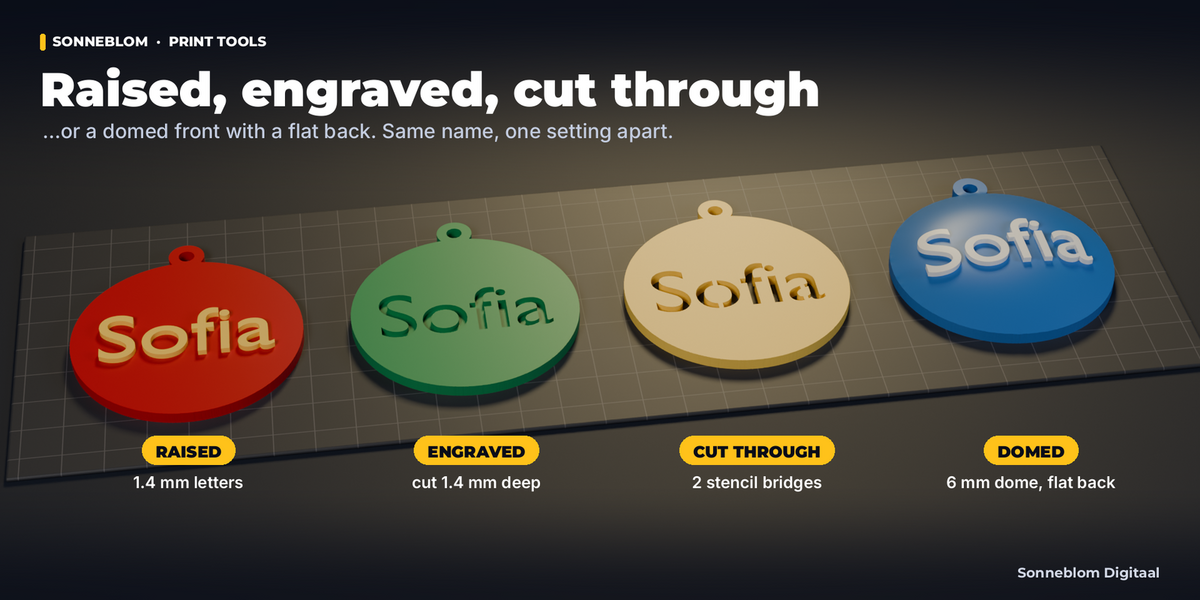
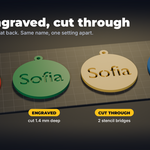
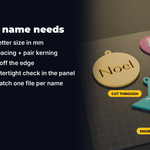
- Letters 4 ways: raised, engraved, cut through (openwork, with automatic stencil bridges so the centres of o, a, e, B stay attached) or no text.
- Flat or domed: a flat ornament, or a domed front with a flat back (a half bauble) that prints without supports.
- Hang loop fused into the body: a loop on top, a hole, or none. The loop is part of the same outline, so the result is one solid, not two overlapping shells.
- Real text controls: any .ttf / .otf font, letter size in mm (capital height), two lines with |, letter, word and line spacing, pair kerning in mm, bolder letters for thin fonts, text offset, and Fit text that shrinks and places the name so it stays inside the shape.
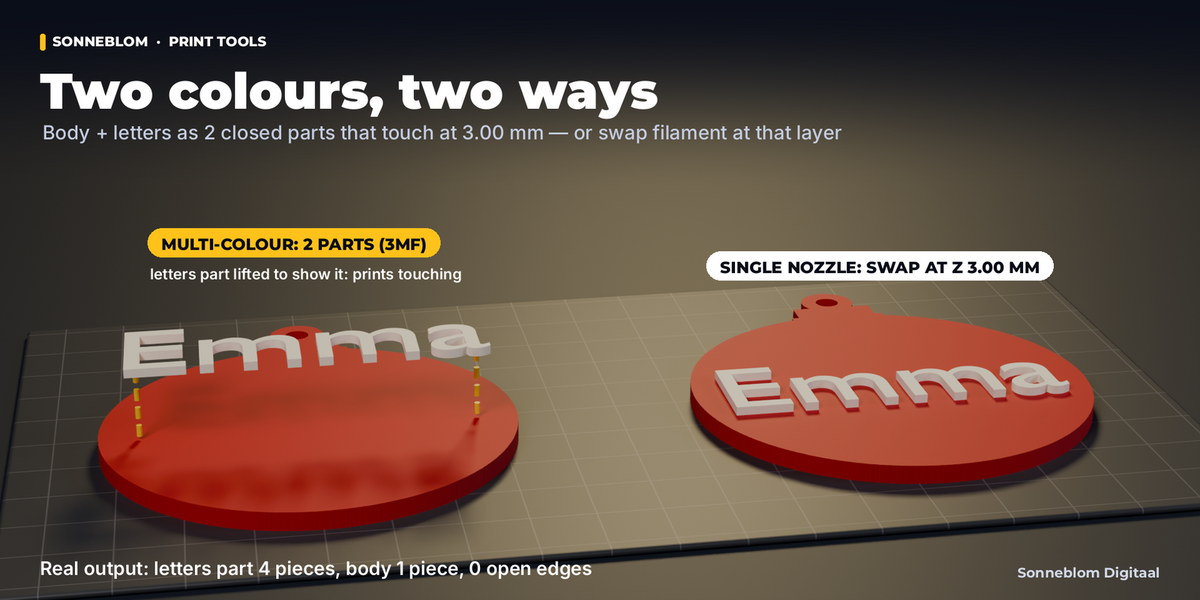
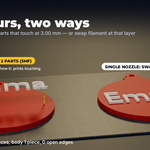
- Two colours: one piece with the exact layer to swap filament (flat, raised letters), or body + letters as two touching closed parts for multi-colour printers (engraved letters become an inlay).
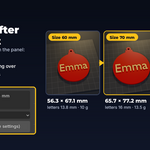
- Size & check in the panel: "Will be about W x H x T mm" before you click; after it, the real size, letter height, volume and PLA grams, and the final mesh checked by code: open edges, pieces and self-intersections.
- Live and undoable: settings live on the ornament (no new object per tweak), Make Ornament also has an F9 panel, Ctrl+Z works, Reset Settings goes back to the factory look.
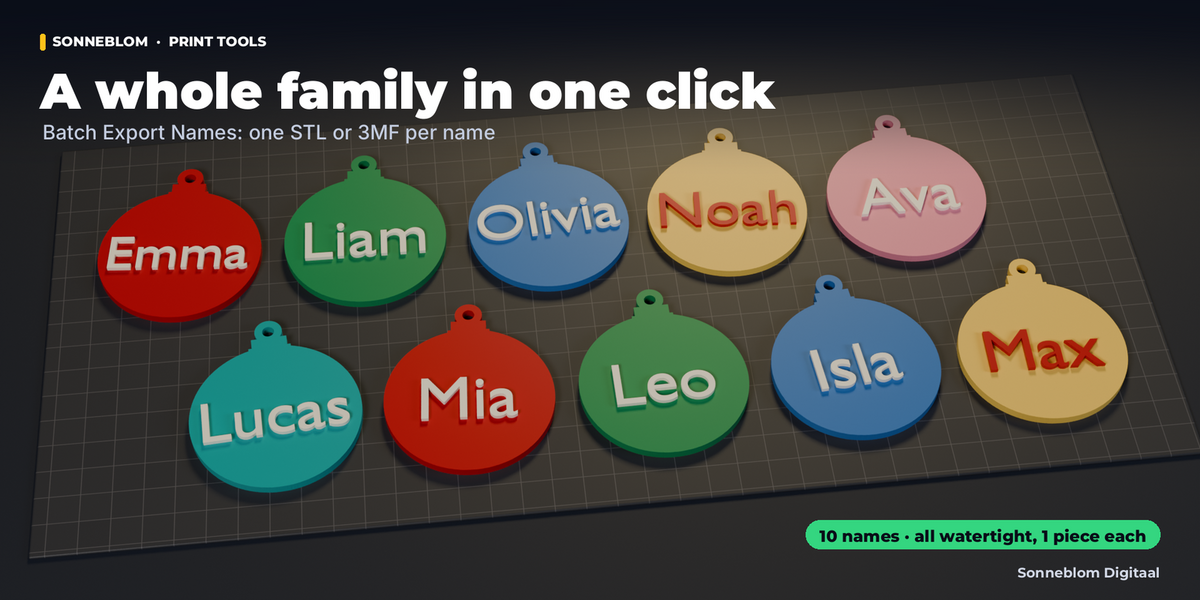
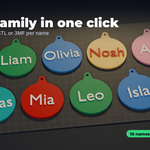
- Export STL or 3MF in millimetres, and Batch export: type a list of names and get one file per name with the same settings.
How to use
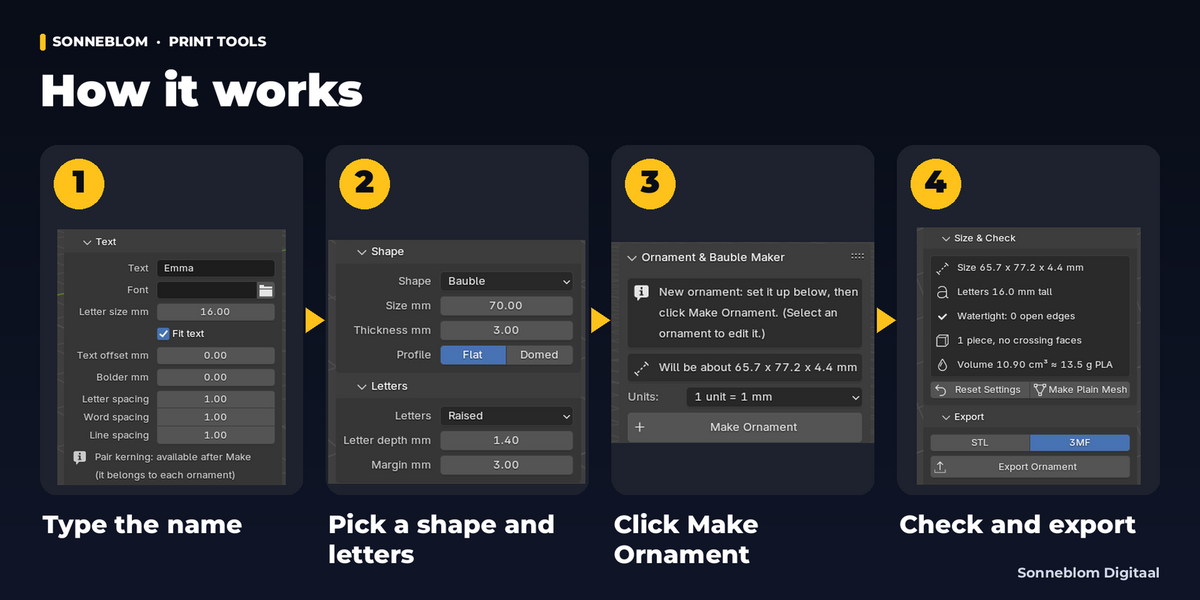
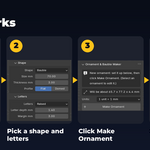
- Install the zip, press N in the 3D Viewport and open the Ornament tab.
- Type the name (Emma|2026 makes two lines) and pick a shape.
- Click Make Ornament: a bauble of 70 mm with 1.4 mm raised letters and a fused loop appears at the 3D cursor.
- Change anything in the panel (shape, size, letters, loop, colours): it updates live. The Size & Check box shows the result.
- Click Export Ornament (STL or 3MF), or Batch Export Names for a whole list.
Compatibility
Blender 4.2 LTS or newer, tested on 4.2 LTS and 5.2 LTS. Extension zip for Blender's Get Extensions, plus a legacy add-on zip. Pure Python: no extra downloads, no internet connection.
Good to know
- Text goes on the front face (following the dome on domed ornaments); it is not bent along an arc or wrapped around a full sphere. Domed ornaments are half baubles with a flat back.
- Narrow shapes (tree, snowflake, star) leave less room: Fit text makes long names smaller and the panel shows the real letter height (a 70 mm tree fits "Emma" at about 7.5 mm). Use two lines, a bigger size or a smaller margin. On very small ornaments the margin is reduced automatically so a short name still fits; the panel says so.
- Characters your font does not have (emoji, other scripts) come out as Blender's fallback glyphs or boxes: pick a font that has them.
- Blender's built-in font is used until you pick your own font file; very thin script fonts print better with Bolder letters.
- Cut-through letters need stencil bridges (small bars) to keep letter centres in place; their width is a setting.
- The single-layer colour swap needs flat raised letters. Two colour parts need raised or engraved letters and a slicer that can assign a filament per part.
- A setting change rebuilds the mesh: hand edits are replaced. Use Make Plain Mesh first if you want to edit it by hand.
- Export writes the ornament as it sits in your scene (rotation and scale included), like Blender's own exporters: keep it flat (Alt+R clears a rotation) for printing.
Support
Questions or a bug? Use the Superhive product page messages and we reply within a day.