Ossim - Simulation Baking Tool
 Peter Gubin
Installation
- Put python file inside Blender scripts folder (Blender\2.**\scripts\addons)
- OR simply press Install Addon From File button in Addons tab (Preferences)
- Enable addon by clicking on checkbox
How to use
- Bring any mesh to blender and break it however you want
- You can use built-in Blender addon called Cell Fracture
- You can also use PhysAssist addon
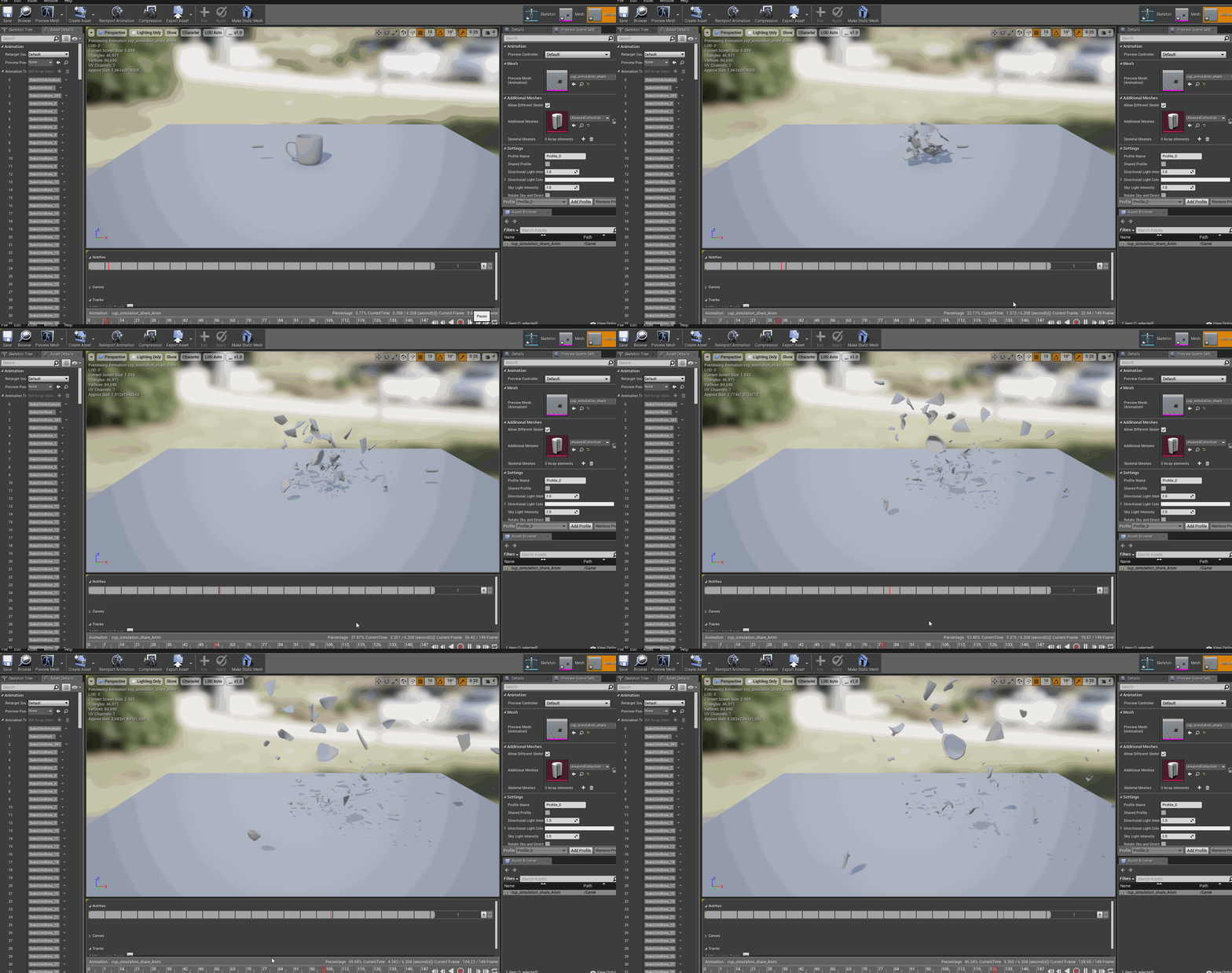
- Set rigid body physics for all geometry pieces you want to simulate. You can make simulation conditions as complex as you like (adding wind, vortex or another rigidbody colliding with your mesh)
- Select just geometry you want to bake. Move it to separate layer for convenience.
- Specify target layer for skinned geometry.
- Run armature generation (Tool located under Tools->Misc->Ossim)
- After you have got armature you can keyframe it in Pose Mode.
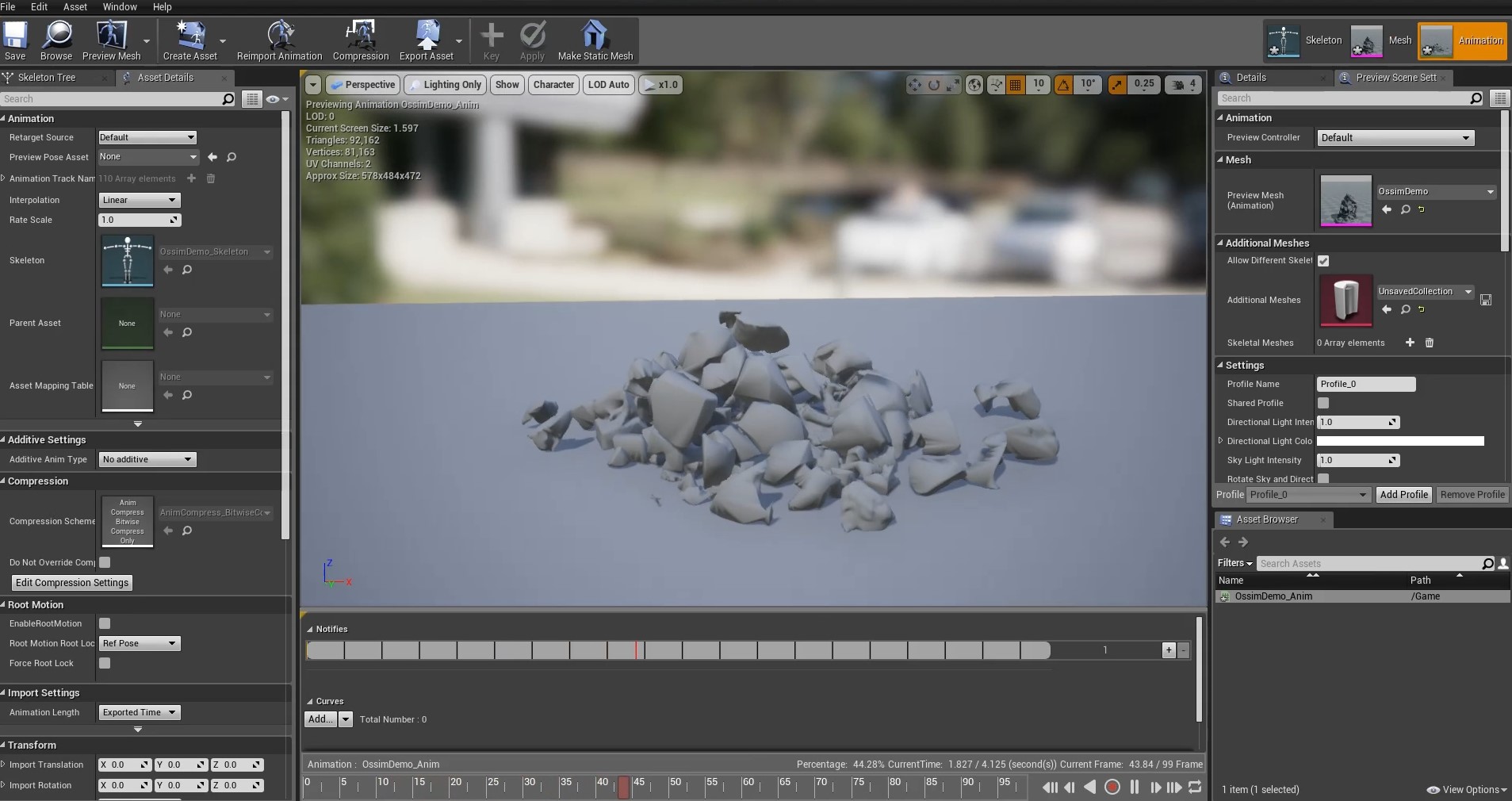
- Select armature and skinned mesh and export it.
Demo
You can download demo scene here to get familiar with the tool.
Video below demonstrates basics of using built-in addon called Cell Fracture addon for Blender which can be used as a way to break down your mesh you want to simulate.

Discover more products like this
procedural tool simulation gameready Generator skinning Game Engine Game armature generate 2.7 baking engine 40 spring19 game ready bones unity3d Unreal Engine bake Blender 4 simulations in blender rigging animation tool realtime unity animation rigid body physics toolbox generation rigid body physics Unreal Engine 4