Outliner: Follow Active Object
 blenderVfxMaster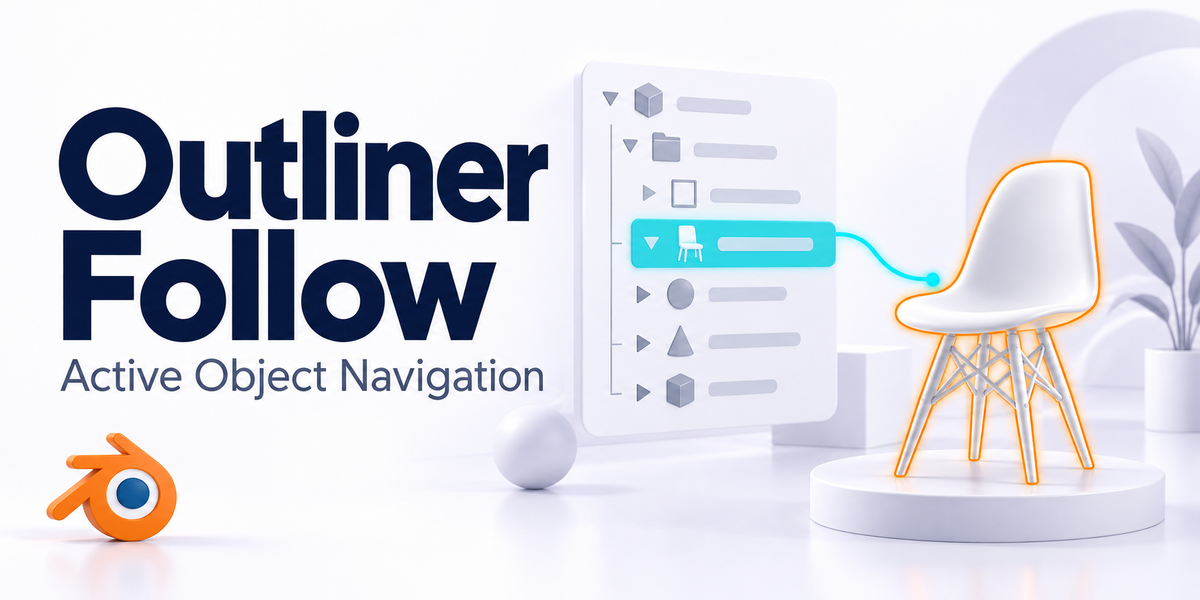


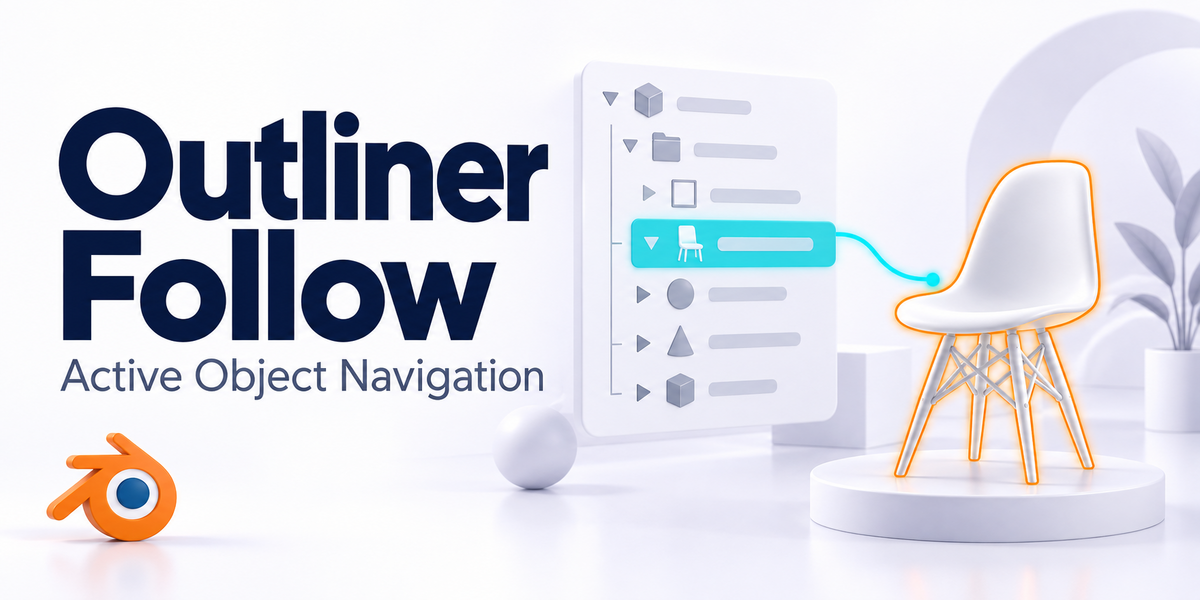




Outliner: Follow Active Object (Smart)
A Smarter Way to Navigate Your Scene
Tired of constantly scrolling through the Outliner to find your active object?
This add-on automatically scrolls the Outliner to follow your active object — with intelligent behavior that prevents unnecessary scrolling when you're working with nearby objects.
KEY FEATURES
Smart Auto-Scrolling
Automatically scrolls the Outliner to the active object, but intelligently avoids scrolling when objects are close together in the same collection branch.
Configurable Threshold
Adjust the "Near Threshold" setting to control how close objects need to be before the add-on skips scrolling. Perfect for fine-tuning based on your workflow.
Manual Jump
Includes a "Jump to Active" button for instant navigation when you need it.
Lightweight & Non-Intrusive
Runs efficiently in the background without impacting Blender's performance.
Easy to Use
Simple toggle in the 3D Viewport sidebar — just enable and forget!
Perfect for animators, modelers, and anyone working with complex scenes where finding objects in the Outliner can be time-consuming. The smart scrolling algorithm ensures a smooth workflow without the jarring experience of constant scrolling when selecting nearby objects.
Supporting the Blender Foundation
We love Blender and the community behind it.
That’s why a portion of the revenue from this add-on will be donated to the Blender Foundation, helping support Blender’s ongoing development and future growth.
-
$7
1 seat. For individual creators or small commercial projects.
-
$14
Up to 3 seats / single studio team. Use across all internal projects within one company.
-
$56
15+ seats / company-wide / unlimited internal use across subsidiaries.
Have questions about this product?
Login to message
| Blender Extension Compatible | Yes |
| Rating | 1 ratings |
| Published | 8 months ago |
| Blender Version | 3.6 - 5.2 |
| Extension Type | Add-on |
| License |
Discover more products like this
Blender outliner addon interface navigation Scene Management efficiency productivity Workflow automation outliner smart scrolling blender