 Shuimeng
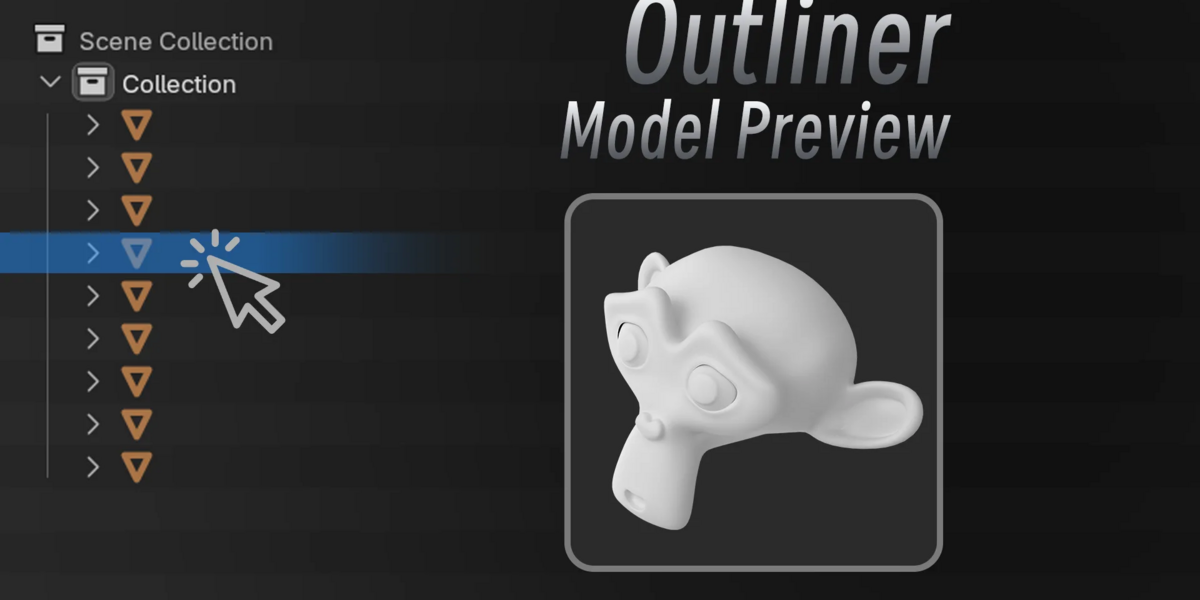
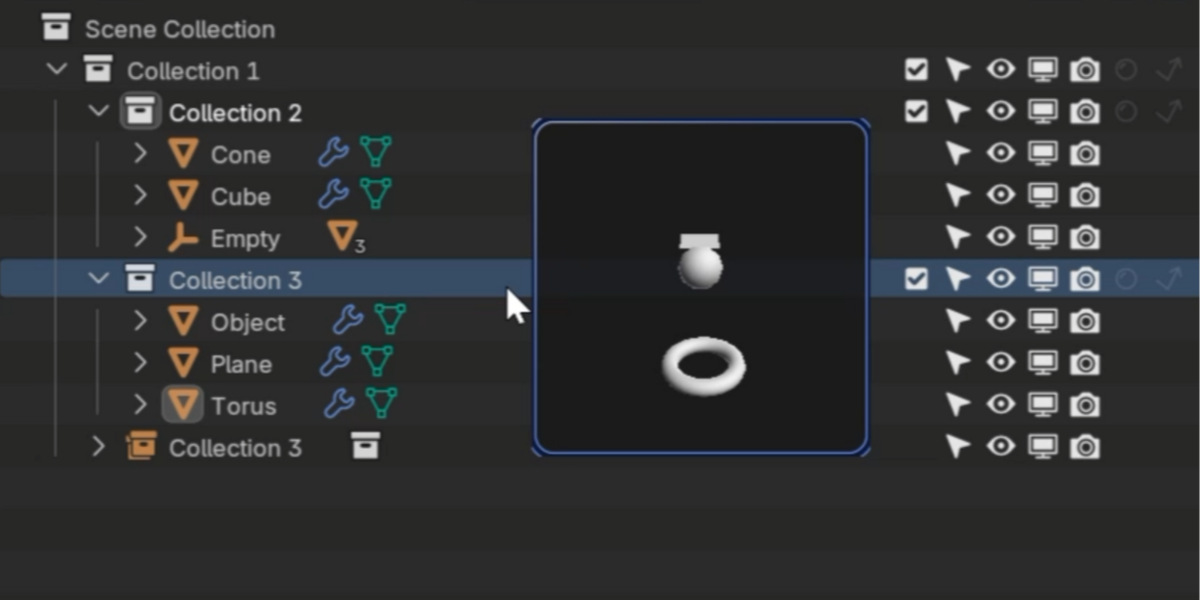
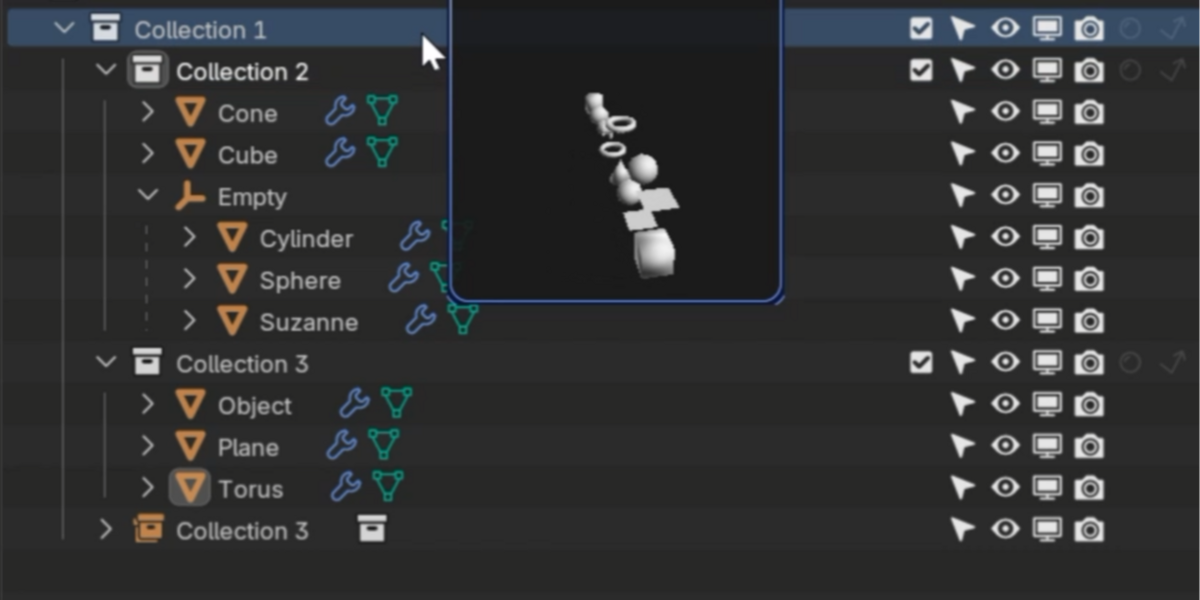
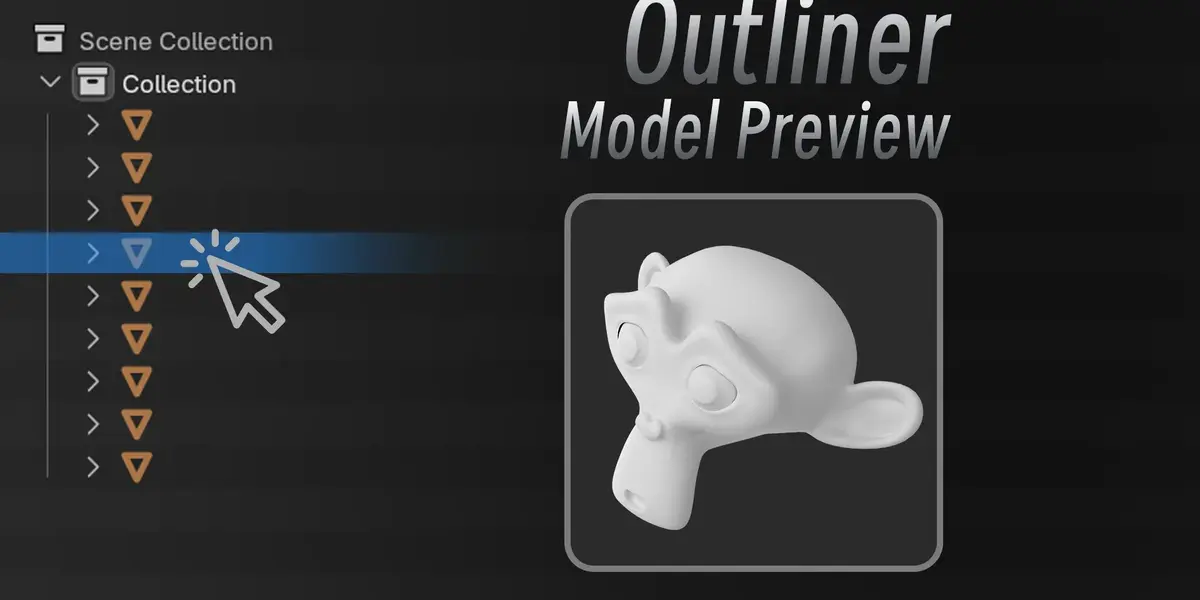
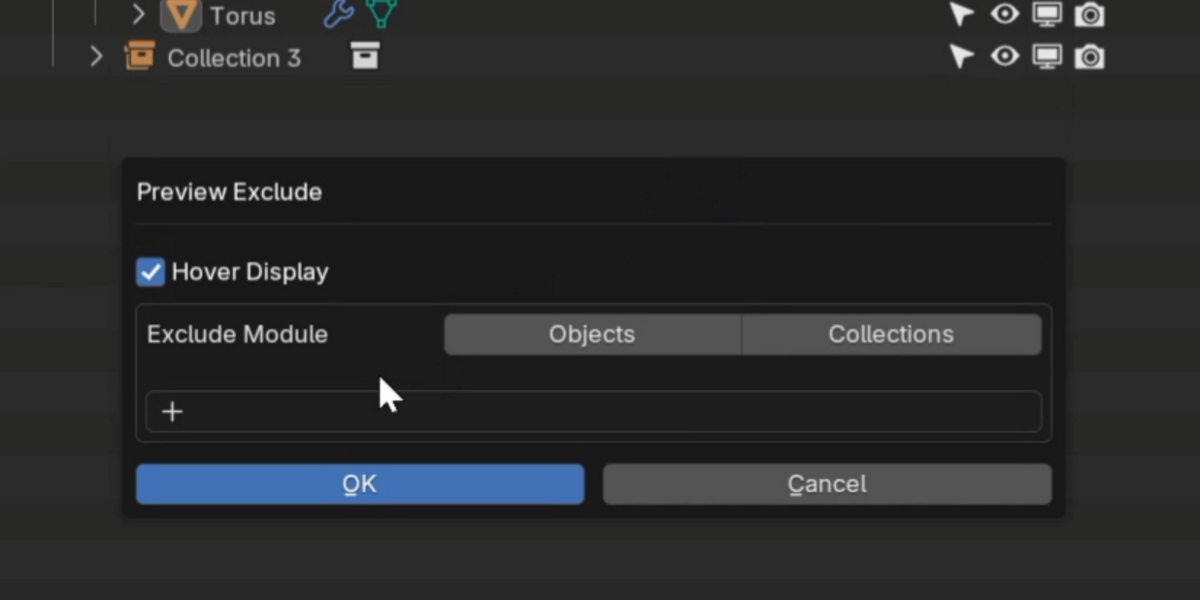
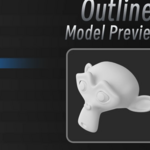
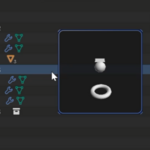
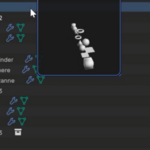
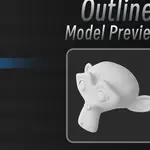
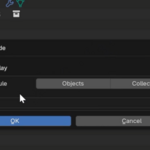
Find the Toggle Preview button in the upper right corner of the outline view and click to enable it.
In the top right corner of the outline view, find the Toggle Preview button and click to enable it. Hold Shift + left-click to bring up the quick settings panel, where you can turn on the feature that shows a thumbnail preview when you hover the mouse while holding the Alt key.
Have questions about this product?
Login to message
| Blender Extension Compatible | Yes |
| Published | about 14 hours ago |
| Blender Version | 4.2 - 5.2 |
| Extension Type | Add-on |
| License | GPL |