 Tesselune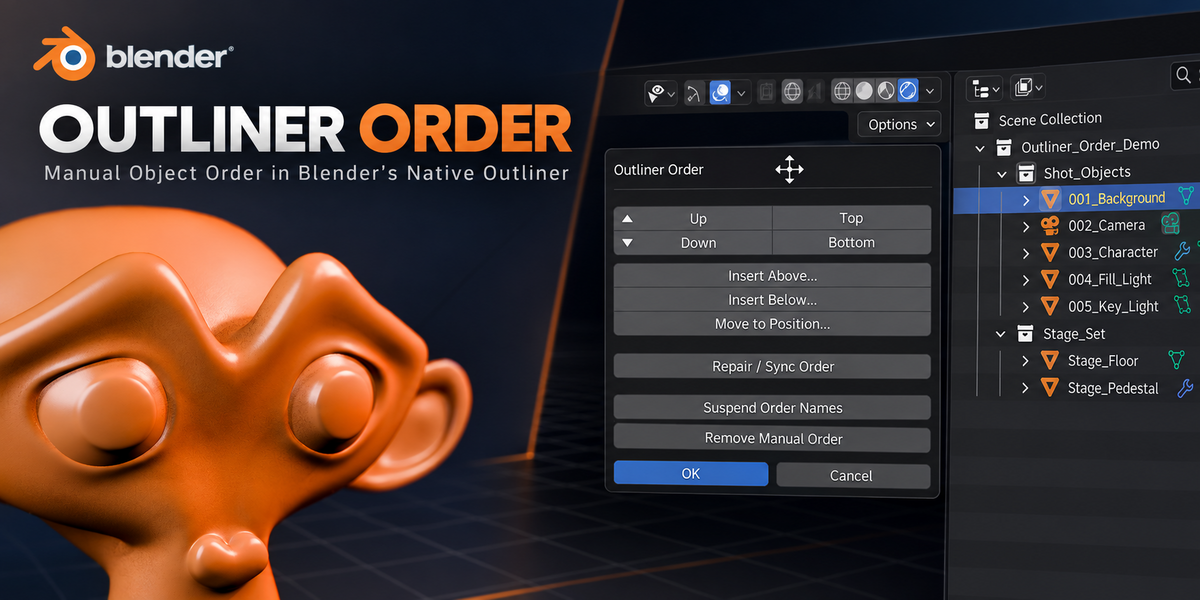
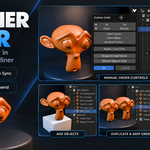
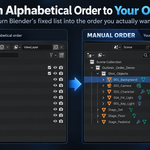
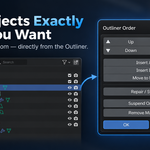
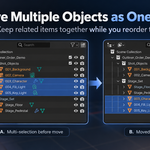
Which Blender versions are supported?
Outliner Order 1.0.0 has been validated with:
- Blender 4.5.13 LTS
- Blender 5.0.1
- Blender 5.1.2
- Blender 5.2.1 LTS
Future Blender versions are not considered supported until they have been tested.
Why is an ordering operation unavailable or blocked?
Outliner Order blocks cases where a safe and unambiguous result cannot be guaranteed.
Examples include shared Objects used across multiple relevant Collections or Scenes, linked data, unsupported library override cases, or operations performed while Outliner search/filtering prevents the complete sibling group from being represented.
Clear the Outliner filter/search and confirm that the Objects belong to one supported sibling group.
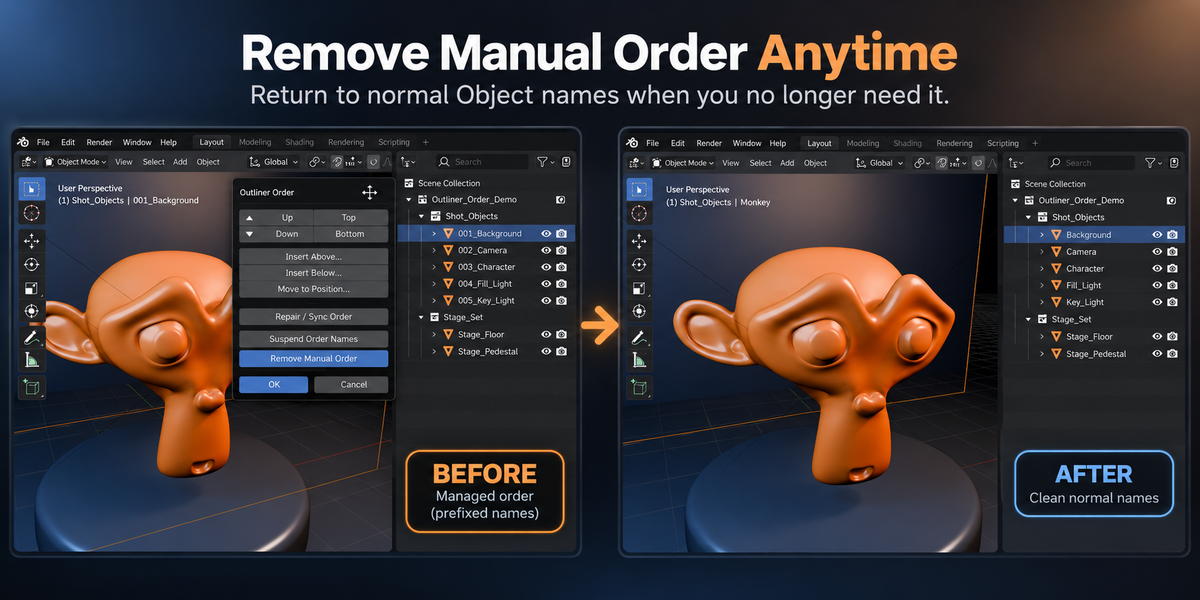
Can I completely remove Outliner Order from a managed group?
Yes.
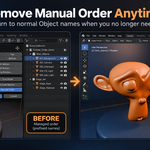
Use Remove Manual Order to remove the managed ordering metadata and return Objects to their semantic names as safely as Blender’s global name-uniqueness rules allow.
If you plan to uninstall the add-on and do not want prefixes left in the .blend file, use Remove Manual Order first.
What should I do if the numbering becomes inconsistent?
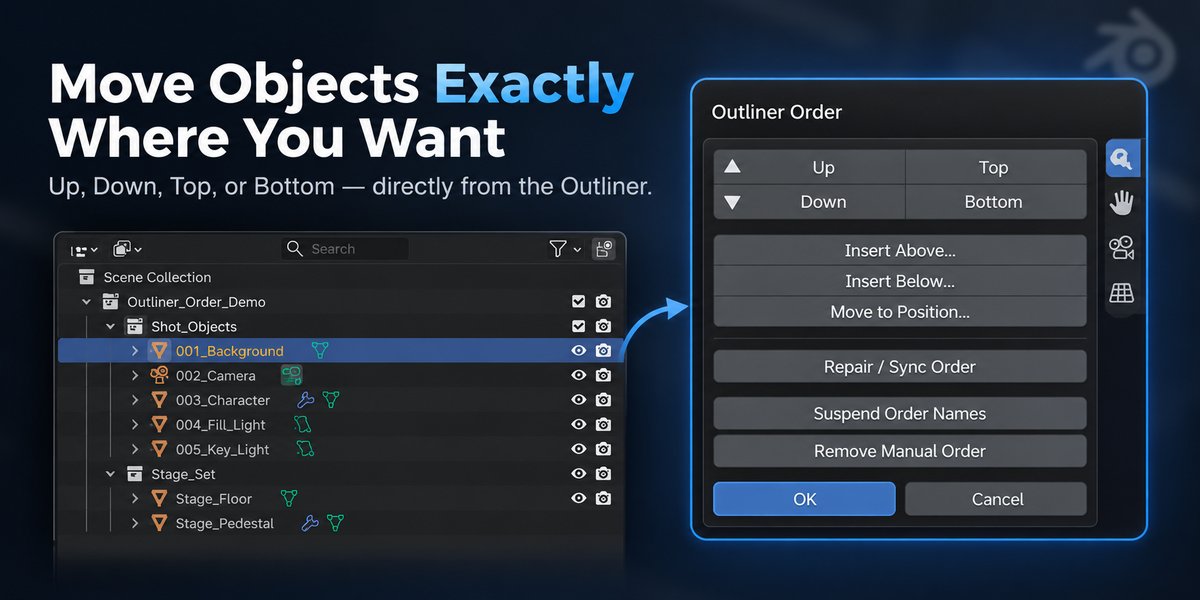
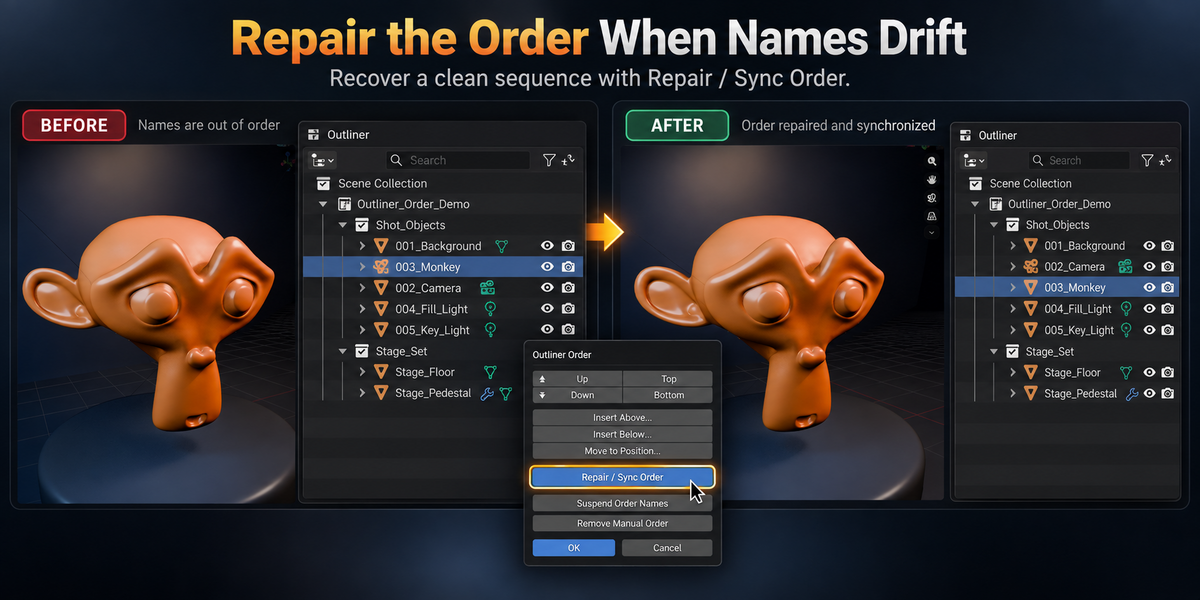
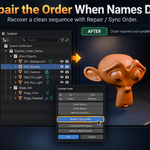
Use Repair / Sync Order.
It rebuilds the managed sequence and restores consistent numbering while preserving semantic Object names where possible.
This is also the recommended action after manually changing a managed ordering prefix.
What happens when I add or duplicate an Object?
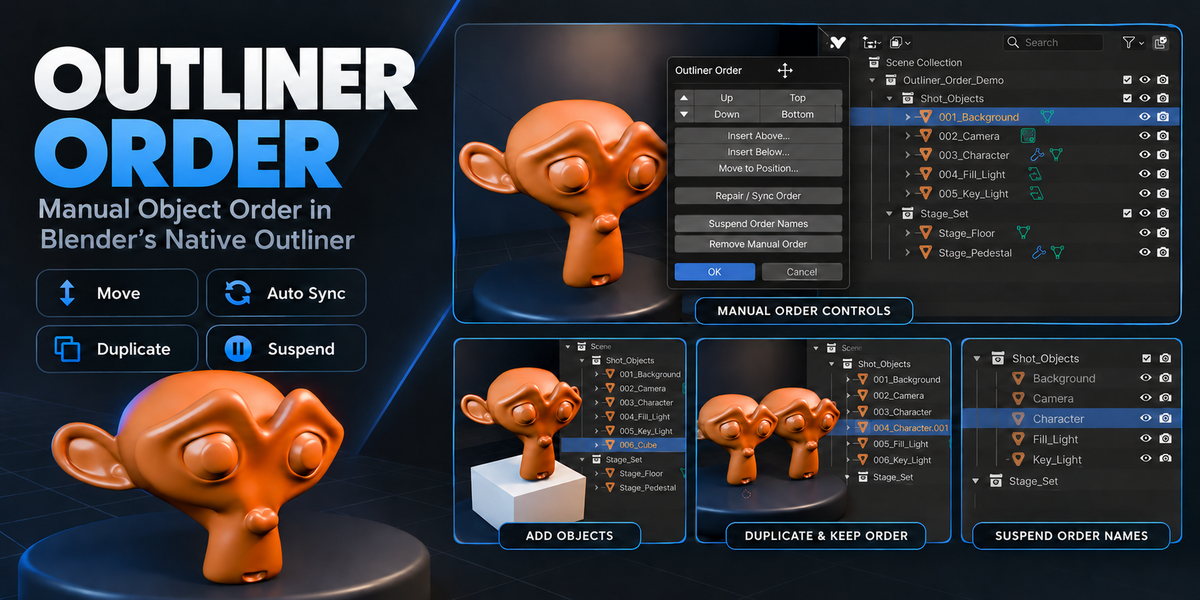
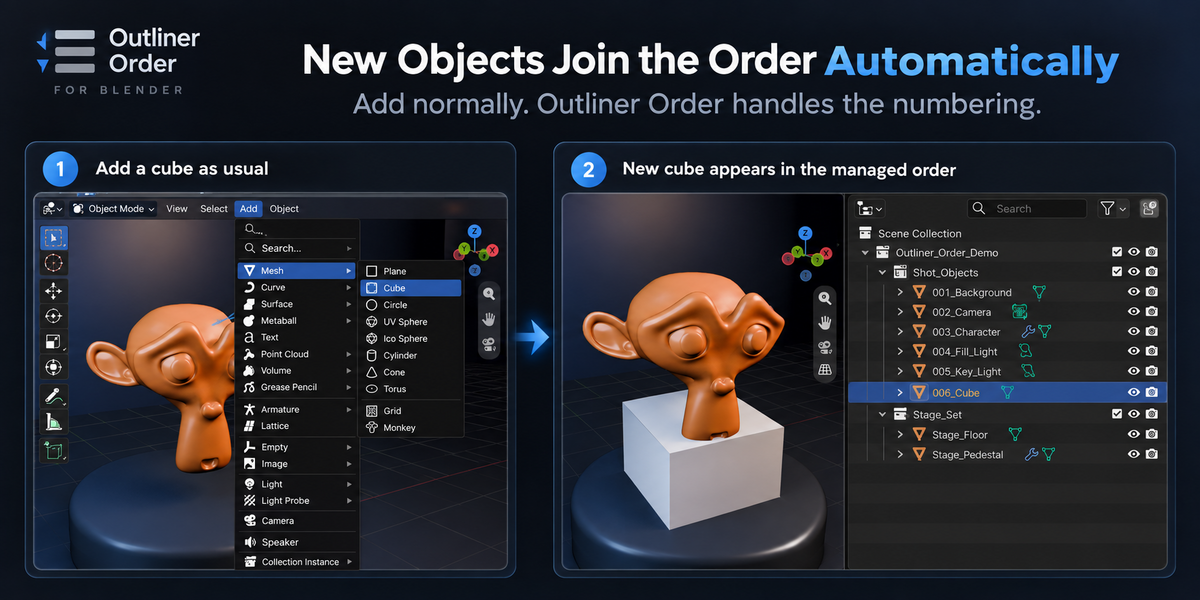
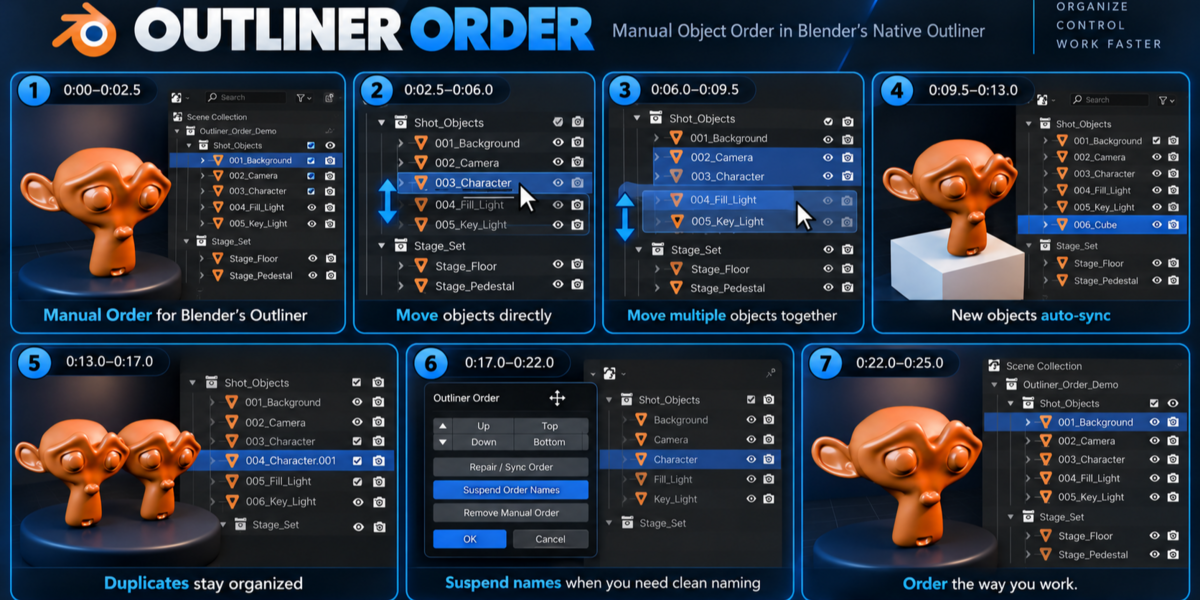
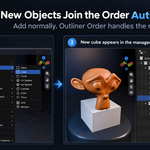
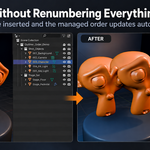
When the Object is created inside a supported managed sibling group, Auto Sync updates the managed sequence automatically.
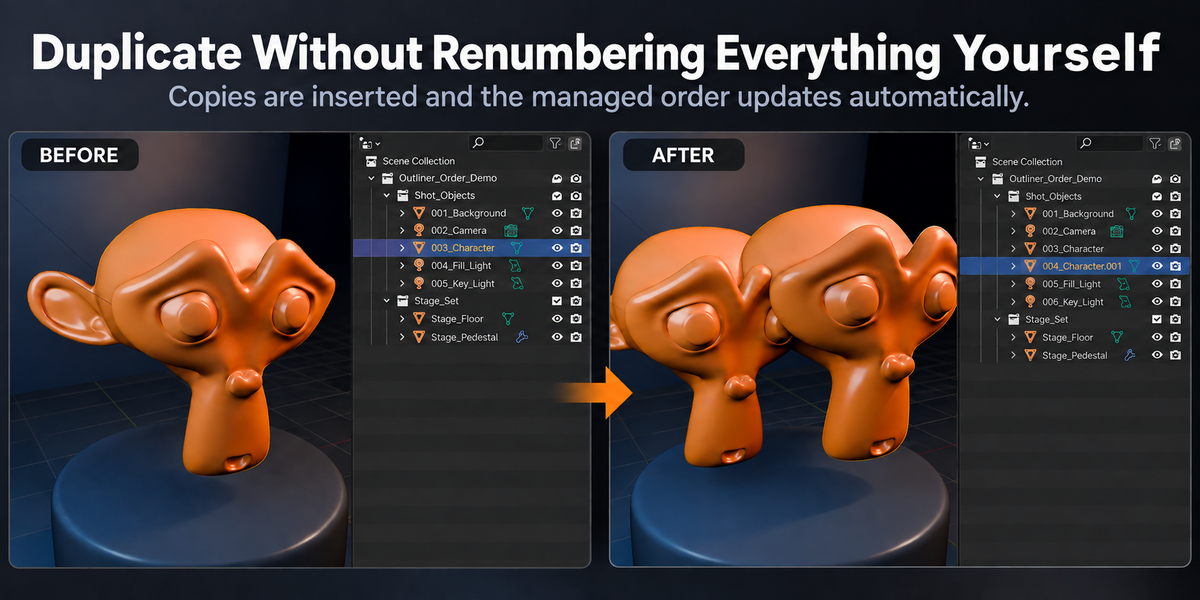
Duplicates retain Blender-style semantic naming such as Character.001, while Outliner Order updates the numeric ordering prefix separately.
Does reordering change Collections or parenting?
No.
Normal Outliner Order operations do not change the Object’s Collection membership or Parent relationship.
The add-on manages the ordering layer through Object names rather than restructuring the scene hierarchy.
Can I temporarily hide the numeric prefixes?
Yes.
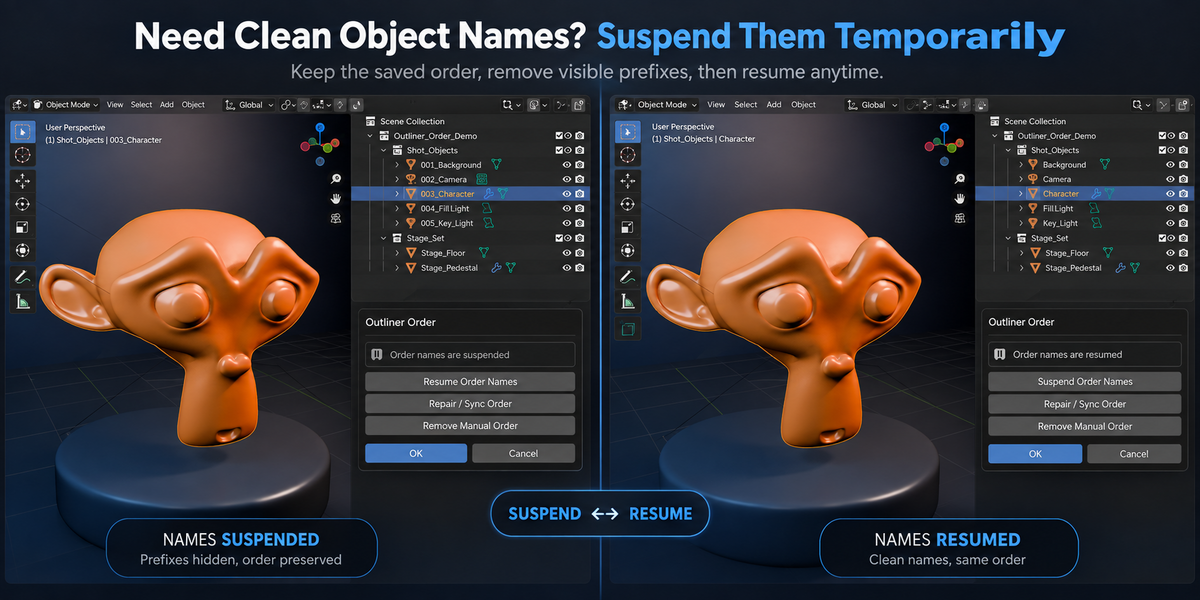
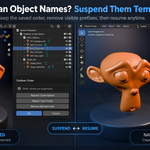
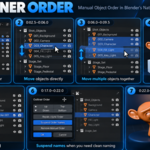
Use Suspend Order Names to return managed Objects to their clean semantic names while keeping the saved manual order.
Use Resume Order Names when you want the managed prefixes back.
Does Outliner Order change my actual Object names?
Yes.
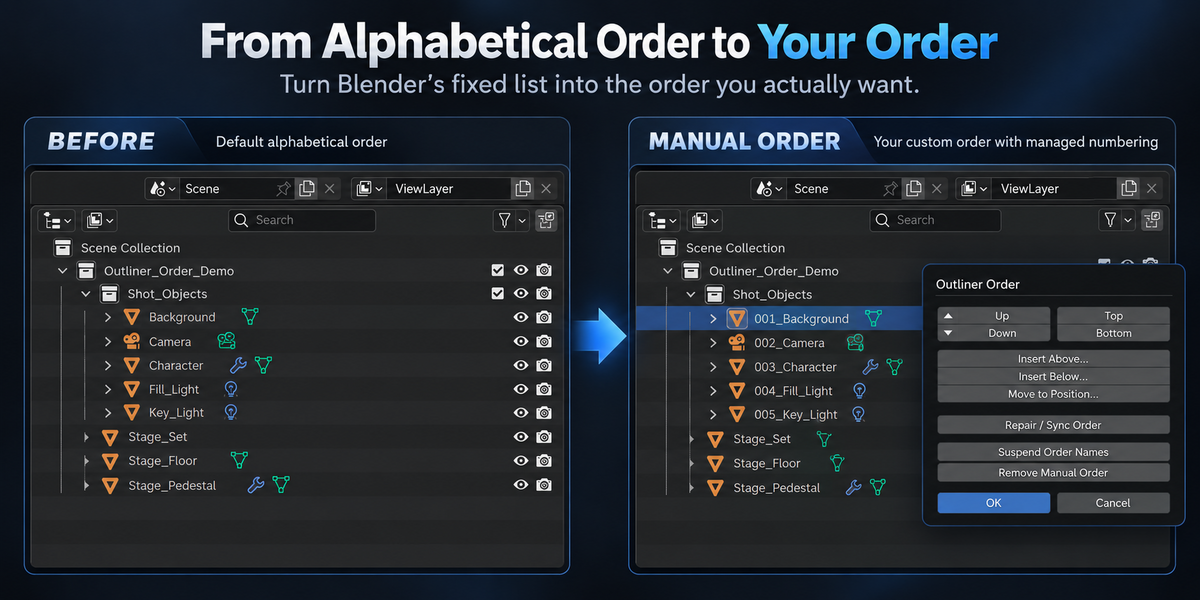
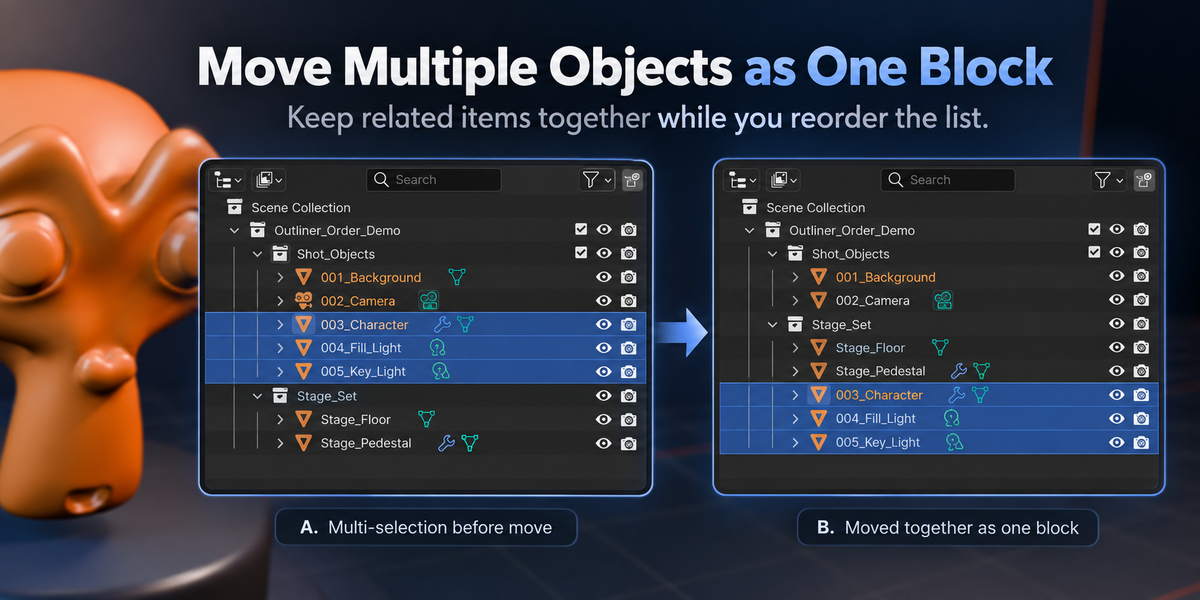
Outliner Order creates manual ordering by adding managed numeric prefixes to the actual Blender Object names.
For example:
Character → 003_Character
If another exporter, script, or pipeline requires clean exact names, use Suspend Order Names temporarily and Resume Order Names afterward.
$7
Have questions about this product?
Login to message
| Blender Extension Compatible | Yes |
| Published | 2 days ago |
| Blender Version | 4.5 - 5.2 |
| Extension Type | Add-on |
| Render Engine Used | Cycles |
| License | GPL |
Discover more products like this
hierarchy utility outliner Scene Management object order productivity Workflow naming interface sorting Object Management scene organization