 ArsCreations
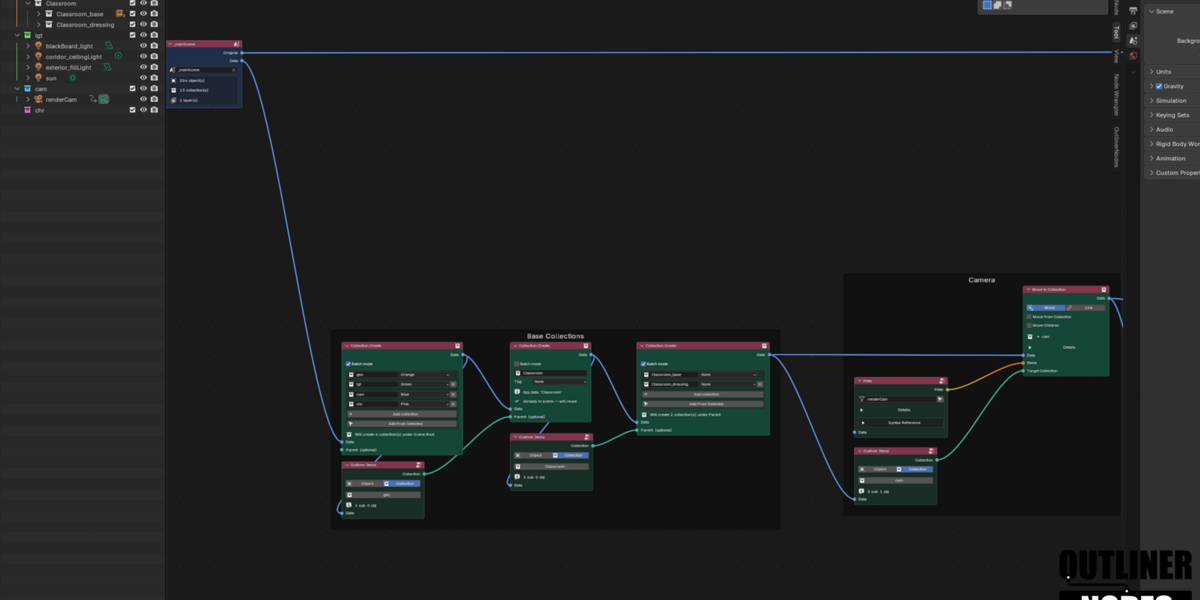
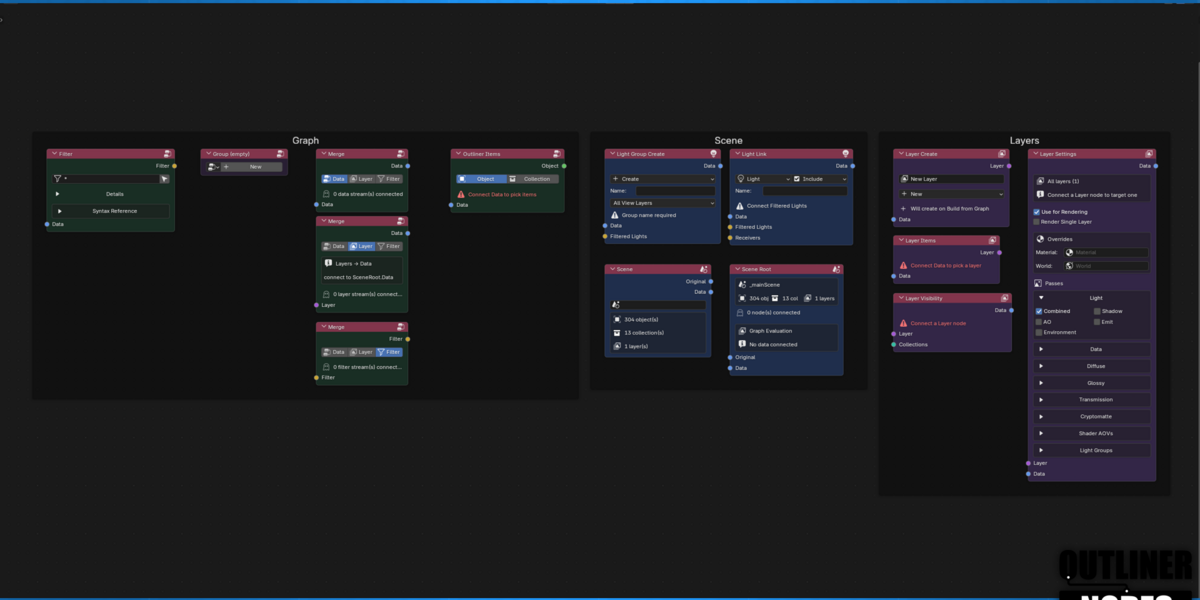
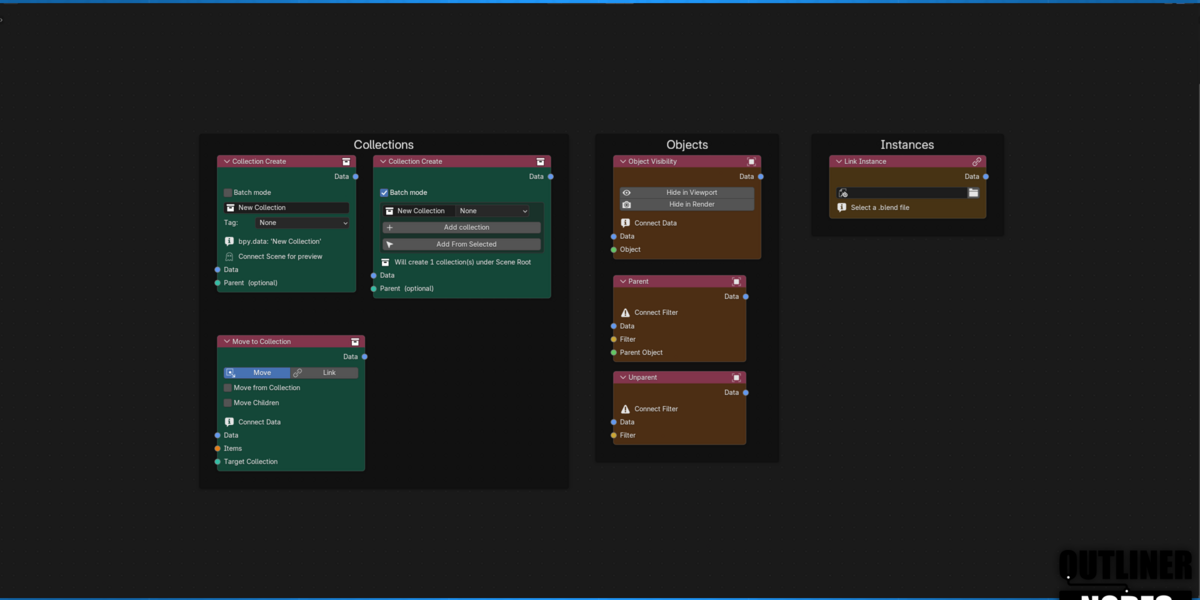
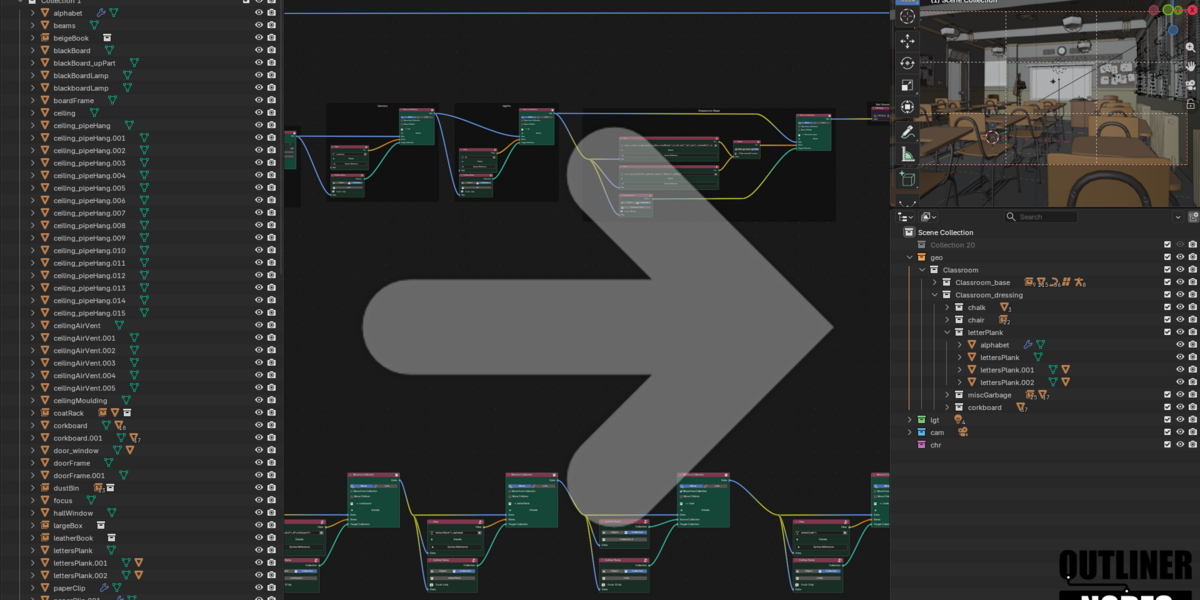
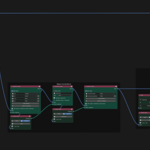
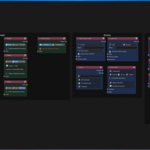
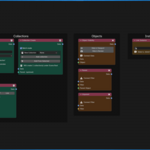
OutlinerNodes is a Node-based scene organization tool for Blender — inspired by VFX and Animation productions, and built for artists.
The goal of this add-on is to help you stop rebuilding the same collection structure, constantly jumping between render layers and object hierarchies, and adjusting the same parameters by hand on every shot. OutlinerNodes brings a Katana/Gaffer/Houdini -style node graph to Blender's outliner: define how your scene should be organized once, then apply it - to this scene, or the next one, or a hundred of them.
What it's not: it won't make cool renders for you (you’re an artist and this is just the tool).
What it is: It's the tool you reach for to make the most boring part fun - the thing that makes your scenes clean enough to render and navigate them once you open them months later. OutlinerNodes is a modular, reusable system for organizing scenes at any scale. One layer or a hundred, one shot or a whole show — the same graph scales with you.
Key Features
- Node-based filtering — a powerful pattern language that lets you procedurally select exactly what you want.
- Render layer management — create, and configure view layers directly in the graph without jumping between them.
- Reusable node groups — package a filtering/organization pattern once, instance it anywhere, nest it as deep as you need.
- Element library — save a selection of nodes as a reusable snippet and drop it into any project from a shared library.
- Snapshots — capture and restore graph or outliner states, so nothing is ever a one-way operation.
- Non-destructive — the graph describes intent; nothing changes in your scene until you press Apply.
- Cross-platform — built and verified for consistent behavior on Windows, macOS, and Linux.
Built For
Artists and teams managing scenes that are far past the point of manual organization.
