Overhang Finder + Auto-Orient
 Sonneblom Digitaal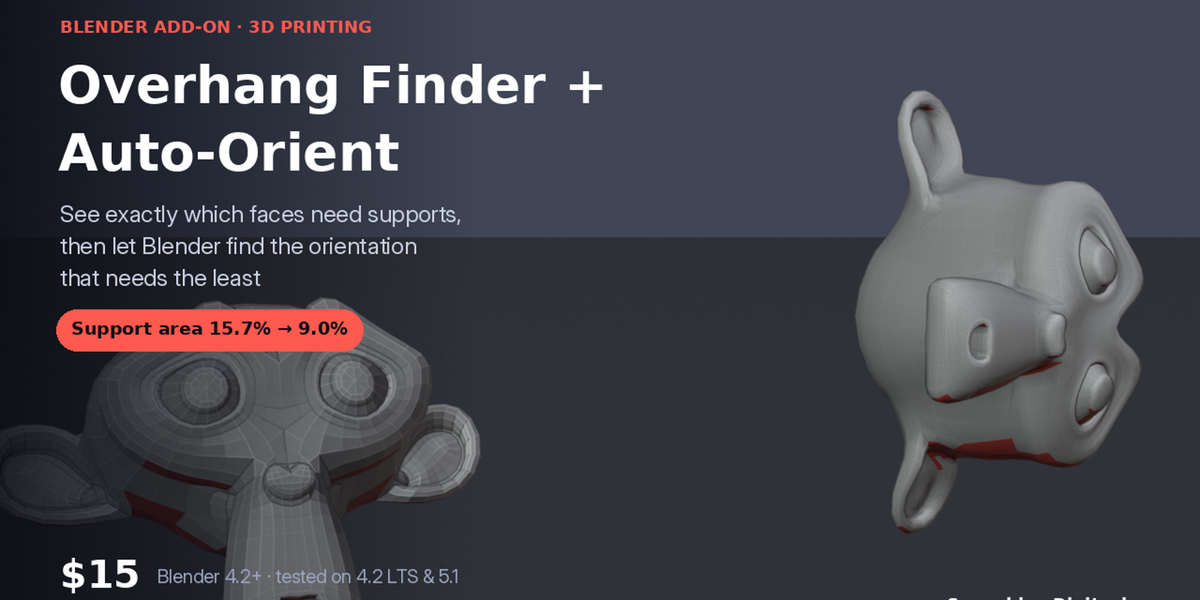
Version 1.0.0 · Blender 4.2 or newer · tested on 4.2 LTS and 5.1
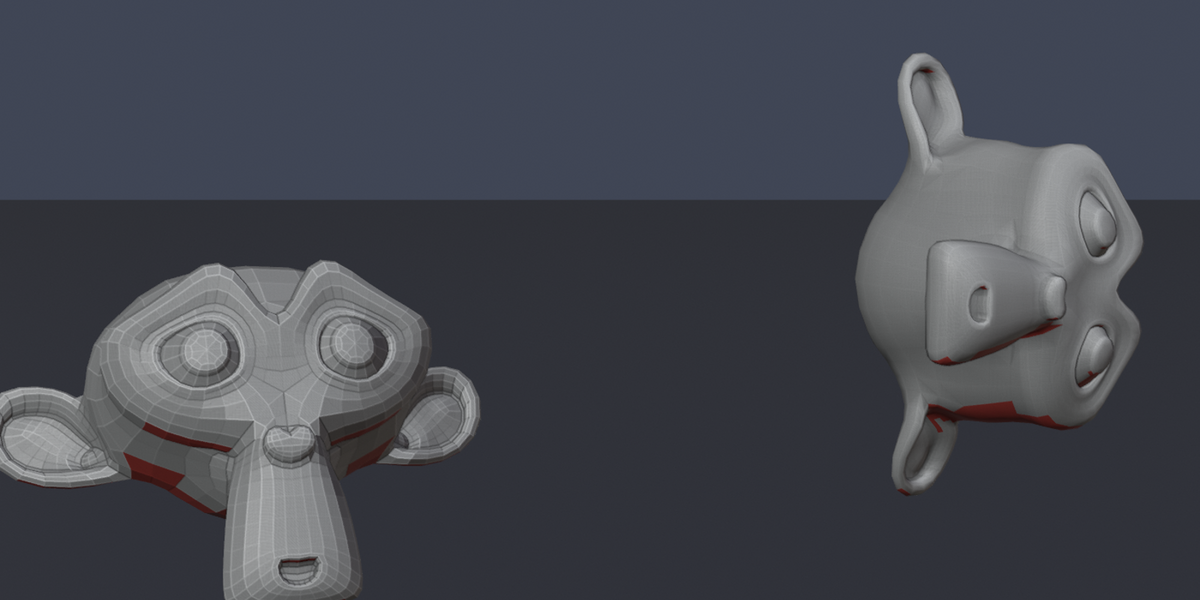
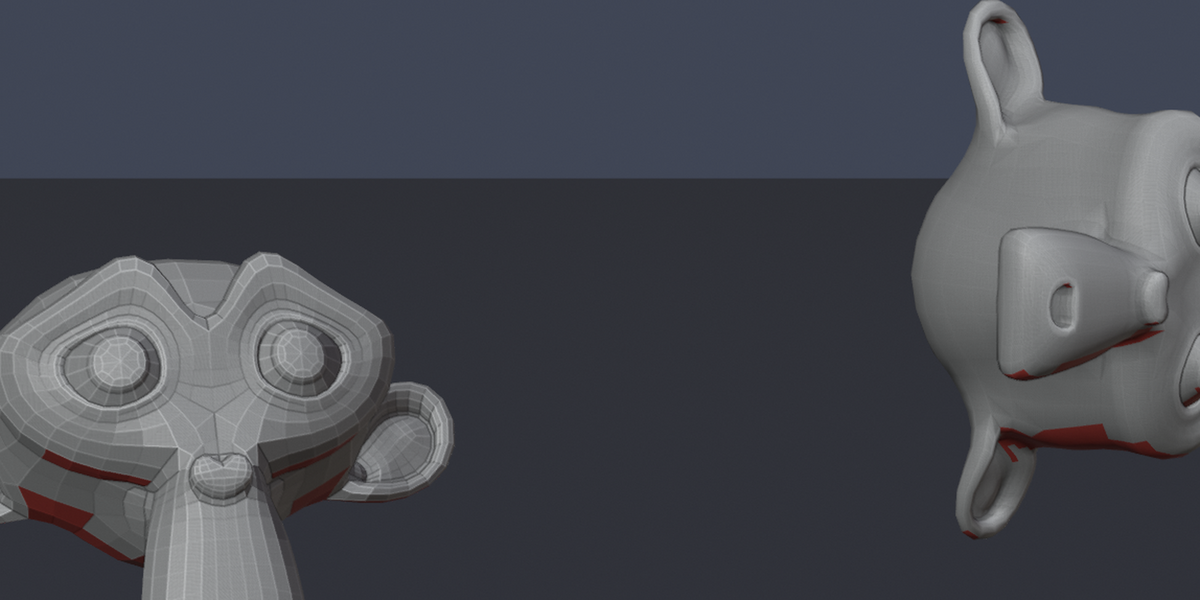
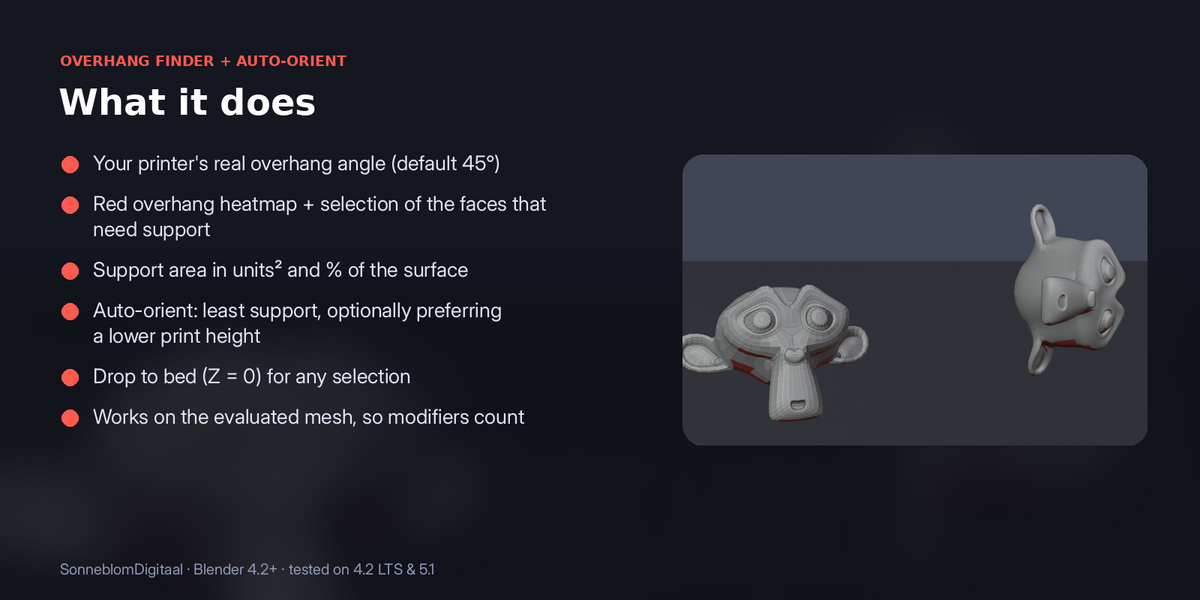
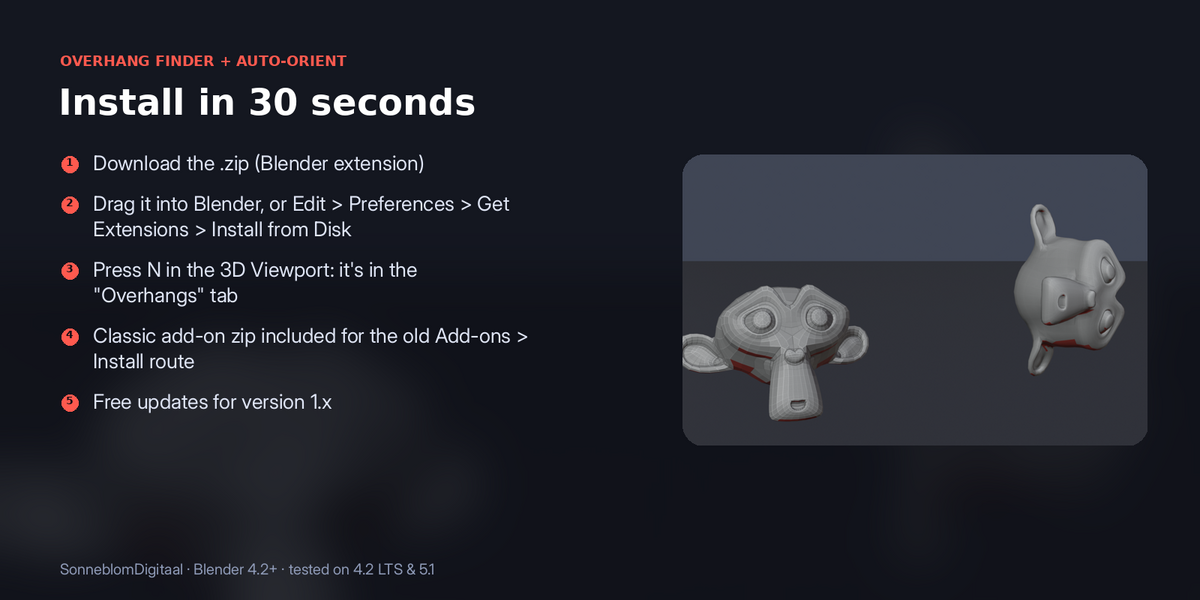
Overhangs paint red, right in the viewport, with the support area as a number. One click tests dozens of orientations (every axis, every diagonal and your model's biggest flat faces) and turns the model to the one that needs the least support, then sets it flat on the bed.
1. Install
The download contains two files. Use the one that matches how you install add-ons:
- overhang_orient-1.0.0.zip (Blender extension, recommended): in Blender go to Edit > Preferences > Get Extensions, open the drop-down arrow at the top right, choose Install from Disk… and pick the zip. Do not unzip it.
- overhang_orient-1.0.0-legacy.zip (classic add-on folder): Edit > Preferences > Add-ons, drop-down arrow, Install from Disk…. Use this one if you manage add-ons as folders.
Make sure it is enabled, then in the 3D Viewport press N and open the Overhangs tab. It has no extra dependencies.
2. How to use it
- Select a mesh object.
- Set Max overhang ° to the steepest angle your printer handles without support (45° is a common default).
- Click Find overhangs. Faces that need support are painted red and selected; the panel shows how many and what share of the surface they are. To see the colours, set Viewport Shading > Color to Attribute.
- Click Auto-orient for least support. It tries the 26 axis and diagonal directions plus the normals of the biggest faces, rotates the model to the one with the least support area and drops it onto the bed (Z = 0). The report shows support area before and after.
- Drop to bed (Z = 0) puts any selected objects on the bed without rotating them.
3. Settings
| Setting | Default | What it does |
|---|---|---|
| Max overhang ° | 45 | Steepest printable angle from vertical. |
| Bed tolerance | 0.01 | Faces this close to the lowest point sit on the bed and need no support. |
| Paint overhangs red | On | Writes an "Overhang" colour attribute. |
| Prefer low height | 0 | Adds a penalty per unit of height, so shorter (faster) orientations win. |
| Big-face candidates | 24 | How many of the largest faces are also tried as the down direction. |
4. Limits
Scores overhang area, not support volume or surface finish; check the result in your slicer as usual.
5. Support and licence
Message us through Superhive with what happened (and the model, if you can) and we will help.
Overhang Finder + Auto-Orient is released under the GNU General Public License v3 or later (GPL-3.0-or-later), like other Blender add-ons. You may use it commercially.
Have questions about this product?
Login to message
| Blender Extension Compatible | Yes |
| Published | about 4 hours ago |
| Blender Version | 4.2 - 5.1 |
| Extension Type | Add-on |
| Render Engine Used | Cycles |
| License | GPL |