 Sonneblom Digitaal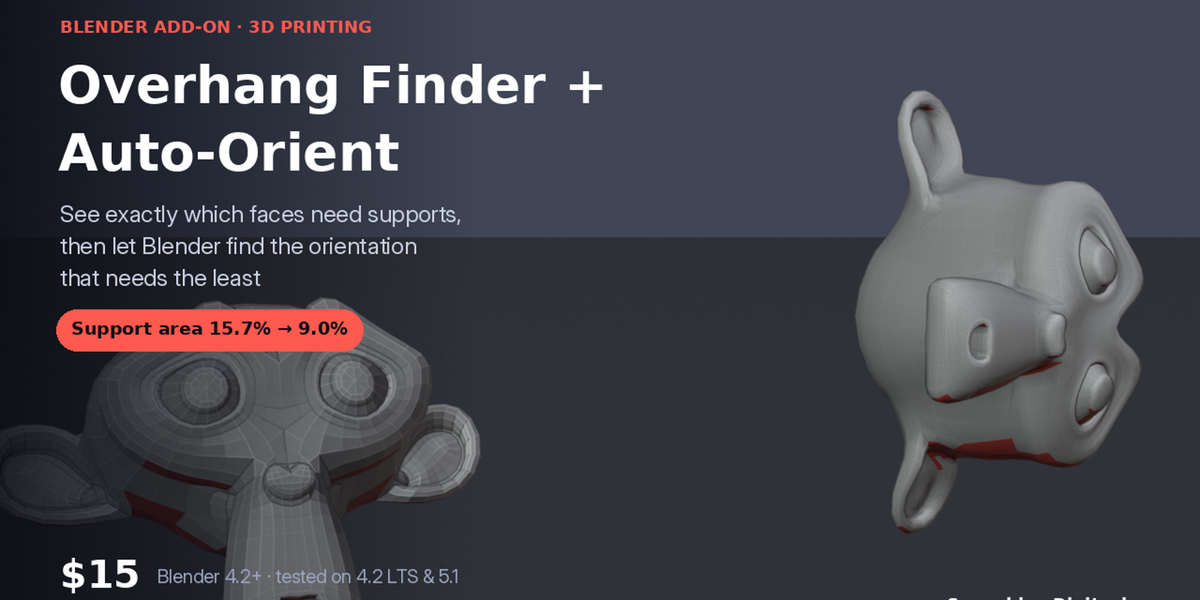
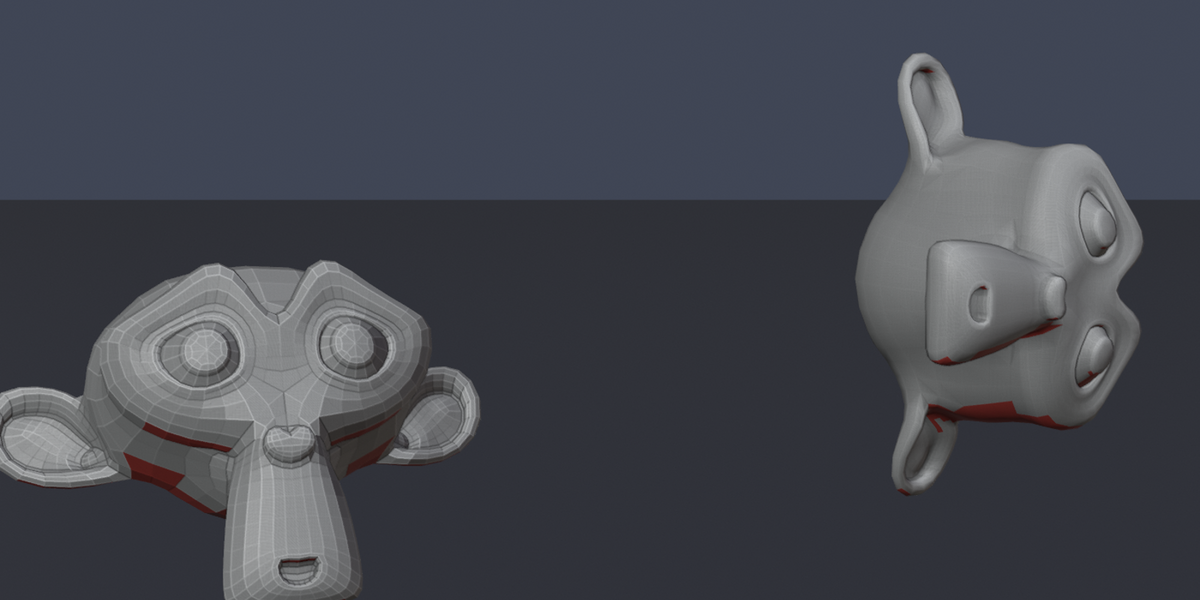
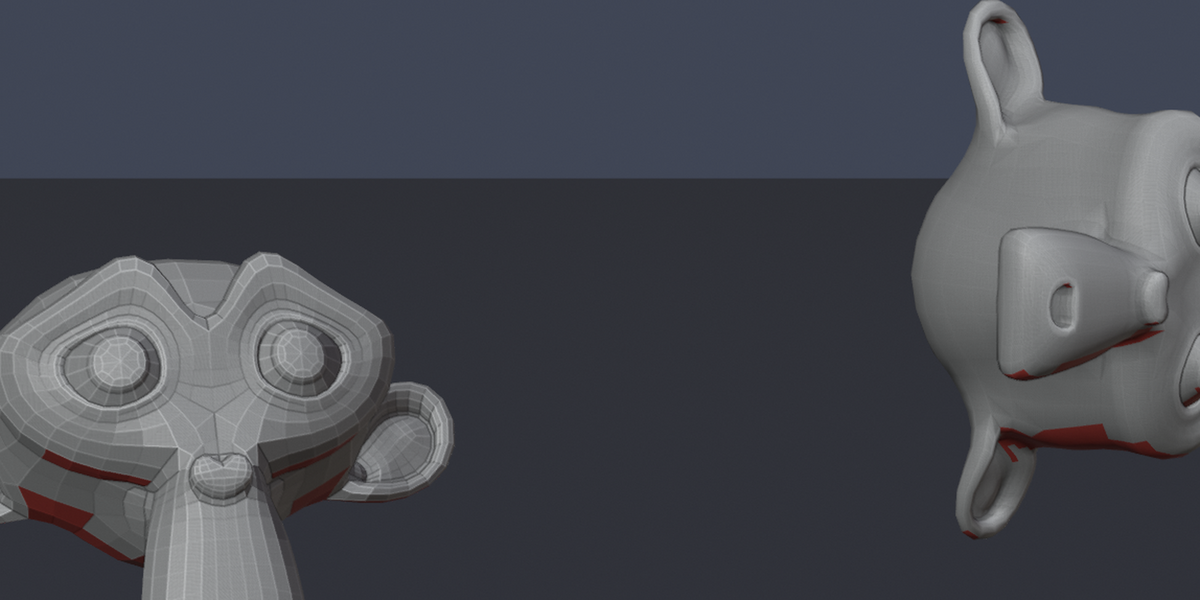
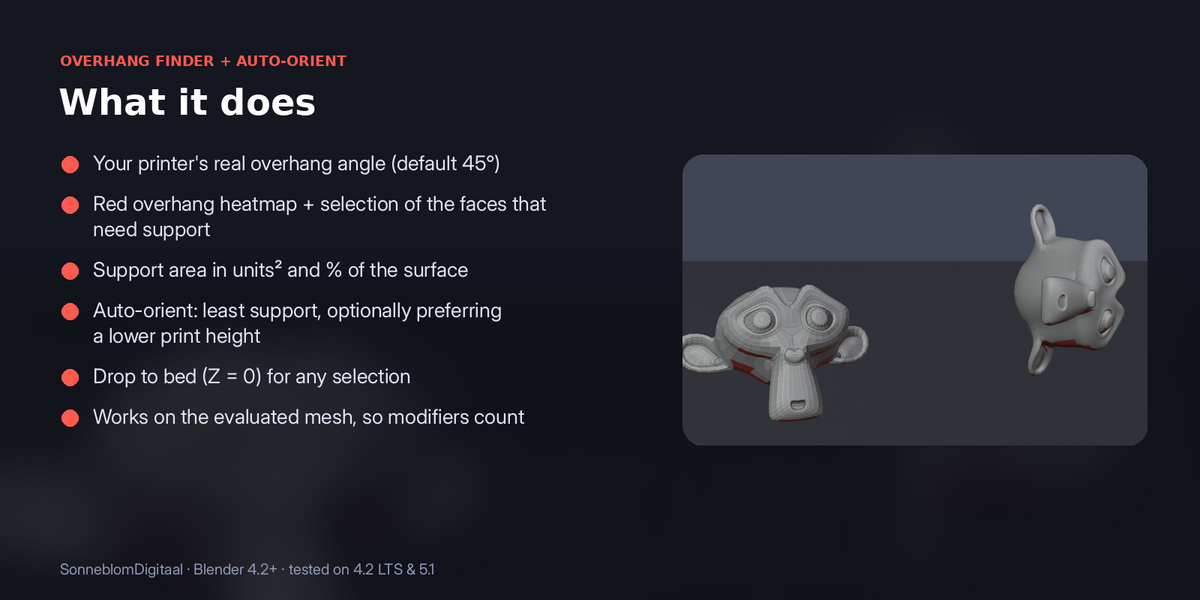
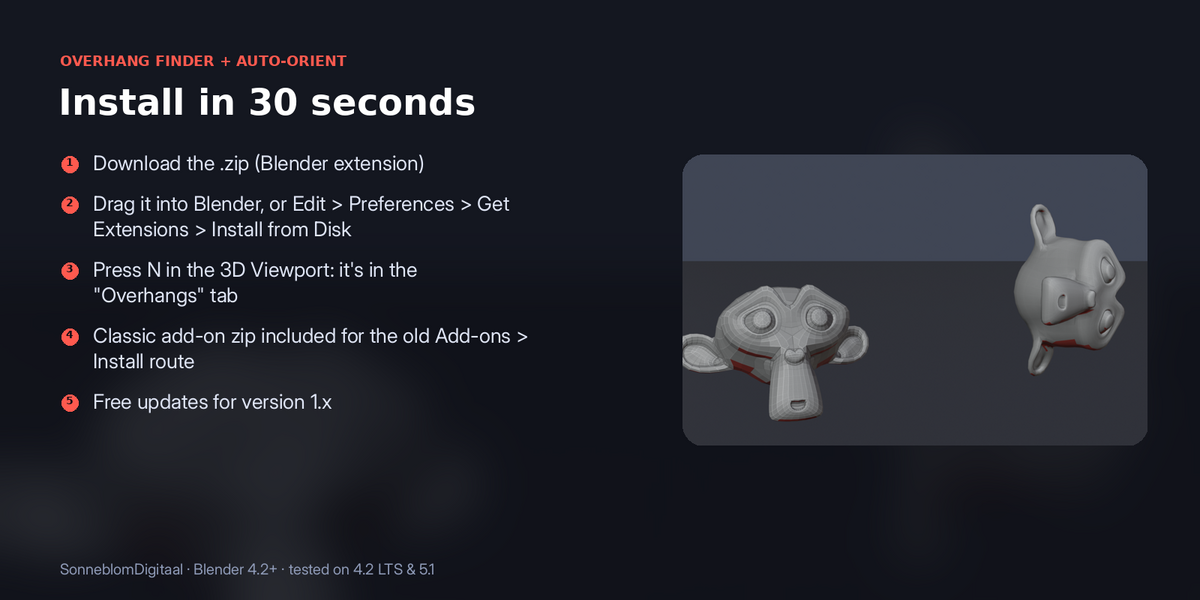
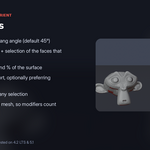

Overhangs paint red, right in the viewport, with the support area as a number. One click tests dozens of orientations (every axis, every diagonal and your model's biggest flat faces) and turns the model to the one that needs the least support, then sets it flat on the bed.
- Your printer's real overhang angle (default 45°)
- Red overhang heatmap + selection of the faces that need support
- Support area in units² and % of the surface
- Auto-orient: least support, optionally preferring a lower print height
- Drop to bed (Z = 0) for any selection
- Works on the evaluated mesh, so modifiers count
Requirements: Blender 4.2 or newer, tested on 4.2 LTS and 5.1
Scores overhang area, not support volume or surface finish; check the result in your slicer as usual.