 Escapee Studio

Override Master
Blender’s material override is fine, but it can be limiting when you need more control.
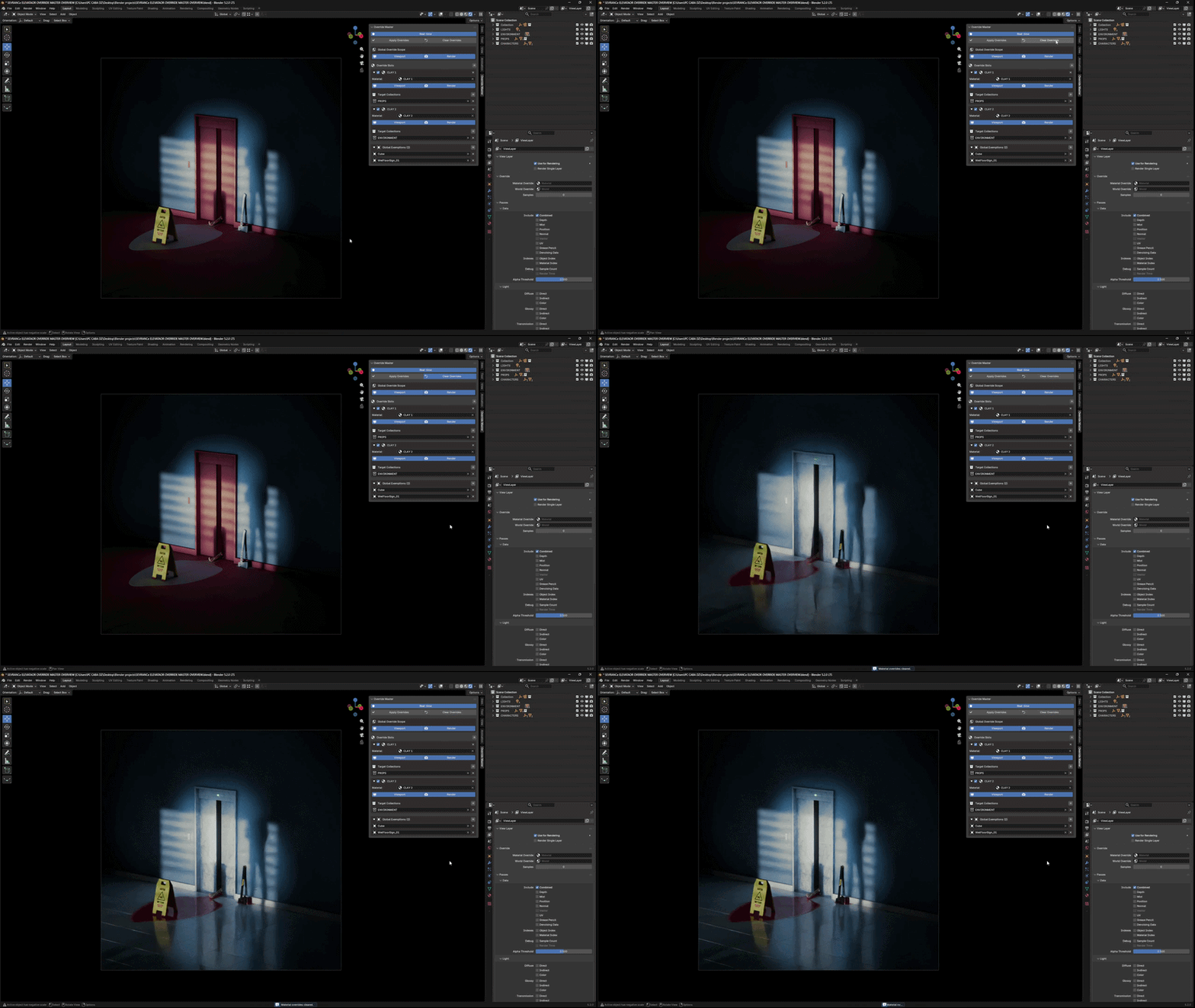
This add-on expands the default system and lets you selectively override materials, with full control over collections and object exceptions.
Perfect for look development, lighting tests, clay renders, previews, or quickly simplifying complex scenes.
What this add-on does
This tool allows you to apply a material override while keeping specific objects or collections untouched. Instead of overriding the entire scene, you decide exactly what gets affected.
Key Features
• Override materials by collection
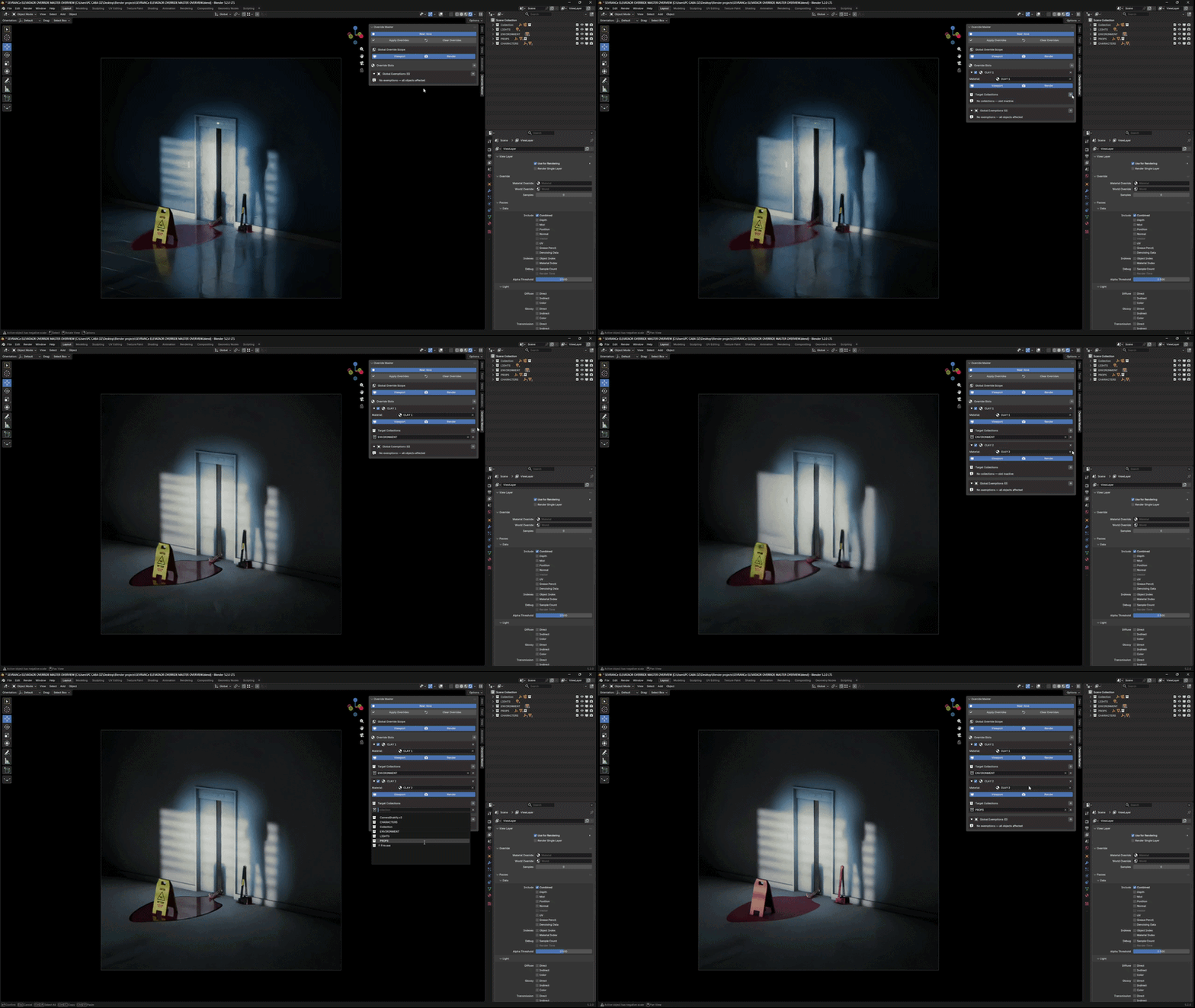
• Set object exceptions that ignore the override
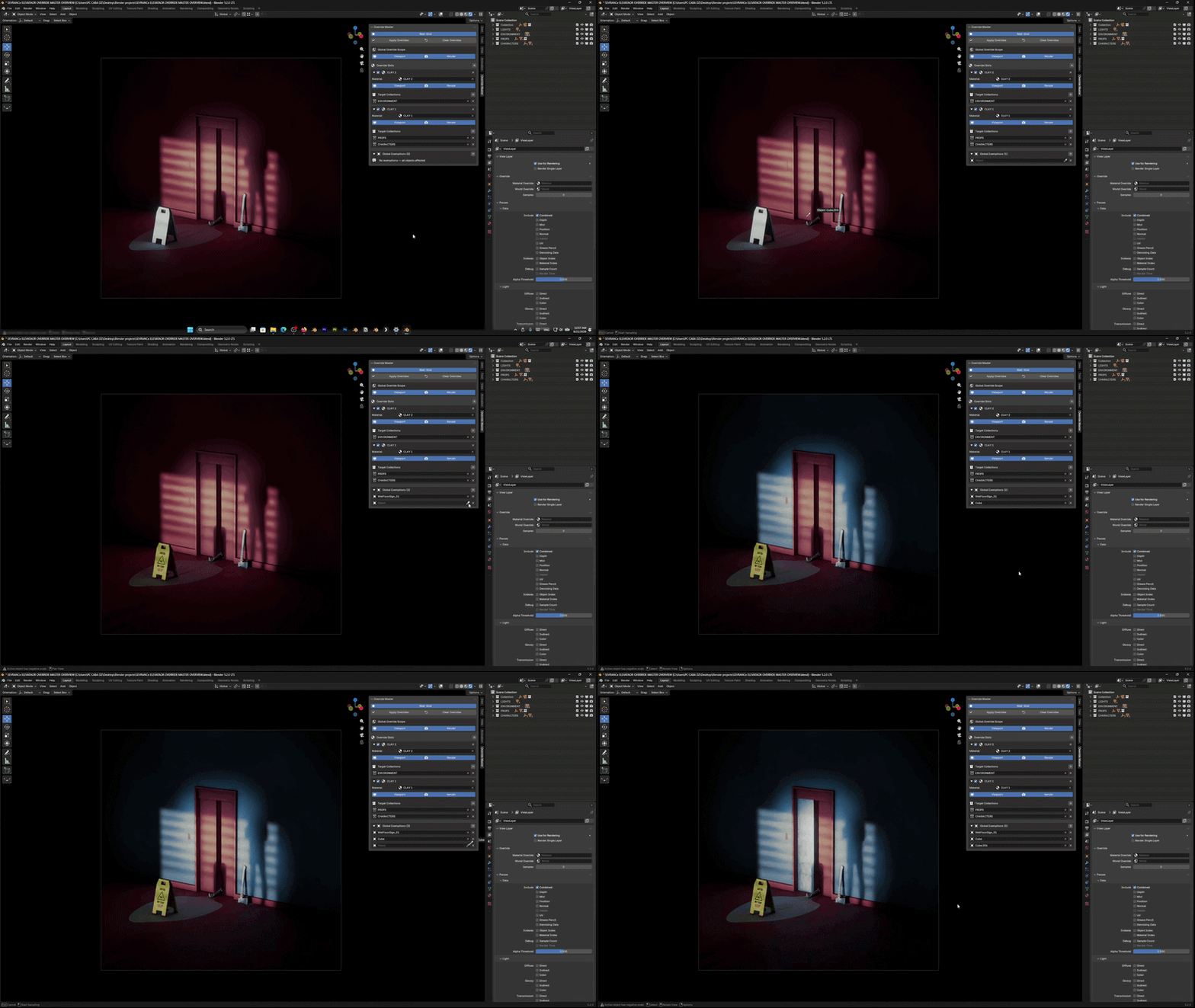
• Real-time control options
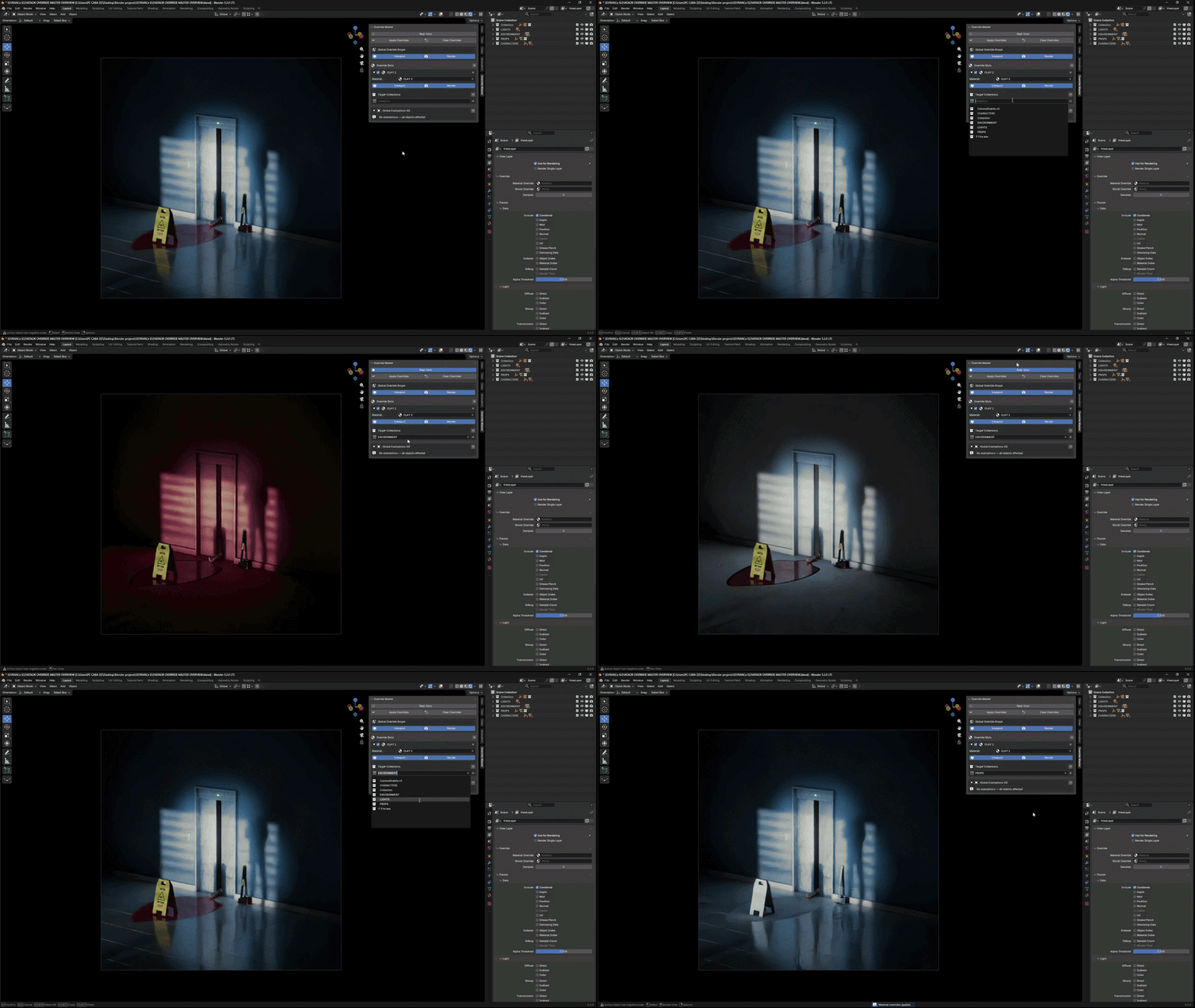
• Viewport and Render visibility settings
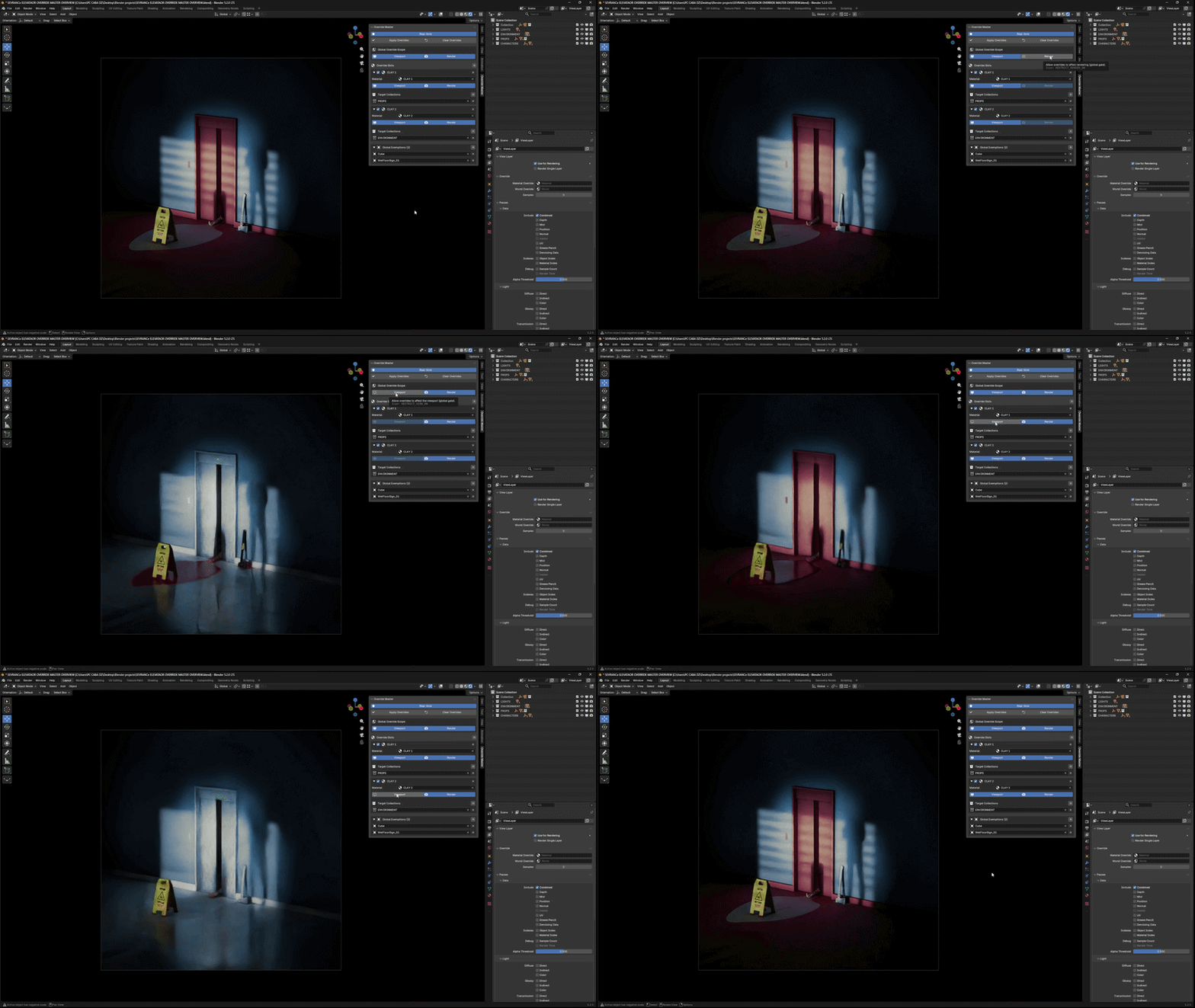
• Clear all overrides with a click of a button
Why use it?
When working on large scenes, sometimes you want to:
Test lighting without detailed materials
Render clay previews
Keep certain hero objects with their original materials
Quickly switch between different visual setups
This add-on makes that process fast and flexible.
Compatibility
Blender: 5.0+
Installation
Download the add-on file
Open Blender → Preferences → Add-ons
Click Install and select the file
Enable the add-on
Notes
This add-on enhances Blender’s material override workflow without breaking your existing setup.