 BlenddON


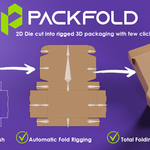
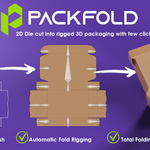

Packaging Folding & Visualization Tool for Blender
Turn 2D packaging dielines into fully controllable, animated 3D packaging — without manual modeling.
PACKFOLD is a Blender addon built for packaging designers, 3D artists, CGI artists, and anyone working with folding cartons, display boxes, shippers, and other paperboard packaging.
Instead of manually rebuilding a dieline — creating panels, setting origins, building an armature, weighting bones, and positioning artwork by hand — PACKFOLD takes you from a 2D DXF dieline to a clean, foldable, animated 3D package in one workflow.
Five modules, full control over every stage:
1. Cutting Dieline:
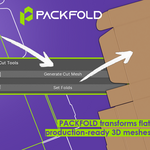
Convert your 2D DXF dieline into a clean 3D mesh — no manual modeling.
Import your dieline and generate 3D geometry that's clean, organized, and ready for folding.
- One-click DXF → 3D mesh
- Adjustable mesh subdivision
- Precise fold placement
- Slit/lock cut support
- One-line cut-through support
- Adjustable slit thickness
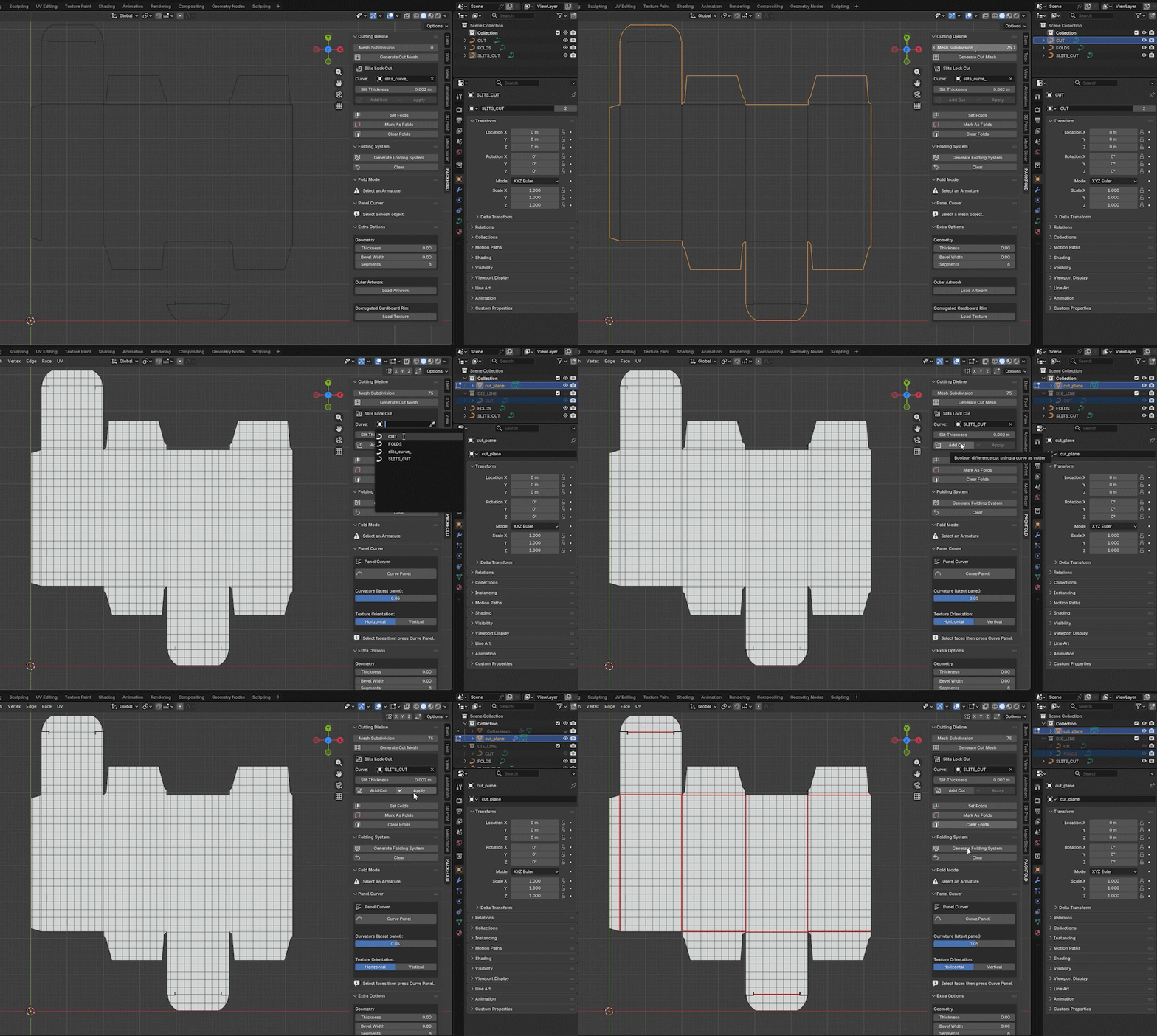
CLEAN MESH CREATED IN SECONDS NO MODELING NEEDED !
2. Folding System:
Build a smart folding rig in a blink.
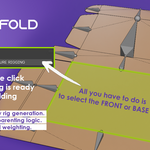
Select one face. PACKFOLD reads the connected panel structure and generates the entire folding armature automatically — no manual rigging, no manual weighting.
- Automatic armature generation from a single selected face
- Smart panel relationships and hierarchy
- Ready-to-animate rig, instantly
- One-click reset and regeneration
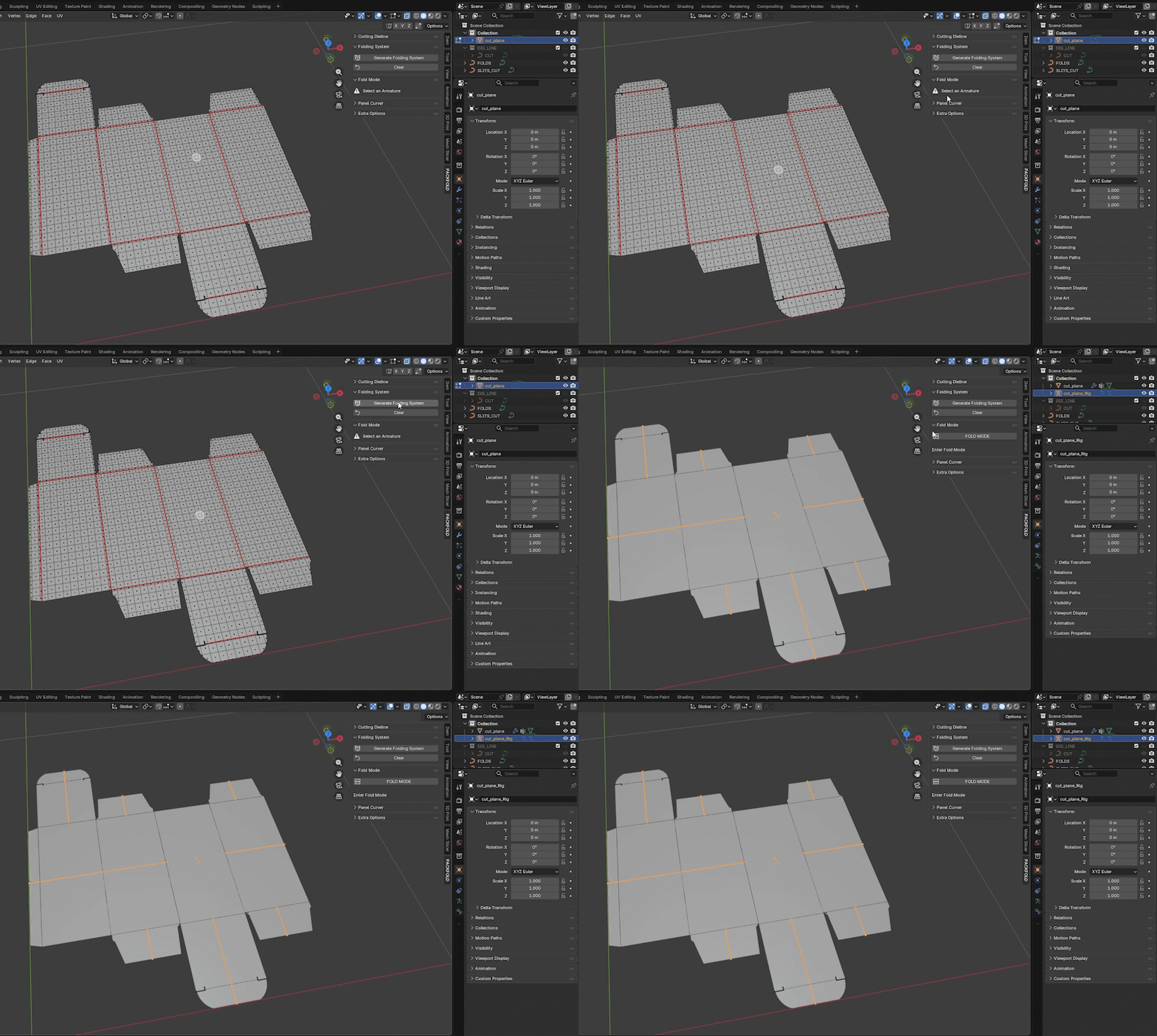
LOGIC FOLDING SYSTEM GENERATED IN ONE CLICK !
3. Fold Mode:
Take full control of every panel.
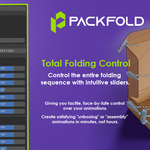
Once the rig exists, fold, open, and position the package directly from intuitive per-panel sliders — and keyframe any of it.
- Individual panel fold sliders
- Full Folding and Rest Fold presets
- Fully keyframeable for animation
- Build assembly, opening, and closing sequences
- Snap back to flat anytime
FOLD YOUR PACKAGING SEAMLESSLY WITH SLIDES CONTROL
4. Panel Curver:
Simulate curved paper — non-destructively.
Real packaging isn't always flat. Select a panel, dial in curvature, and set direction — without touching the base geometry.
- Non-destructive curvature
- Positive and negative curve values
- Horizontal or vertical curve direction
- Edit or remove anytime, no rework
Ideal for curved top lock, rounded cartons, display structures, and stylized packaging shots.
SIMULATE PAPER CURVATURE WITH NON DISTRUCTIVE WORKFLOW
5. Extra Options:
Production-ready finishing, without leaving the addon.
- Thickness — realistic paper/board thickness, from thin stock to heavy cardboard
- Bevel — adjustable width and segments for edge highlights that read as real material
- Auto Artwork Fitting — your artwork snaps to the generated dieline automatically, no manual UV work
- Corrugated Cardboard Texture — one-click texture, automatically fit to shipper and corrugated geometry
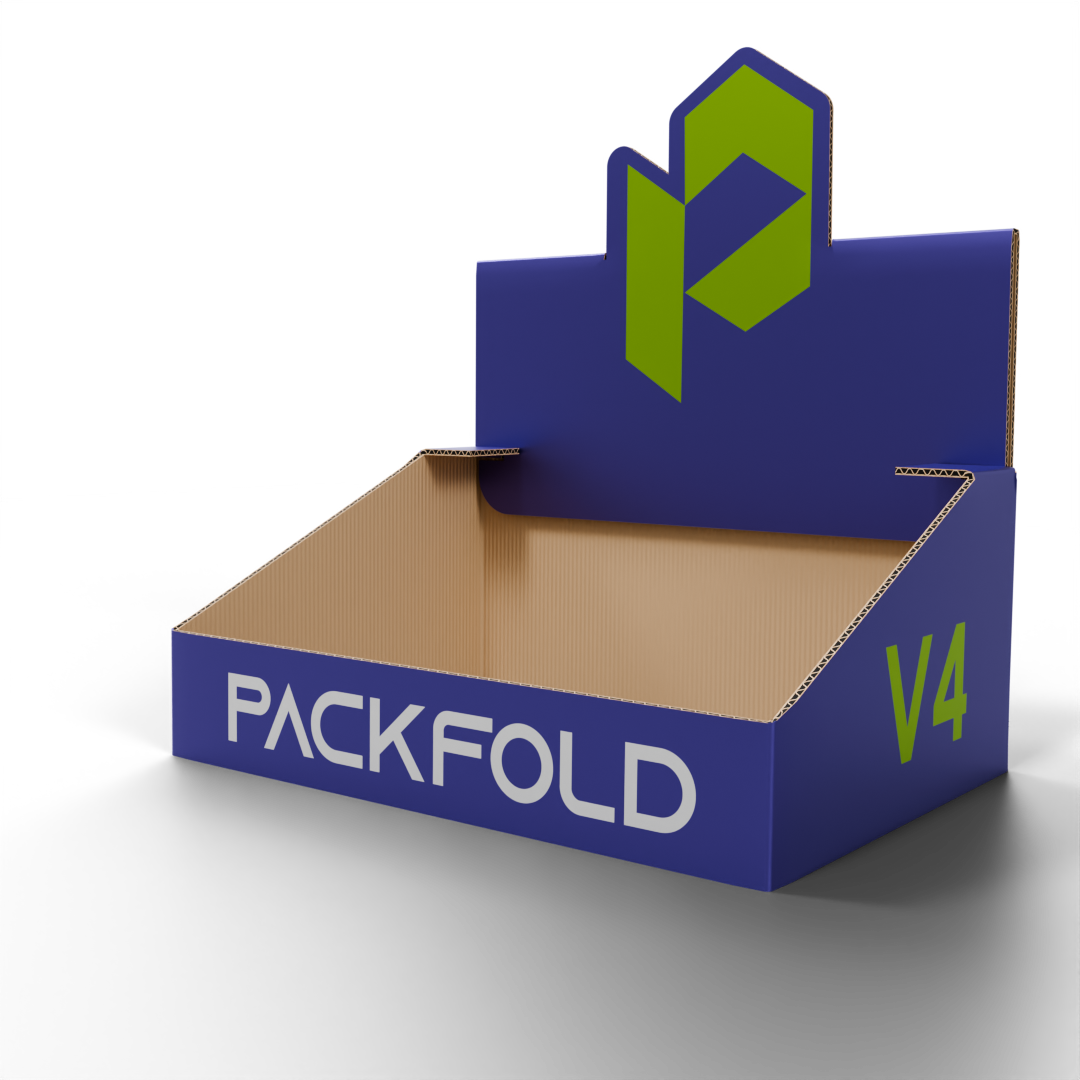
Thickness | Bevel | Auto Artwork Fitting | Corrugated Cardboard Texture
_______________________________________________________________________________________________________________
Why PACKFOLD?
| Traditional workflow | With PACKFOLD |
|---|---|
| Manually Model the dieline | Generate the 3D mesh directly from your DXF dieline |
| Build and weight an armature by hand | Select one face, auto-generate the rig |
| Manually pose every panel | Fold Mode sliders, fully keyframeable |
| Destructive curve workarounds | Non-destructive panel curving |
| Manual UV + artwork placement | Artwork auto-fits the dieline |
| Manual corrugated UV setup | Auto-applied corrugated texture |
Built for animation — keyframe your folding controls and build complete packaging assembly and reveal animations.
From Flat Dieline to Animated 3D Packaging
Import → Generate → Fold → Curve → Texture → Animate → Render
Everything you need to turn a production dieline into a professional 3D packaging presentation — inside Blender.
Refund Policy
This product is delivered digitally, so all purchases are considered final.
Access to the Blender add-on is provided immediately after checkout. Since digital files cannot be returned, revoked, or exchanged, we are unable to offer refunds, cancellations, or product swaps.
Please review the product description, supported Blender versions, and features carefully before purchasing. If you have any questions or need clarification, feel free to contact us prior to checkout.
email:
wtsp: +213779837161
By completing your purchase, you acknowledge and accept this refund policy.
