 Lino Garwig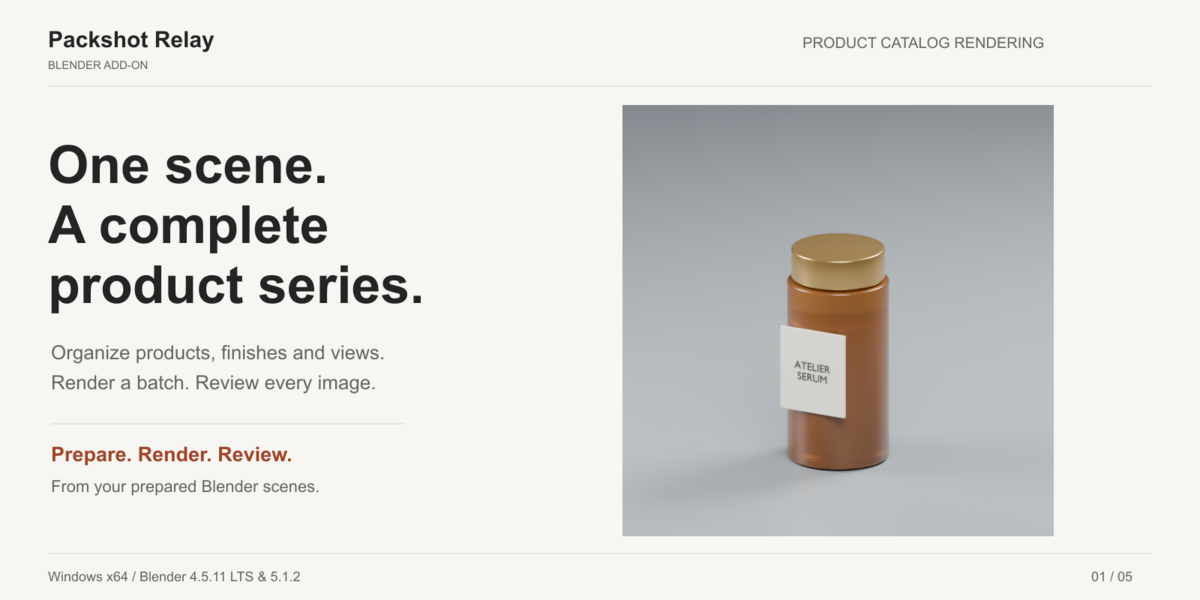
Product catalogs. Under control.
Turn your prepared product scene into an organized catalog of material variants and camera views.
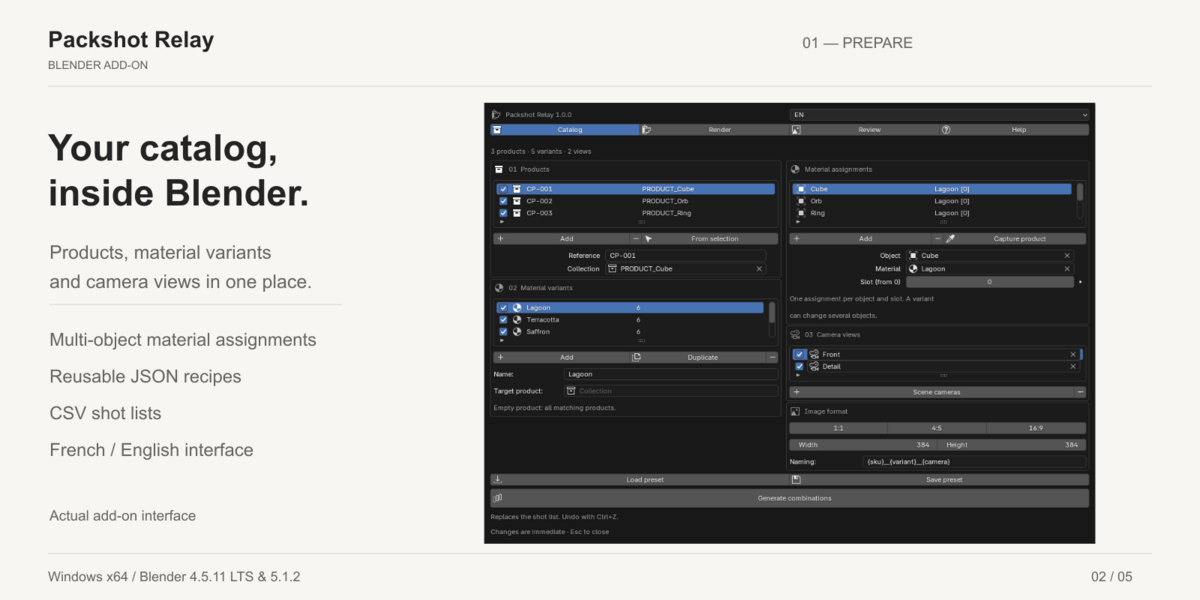
Packshot Relay helps independent artists and small studios prepare, render and review batches of still product images inside Blender. Define your products, finishes and cameras, generate the shot list, then render from an isolated scene snapshot.
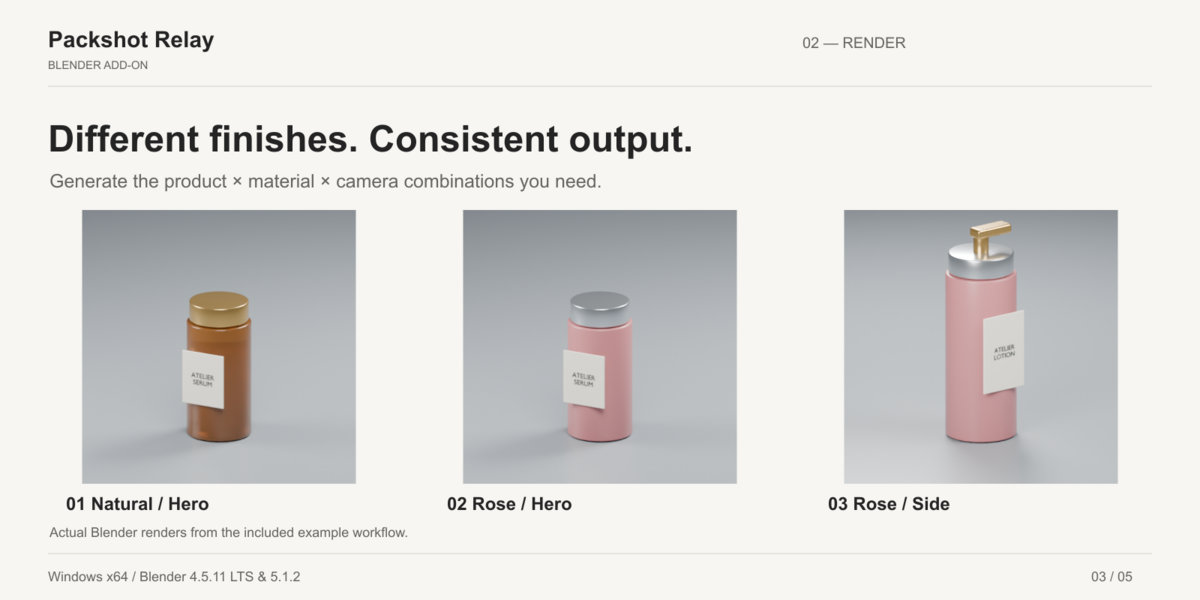
Prepare once. Produce the combinations you need.
- Generate product × material variant × camera combinations.
- Change multiple objects and material slots in the same variant.
- Search and enable individual shots, choose image sizes and customize filenames.
- Reuse recipes with JSON presets and exchange shot lists through CSV.
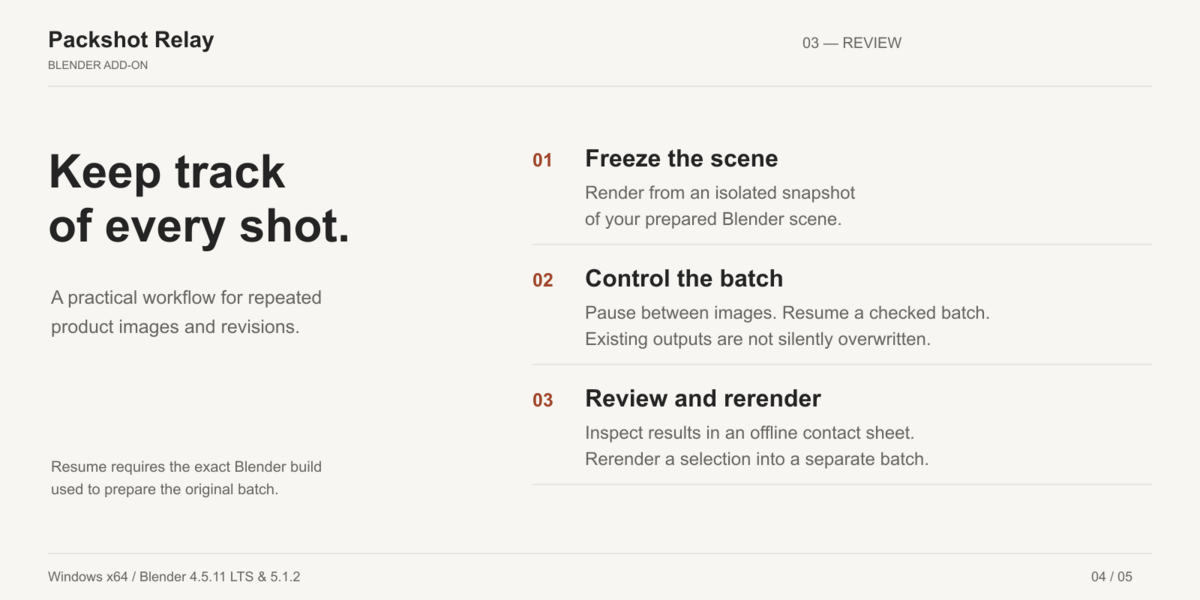
Keep control while rendering
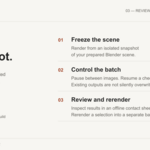
- Local background rendering from a frozen copy of your scene.
- Cycles CPU and automatic GPU selection; preview before the final batch.
- Pause between images, stop and resume a checked batch.
- Integrity checks and filename-collision detection; existing outputs are not silently overwritten.
Review the actual results
- Native image previews and a searchable offline contact sheet.
- Rerender selected results into a separate batch while retaining the originals.
- French and English interface, offline guides and a privacy-conscious support-summary export.
Compatibility — read before buying
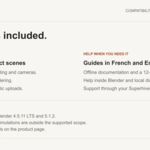
Windows x64. Validated Blender builds: 4.5.11 LTS and 5.1.2. Cycles CPU and OptiX on NVIDIA RTX 2070 were tested; Eevee was also checked. Other GPU backends are selectable but have not been hardware-validated. macOS, Linux and other Blender builds are not supported in this initial release.
Designed for already modeled, lit, static product scenes with existing cameras. Not a modeling, lighting, automatic-framing or cloud-rendering tool. Output is PNG RGBA 8-bit. Geometry Nodes, drivers, linked libraries, simulations, collection instances, compositor workflows and nonempty video sequencers are outside the supported scope. External textures must remain available and unchanged for resume. Resume requires the exact Blender version used to create the batch.
Included
Installable extension ZIP with full Python source, French and English guides, troubleshooting, a 12-shot skincare example, reference images and license text. Blender itself is not included. No addon account or network connection is required for rendering.
Support and updates
Contact support through your Superhive order; backup email: [email protected]. First-response target: 72 hours. Include steps, expected/actual behavior and, if useful, the local support ZIP. Never send confidential client assets without authorization.
The offer includes 12 months of creator support and access to updates released during that period, subject to the support terms displayed by Superhive at purchase. No lifetime-update or future-Blender-compatibility promise. GPL-3.0-or-later usage and redistribution rights are not limited by the support period. Refund requests follow Superhive’s policy and applicable rights.
Installation and first render
- Download and extract the customer bundle. In Blender Preferences → Get Extensions → menu → Install from Disk, choose packshot-relay-1.0.0.zip. Do not install the outer bundle ZIP.
- Enable Packshot Relay. Open a 3D View, press N and choose Packshot Relay → Open catalog studio.
- Open the included example, choose a local output directory, run Check and render the enabled shots.
- Use Review to inspect the images; open Help for the full offline guide.
Frequently asked questions
Does it make Cycles itself faster?
Its main value is organizing repeated setup and review. Render duration depends on the scene and hardware; no universal speedup is promised.
Can I change a batch already prepared?
A batch is frozen. Make a new batch for changed lighting or materials. Selected rerenders use the original snapshot.
Do I need programming knowledge?
No. Catalog setup uses native Blender selectors; CSV and JSON are optional.
Can I use the output commercially?
The addon does not add a restriction on your rendered output. You remain responsible for rights to the assets you use.
Is customer data uploaded?
No automatic upload. The support archive contains versions, counts and generic error categories, not your scene, images or raw logs.
Is this independently certified?
No. Validation consists of internal real-render and regression tests on the stated configurations, including synthetic client-style scenes. Published examples are representative demonstrations, not guaranteed results for every project.

