Packshot Relay — Product Catalog Rendering
 Lino Garwig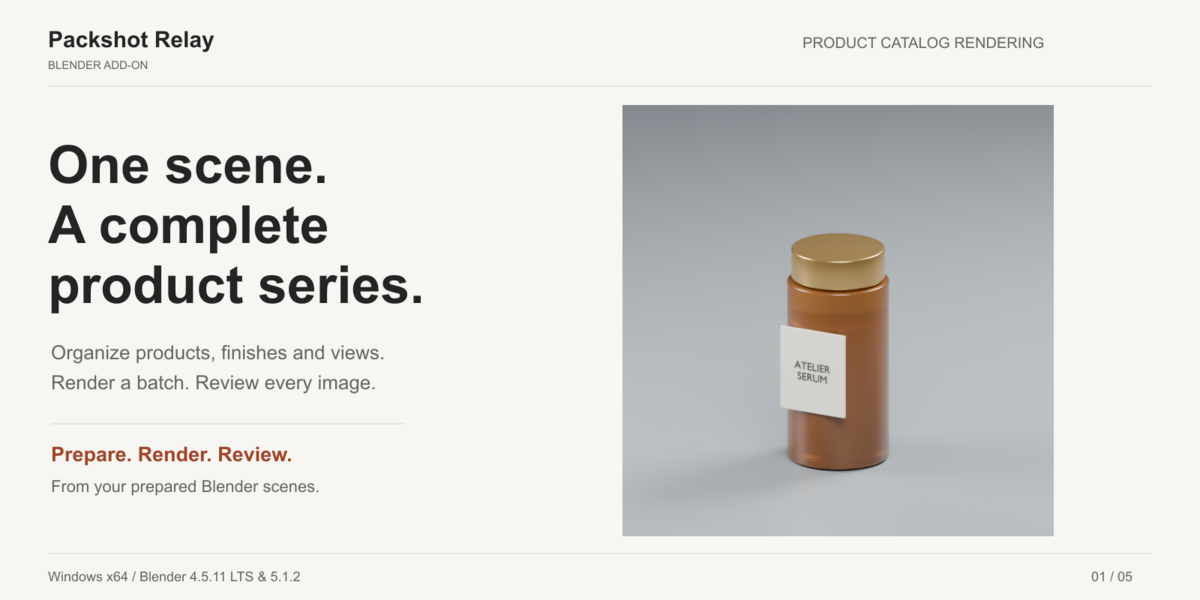
Packshot Relay 1.0.0 — Quick start
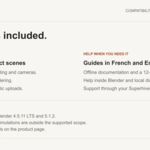
Supported configurations: Windows x64, Blender 4.5.11 LTS and 5.1.2. The marketplace version range is approximate; these are the exact validated builds. French and English offline guides are included in the customer bundle.
1. Install
Install packshot-relay-1.0.0.zip from Blender → Edit → Preferences → Get Extensions → menu → Install from Disk, then enable it. Do not install Packshot-Relay-1.0-Client.zip: extract that bundle to access the documentation and demo. Disable any older duplicate installation first.
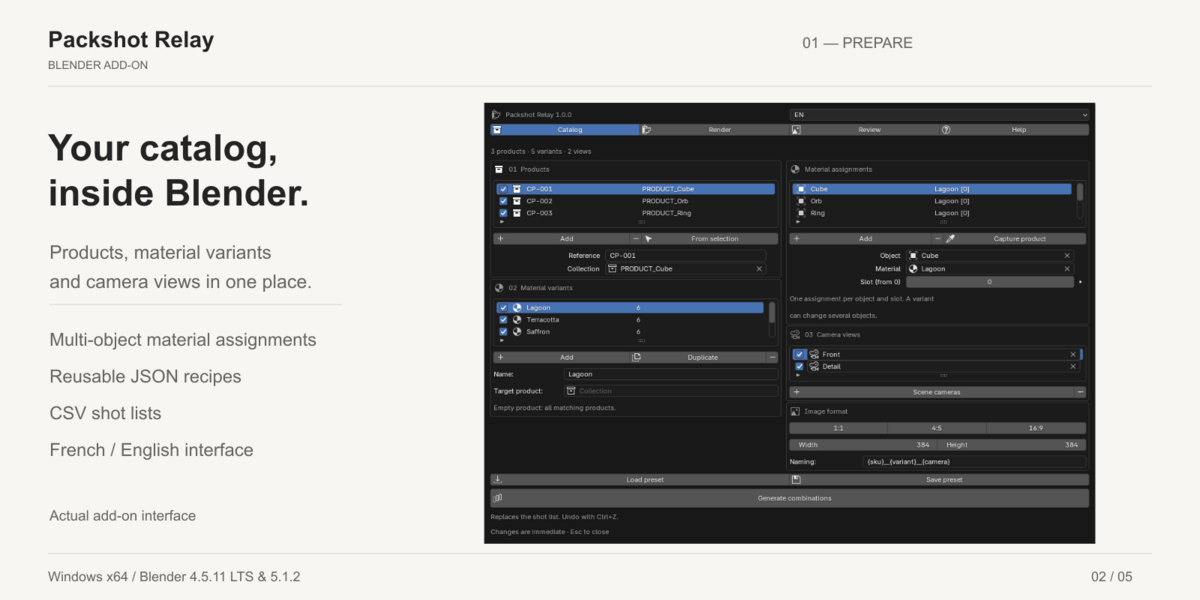
In a 3D View, press N → Packshot Relay → Open catalog studio. Use Catalog, Render, Review and Help. FR/EN switches the interface language. Changes take effect immediately; Esc closes the studio.
2. Try the included example
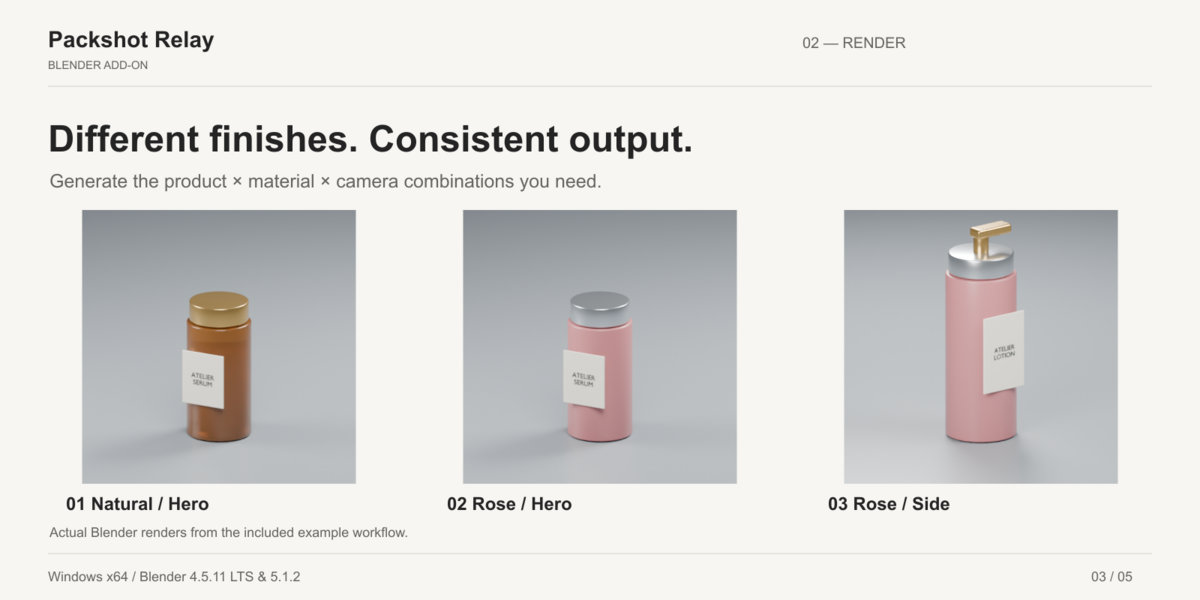
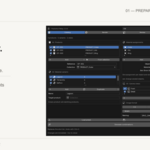
Open Demo/Packshot-Relay-Demo.blend from the extracted client bundle. It includes three skincare products, two finishes and two cameras, giving 12 shots. Choose your own local output folder, run Check and create a new batch. Overlapping products in the viewport are intentional: the worker isolates each product. Reference images are in Demo/images.
3. Prepare your own catalog
- Put each product in its own collection, with lights, cameras and stage separate. Product collections must not overlap or share objects.
- Add products with distinct references and choose their collections.
- Add material variants with object, material and slot assignments. Slots start at zero. Several objects and slots can change together. Capture product copies current assignments; duplicate the variant to create another finish. Without enabled variants, original materials are used.
- Add scene cameras, enable the desired views and generate shots. Generation replaces the shot list and supports Undo. Regenerate after changing the catalog.
- Optionally save a JSON recipe or exchange a CSV shot list. Presets reference datablock names and contain no assets.
4. Render
Search and enable shots, choose dimensions and output folder. Naming fields include {sku}, {variant}, {camera}, {width} and {height}. Default naming is {sku}__{variant}__{camera}. Unsafe names and collisions are rejected. Apply a format explicitly to enabled shots.
Select samples, transparency and device. AUTO tries available GPU backends then CPU. Explicit unavailable GPU choices fail without silent fallback. Cycles CPU and OptiX on RTX 2070 were tested; other GPU backends need hardware validation. Eevee uses Blender’s normal rendering path.
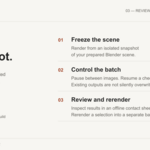
Run Check, inspect diagnostics and use Draft for a reduced-resolution preview. Start the final batch when ready. Rendering uses an isolated scene snapshot; edits to the open scene do not change that batch.
5. Review and recover
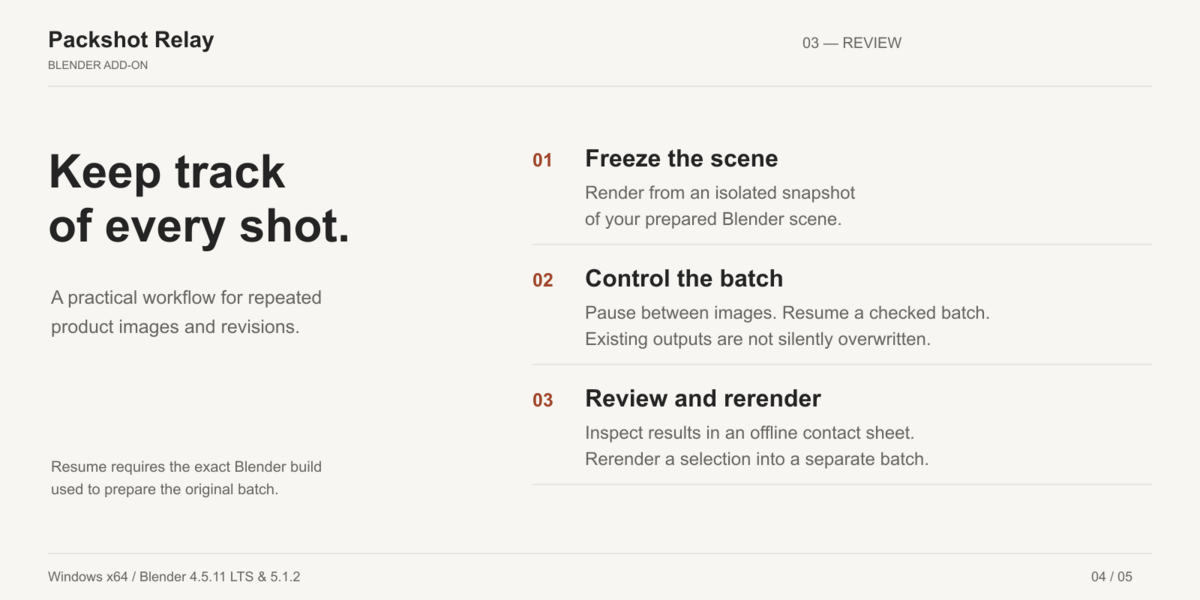
Pause takes effect between images. Stop terminates the owned worker. Resume requires the exact Blender build used to prepare the batch and unchanged snapshot, external textures and completed images. Keep the whole batch folder. Do not modify its manifest or journals to bypass checks.
Refresh results, inspect native previews or open the searchable offline contact sheet. Selected rerenders use the original snapshot and go into a new sibling batch, preserving originals. For changed lighting or materials, prepare a new batch from the edited scene.
Supported scope and limits
Prepared static scenes with existing cameras; PNG RGBA 8-bit output. No automatic modeling, lighting, framing or cloud rendering. Geometry Nodes, drivers, linked libraries, collection instances, simulation caches, compositor workflows and nonempty sequencers are outside the supported scope. No UDIM, texture sequences, movies or multilayer textures. Pack external fonts. External images are checked but not copied; keep them available and unchanged.
CSV: UTF-8, comma-delimited, optional BOM; use the included example or export for the correct columns and override quoting. Maximum 5,000 shots, 5 MiB CSV, 256 overrides per shot; dimensions 16–8192 pixels. Existing output destinations are not silently overwritten. Snapshot creation and hashing may temporarily delay the UI on large scenes.
Troubleshooting
- Nothing renders: generate shots, enable at least one, choose a writable local folder and run Check.
- Device unavailable or out of memory: select CPU or reduce resolution/textures, then prepare a new batch. AUTO does not guarantee recovery from an out-of-memory error.
- Missing material: choose an existing material and the correct zero-based slot.
- Changed texture or snapshot: restore the original dependency or prepare a new batch.
- Interrupted render: keep the batch folder and resume with its original Blender build.
- Variant changes are missing: regenerate the shot list. Existing frozen batches remain unchanged.
Support, privacy and updates
Contact the seller through your Superhive order. Backup email: [email protected]. First-response target: 72 hours, not a guaranteed resolution time. Include the exact Blender version, reproduction steps and expected/actual behavior. Help can export a local support ZIP with versions, counts and generic error categories; it excludes scenes, images, raw logs and personal paths. Inspect it before sending. Never share confidential client assets, passwords or payment details.
No account, telemetry or automatic uploads. Ordinary render logs may contain local paths and project names; review them before sharing. Stop rendering and back up projects before upgrading. Install only the extension ZIP, then restart Blender.
12 months of creator support and access to updates released during that period, subject to Superhive’s terms at purchase. No promise of lifetime updates or future Blender compatibility. Full Python source and GPL-3.0-or-later license are included; GPL usage, modification and redistribution rights do not expire with support. Internal validation is not independent certification.
 Included
Includes 12 months of
- Support from Lino Garwig
- Product updates
Extend this product’s Support Period +12 months: 50% of product price
Have questions before purchasing?
Login to message
| Blender Extension Compatible | Yes |
| Published | 3 days ago |
| Blender Version | 4.5 - 5.1 |
| Extension Type | Add-on |
| Render Engine Used | Cycles, Eevee |
| License | GPL |

Discover more products like this
product rendering Workflow render manager material variants batch render camera product-visualization catalog