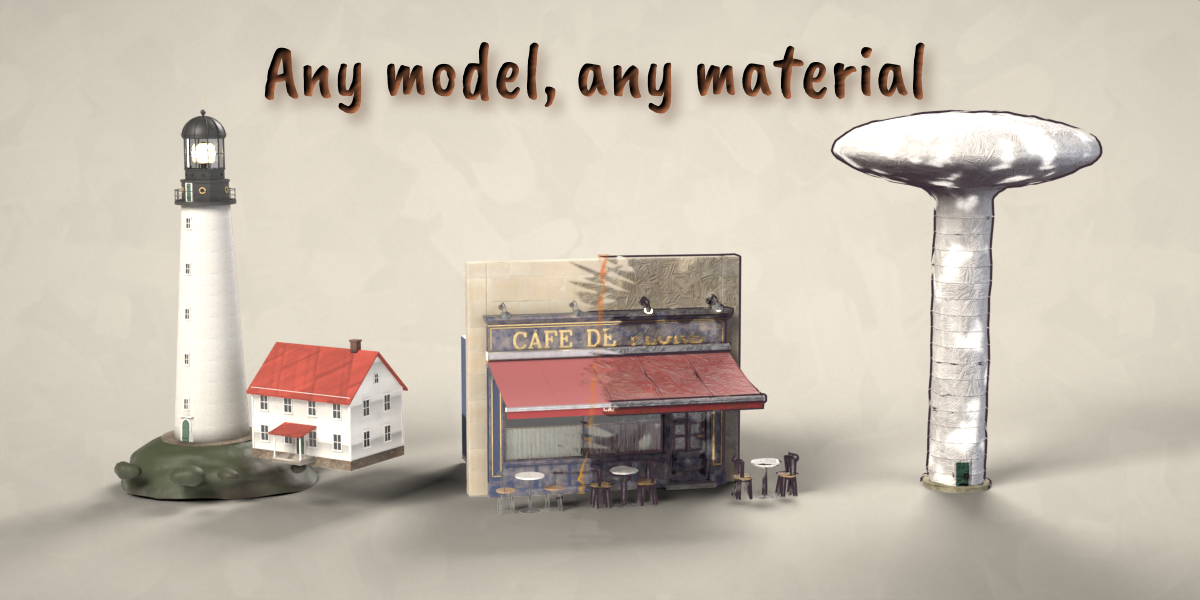
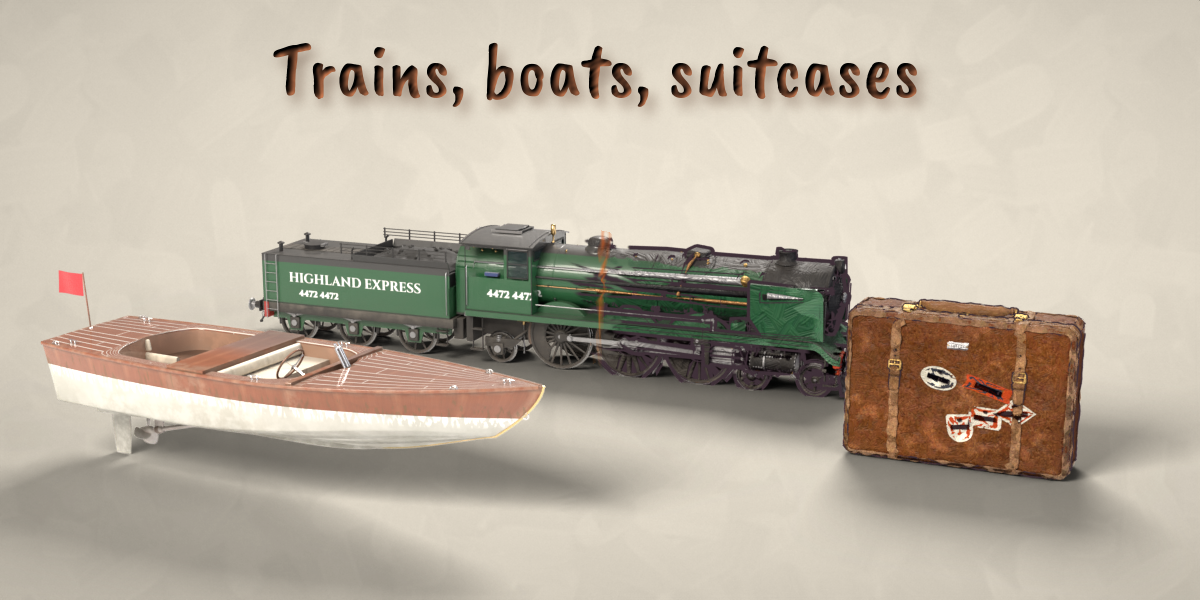
Painterly Converter – Hand-Painted Look for Blender
 ZEG
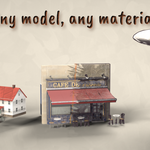

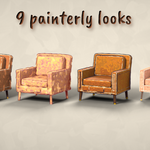
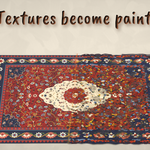
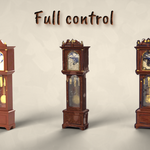
Installation
In Blender open Edit, Preferences, Get Extensions, then use Install from Disk and pick the painterly_converter zip.
Usage
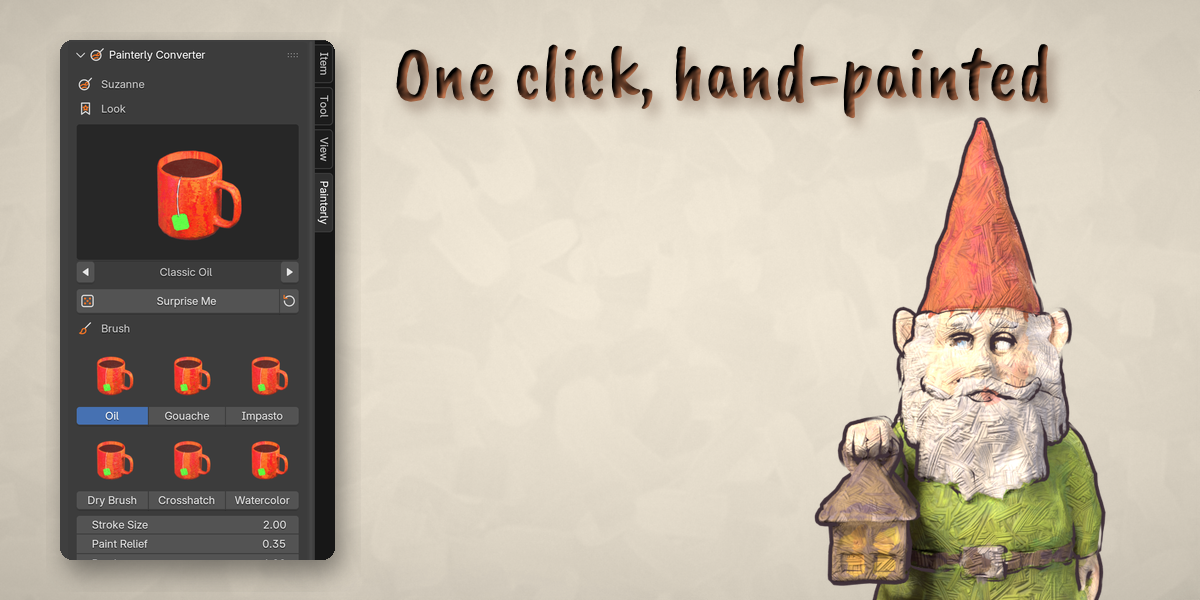
- Select one or more mesh objects and open the Painterly tab in the 3D viewport sidebar (N).
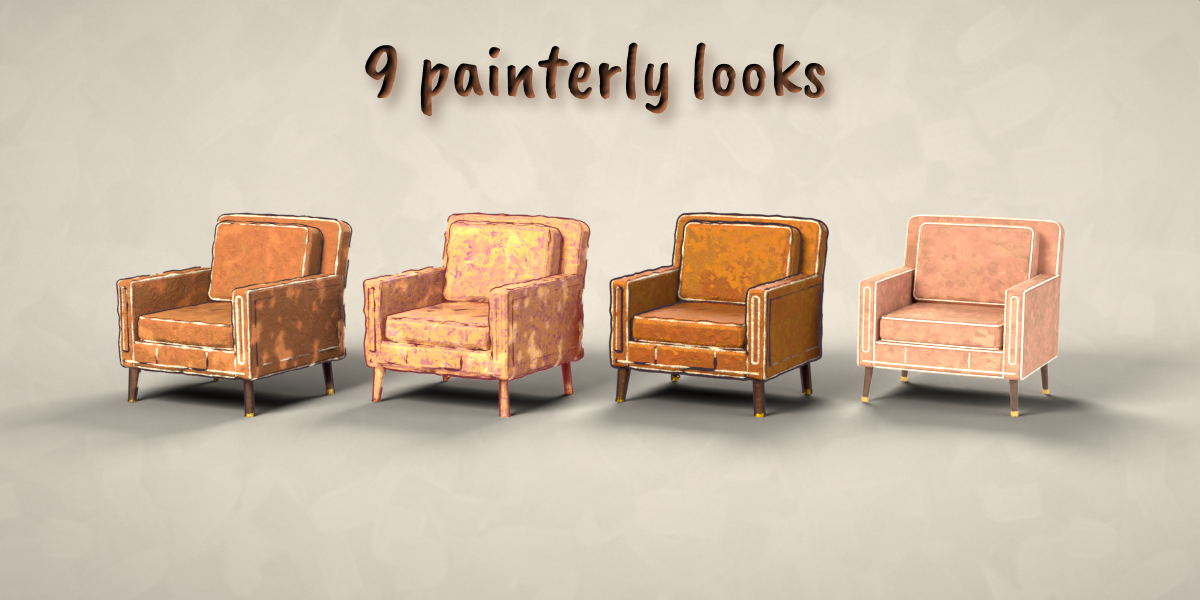
- Click the picture to choose a look, then press Make Painterly. Surprise Me picks a random look.
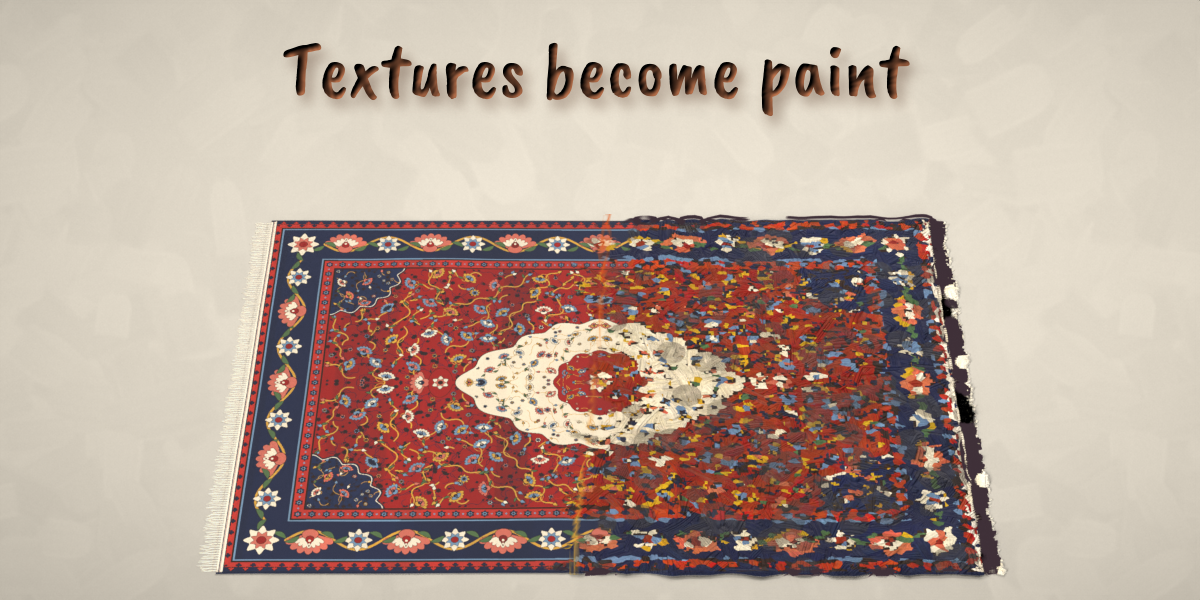
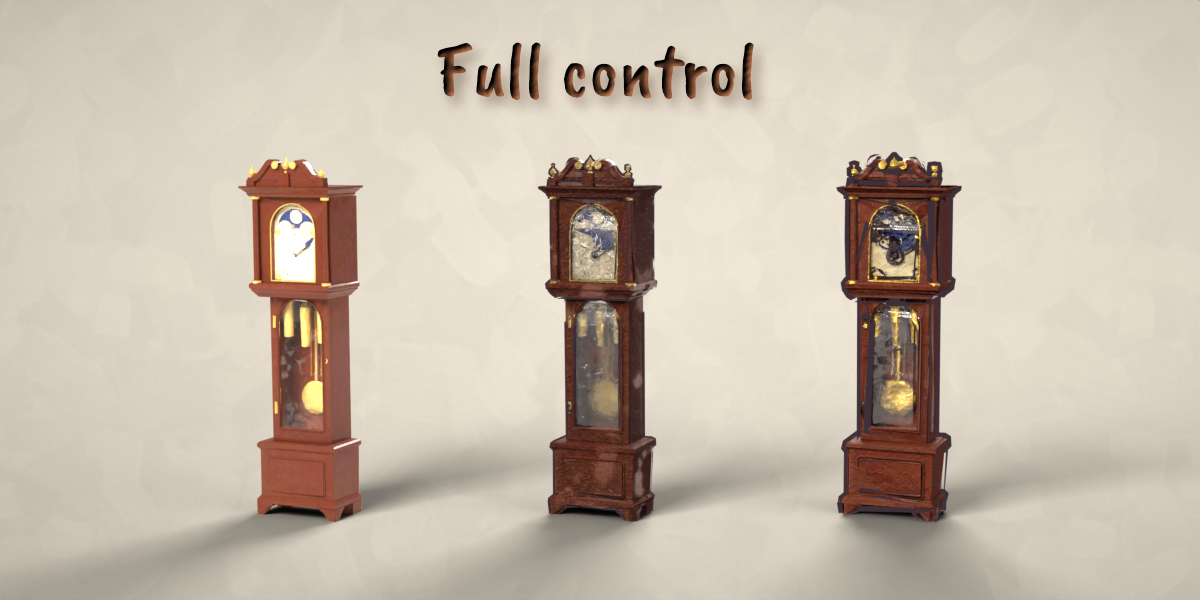
- With a painterly object selected, the sidebar shows its look, the brush pictures and the main sliders: stroke size, paint relief, patches, texture smear, palette, outline and wobble. The collapsed panels below hold every other setting.
- Copy to Selected copies the look of the active object to the other selected objects.
- Revert restores the original materials. Make Permanent (Finish panel) applies the shape and outline to the mesh for export.
Use Material Preview or Rendered view to see the paint. Both Cycles and EEVEE are supported.
Have questions about this product?
Login to message
| Blender Extension Compatible | Yes |
| Published | about 1 hour ago |
| Blender Version | 4.2 - 5.2 |
| Extension Type | Add-on |
| Render Engine Used | Cycles, Eevee |
| License | GPL |

Discover more products like this
oil-painting watercolor Shader toon converter painterly outline hand painted stylized brush-strokes NPR Material