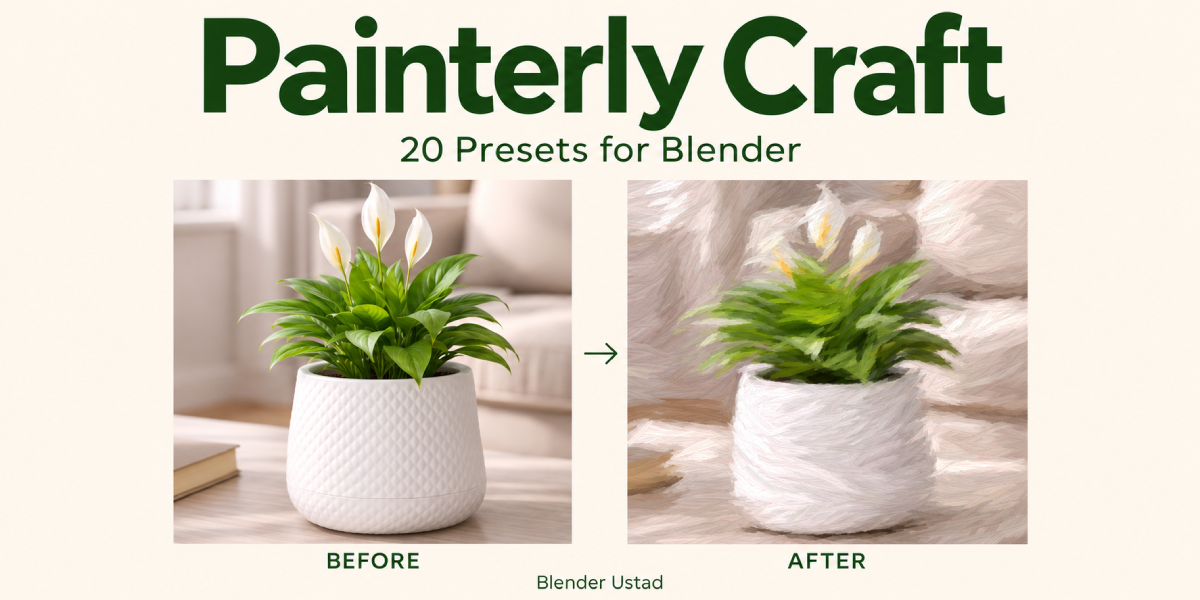
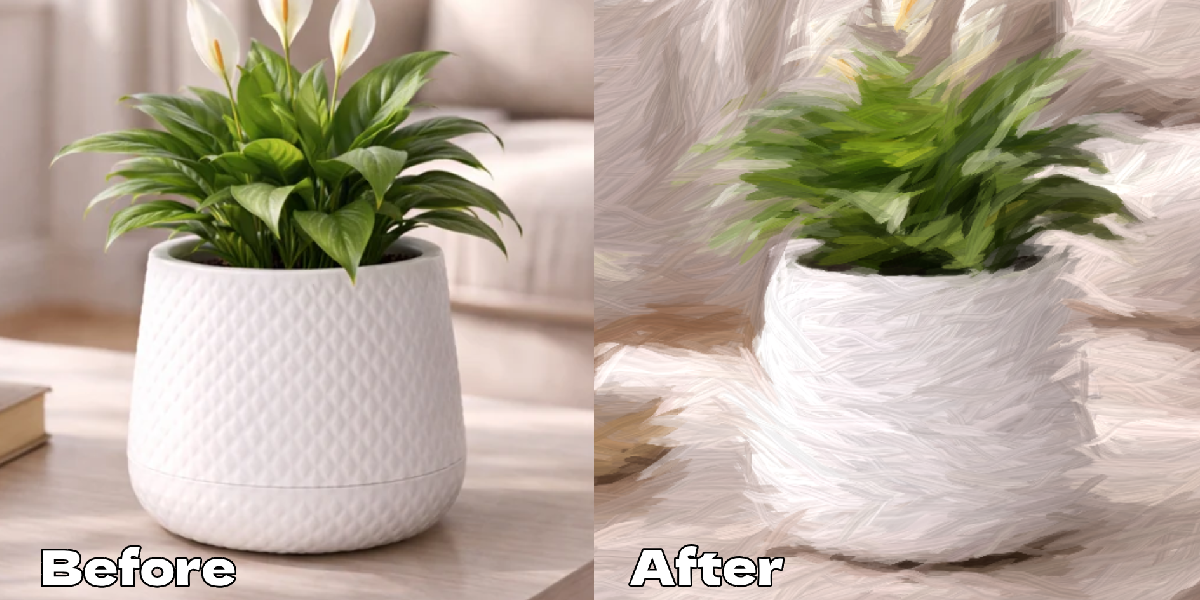
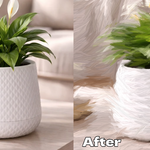
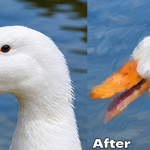
Painterly Craft: Turn Images, Textures and Renders Into Paintings
 Salman Animator
Requirements
Blender 4.2 or newer (3.6 to 4.1 as a legacy addon). No internet or extra Python packages needed.
Install
- Keep the ZIP as it is. Do not unzip it.
- Blender 4.2 and newer: Edit > Preferences > Get Extensions, top right menu, Install from Disk. Blender 3.6 to 4.1: Edit > Preferences > Add-ons > Install.
- Enable Painterly Craft and restart Blender after updating.
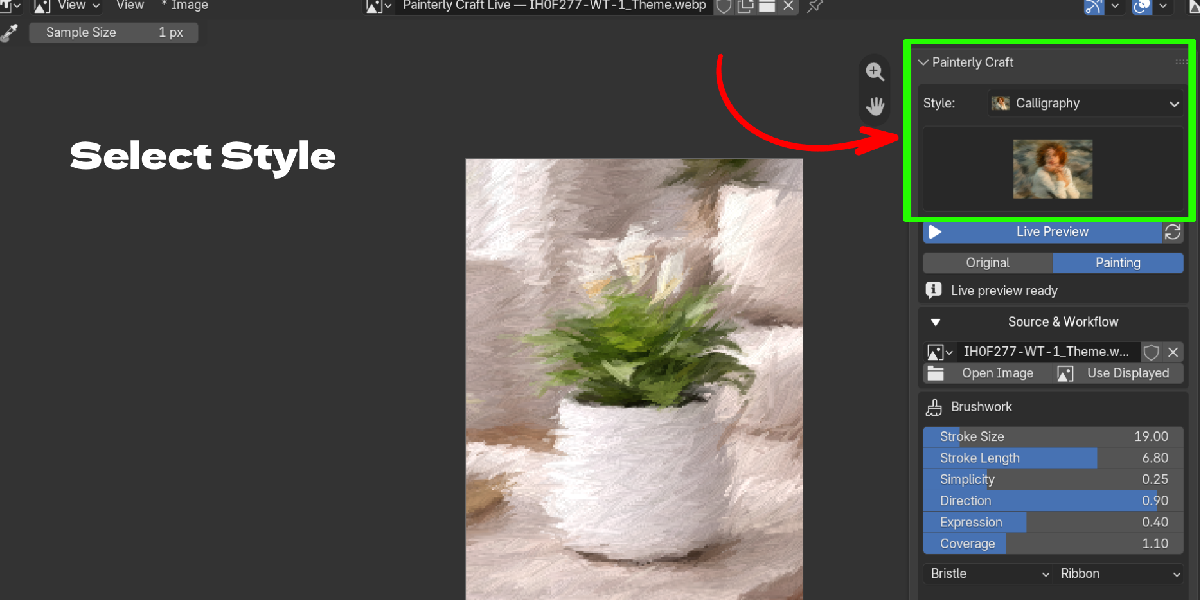
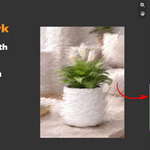
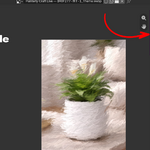
- Switch to the Texture Paint workspace, hover over the Image Editor, press N and open the Painterly Craft tab. It is also in the Shader Editor and Compositor sidebars. F3 > Open Painterly Craft opens an Image Editor directly.
Paint an image
- In Source & Workflow click Open Image, or open an image in the Image Editor and click Use Displayed.
- Live Preview is on by default.
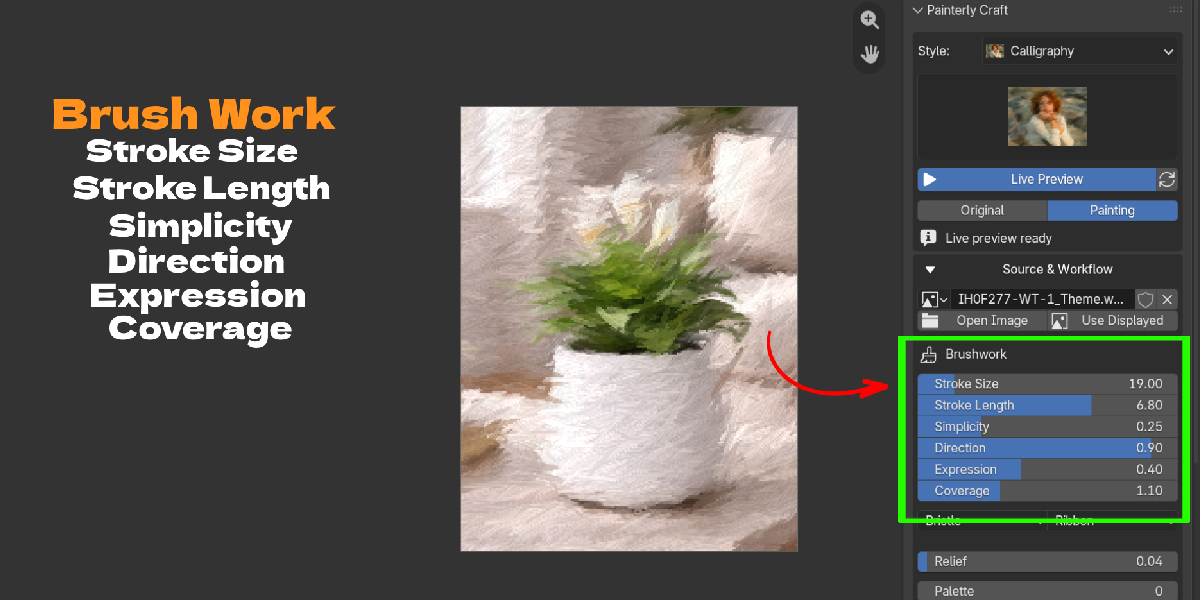
- Pick a Style and adjust Brushwork.
- Use Original / Painting to compare.
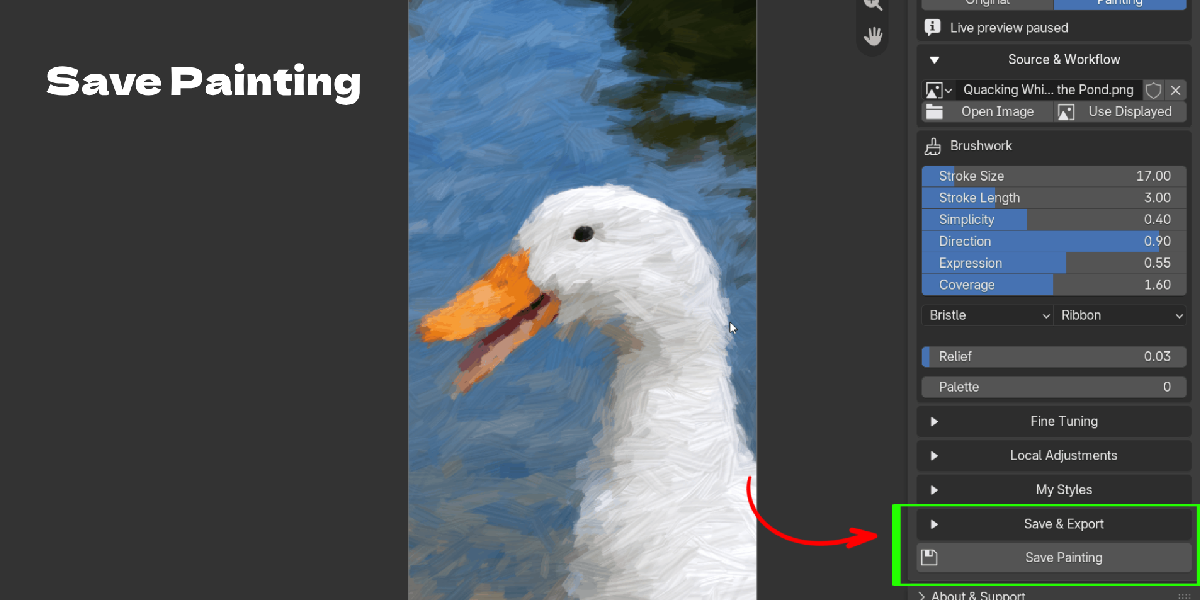
- Click Save Painting. Set an Output Folder in Save & Export, or choose one when asked.
Brushwork controls
- Stroke Size: brush radius relative to a 1024 pixel canvas.
- Stroke Length: stamp elongation or curve length.
- Simplicity: removes fine detail strokes.
- Direction: how strongly strokes follow the image form.
- Expression: directional variation.
- Coverage: sampling density.
- Relief: shaded paint thickness.
- Palette: 0 keeps full color, 2 to 64 limits the palette.
- Stroke Method: Ribbon or Spray.
Local Adjustments
Add a region and select it by brightness, saturation, detail, color or a grayscale mask. Detail, Density, Length and Opacity multiply the main settings inside the region. Create Paintable Mask lets you paint a mask directly.
Paint materials
In the Shader Editor choose the scope (selected nodes, active material, selected objects or all materials) and the map types. Use Painted Textures switches image nodes to the saved results. Restore Source Connections reconnects the originals.
Paint renders and passes
In the Compositor leave Source empty to use the Render Result. Render and Save Painted Passes renders once and paints enabled passes with shared strokes. Output is PNG 16 bit or OpenEXR.
Paint an image sequence
Enable Image Sequence, choose a folder and pattern such as shot_*.exr and set the range. Save Sequence paints each frame. Esc keeps finished frames, and Resume Run continues later.
My Styles
Save Style stores the current settings. Load Style brings them back.
Export
Export Detail sets the longest internal size (start at 512 or 1024). Keep Source Dimensions resizes the result to the original size. Tileable wraps strokes across edges for textures that already tile.
Limits
Painting runs on the CPU with NumPy, so large images take longer. UDIM tiles must be exported separately. Image sequences are painted frame by frame without motion tracking, so brushwork can change between frames.
Troubleshooting
- I cannot find the panel: hover over the Image Editor (not the 3D Viewport) in Texture Paint and press N.
- The painting looks blurry: raise Export Detail to 1024 or higher and lower Simplicity.
- Preview is slow: lower Preview Detail or Working Resolution.
- Colors look washed out: check the source is the original photo or render, not a previous painting.
- UDIM texture error: export the tiles as separate images first.
- Two copies appear: disable the older addon and keep one installation.
Have questions about this product?
Login to message
| Blender Extension Compatible | Yes |
| Published | 1 day ago |
| Blender Version | 3.6 - 5.2 |
| Extension Type | Add-on |
| License | GPL |

Discover more products like this
watercolor Art oil-painting brushstrokes painting NPR textures stylized Render compositor hand painted painterly