Painterly Craft: Turn Images, Textures and Renders Into Paintings
 Salman Animator
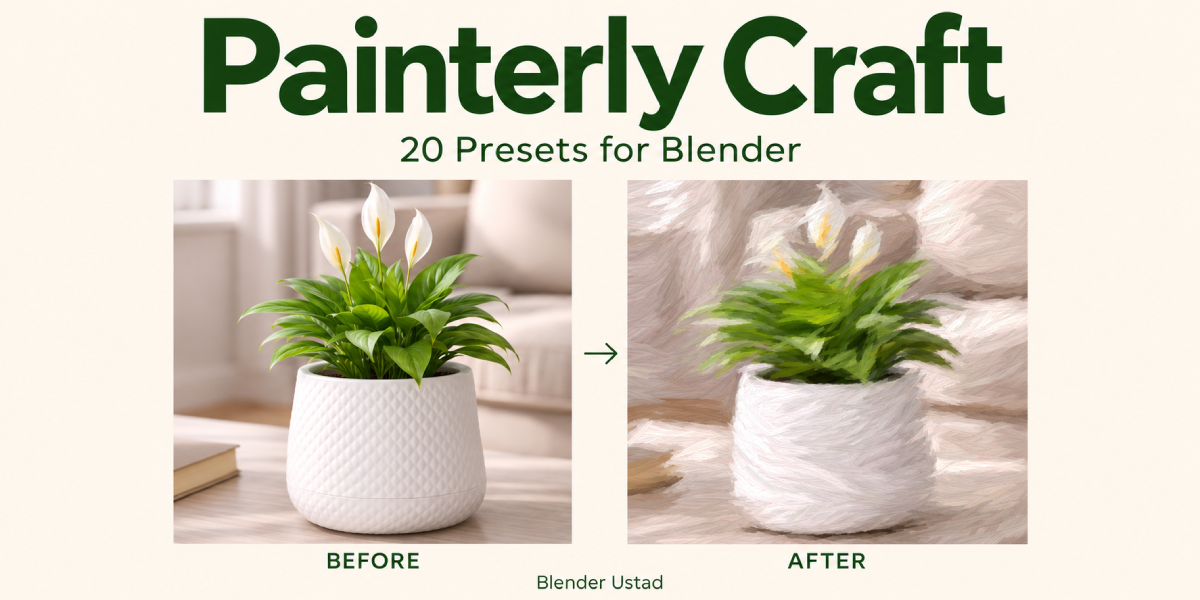
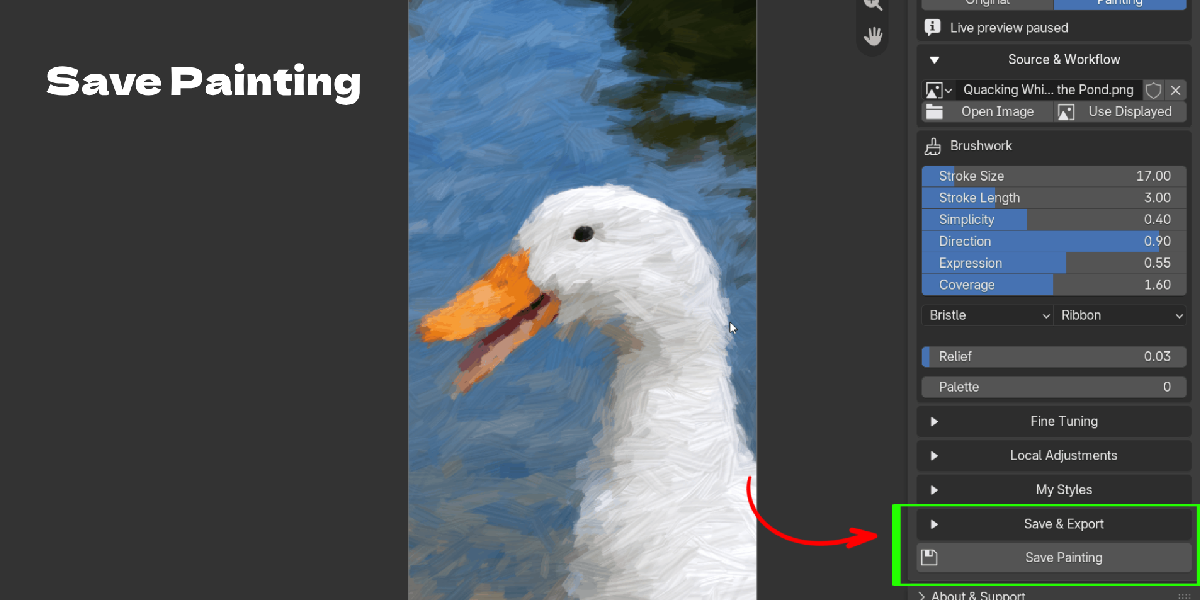
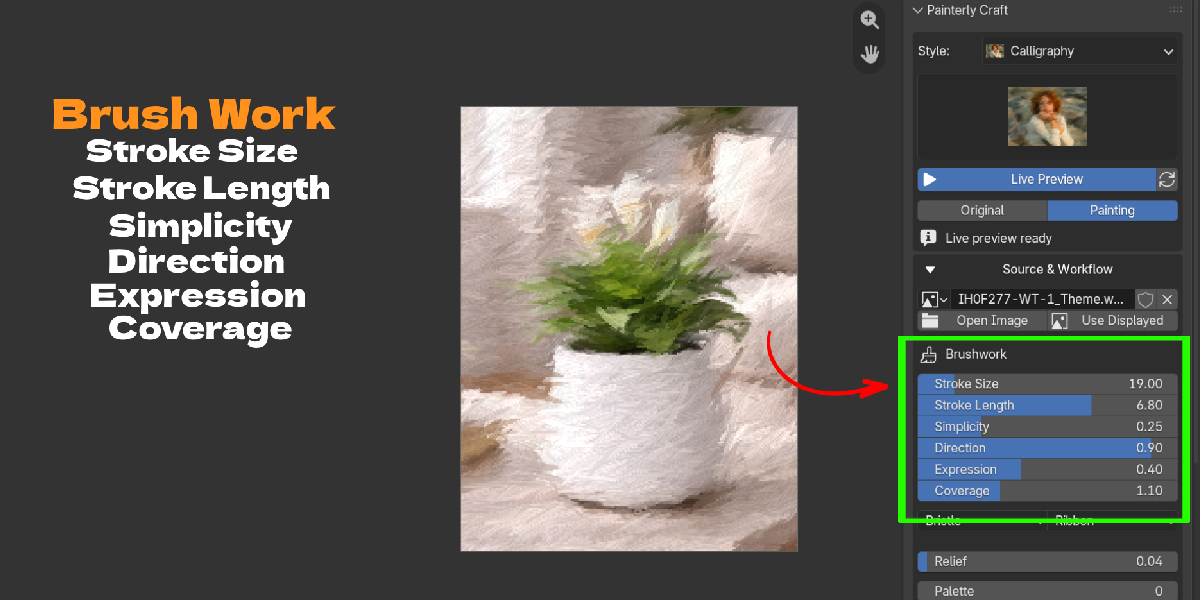
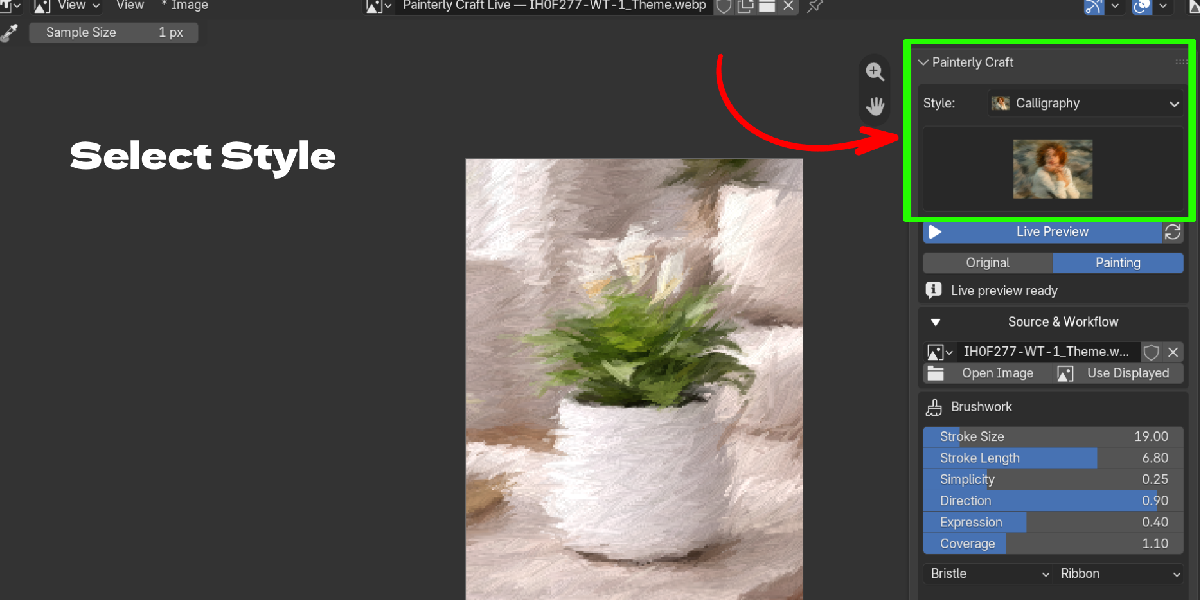
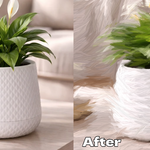
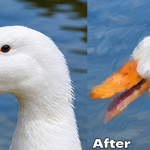
Open the Compositor, leave Source empty to use the Render Result, pick a style and click Save Painting.
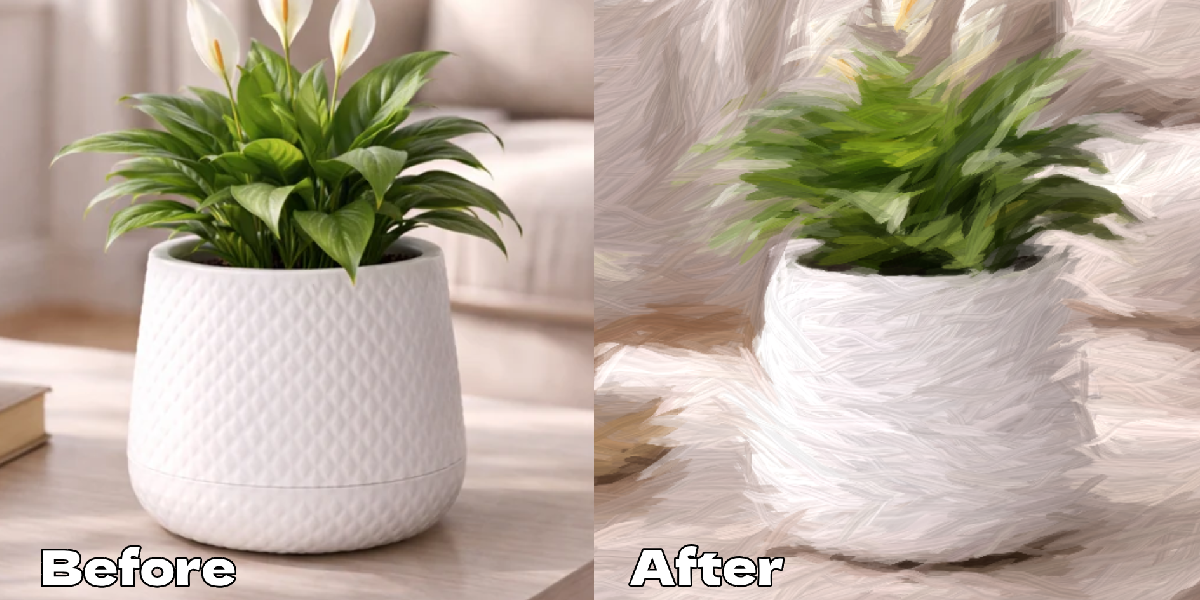
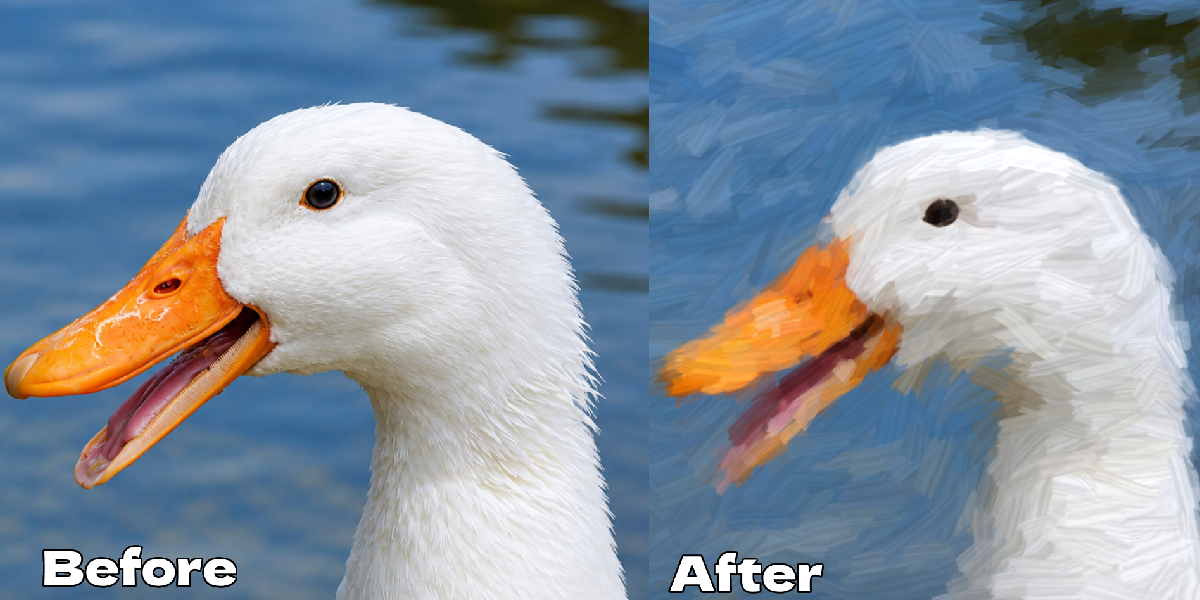
It paints procedural brushstrokes that follow the shapes in your image.
Yes. In the Shader Editor it paints color, roughness, height and normal maps with shared strokes.
Yes. Use Image Sequence in the Compositor to paint a frame range.
No. Everything runs locally inside Blender.
No. Results are saved to a new folder and sources are never overwritten.
20 styles, and you can save your own in My Styles.
Blender 4.2 and newer as an extension, and 3.6 to 4.1 as a legacy addon.
Email [email protected].
Have questions about this product?
Login to message
| Blender Extension Compatible | Yes |
| Published | 1 day ago |
| Blender Version | 3.6 - 5.2 |
| Extension Type | Add-on |
| License | GPL |

Discover more products like this
Art textures stylized painting brushstrokes Render NPR oil-painting watercolor painterly compositor hand painted