abdoubouam
over 5 years ago
Thank you for your rating, I'm glad to hear you liked it! :)
This item has an average rating of 5 from 4 ratings by the community.
Purchase this item to leave a review!
Flexible Shader. Super Customers Support. Easy to Bake.
I can recommend this Shader.
Thank you for this.
To understand why this add-on is really great for me, let me explain a little. Back in Jan 2019 I had a major stroke. I lost all my freelance clients and can no longer work. I have neuropathy in my hands so I look for add-ons that will drastically cut back on my hand/mouse use. I currently can only use a drawing tablet. So, now I only do Blender as a hobby; anyways (to shorten the story).
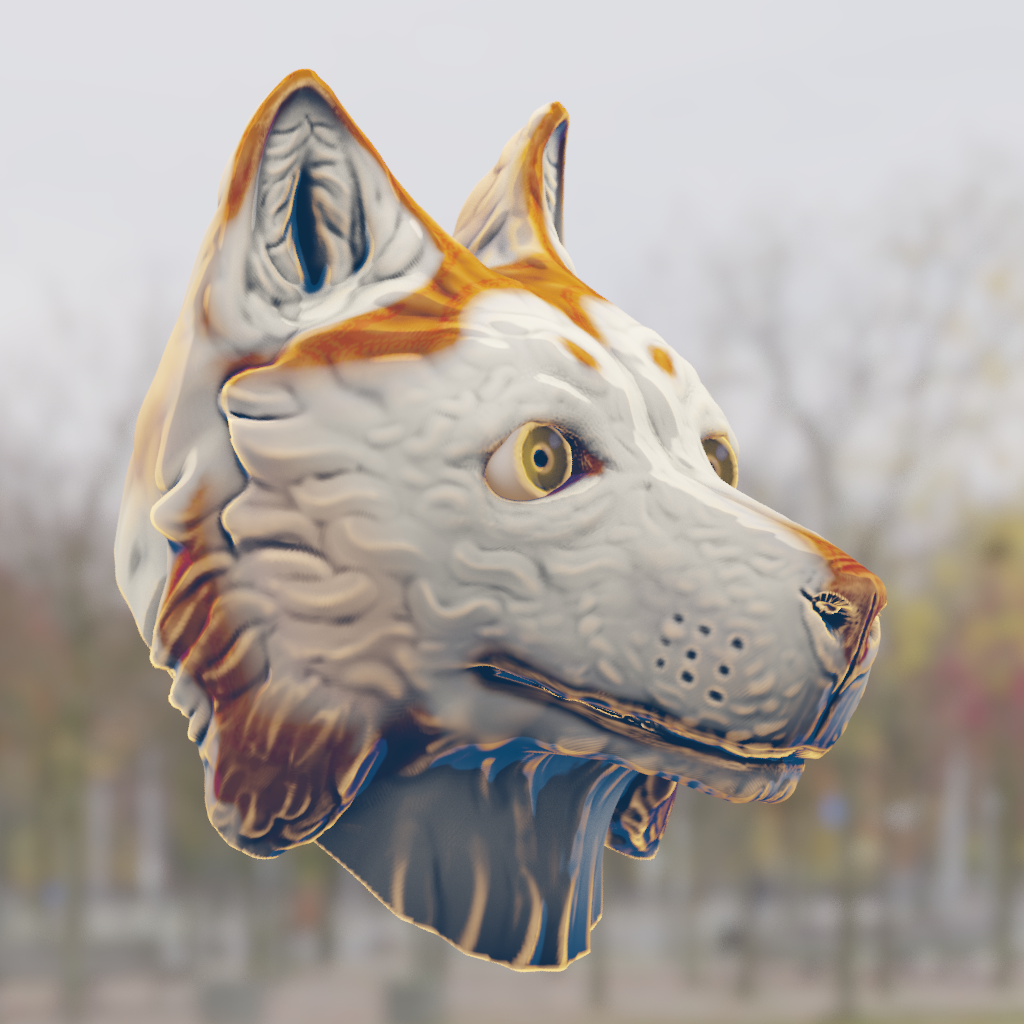
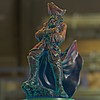
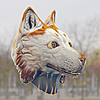
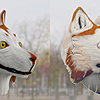
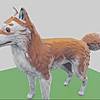
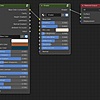
Painterly is a specialized style that makes your object looks like it is hand painted. This add-on is a shader (in a blend file) and doesn’t have an add-on panel. You do all your editing in the two easy to use nodes. However, this add-on has some neat options to play with. It includes, AO, outer shading, gradient shading, cavity and roughness, and a few others. Ideally if you want a bumpy “brush-stroke” look to your object, you will have to do that on an image map. However, you can use this shader on the Principle BSPDF shader (as well as an image map) that will give you that hand-painted flat-look with shading. You can even do just a white material with nice AO effects; Great for those who want a render with just AO.
If I was to try to make this on my own, I would have to spend some time to create all these nodes, but why… this works great.
Because this is so easy to use, it surely saves me time and pain in my hands. So, if you need that “hand-painted” look then this add-on will work beautifully. I highly recommend it!!
abdoubouam
over 5 years ago
Thank you for your rating, I'm glad to hear you liked it! :)
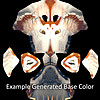
I use this asset for project demonstration and it looks beautiful on the prototype with less setup. Work best with about 14-20k vertices body but I will have to explore on the lower poly for game later on. Would love the idea to bake the produced color onto the texture again ; ) Worth every penny.
I would give it a 5 because i immediately started using it for everything; it makes it easy to get basic textures and nice normals and to have a base to start with for handpainting game assets. As with any toolset that uses filters you'll have to tweak it to your particular style and workflow. It does assume (as far as I can tell) that you're using high and low poly meshes that share uvs and topology.
abdoubouam
over 6 years ago
Thank you for the rating!
You're correct, like I stated in the description, it works best with high-poly geometry.
As for the UV part, you don't need to have UV's at all in your high-poly mesh. You only need UV's for the low-poly mesh in order to transfer the effect into the texture.
Have questions about this product?
Login to message
| Sales | 200+ |
| Rating |
4 ratings
|
| Dev Fund Contributor | |
| Published | over 6 years ago |
| Blender Version | 4.1, 4.0, 3.6, 3.5, 3.4, 3.3, 3.2, 3.1, 3.0, 2.93, 2.92, 2.91, 2.9, 2.83, 2.82, 2.81, 2.8 |
| License | Royalty Free |
painterly bfcm23 bfcm20 summer22 summer24 dota spring24 spring21 eevee dynamic spring23 blender hand painted summer20 baked paint bfcm22 bcon22 spring20 loveblender procedural Automatic stylized winter24 summer23 automated Cycles Material handpainted summer21 spring22 bfcm21 Shader