 MarkSeam


PaintStack: Layer-Based Texture Painting for Blender
PaintStack adds a professional layer system to Blender's texture paint mode. Paint and composite multiple texture types directly in the viewport, then export standard PBR maps.
Key Features:
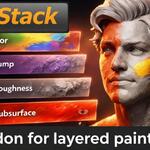
- Multiple layer types — Paint on color, transparent, bump, roughness, and subsurface layers. Each layer type connects directly to the Principled BSDF.
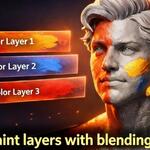
- Blend modes and opacity — Mix, Multiply, Screen, Overlay, Soft Light, and Add modes. Adjust opacity per layer with smooth real-time updates.
- Mask editing — Masked layers include both color and mask images. Switch between painting color and painting the mask with one click. Brush settings automatically adapt to each mode.
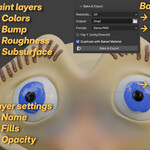
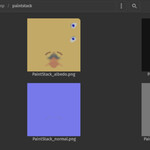
- Export baked maps — Composite your visible layers to albedo, normal, height, roughness, and subsurface maps at 1K-8K resolution. Blend modes are applied during bake to match what you see in the viewport.
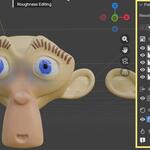
- Layer management — Reorder layers, toggle visibility, adjust opacity. The active layer is highlighted in both the panel and node editor. A viewport banner shows which layer and target you're currently painting.
