 alastorv
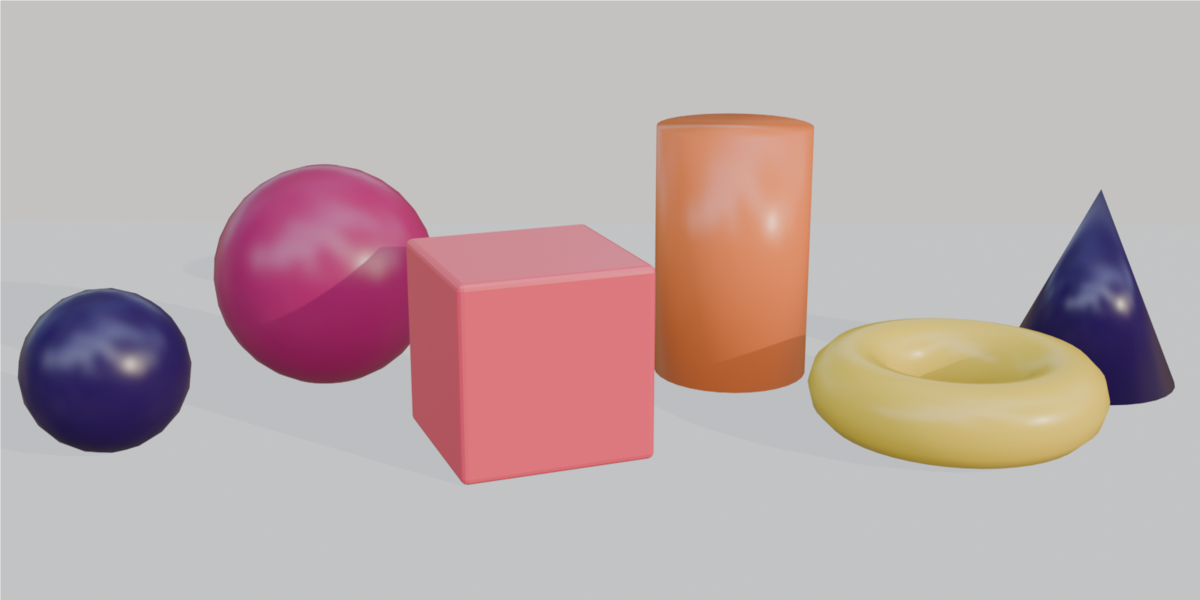
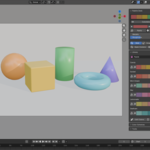
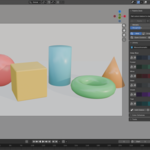
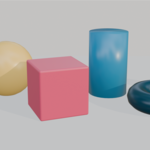
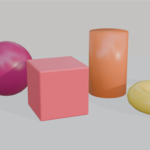
Palette Deck — direct color across an entire Blender scene
In standard Blender, color is managed one material at a time: open the material, find Base Color, pick a value, repeat for every object. Trying a different art direction means doing it all again, and there is no easy way to see whether your palette still works for viewers with color vision deficiency.
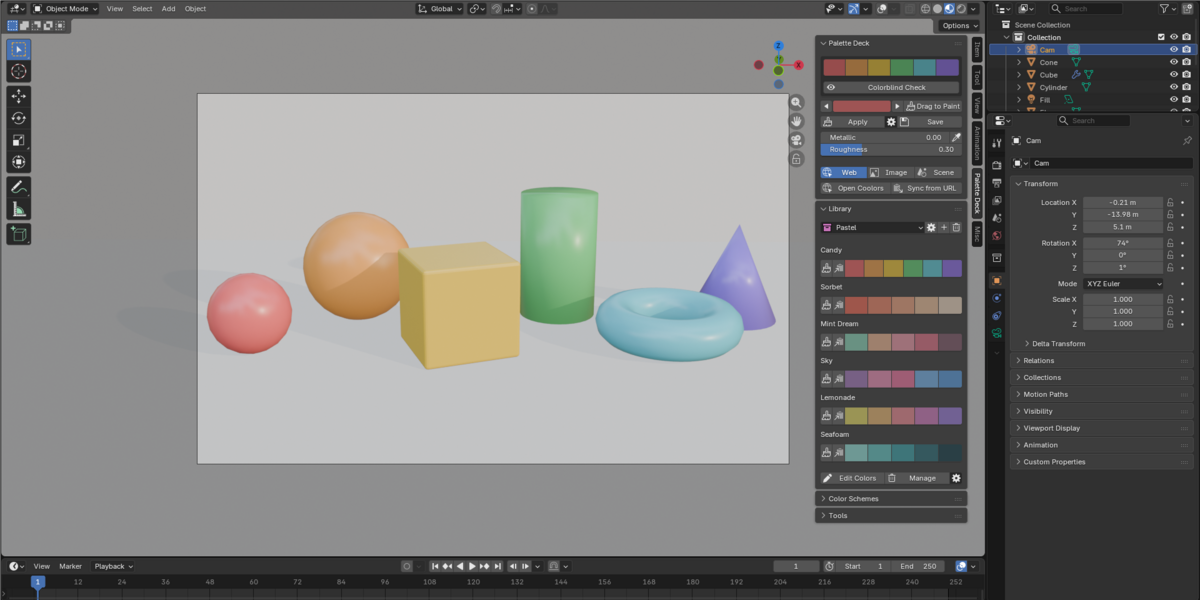
Palette Deck keeps your palette in a single panel and lets you push it onto the scene. Paint objects straight from the viewport, recolor a whole scene in one click, generate harmonious schemes and check accessibility before you render.
What you can do with it
- Develop color variations of an environment: swap the same scene between warm, cold, pastel or retro palettes in seconds and compare the results.
- Test different art directions: pull a palette from a concept image or mood board and apply it to your blockout.
- Keep many materials consistent: one palette drives the colors of every object, so a scene stays coherent while you iterate.
- Check accessibility before you finalize: preview your palette as viewers with color vision deficiency would see it.
Key features
Drag to Paint
Pick a swatch, start Drag to Paint and click or drag across objects in the viewport. Each object under the cursor takes the color. Scroll the mouse wheel to switch colors mid-stroke, then right-click or press Esc to finish. It is the fastest way to block in color without opening the material editor.
Palette Swap
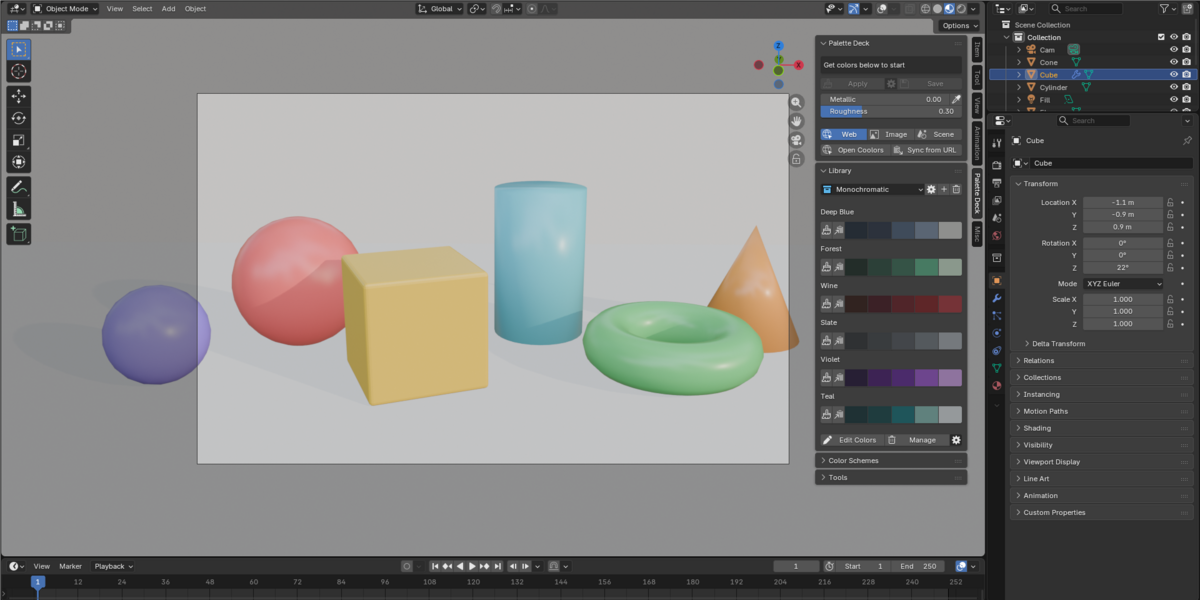
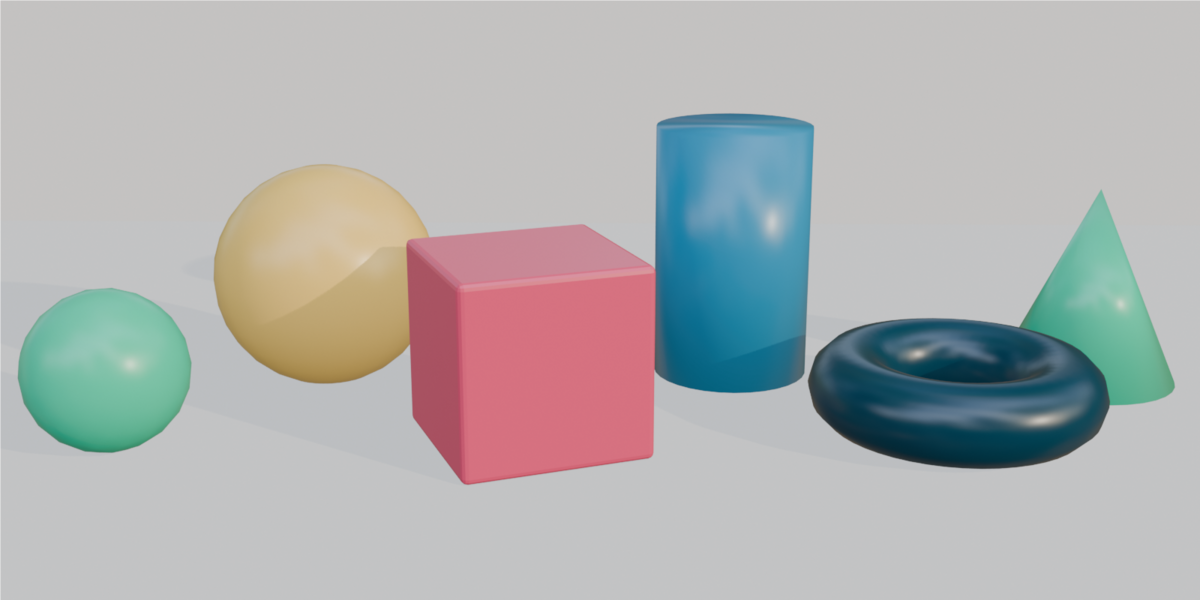
Recolor an existing scene in one step by applying the active palette across your objects. Switch palettes to explore variations of the same shot. Optional controls include a 60-30-10 color distribution, a seed for repeatable results, Make Unique to avoid changing shared materials, and the target channel (Base Color, Emission, Viewport Display, Vertex Color or Grease Pencil).
OKLCH color schemes
Generate complementary, analogous, triadic and other schemes with 3 to 10 colors. Palette Deck builds them in OKLCH, a perceptual color space where equal steps look equal to the eye. You get harmonies with balanced brightness instead of the muddy or uneven results that picking values by hand in HSV often produces.
Colorblind checks
Turn on Colorblind Check and every swatch in the panel is redrawn as it would appear with common types of color vision deficiency. The preview is non-destructive, and contrast warnings flag color pairs that are hard to tell apart, so you can fix a palette before it reaches your render.
Palette extraction and syncing
Extract a palette from any image or from the colors already in your scene. For example, drop in a concept painting, extract five colors and Palette Swap them onto your blockout. You can also copy a palette link from Coolors or Color Hunt and sync it in with one click, or exchange palettes with other apps through .ase, .gpl and JSON files.
Also included
- 42 curated palettes in seven collections: Monochromatic, Pastel, Colorful, Black & White, Retro, Warm and Cold
- Metallic and roughness sliders that follow the active object
- A persistent palette library with safe, backed-up saving
Requirements
- Blender 4.2 or later (tested with Blender 5.1)
- Windows, macOS and Linux
- No external dependencies
Installation
- Download palette_deck-1.1.0.zip
- In Blender, open Edit > Preferences > Get Extensions
- Choose Install from Disk and select the zip
License
GPL-3.0. Commercial artwork and renders are permitted.