 alastorv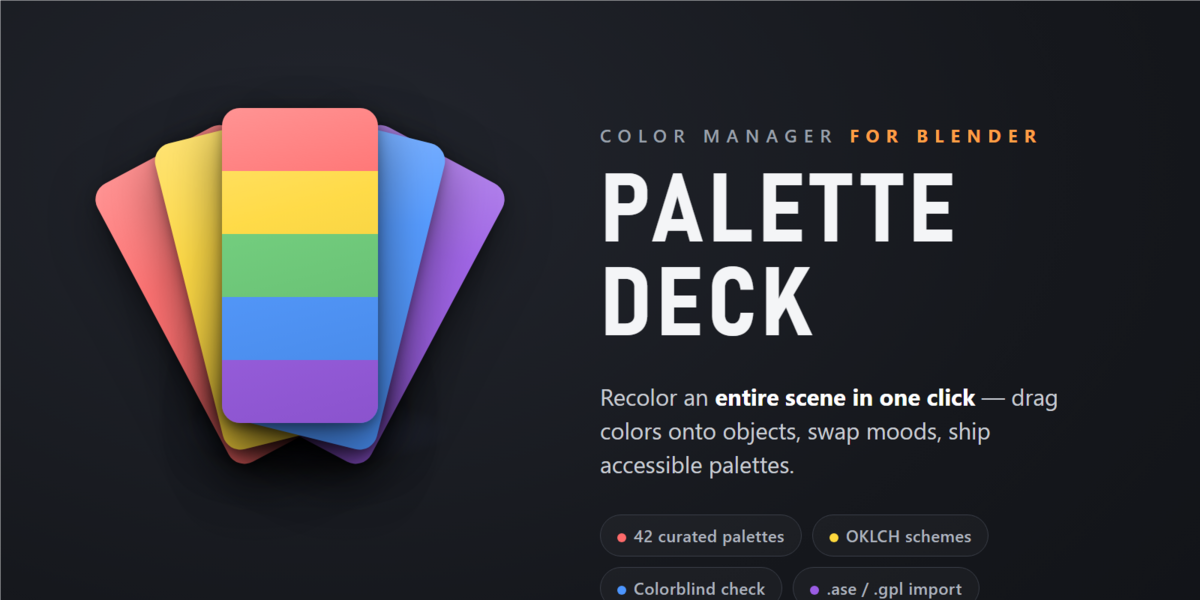

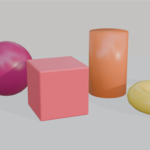
Installation
1. Download palette_deck-1.1.0.zip from your Superhive purchase.
2. In Blender 4.2 or later, open Edit > Preferences > Get Extensions.
3. Choose Install from Disk and select the ZIP file without extracting it.
4. Enable Palette Deck if required.
Getting started
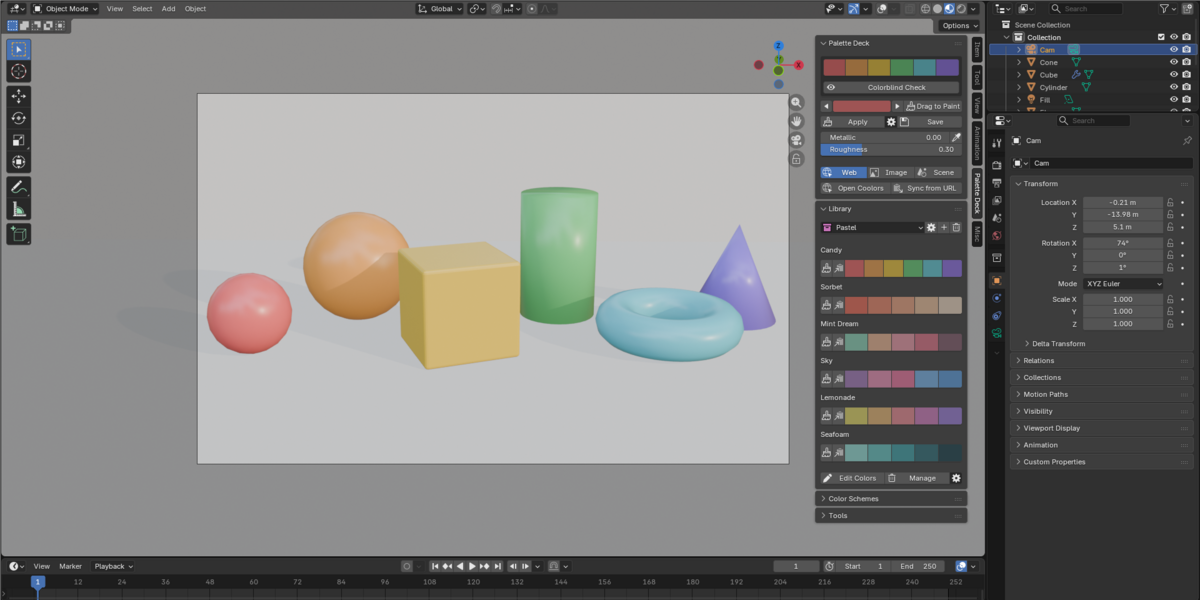
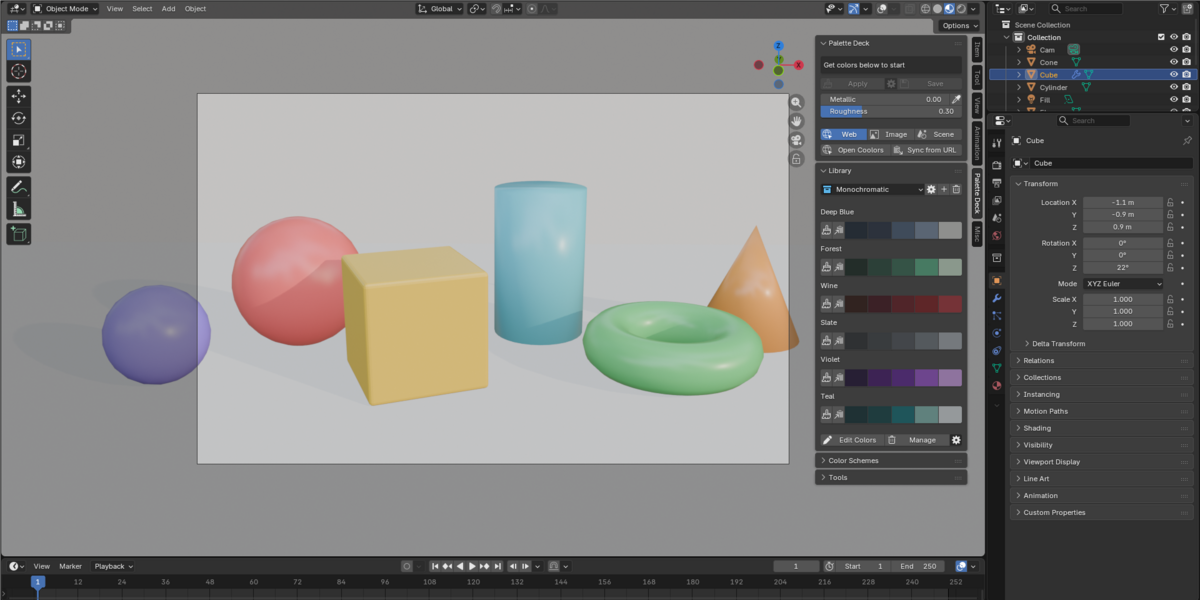
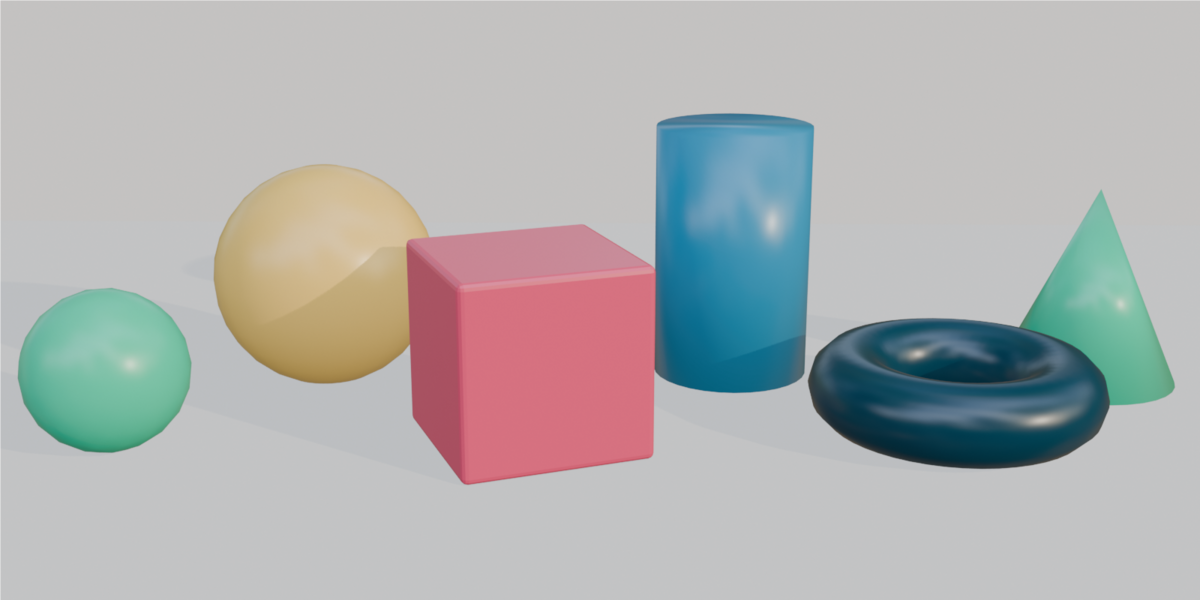
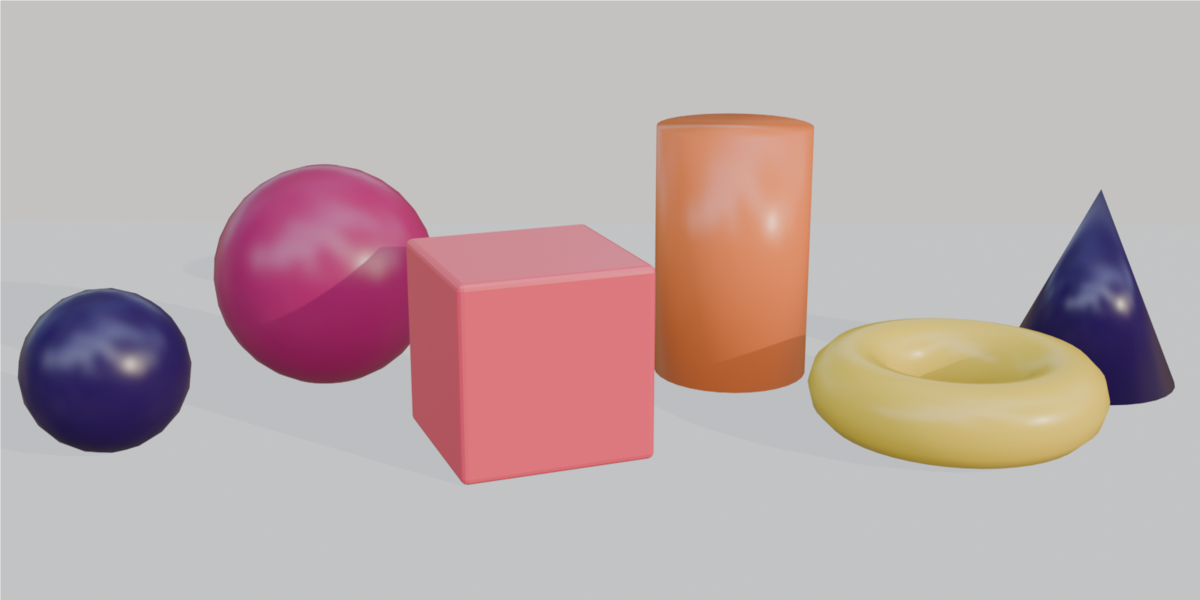
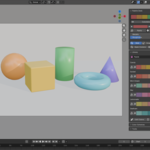
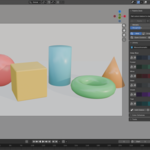
Open Palette Deck in Blender, choose one of the curated palettes, then drag colors onto objects or use Palette Swap to recolor a broader selection or scene. OKLCH scheme tools help build perceptually balanced variations, while the colorblind checks flag combinations that may be hard to distinguish. Palette libraries can be imported or exported as .ase, .gpl or JSON files.
Compatibility
Blender 4.2 or later, tested with Blender 5.1. Windows, macOS and Linux. No external dependencies are required.
Support
When reporting a problem, include your Blender version, operating system, palette source and the steps needed to reproduce the issue.
$9
Have questions about this product?
Login to message
| Blender Extension Compatible | Yes |
| Published | 3 days ago |
| Blender Version | 4.2 - 5.1 |
| Extension Type | Add-on |
| Render Engine Used | Cycles, Eevee |
| License | GPL |
Discover more products like this
color palette manager scene recolor materials coolors color-palette ase oklch gpl color management colorblind shading scene coloring