 ZEG
ZEG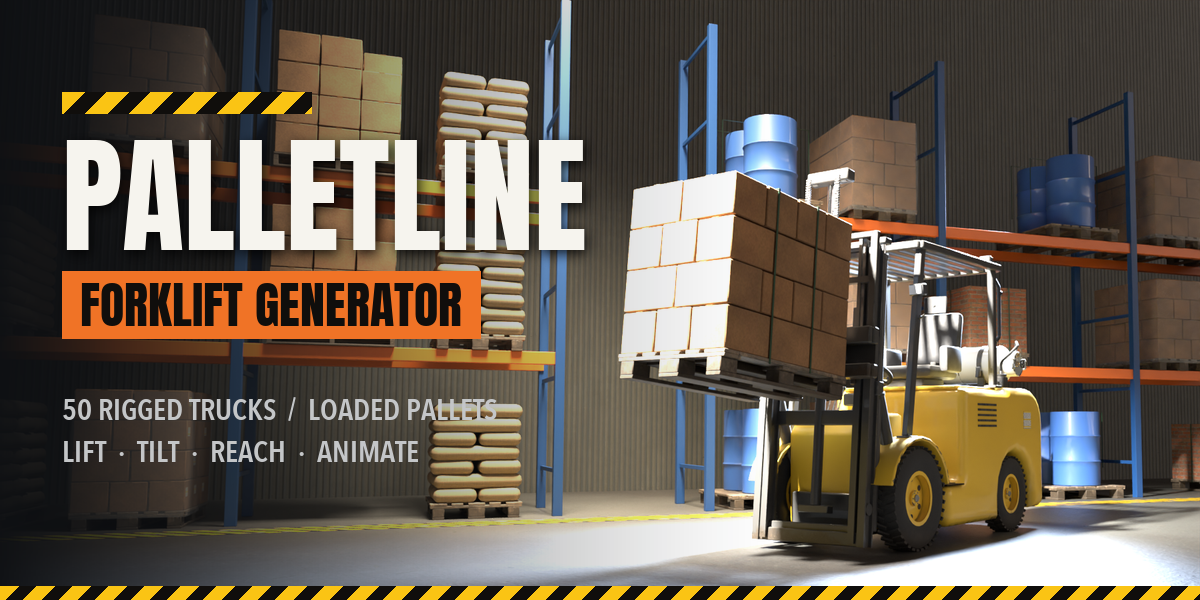
Installation
In Blender open Edit, Preferences, Get Extensions, then use Install from Disk and pick the forklift_generator zip.
Usage
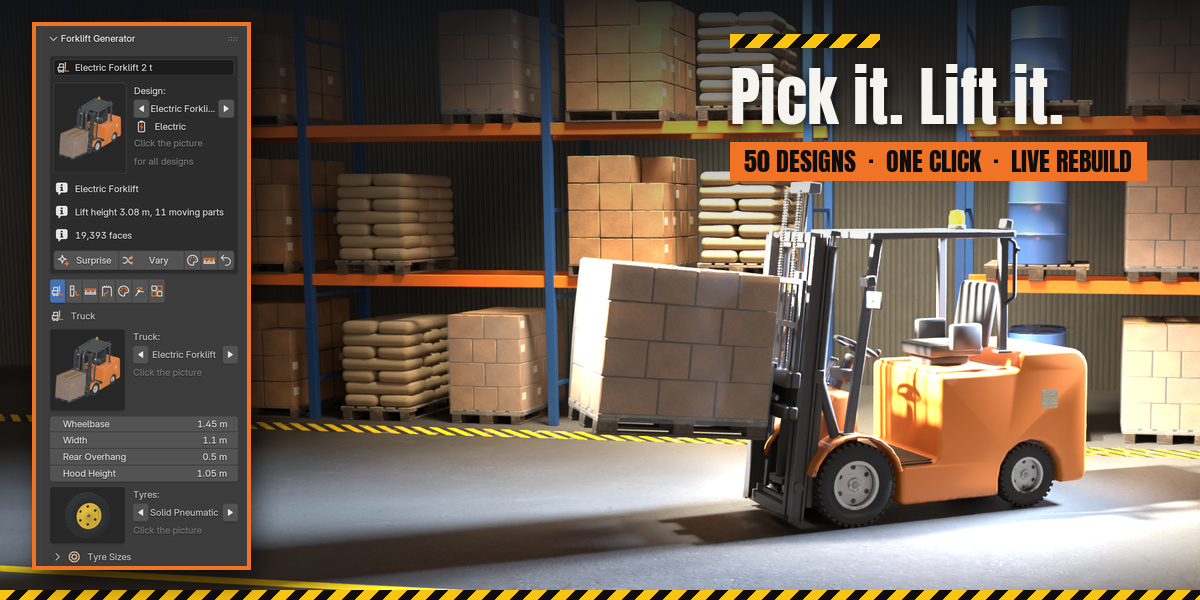
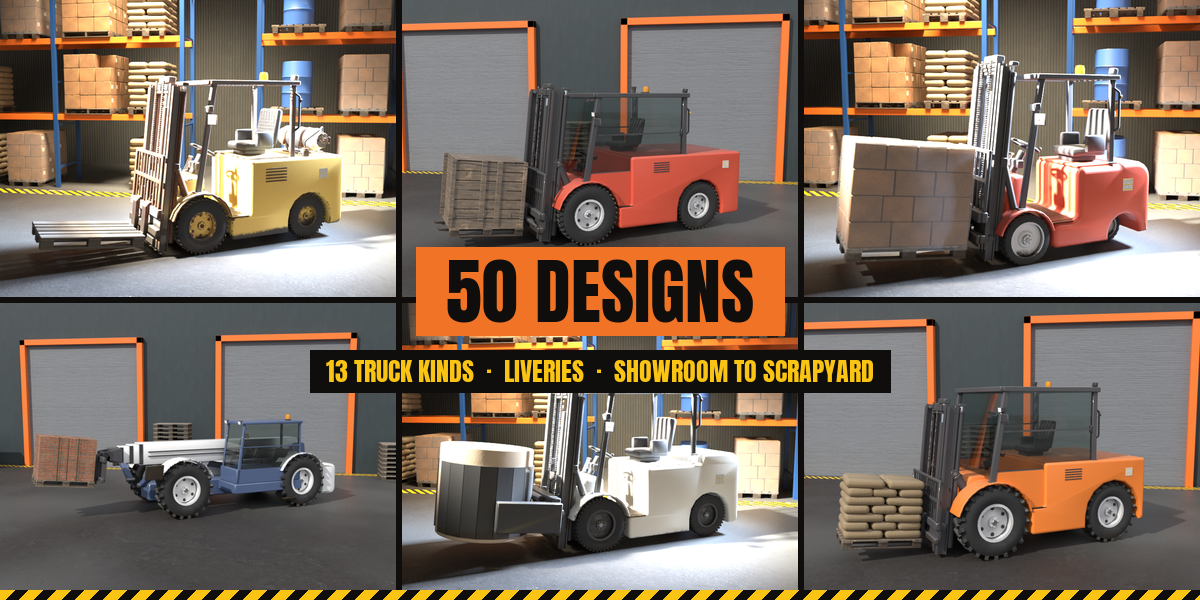
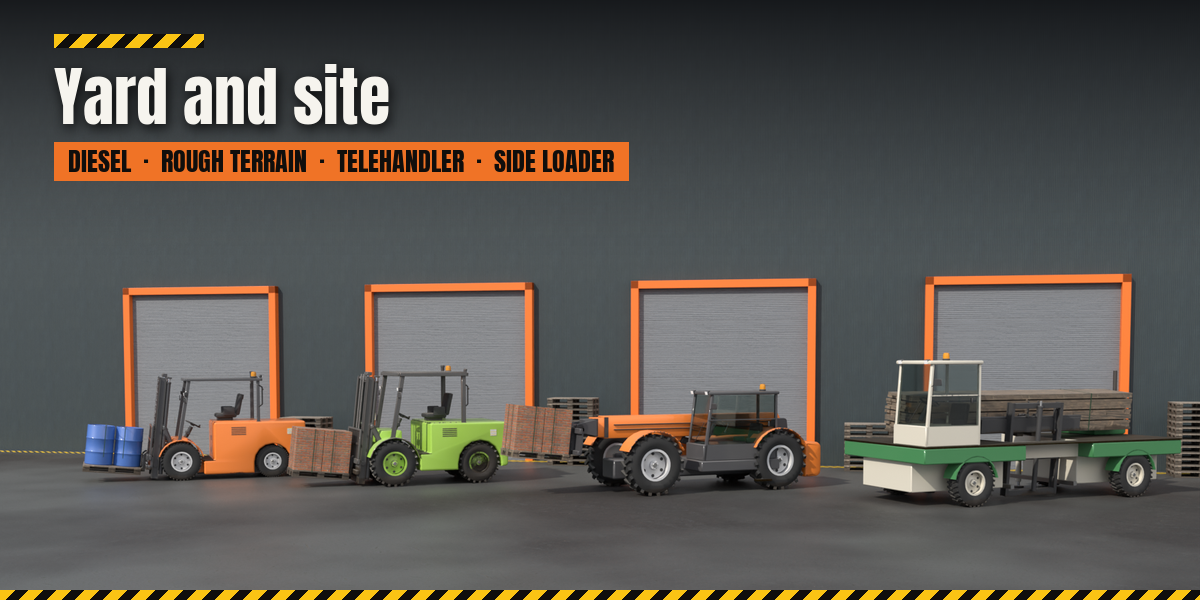
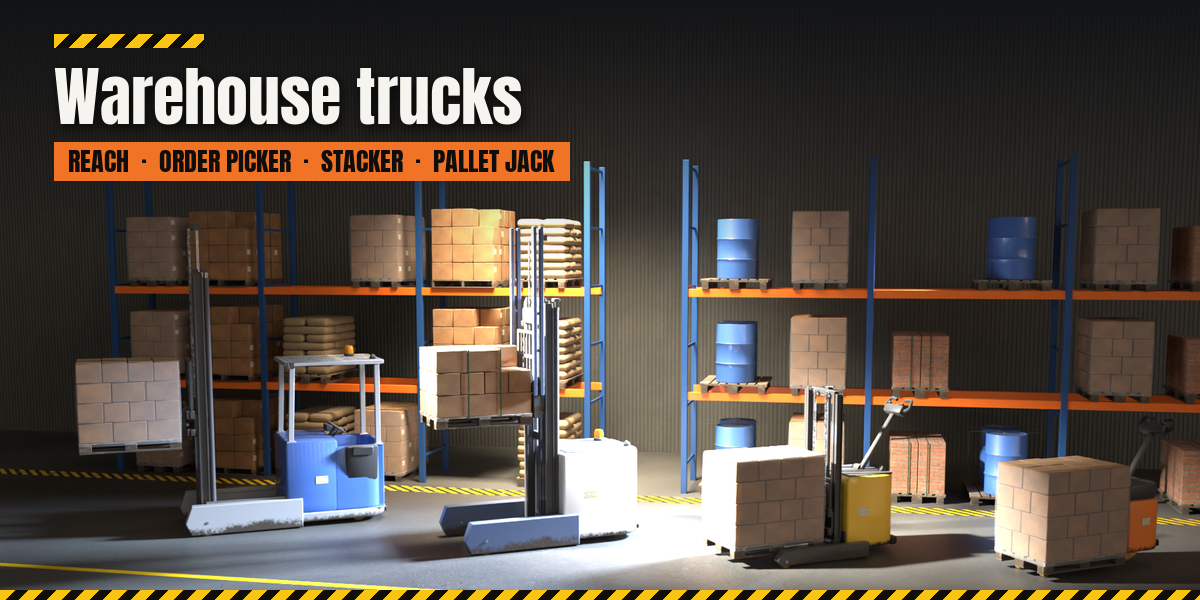
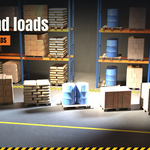
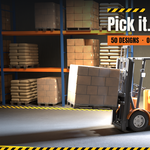
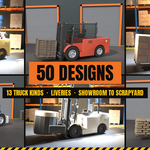
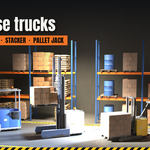
- Open the Forklift tab in the 3D viewport sidebar (N). With nothing selected, click the picture to choose one of the 50 designs, or browse the nine families, and add it at the 3D cursor. You can also use Shift+A, Mesh, Forklift.
- Select any part of a truck to edit it. The card at the top shows the design; Surprise makes a new random truck, Variation changes the current one a little, Random Finish picks a livery and wear, Random Load swaps the pallet and load, and Reset returns to the design.
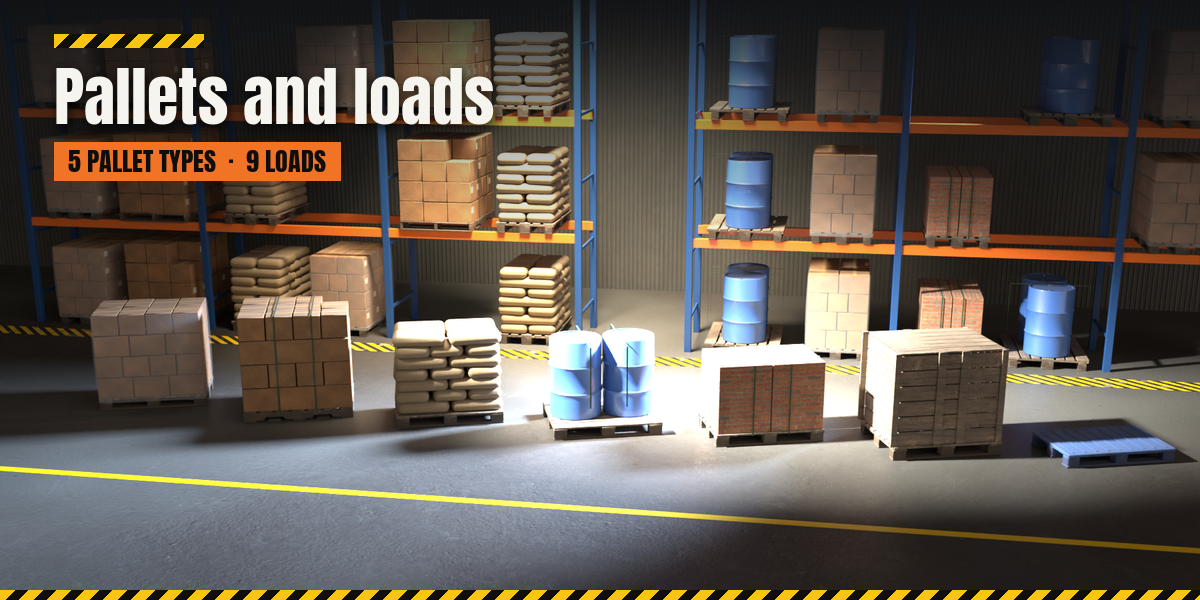
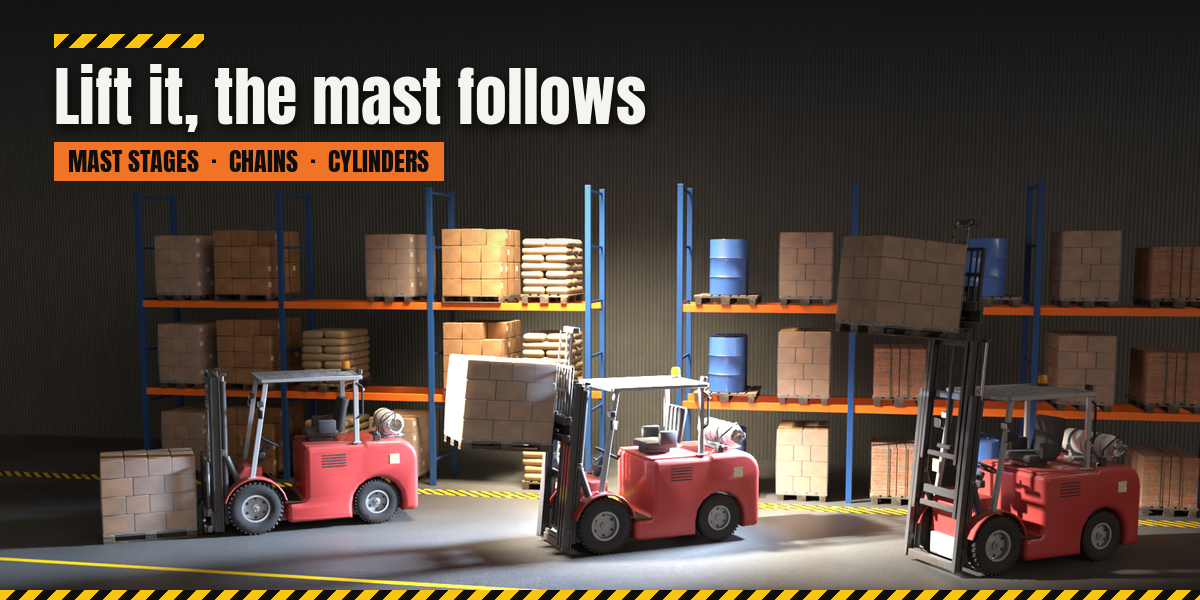
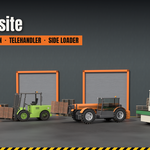
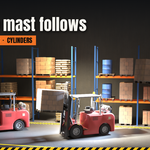
- The tabs hold every setting: Truck (kind, size, tyres), Mast & Forks (mast, forks, attachment), Pallet & Load, Body & Guard (counterweight, guard or cab, lights, details), Finish (livery, colors, condition, wear), Pose (one-click poses, sliders, Key Pose) and Parts (detail, seed, rebuild, delete).
- To animate, set a pose, press Key Pose, move to another frame and repeat. The pose values live on the truck's root object.
Have questions about this product?
Login to message
| Blender Extension Compatible | Yes |
| Published | 2 days ago |
| Blender Version | 4.2 - 5.2 |
| Extension Type | Add-on |
| Render Engine Used | Cycles, Eevee |
| License | GPL |

Discover more products like this
vehicle logistics industrial Rigged pallet-jack Generator procedural telehandler reach-truck forklift pallet warehouse