PanelForge
 Tristan Muzzu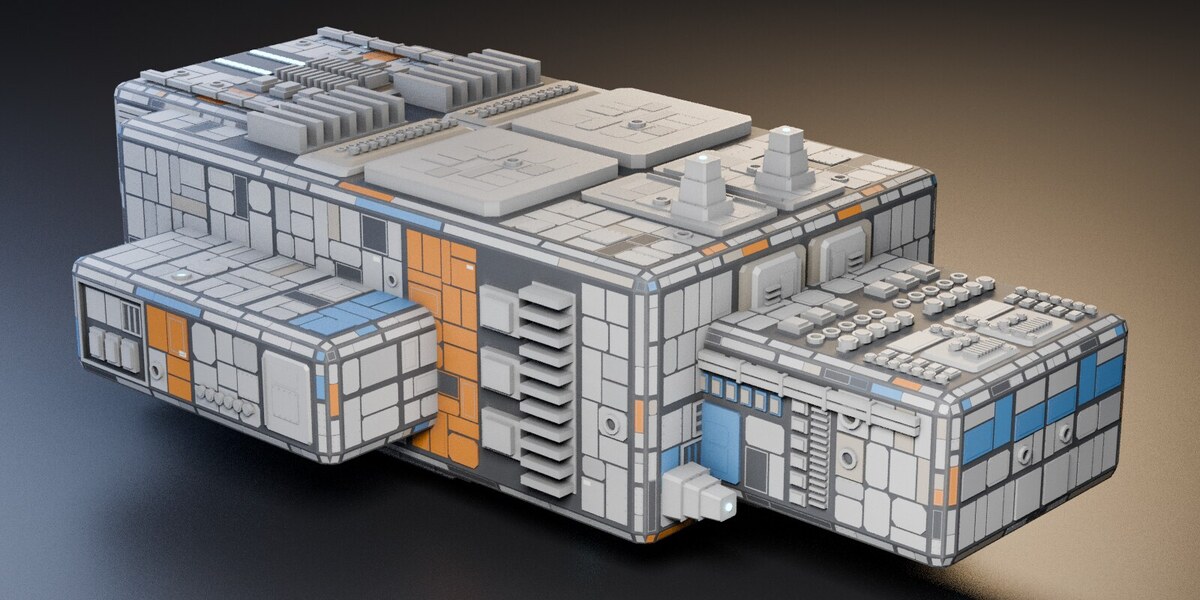
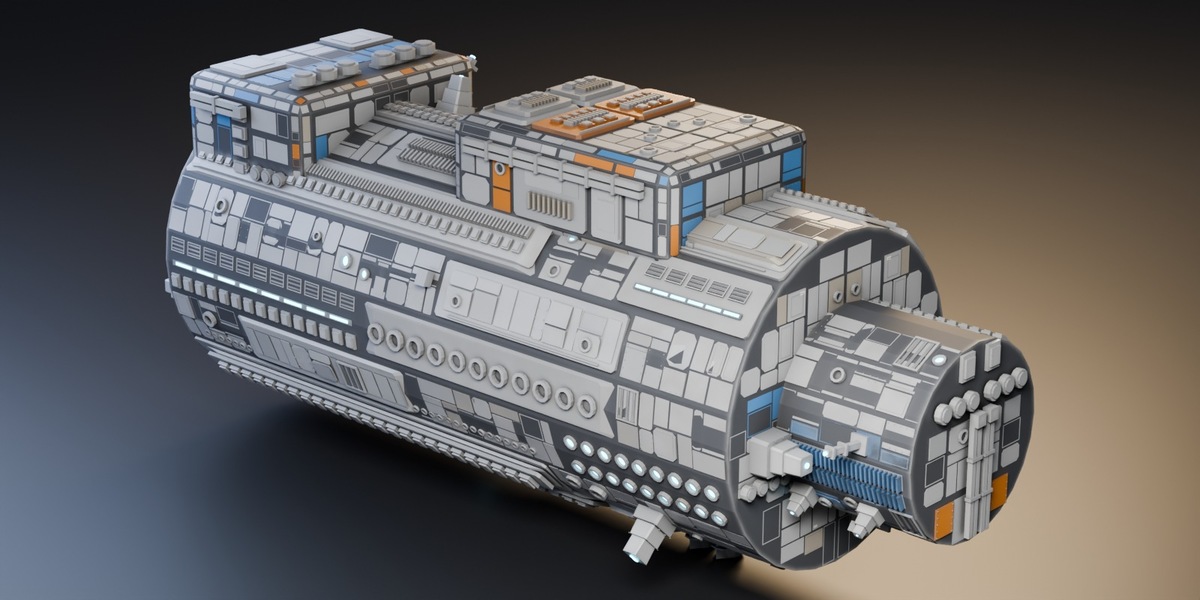
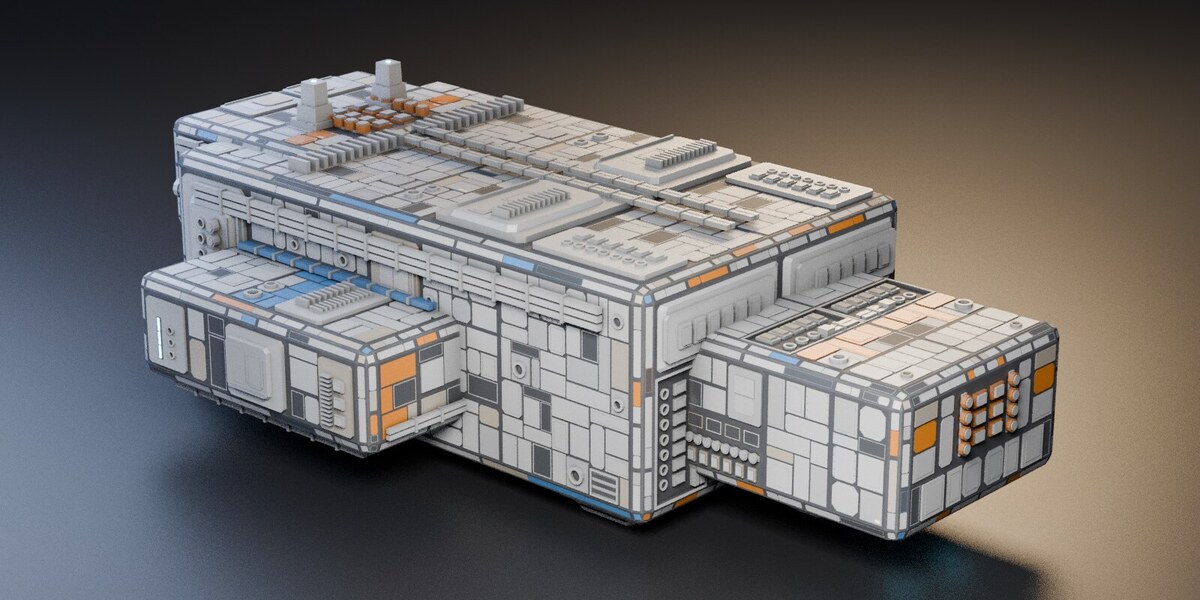
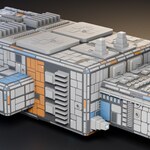
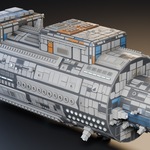
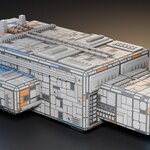
Check Blender's status bar. A dense mesh may have no flat area large enough for the current Detail Size. Try a lower value, or test the add-on on a simple cube first.
PanelForge needs room to place plates. Coplanar faces can be grouped into larger areas, but a dense organic sculpt usually has small faces pointing in different directions. For those shapes, try plating a simpler blockout before subdividing.
Apply object scale with Ctrl+A > Scale before generating. Start on a duplicate and check Detail Size and Fit To Object if the panels still look too large or small.
The detail is geometry, so more of it means more triangles. Increase Detail Size or reduce Plate Density for a lighter mesh. The manual includes example counts to help you choose settings.
Generation time depends on the mesh and settings. Dense plating and recessed bays take more work. Start with a larger Detail Size on complex objects, then increase detail where it will be visible.
Turning off Add Materials skips creating the supplied materials. Generated faces still use material indices, so check their assignments when working with your own materials. The manual explains how the eight PanelForge slots are used.
It runs on the mesh data, so it plates the base mesh, not the modifier result. Put a Subdivision Surface after it and you'll subdivide the plating too, which softens every panel edge. Usually you want plating last.
Yes. The geometry it makes is yours, with no attribution required and no restriction. The add-on's own code is GPL v3, the same licence Blender uses, because that's what importing bpy requires.
The current supported range is Blender 3.6 through 5.2. Compatibility with a future Blender release cannot be guaranteed in advance. Check the product page and version history before upgrading a working setup.
Have questions about this product?
Login to message
| Blender Extension Compatible | Yes |
| Published | about 2 months ago |
| Blender Version | 3.6 - 5.2 |
| Extension Type | Add-on |
| Render Engine Used | Cycles, Eevee |
| License | GPL |

Discover more products like this
hard surface kitbash sci fi Spaceship hull plating panels greebles procedural detail generator Game asset