 Al-Dezel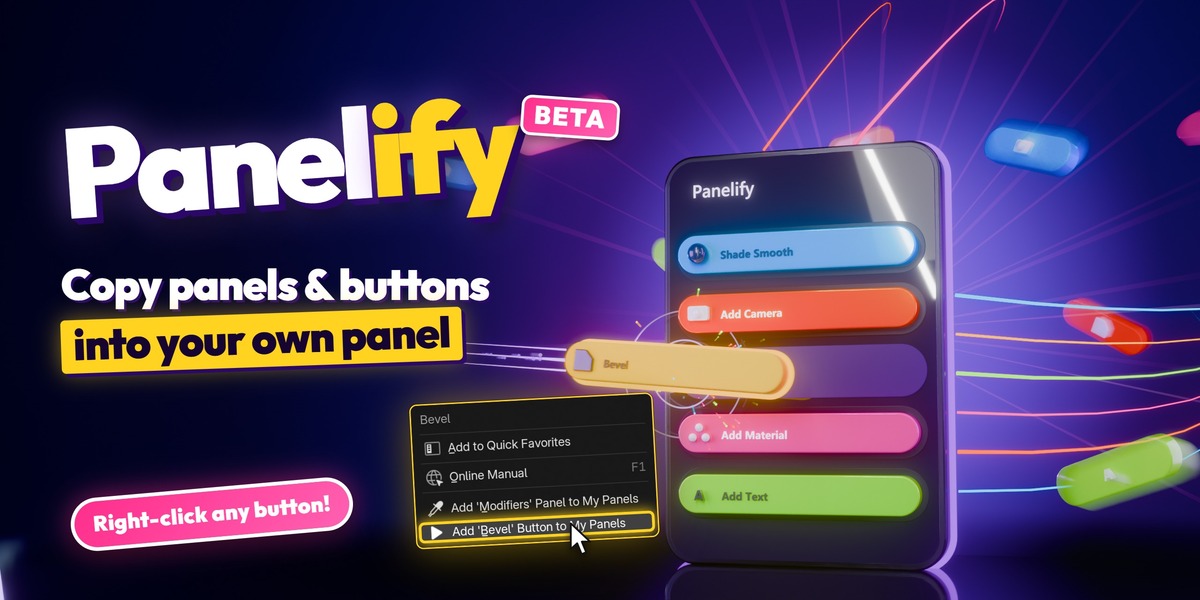
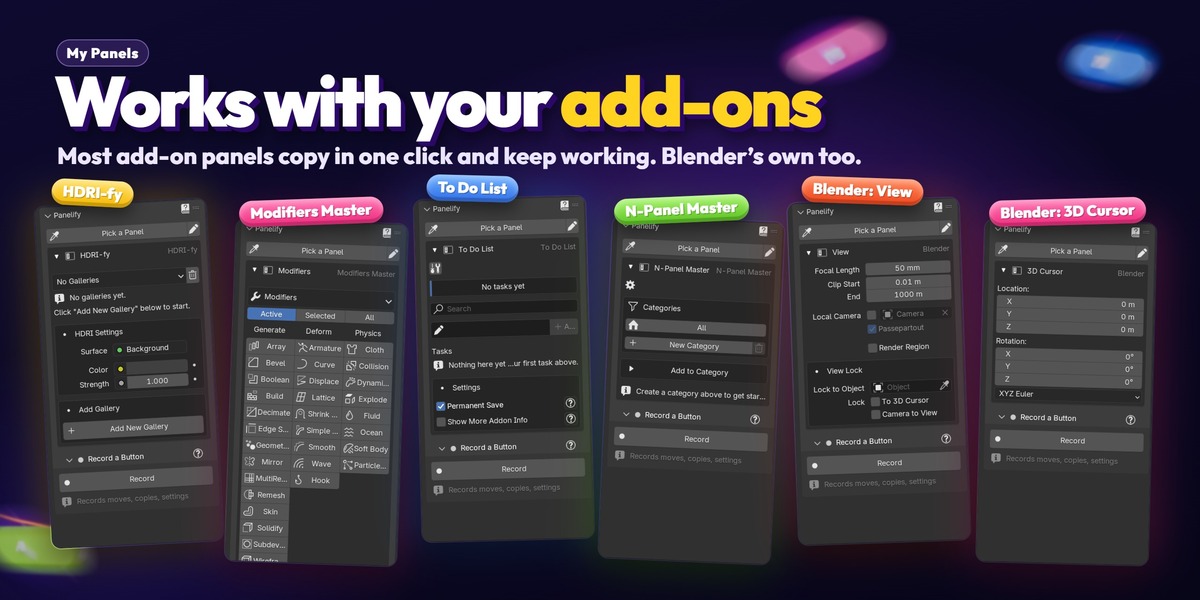
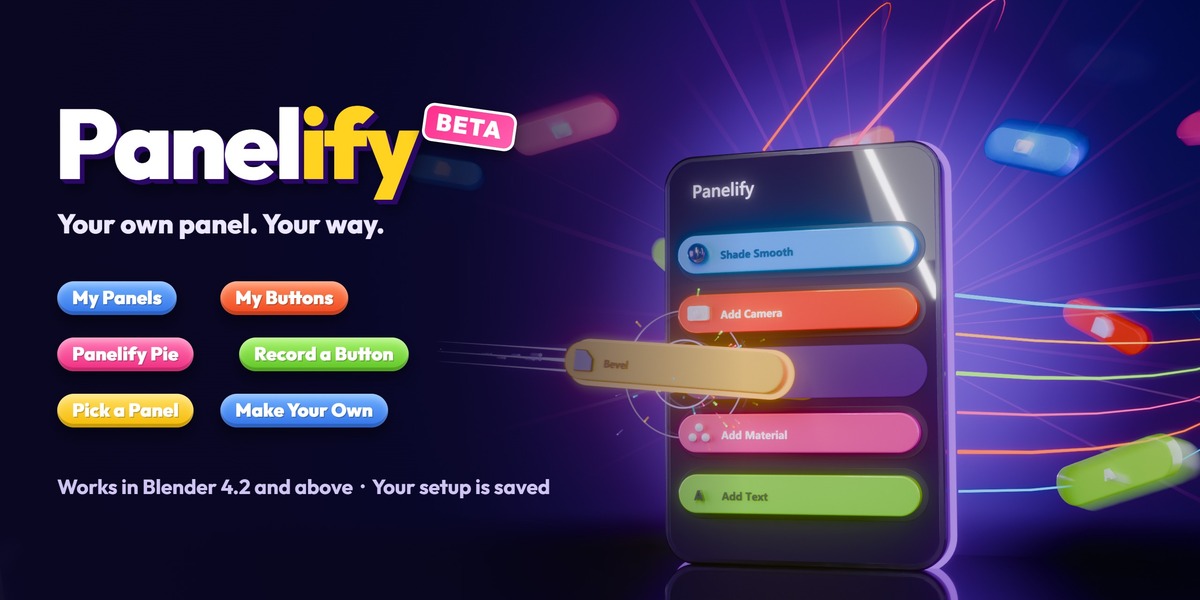

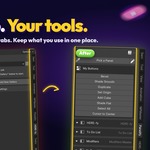
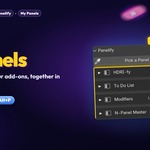









Your own panel in a few clicks.
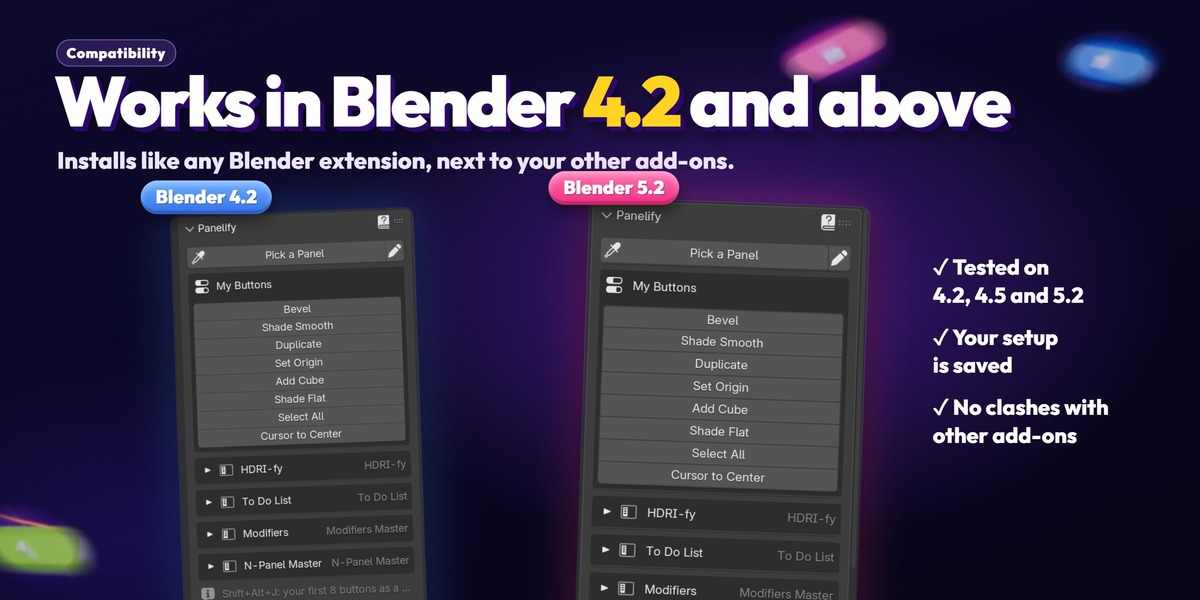
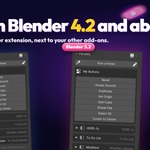
Install, open the Panelify tab, right-click what you use. Works in Blender 4.2 and above.
1📦 Install
Drag and drop the Panelify .zip onto the Blender window and click OK. Don't unzip it.
Or: Edit › Preferences › Get Extensions › ▾ (top right) › Install from Disk… and pick the zip.
Updating? Install the new zip over the old one. Your panels and buttons stay. Don't remove the old version first.
2🎛️ Find it
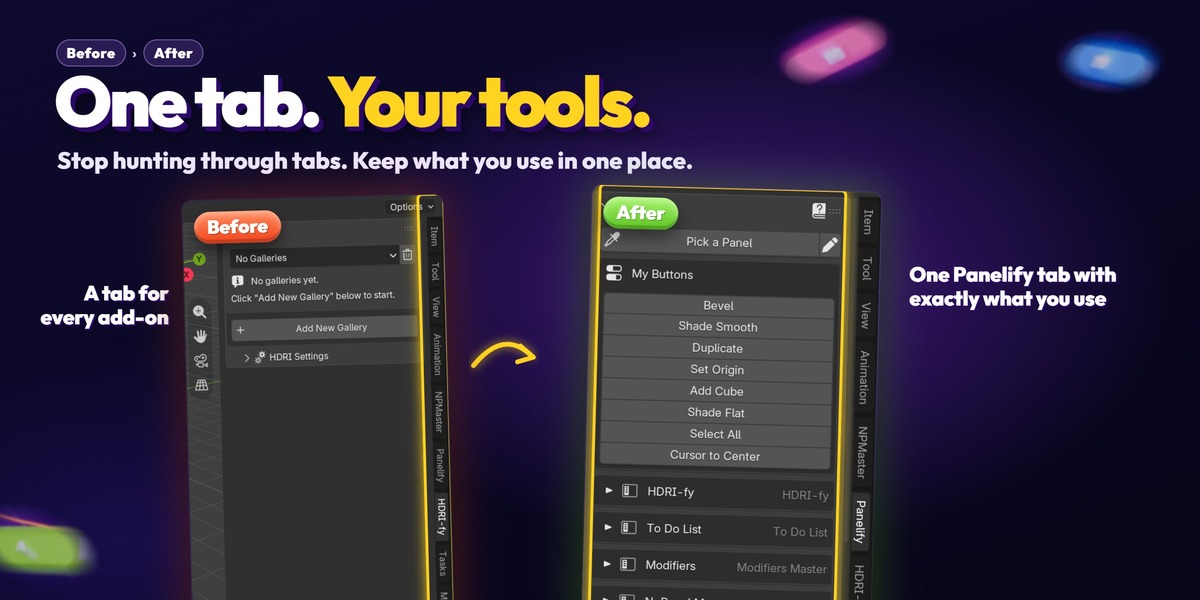


In the 3D View press N and open the Panelify tab. Every part has a ? button with its own steps, and the Guide (the ? at the top) explains everything.
Right-click any Panelify button and pick Tutorial to see what it does.
3🧩 My Panels: whole panels
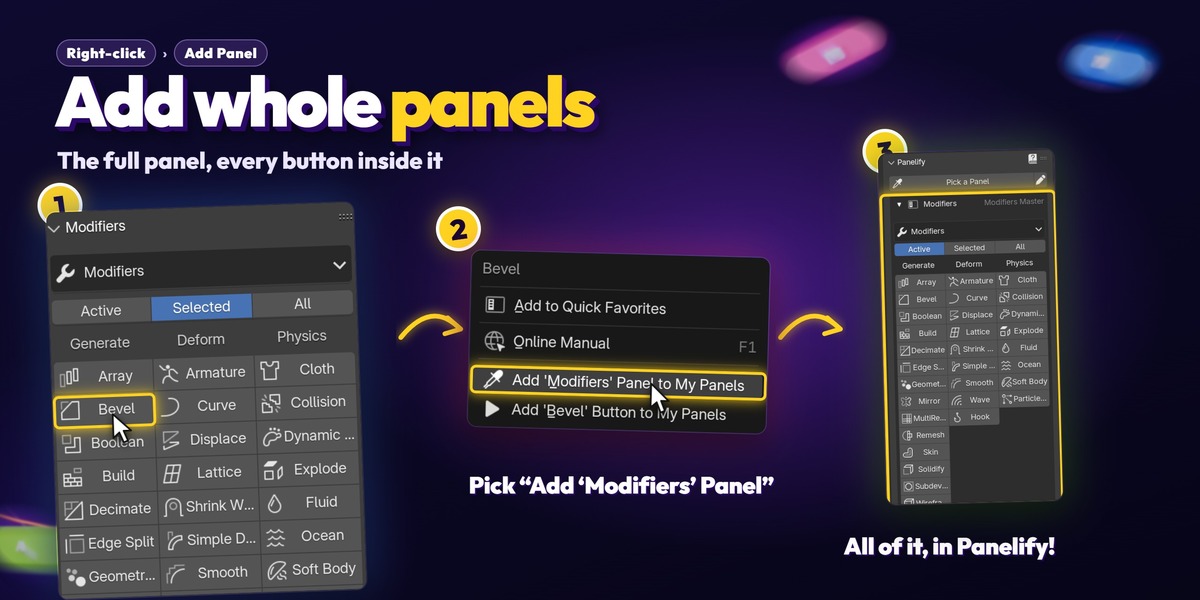

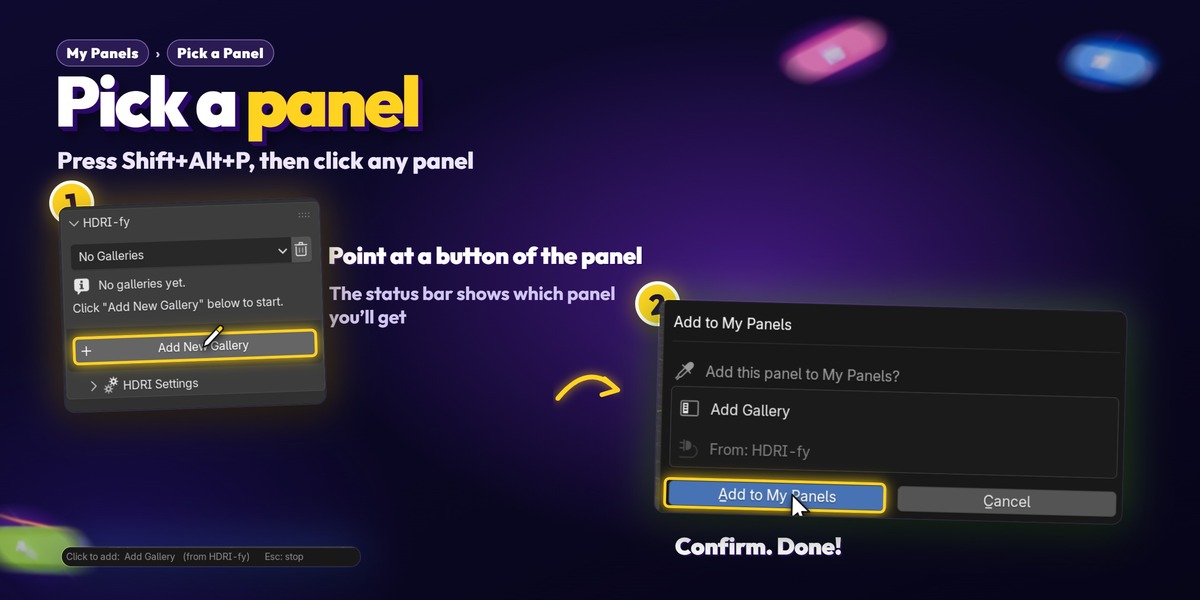
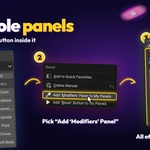
Right-click any button of the panel you want › Add '<Panel>' Panel to My Panels.
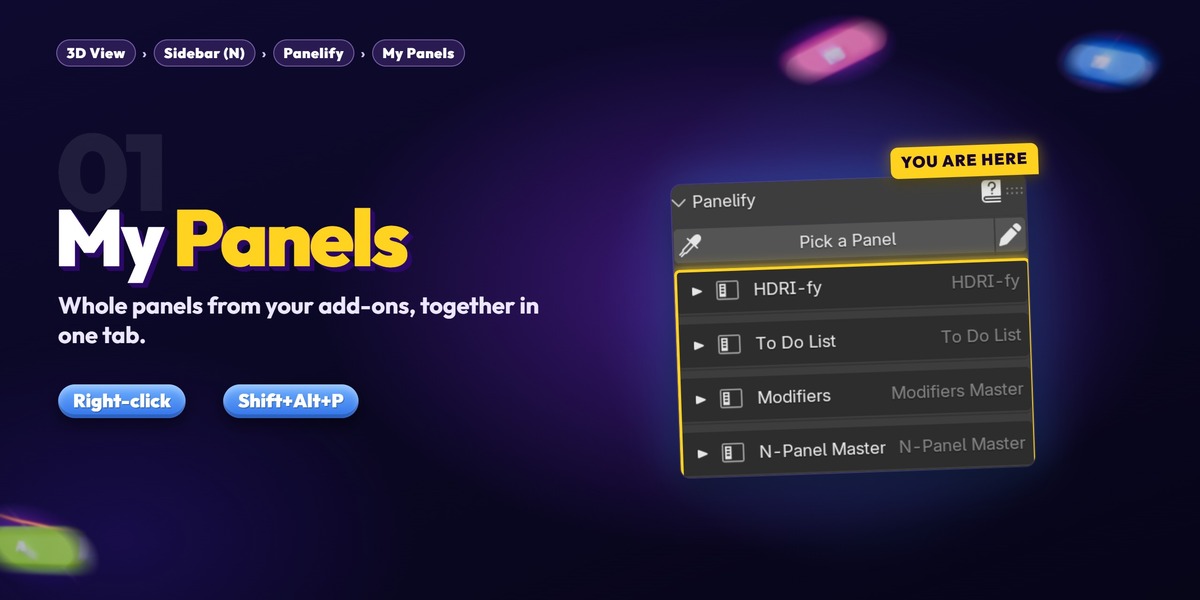

Or press Shift+Alt+P (or click Pick a Panel): the mouse becomes an eyedropper. Click any button of that panel and confirm.
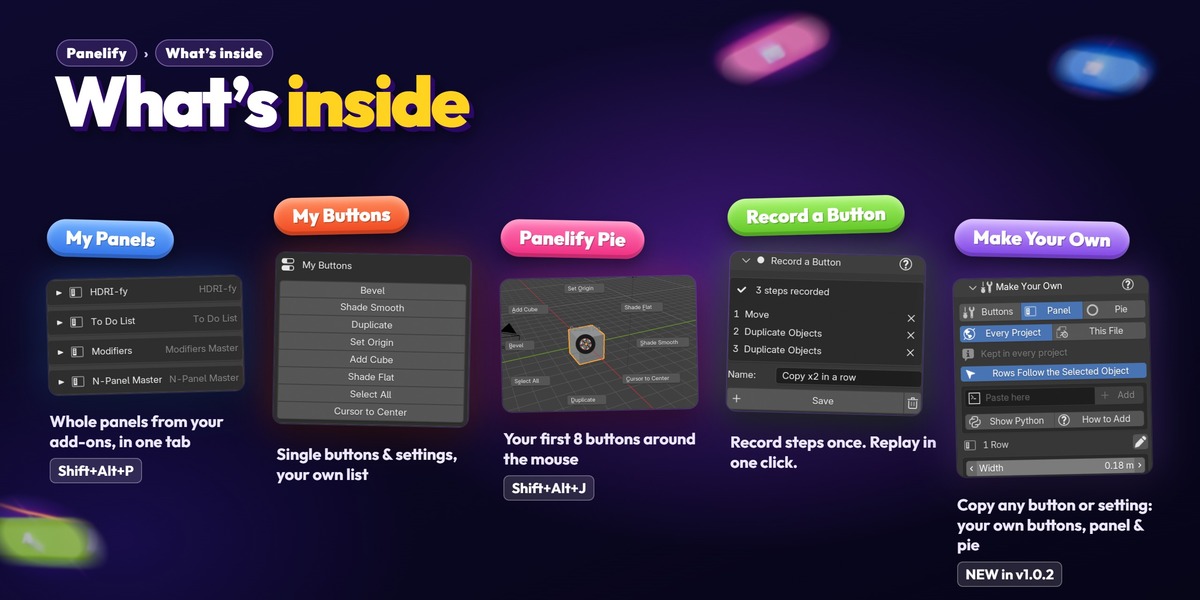
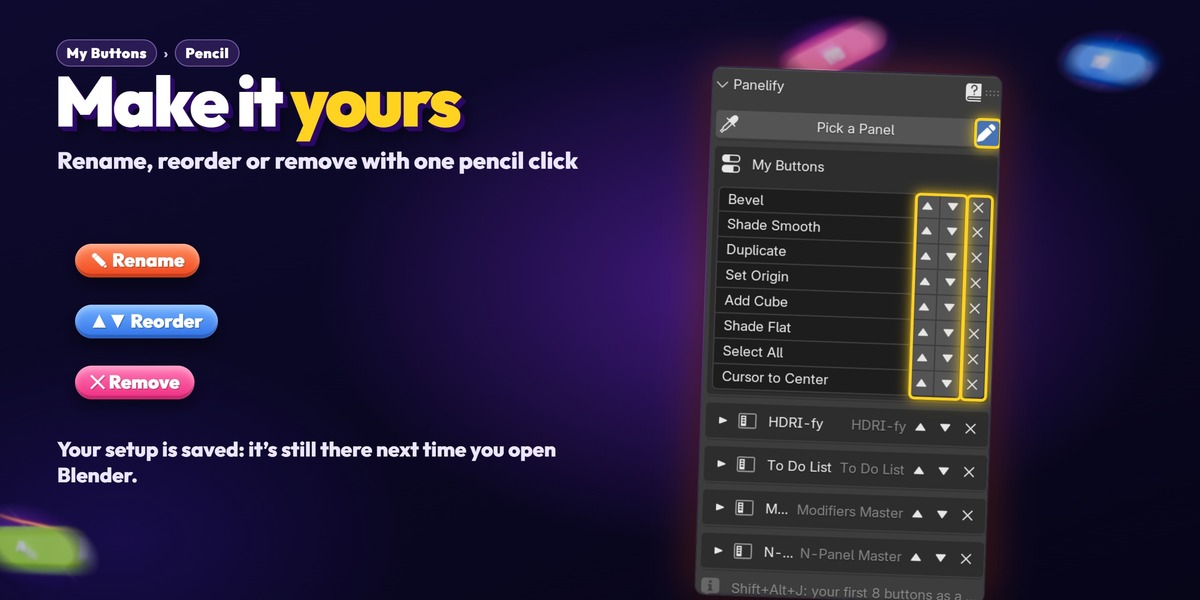
The panel works in the Panelify tab, and still in its own tab too. The arrow opens and closes it, the pencil reorders or removes panels.
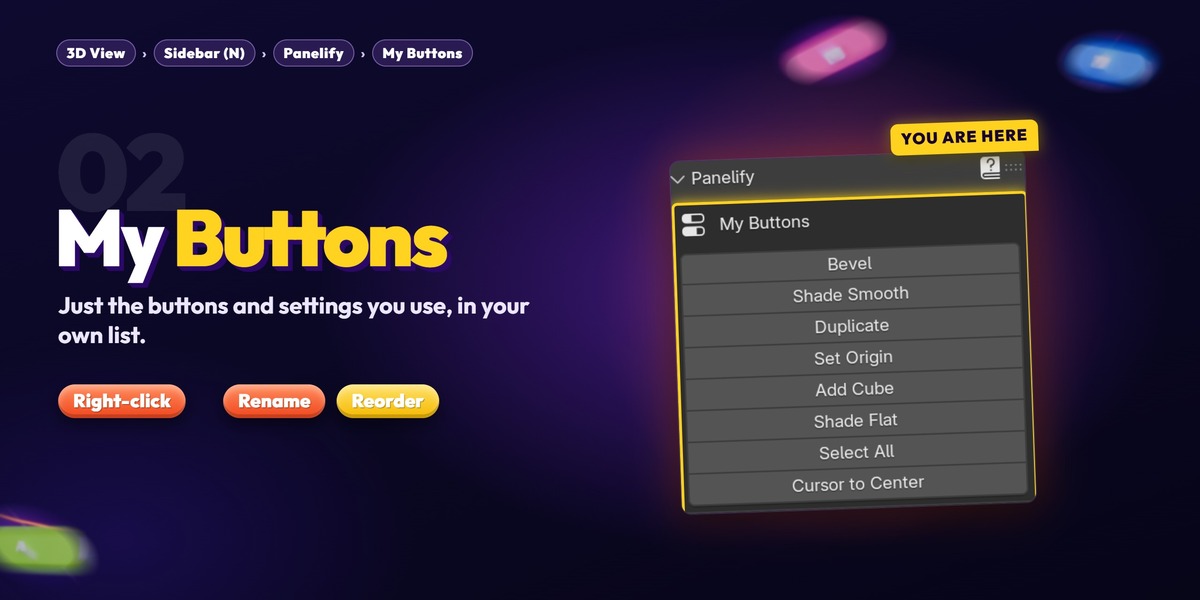
4🖱️ My Buttons: single buttons & settings
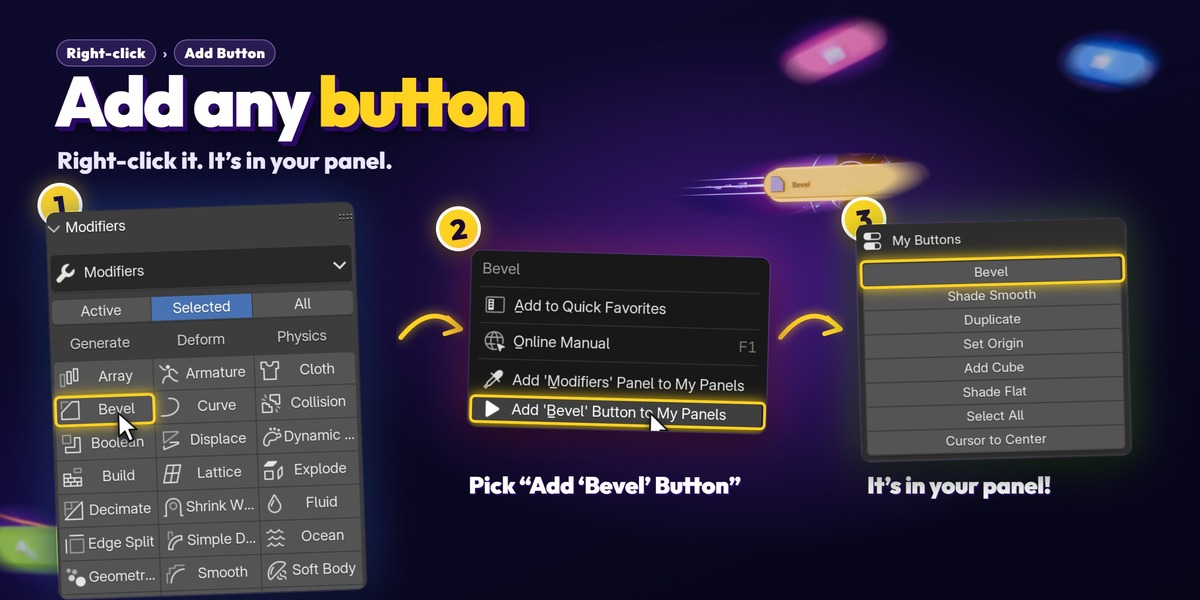

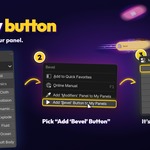
Right-click any button or setting › Add '<Button>' Button to My Panels. It shows at the top of the Panelify tab.
Settings follow the selected object: a Bevel width shows the selected object's bevel. Blender's built-in panels (like Transform) can't be copied whole, so add their buttons this way.
5🥧 Panelify Pie
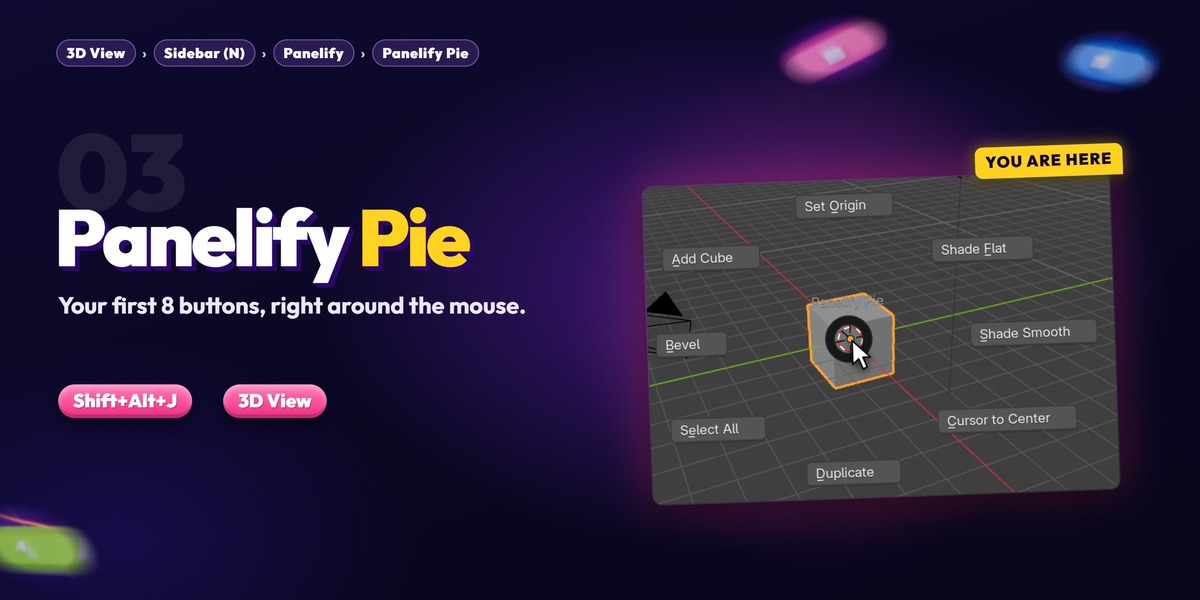
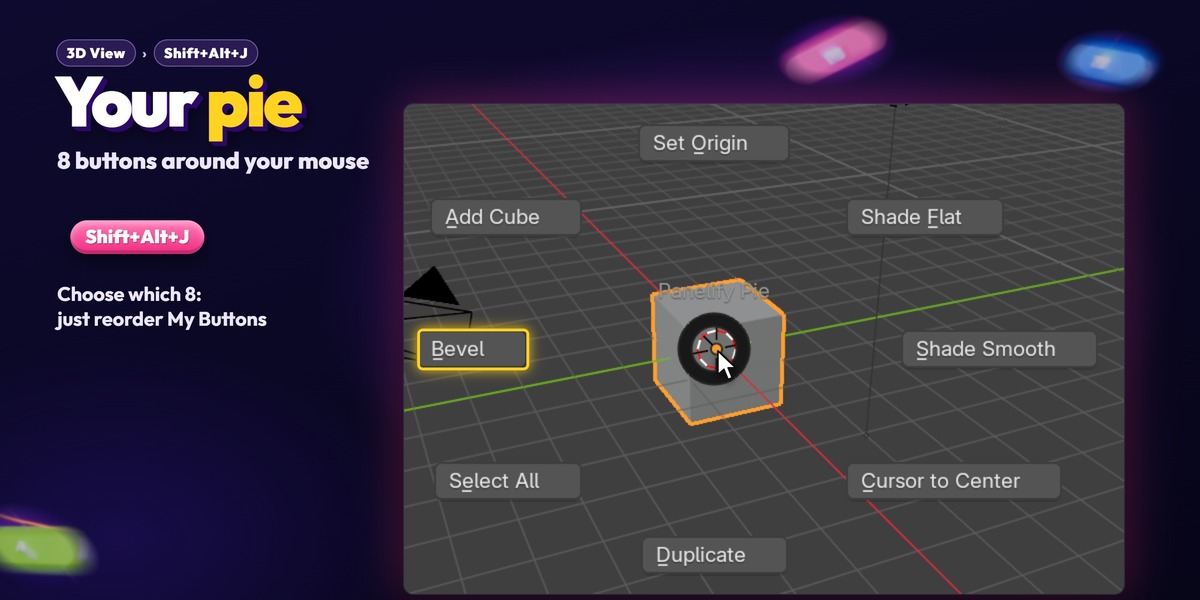
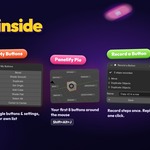
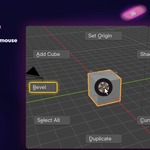
Press Shift+Alt+J in the 3D View: your first 8 My Buttons open as a pie around the mouse. Reorder My Buttons to choose which 8.
Change the key in Preferences › Keymap (search "Panelify Pie").
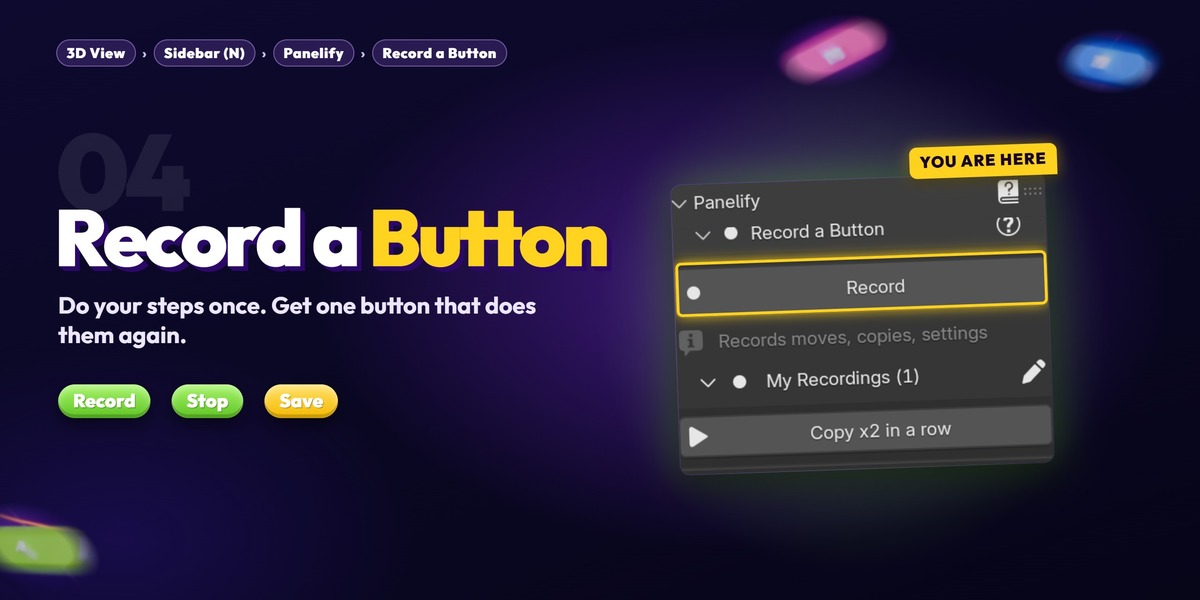
6⏺️ Record a Button
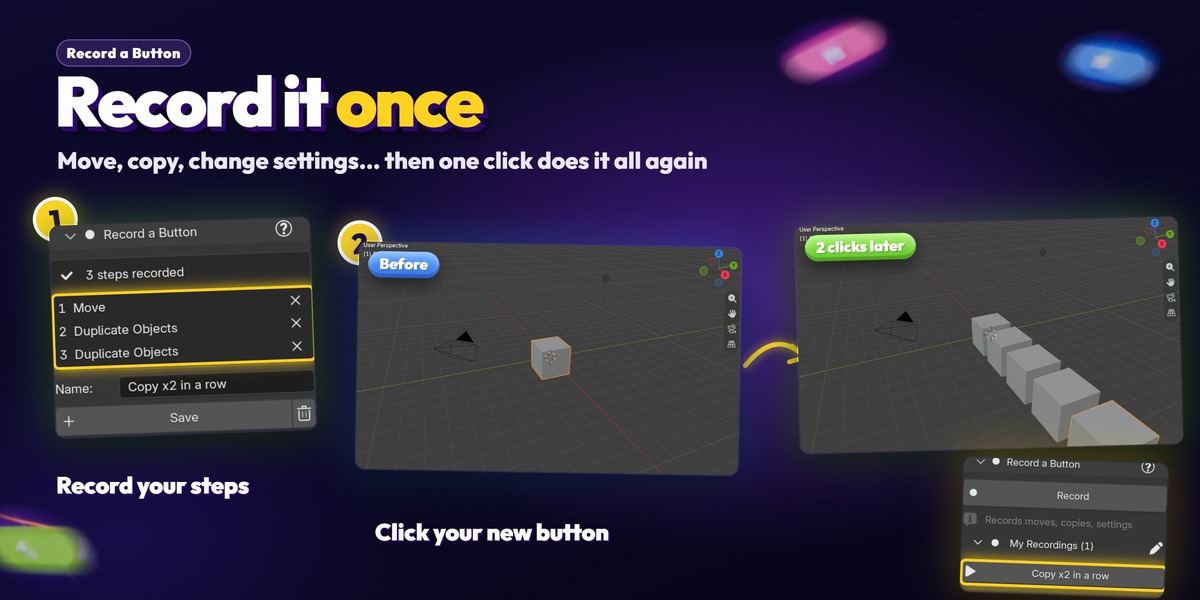
Click Record, do your steps (move, duplicate, add a modifier, change a setting…), then click Stop.
Check the steps, remove any you don't want, name it and click Save. It's in My Recordings: click it any time to do the same steps again.
Clicks that only move the view are left out. Selections are saved by object name.
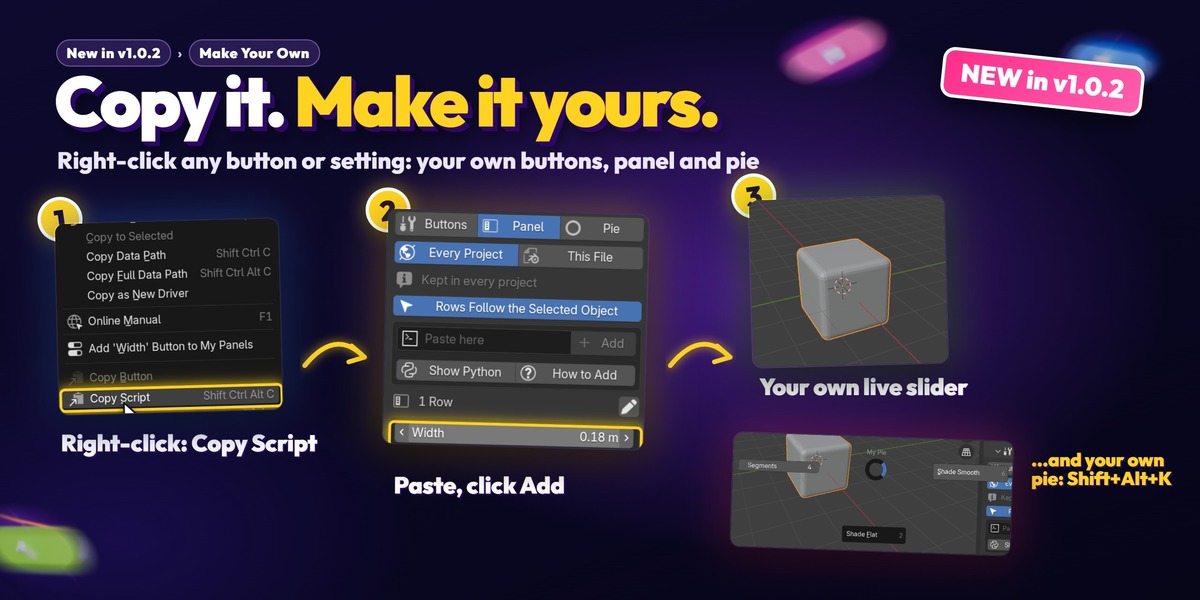
7📋 Make Your Own NEW IN v1.0.2

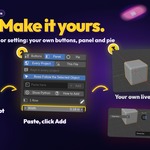
Right-click any button › Copy Button. Right-click any setting › Copy Script. Then open Panelify › Make Your Own, paste it in the field (Ctrl+V) and click Add.
🔘 Buttons tab: your own buttons.
🎚️ Panel tab: your own panel of live settings. With Rows Follow the Selected Object on, a row shows the selected object's setting.
🥧 Pie tab: settings and buttons in your own pie, Shift+Alt+K. Click the key field to change it.
Every Project keeps them in all your files, This File keeps them in this .blend only. The pencil renames, reorders or removes. How to Add shows the steps again.
Pasted buttons run Python: only paste lines you trust.
⌨️ Shortcuts
Shift+Alt+P Pick a Panel · Shift+Alt+J Panelify Pie · Shift+Alt+K your own pie
💬 Good to know (Beta)
✅ Most add-on panels copy in one click. A few custom-drawn ones can't.
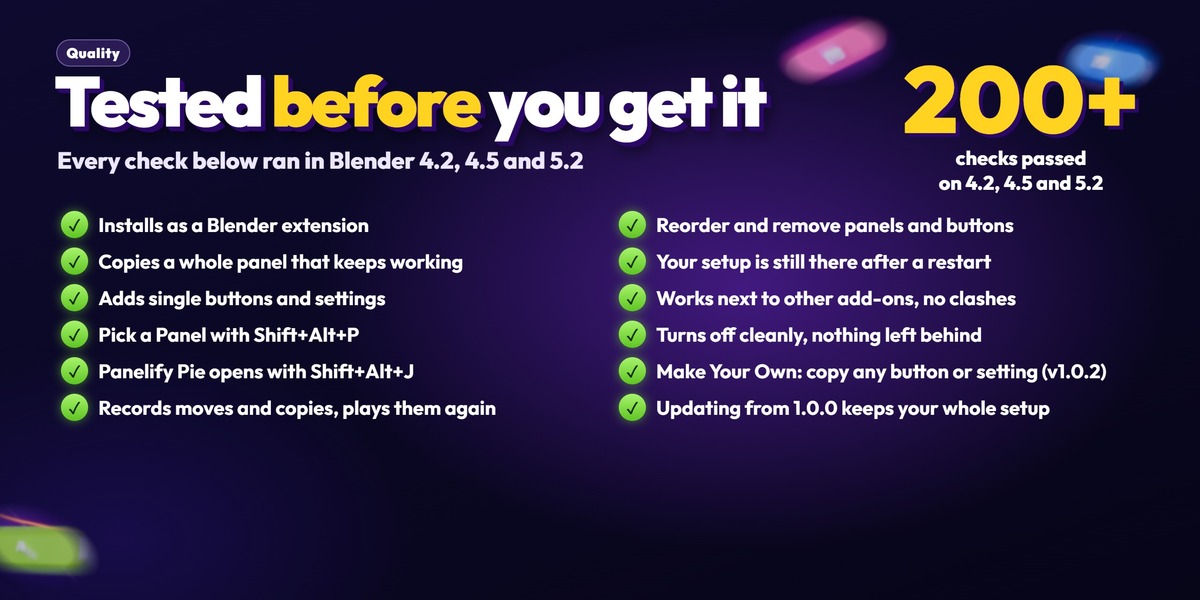
✅ Panelify uses its own names, so it never clashes with your other add-ons, and turns off cleanly.
✅ Your setup is saved with Blender's Preferences. Turning Panelify off and on again in Preferences clears its saved list (that's how Blender treats add-on settings), so leave it on.
✅ Something didn't copy? Tell us on Discord, we add support in free updates.
Questions or a panel that won't copy?
Panelify by Al-Dezel · Blender 4.2 and above
 Included
Includes 12 months of
- Support from Al-Dezel
- Product updates
Extend this product’s Support Period +12 months: 75% of product price
Have questions before purchasing?
Login to message
| Blender Extension Compatible | Yes |
| Published | about 5 hours ago |
| Blender Version | 4.2 - 5.2 |
| Extension Type | Add-on |
| License | GPL |