 Pino Iulio
BLENDER EXTENSION · 4.2+ · v1.1.0
One key. The right sidebar tab.
PanelPilot jumps between the tabs of the sidebar (N-panel) with custom keyboard shortcuts. Press a key and the sidebar opens on the tab you want, in every editor.
NEW IN 1.1.0
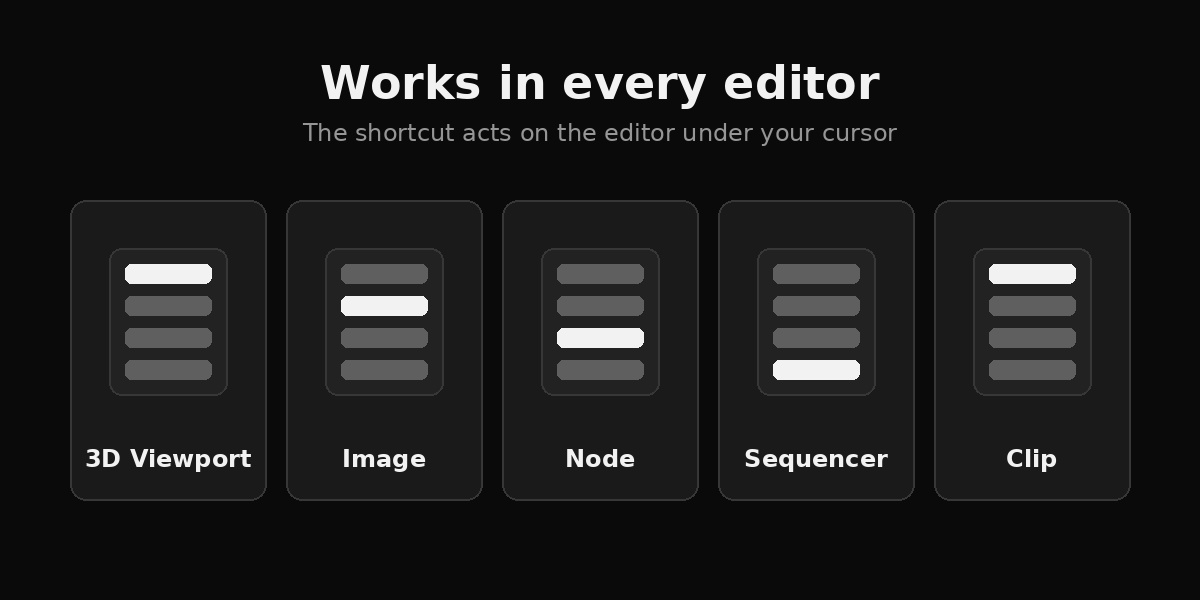
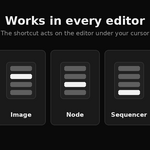
Works in every editor
Shortcuts switch the sidebar tab of whichever editor is under the cursor.
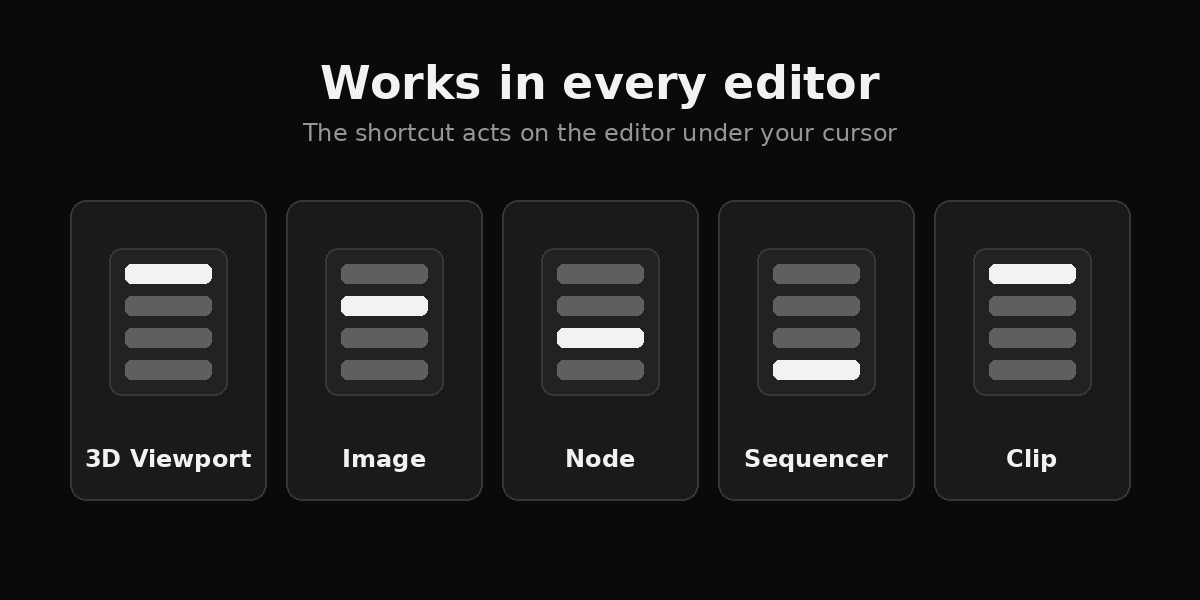
| 3D Viewport | Image Editor | Node Editor | Sequencer | Clip Editor |
|
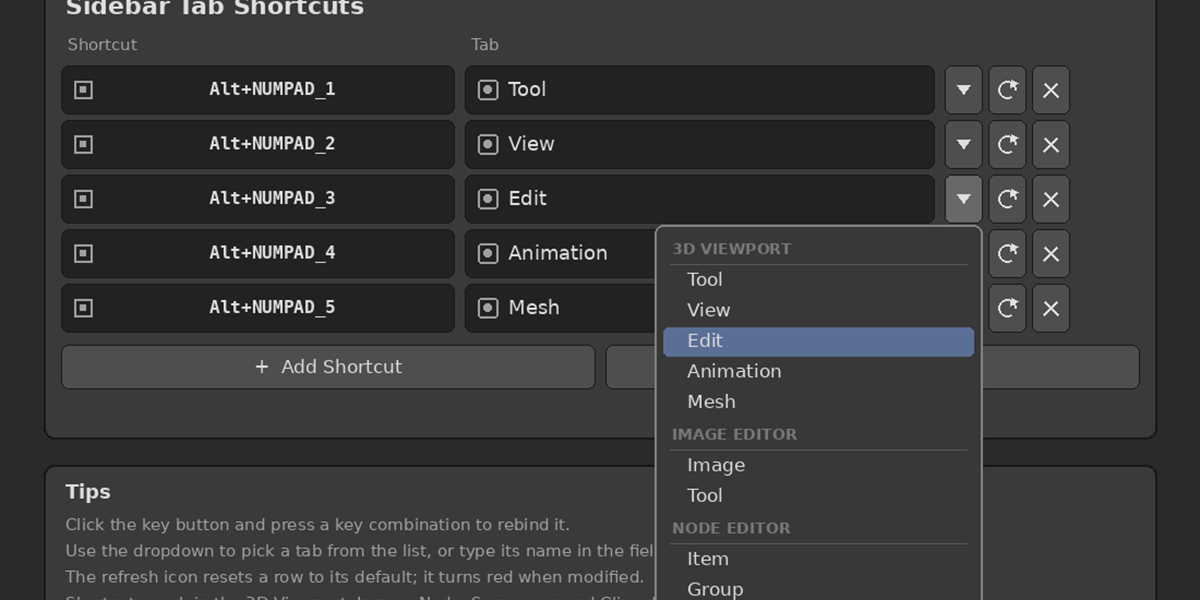
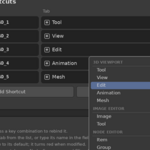
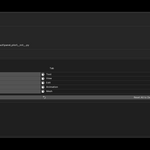
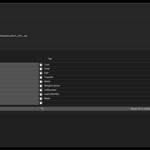
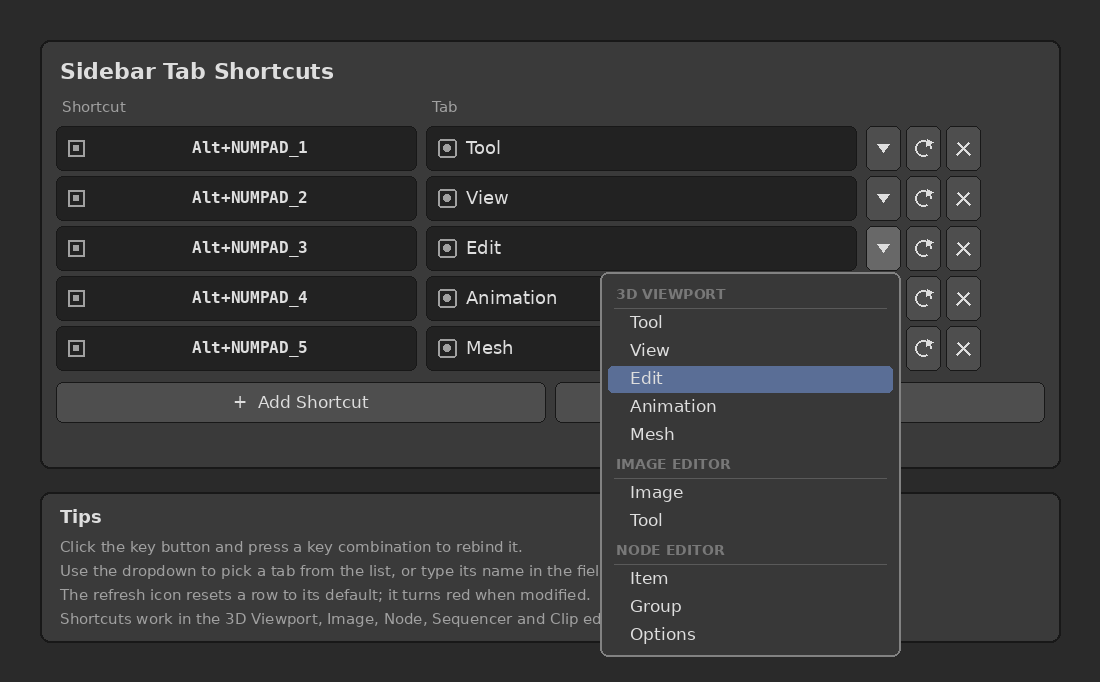
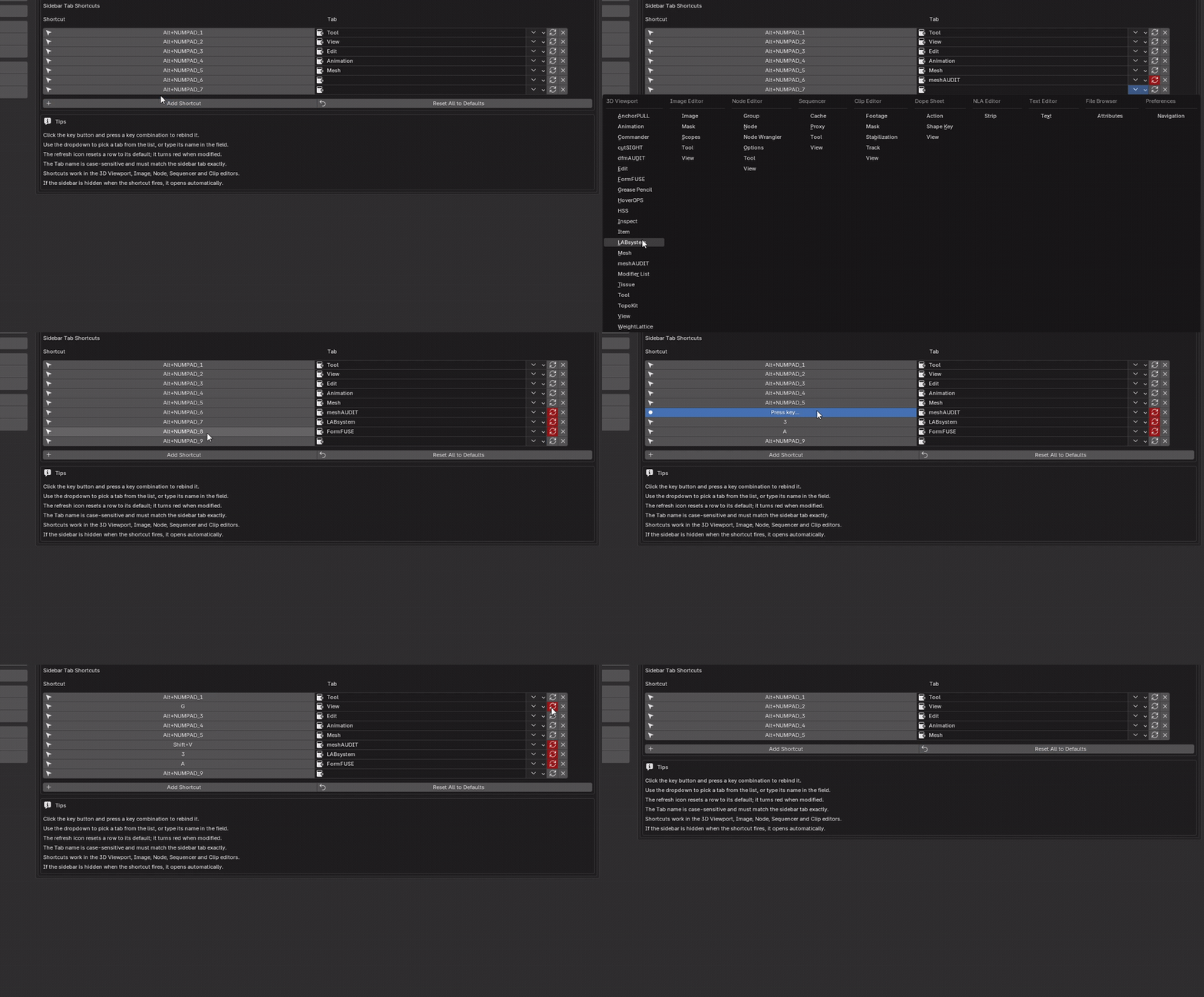
NEW IN 1.1.0 Pick the tab from a listEach shortcut row lists every available tab, grouped by editor. Pick instead of typing. The text field stays editable for tabs that are not currently registered. |
 |
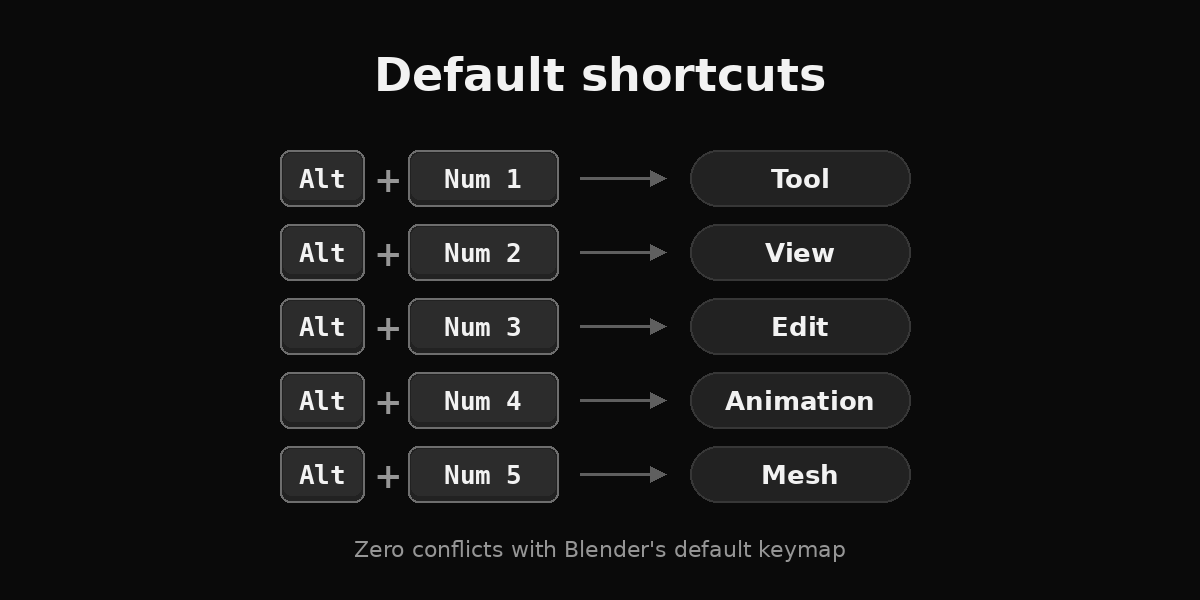
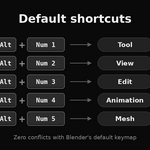
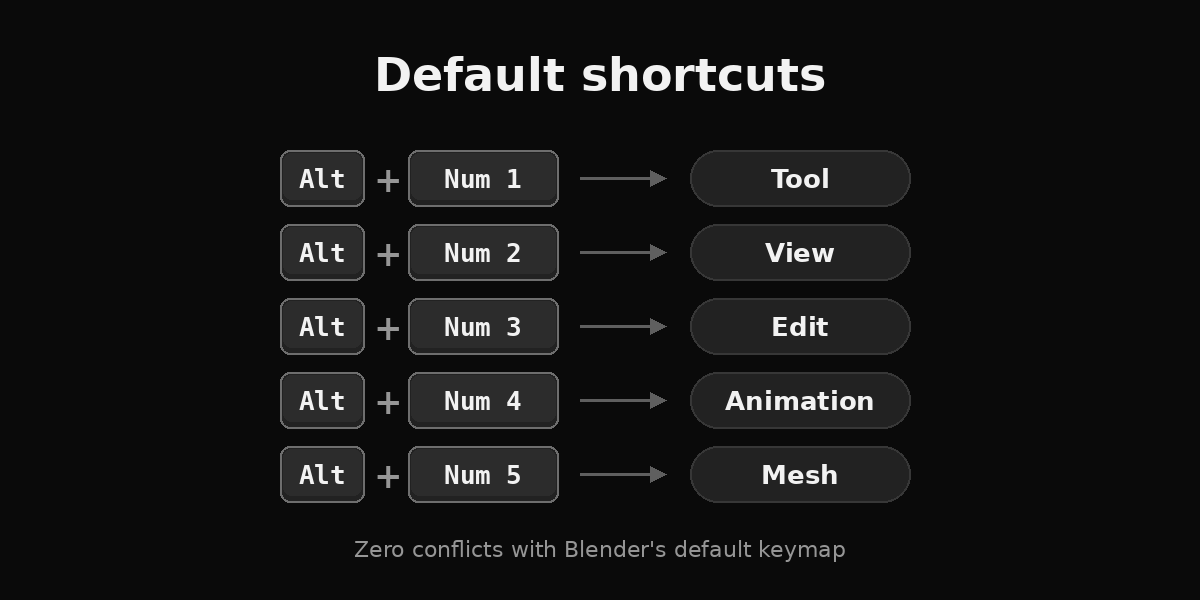
Default mapping
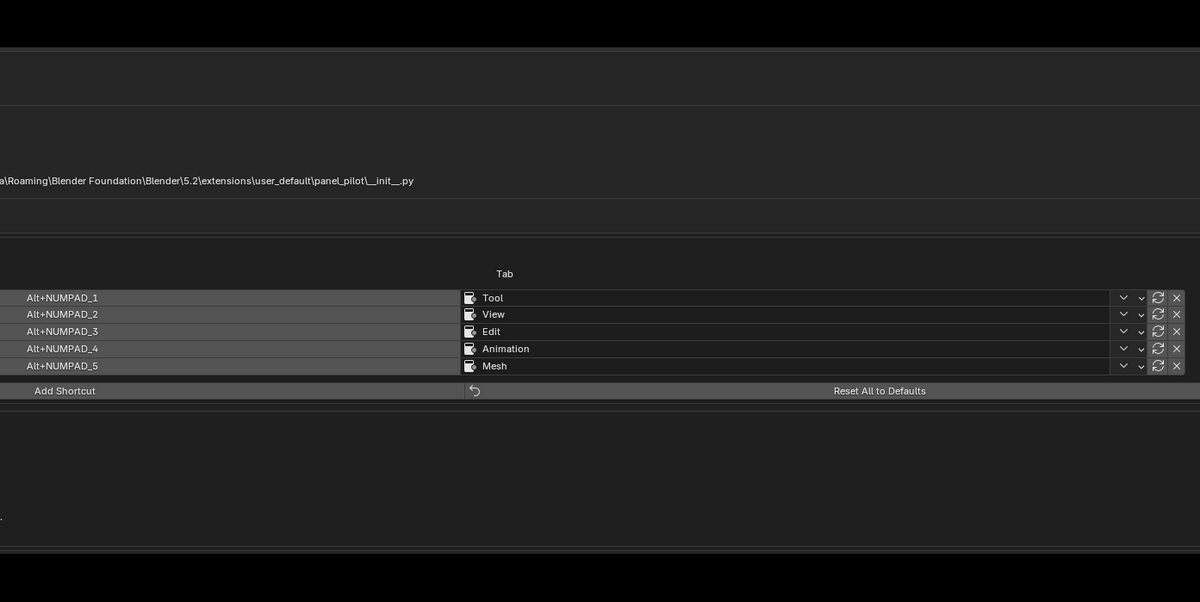
Alt + Numpad 1 to 5, with zero conflicts with the default Blender keymap.
| Alt+Numpad 1 | Tool |
| Alt+Numpad 2 | View |
| Alt+Numpad 3 | Edit |
| Alt+Numpad 4 | Animation |
| Alt+Numpad 5 | Mesh |
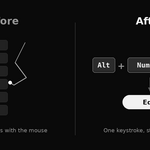
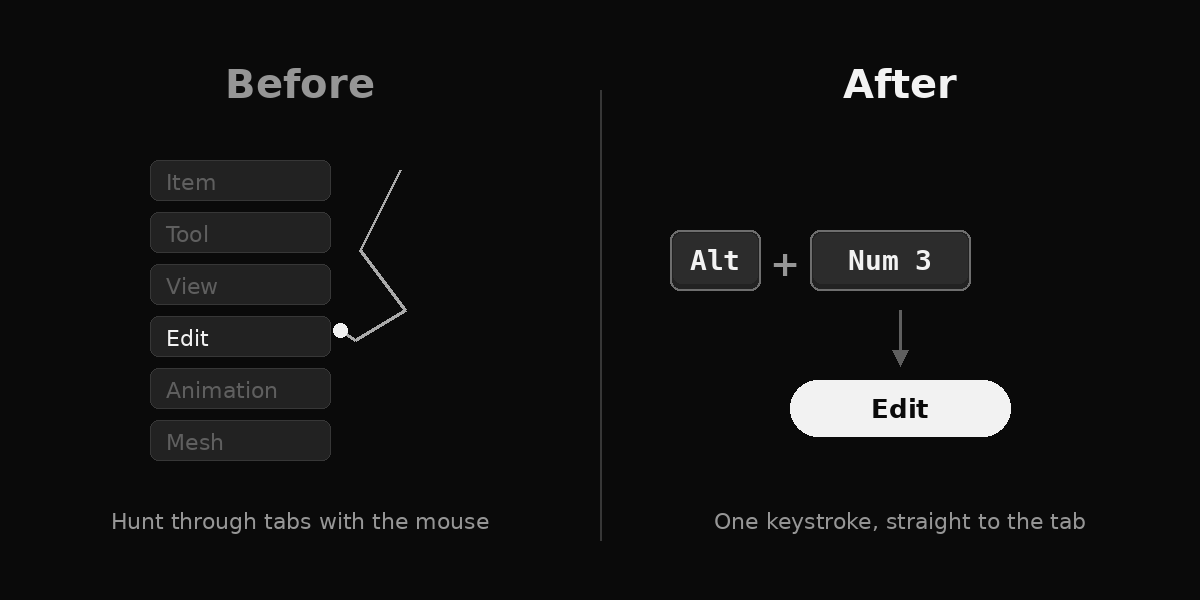
Before and after
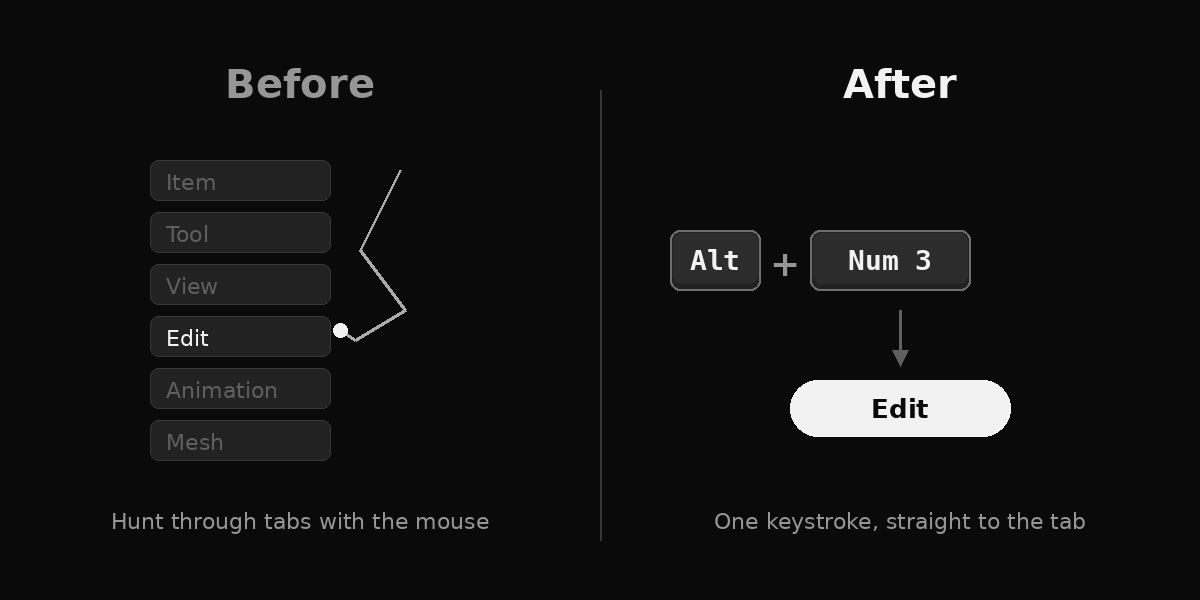
Before: open the sidebar and click through the tabs. After: one shortcut.
Make it yours
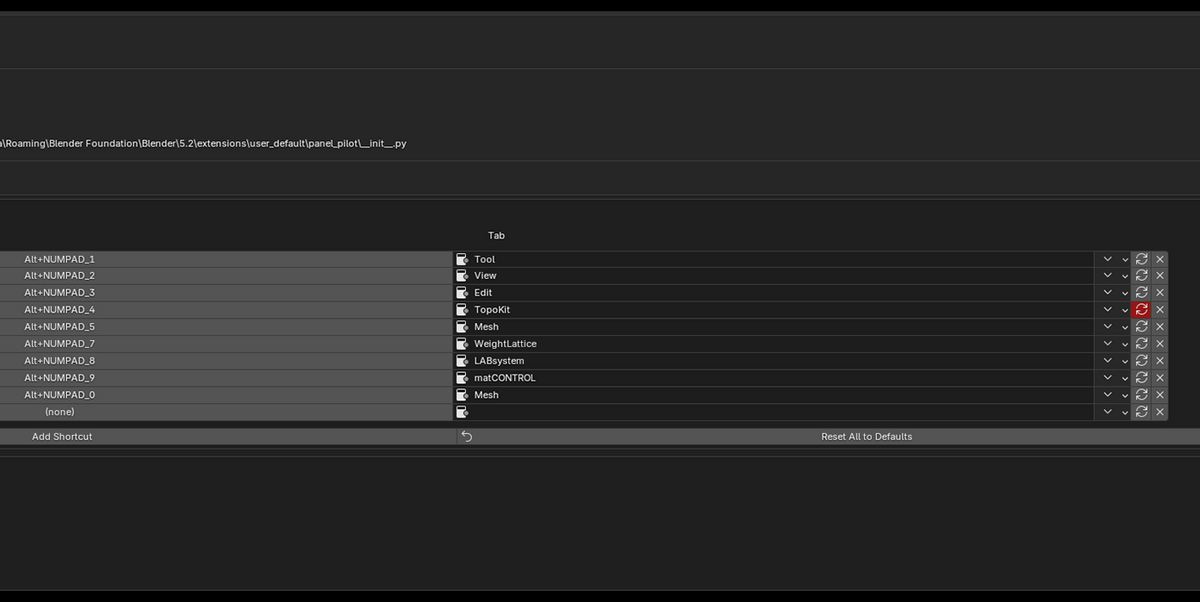
Every shortcut is rebindable in the add-on preferences.
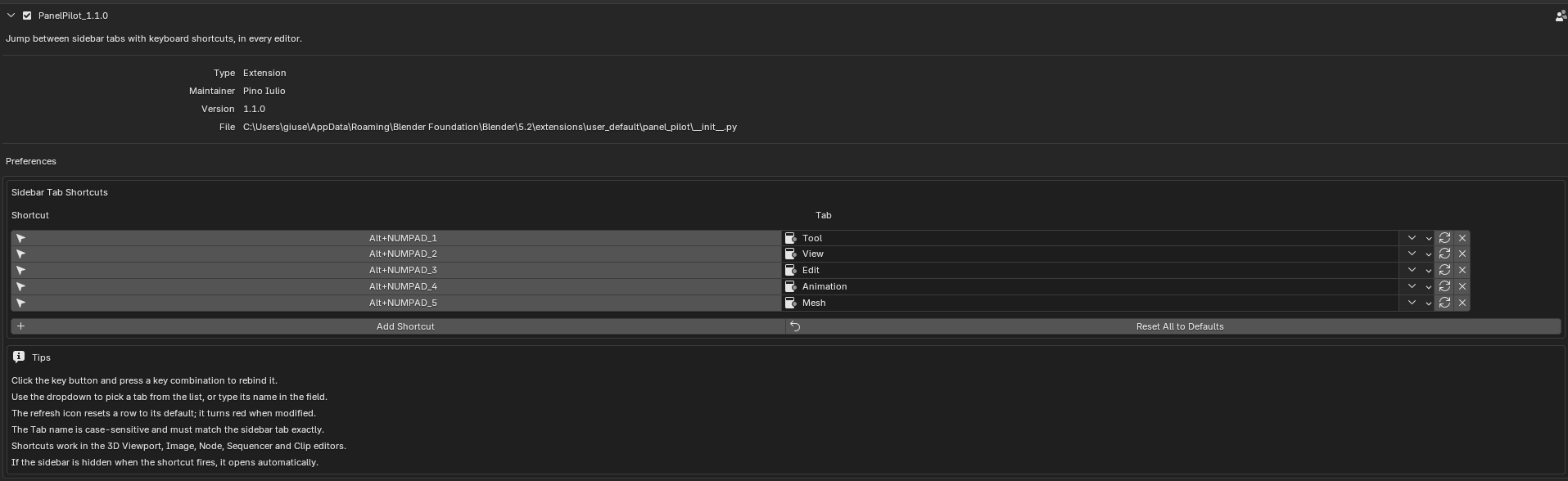
Default shortcuts.
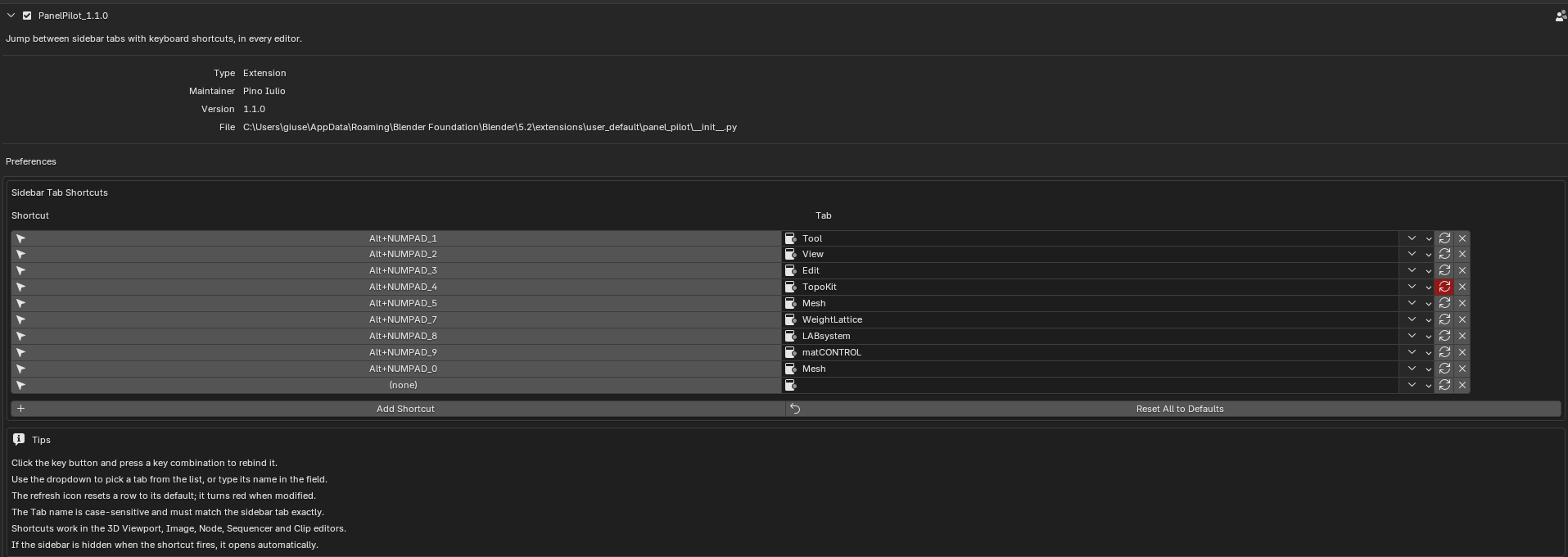
Custom shortcuts. A modified row shows a red reset icon.
|
Click and press Click the key button, then press a key combination to rebind it. |
Opens the sidebar If the sidebar is hidden, the shortcut opens it on the right tab. |
|
Per-row reset The reset icon turns red when a row is modified. |
Reset all One click restores every default. |
FAQ
Why Alt + Numpad?
The number row with Alt is already used by Blender in some modes, such as Sculpt Mode. Alt + Numpad is free.
Some tabs are not in the list.
The list shows the tabs registered in the current session. Type the name in the field for any other tab.
The shortcut fires but the tab does not change.
The tab name is case-sensitive and must match exactly. The tab must also exist in the editor under the cursor.
Stop hunting for tabs
Full source included. No telemetry, no external services.
Blender 4.2+ · Windows, macOS, Linux · Native Extension · GPL-2.0-or-later
