 sarmad domit
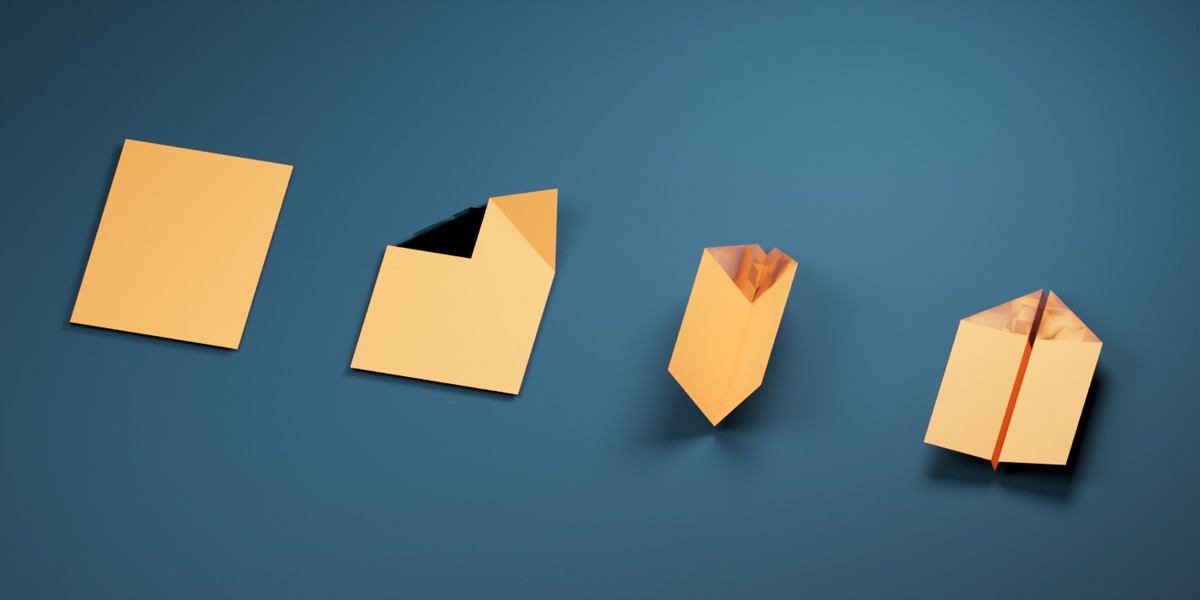
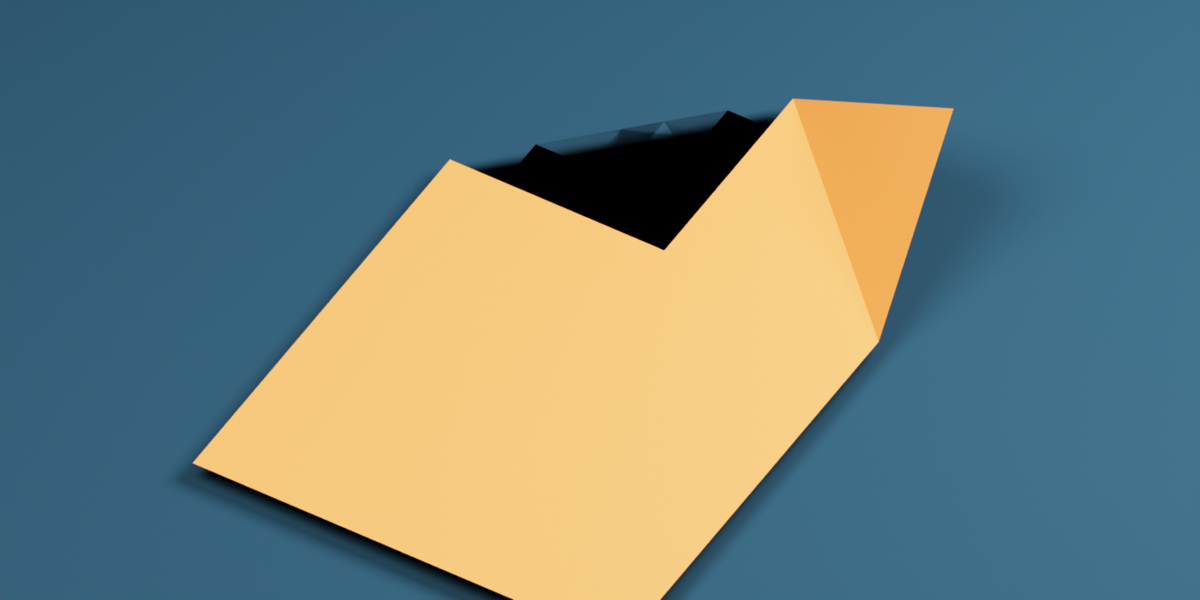
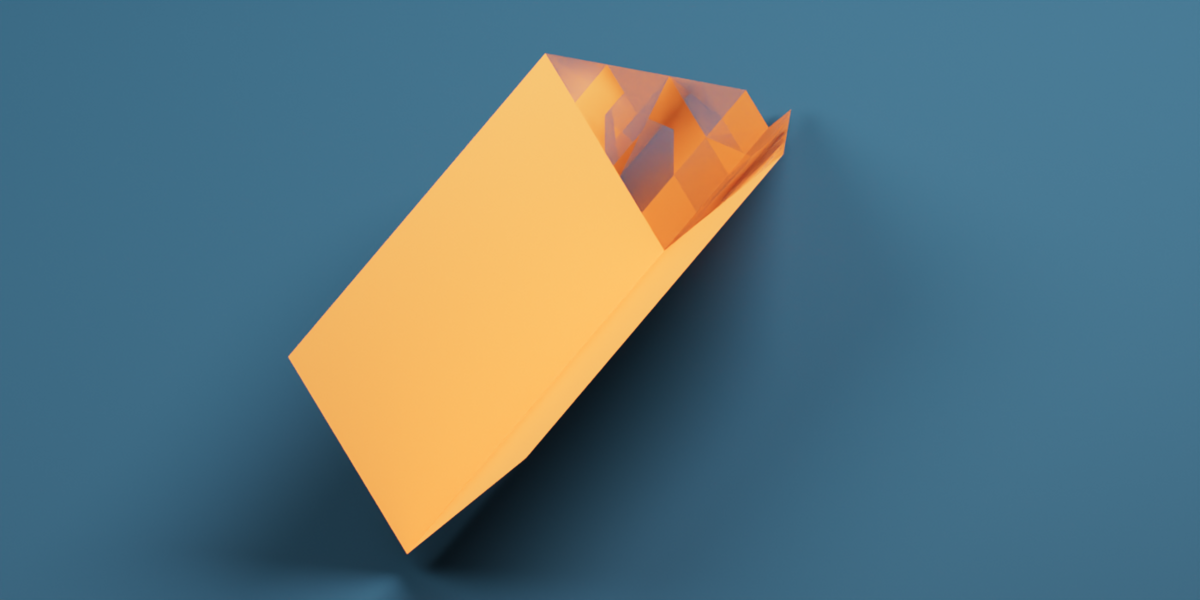
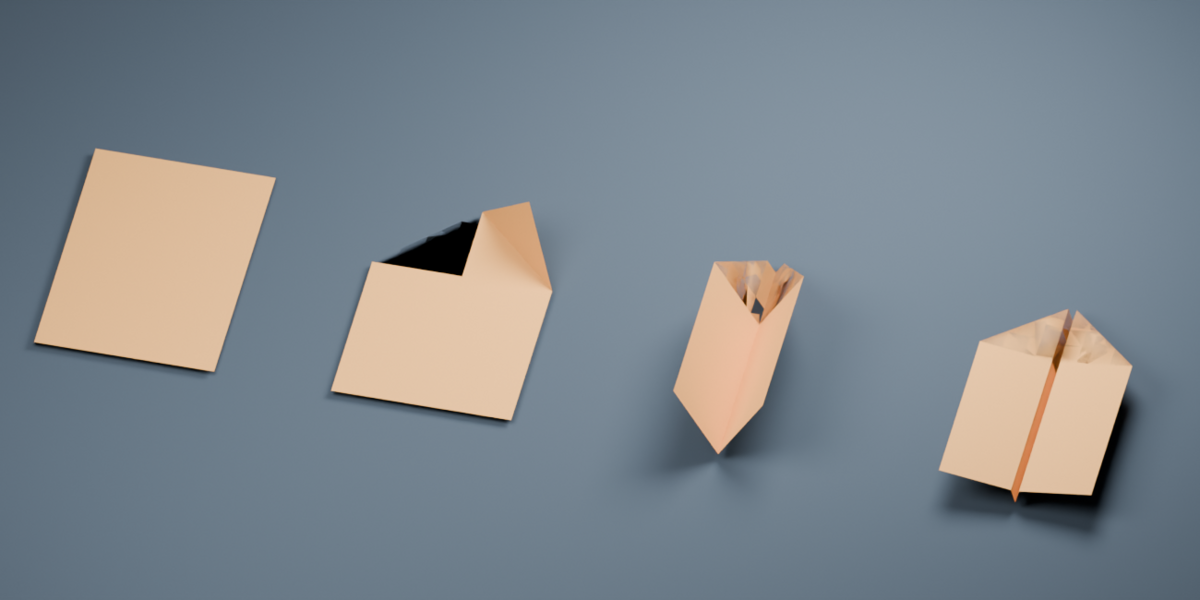
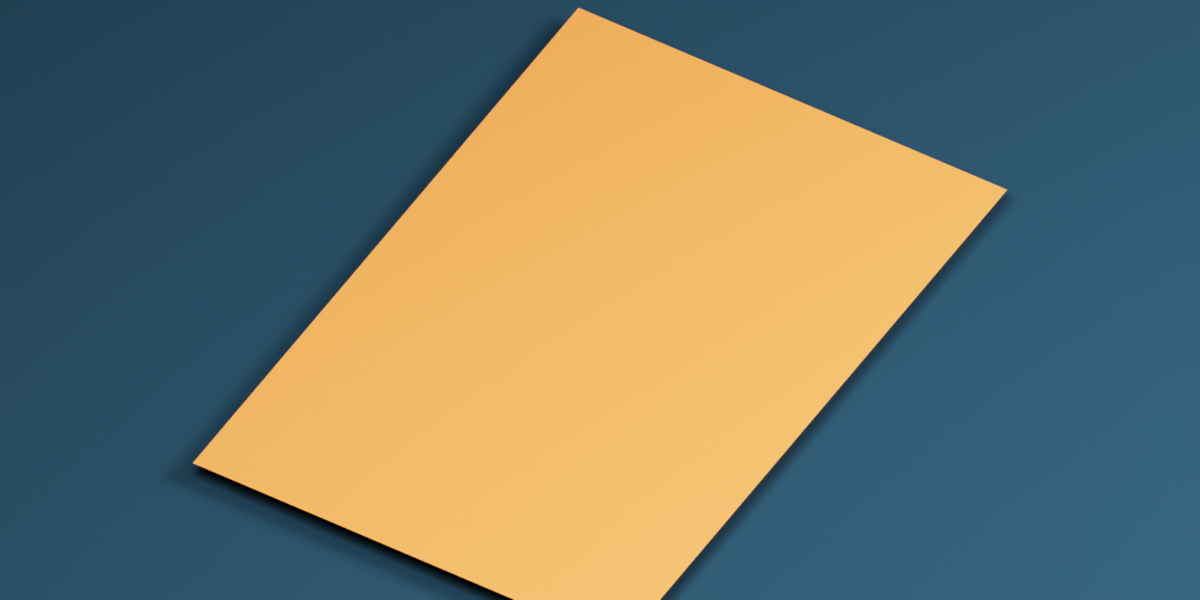
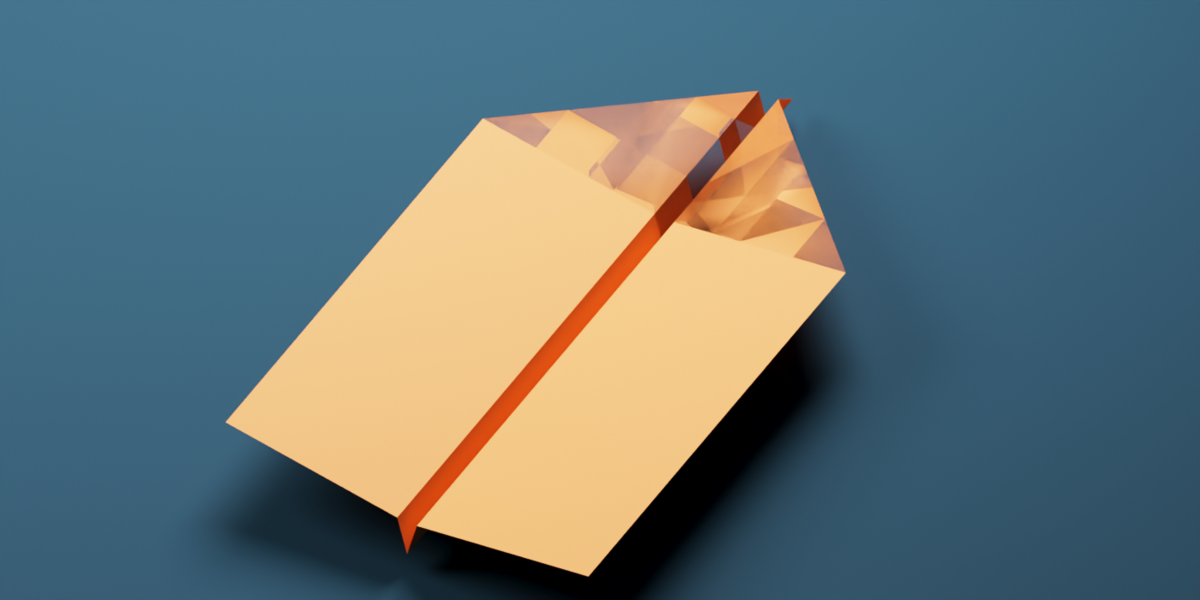
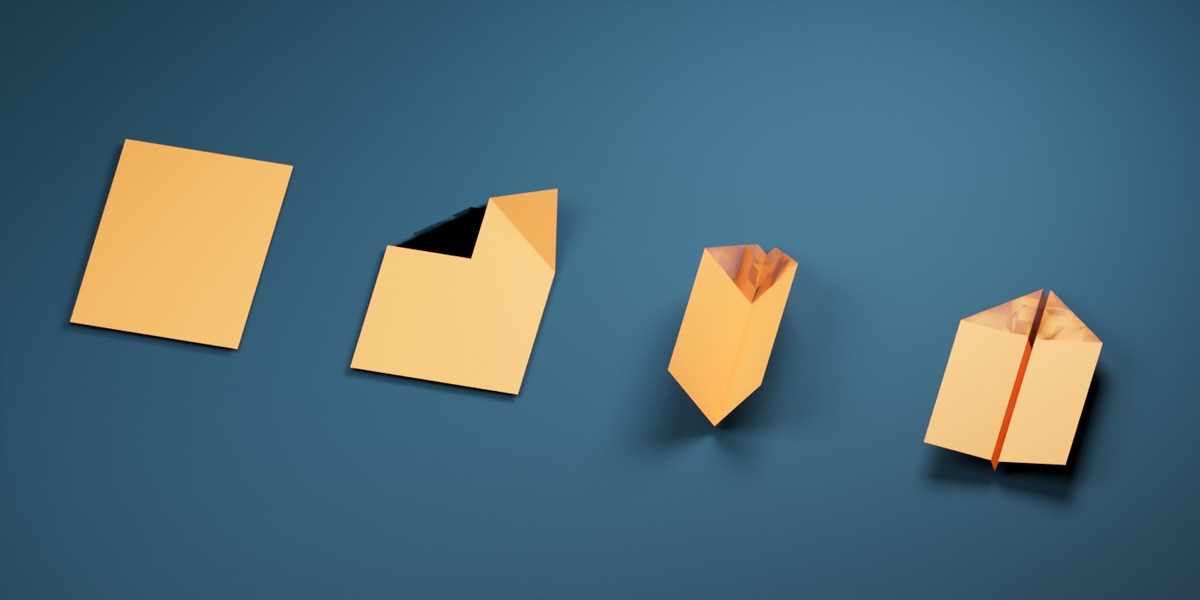
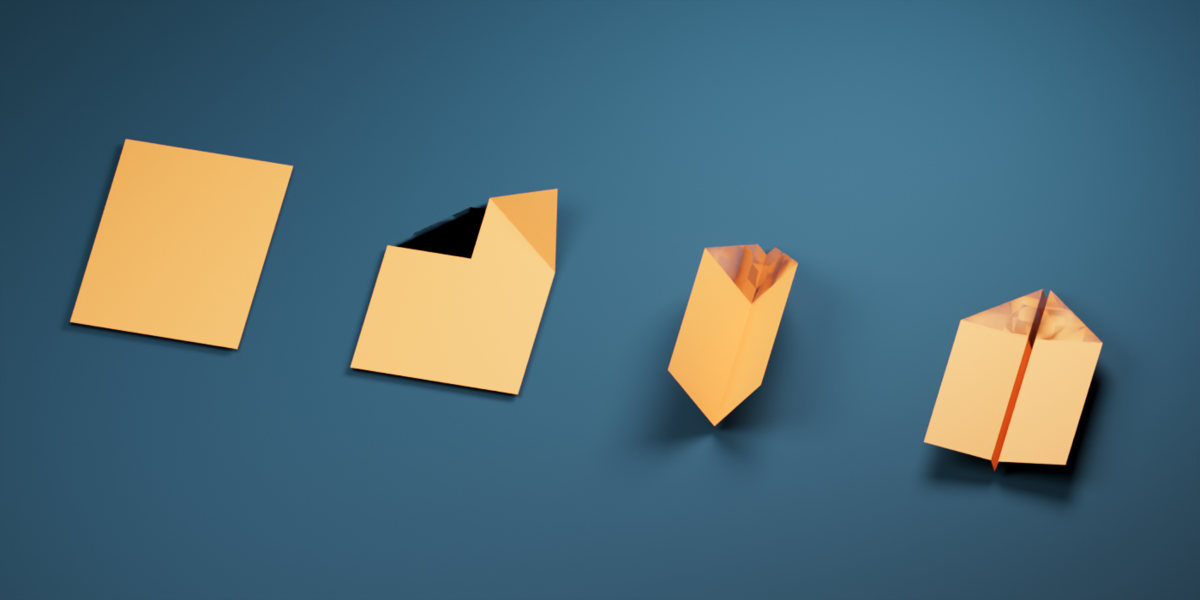

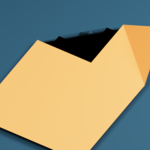
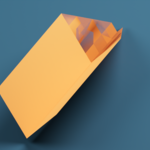
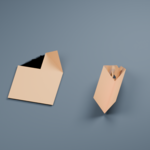
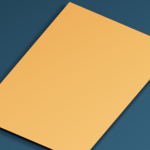
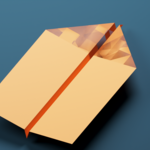

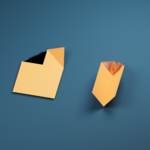
Paper Plane Fold creates a staged paper-plane animation from a rectangular mesh. Select your own paper sheet in Object Mode or Edit Mode, or add an A4, Letter, or square sheet. The add-on captures the selected mesh at the current frame, including its active shape keys and enabled modifiers, then builds a folding copy with a single Fold control. The original object remains available.
The generated fold uses driven shape keys built from geometric rotations. Its faces keep their dimensions throughout the fold animation. Adjustable stage timing and pauses let you control the left flap, right flap, body, and wing stages. You can rebuild the result after changing the source or fold settings, create animation keyframes, and make an editable static copy of any pose.
UV layers, seams, face material assignments, and effective object material overrides transfer to the generated mesh. A selected sheet bent without stretching can be unfolded using its geometry. For a warped source that cannot be unfolded exactly, Flatten Warped Source uses a continuous rectangular UV map or unchanged rectangular base mesh as a flat pattern. This initial conversion may change lengths relative to the visibly warped source; the resulting flat sheet then folds without changing its face dimensions.
Rigid Rotate (No Stretch) is provided for manual Edit Mode changes to a static copy. Blender's native proportional rotation can stretch connected faces, so use the add-on's Rigid Rotate tool when sheet dimensions must stay fixed.
