Paper Plane Fold
 sarmad domit
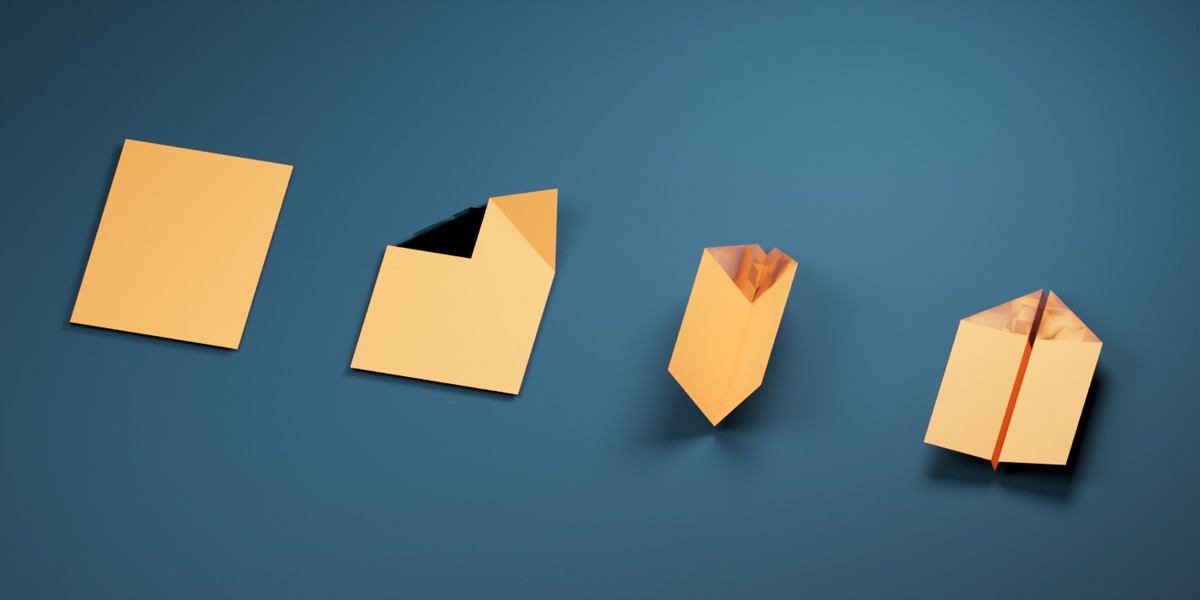
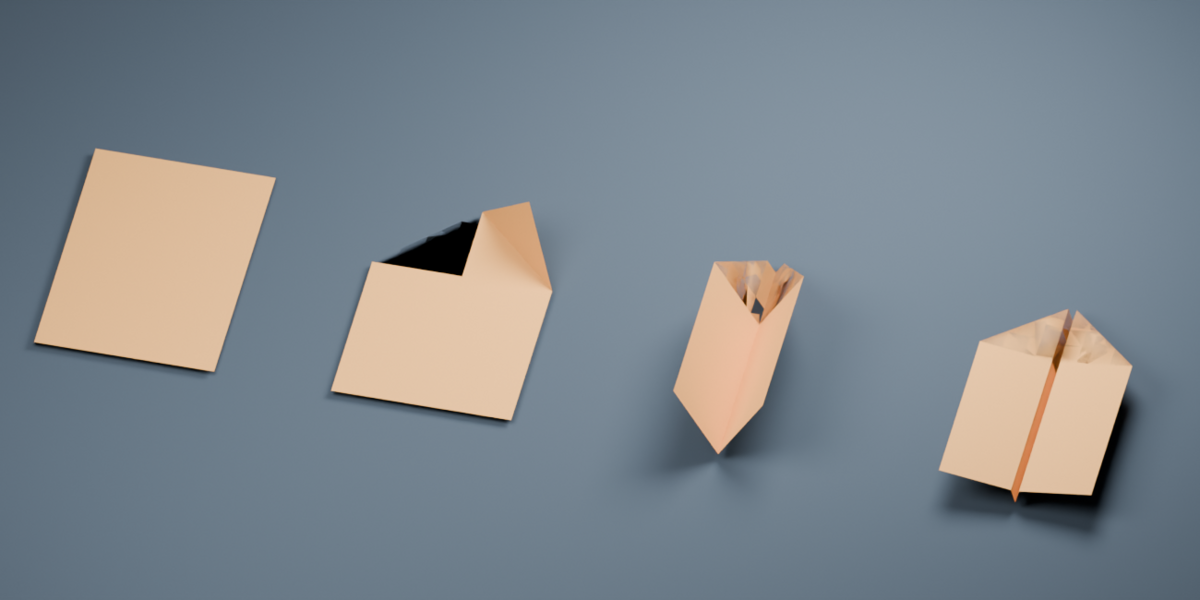




# Paper Plane Fold
Creator: sarmad domit
Website: https://www.sarmaddomit.com
Category: Add-ons
Software: Blender 4.5 or newer
License: MIT
Version: 1.4.1
## Short description
Turn a selected rectangular paper mesh into an animated dart-style paper plane. Keep the original sheet, control the fold with one slider, and render or export a static pose.
## Product description
Paper Plane Fold creates a staged paper-plane animation from a rectangular mesh. Select your own paper sheet in Object Mode or Edit Mode, or add an A4, Letter, or square sheet. The add-on captures the selected mesh at the current frame, including its active shape keys and enabled modifiers, then builds a folding copy with a single Fold control. The original object remains available.
The generated fold uses driven shape keys built from geometric rotations. Its faces keep their dimensions throughout the fold animation. Adjustable stage timing and pauses let you control the left flap, right flap, body, and wing stages. You can rebuild the result after changing the source or fold settings, create animation keyframes, and make an editable static copy of any pose.
UV layers, seams, face material assignments, and effective object material overrides transfer to the generated mesh. A selected sheet bent without stretching can be unfolded using its geometry. For a warped source that cannot be unfolded exactly, Flatten Warped Source uses a continuous rectangular UV map or unchanged rectangular base mesh as a flat pattern. This initial conversion may change lengths relative to the visibly warped source; the resulting flat sheet then folds without changing its face dimensions.
Rigid Rotate (No Stretch) is provided for manual Edit Mode changes to a static copy. Blender's native proportional rotation can stretch connected faces, so use the add-on's Rigid Rotate tool when sheet dimensions must stay fixed.
## Installation
1. Download `paper_plane_fold-1.4.1.zip`. Keep it zipped.
2. In Blender 4.5 or newer, open Edit > Preferences > Get Extensions or Add-ons, then choose Install from Disk from the upper-right menu.
3. Select the ZIP and enable Paper Plane Fold if Blender prompts you.
4. In a 3D Viewport, press N and open the Paper Plane sidebar tab.
5. If replacing an older version, disable or remove the earlier Paper Plane Fold installation and restart Blender before enabling the new extension.
## Quick start
1. Select one rectangular mesh sheet. Object Mode and Edit Mode are supported. The whole active mesh object is used.
2. Choose Preview Nose Direction; enable Reverse Nose if the arrow points the wrong way.
3. Choose Create From Selected Plane. Alternatively, choose a paper size and Add Paper Sheet.
4. Move the generated object's Fold control from 0 to 1. To keyframe the fold, set start/end frames and choose Create Fold Animation.
5. Change stage timing or pauses and choose Apply Settings / Rebuild. Rebuild reevaluates the current source and replaces direct edits to the generated mesh.
6. For a fixed editable model, choose Duplicate Current Pose for Editing.
## Edit Mode rigid rotation
On a static copy, enter Edit Mode, select one crease edge in Edge Select mode, and choose Use Selected Edge as Crease. Select the complete side to rotate and choose Rigid Rotate (No Stretch). Enter the angle. The operator checks edge lengths and face diagonals before it commits the move. Whole Connected Sheet and Include Nearby Vertices are available; nearby vertices rotate at full strength within the chosen radius.
## FAQ
**Can I use my own textured plane?** Yes. Use a rectangular mesh with usable UVs and material slots. The add-on copies UV layers, seams, and material regions.
**Will it use my current shape key and modifiers?** Yes. It samples the evaluated mesh at the current frame. Visible Solidify thickness is carried to the generated object's Paper Thickness modifier.
**Can it fold a plane already bent by a Curve modifier?** Usually, if the evaluated result remains a sheet with a usable rectangular UV pattern or unchanged rectangular base topology. Flatten Warped Source creates a flat pattern first. The initial flattening may alter lengths compared with an intrinsically warped source.
**Does ordinary proportional rotation keep the sheet rigid?** No. Blender's own proportional rotation gives different vertices different angles. Use Rigid Rotate (No Stretch) on a static copy.
**Can it fold any mesh or make every origami design?** No. It creates a prescribed dart-style fold from a rectangular sheet. Holes, disconnected surfaces, solids without a recognizable sheet, and non-rectangular UV boundaries are unsupported.
**Why do closed layers sometimes intersect?** The model is an exact geometric fold, not a collision simulation. Optional physical thickness can intersect where layers close.
## Upload files
- Add-on extension: `paper_plane_fold-1.4.1.zip`
- Render-ready example: `Paper_Plane_Fold_1.4.1_Demo.zip` (contains the `.blend` file)
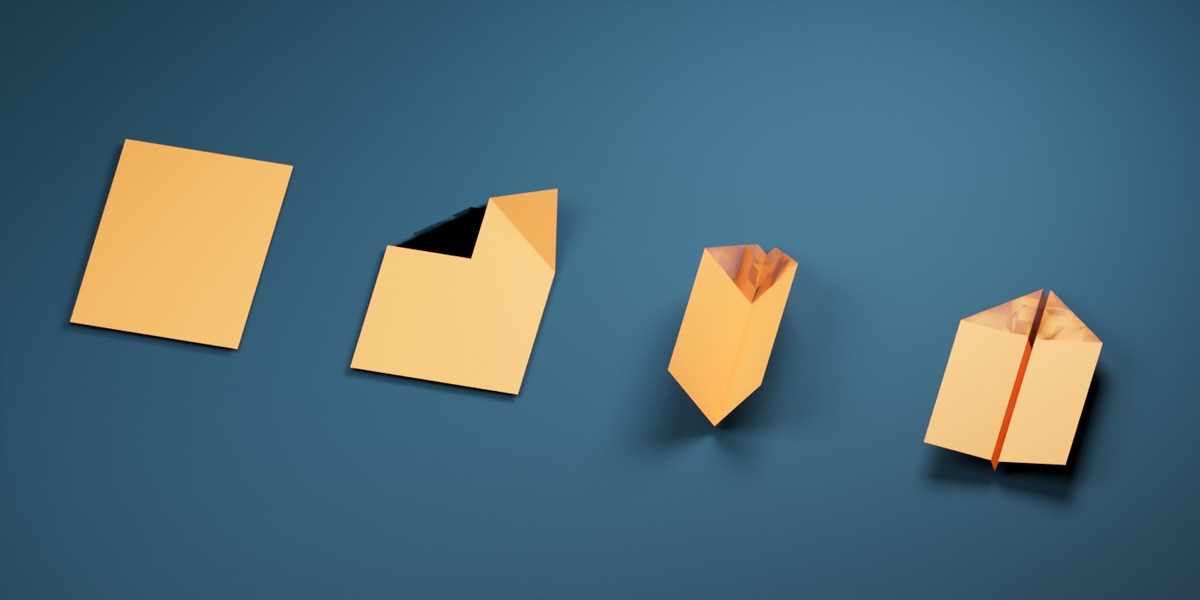
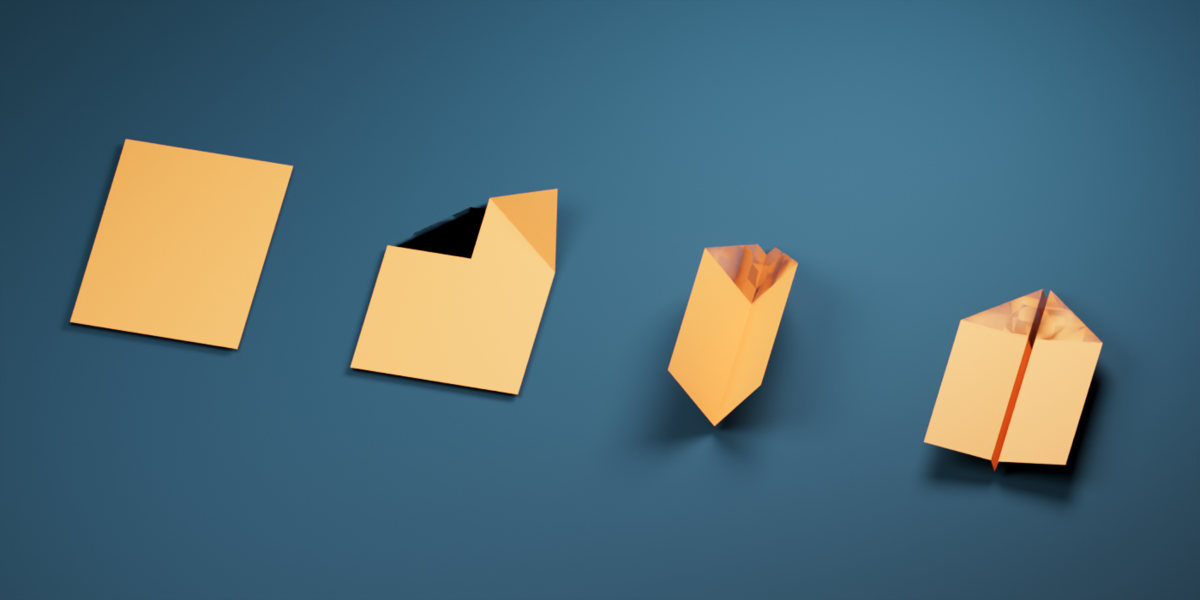
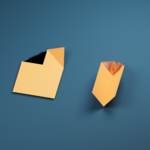
- Featured image: `01_Fold_Sequence.jpg`
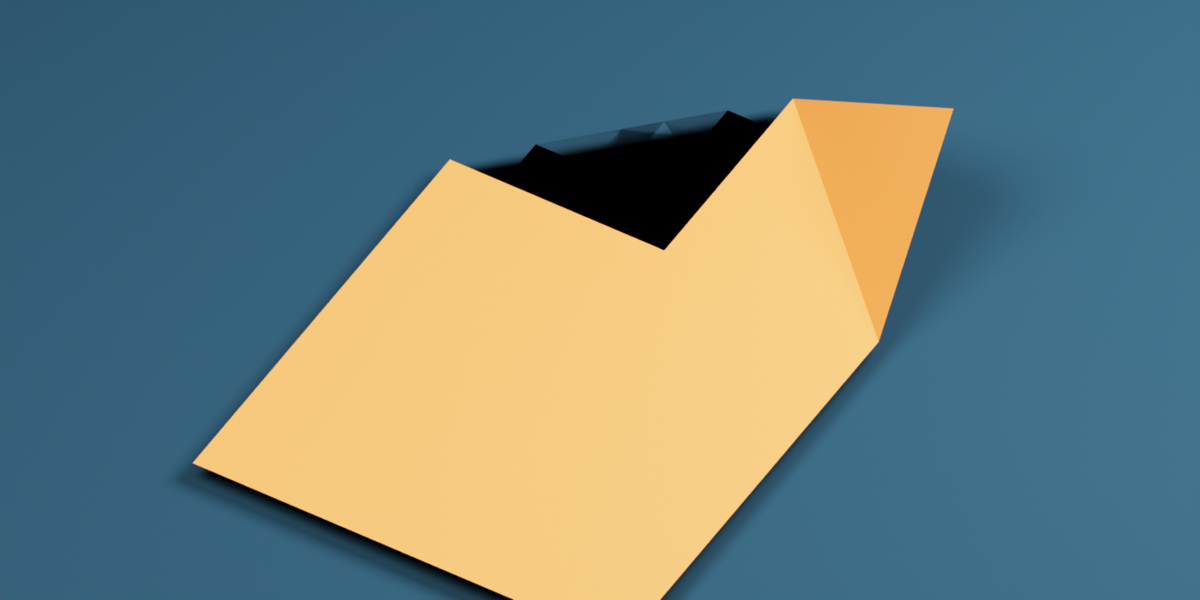
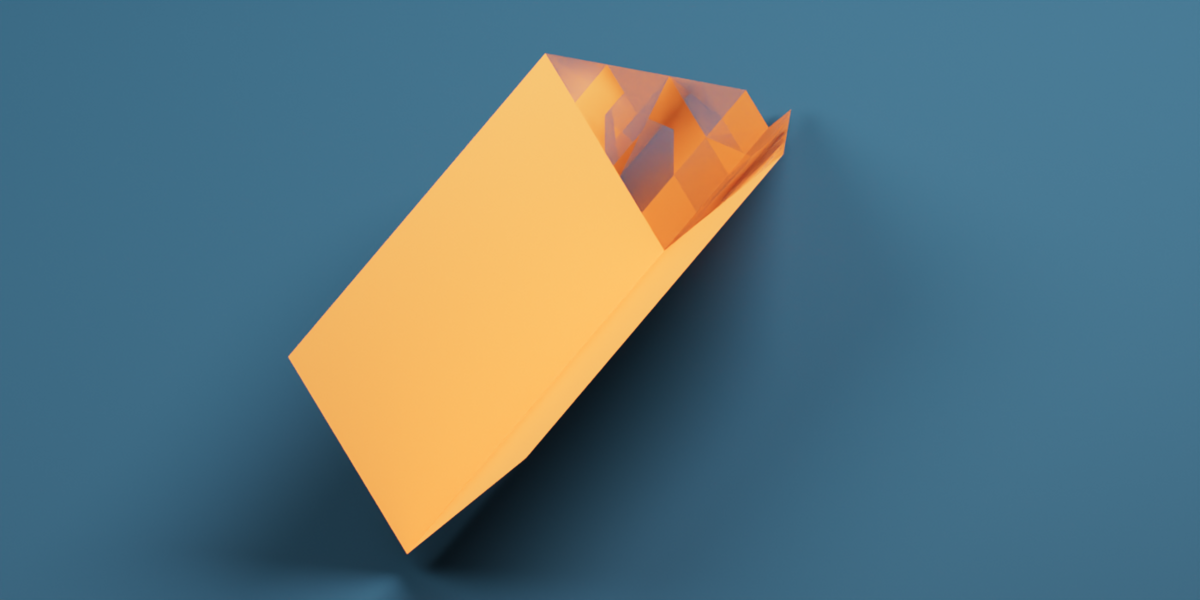
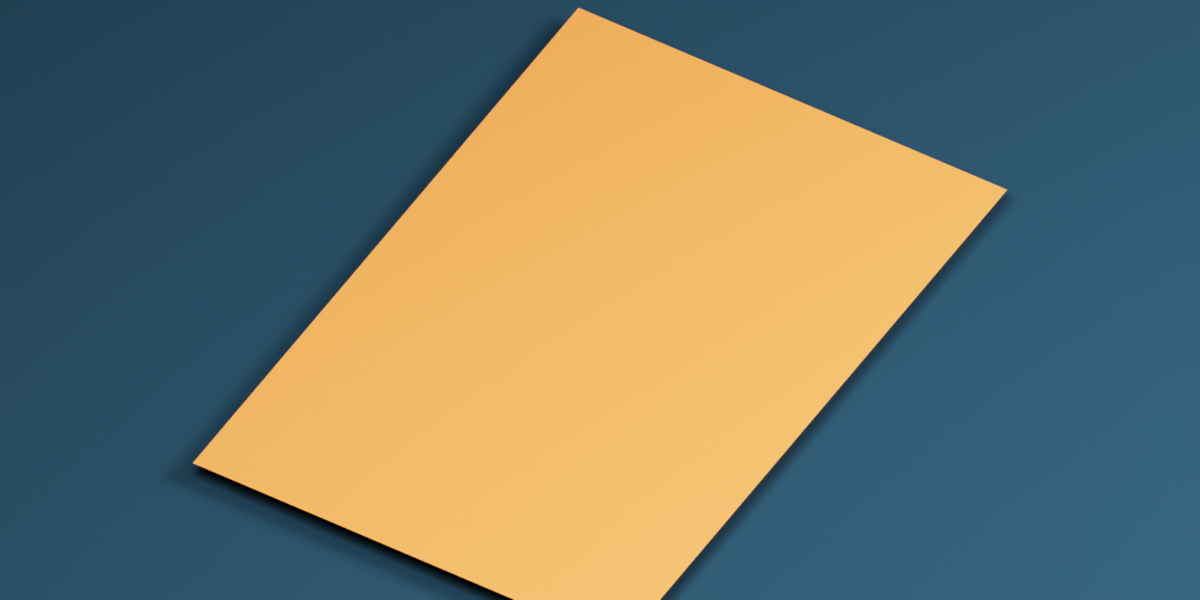
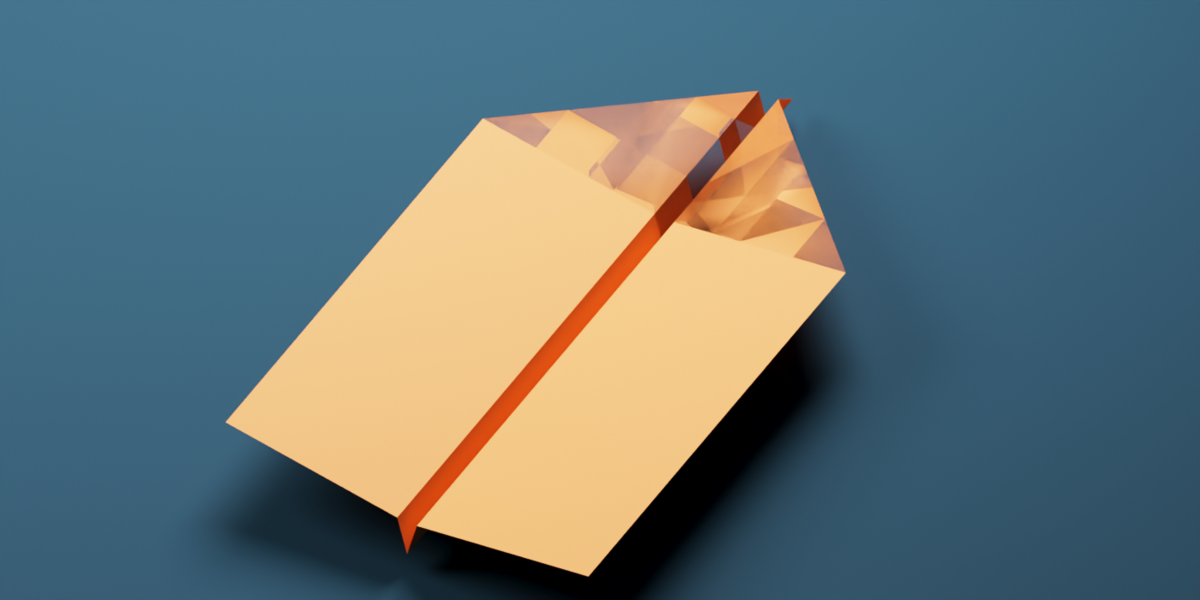
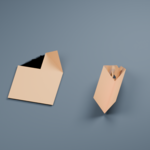
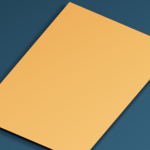
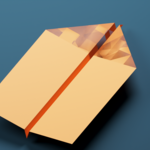
- Gallery images: `02_Flat_Source.png`, `03_Nose_Fold.png`, `04_Wing_Fold.png`, `05_Finished_Plane.png`
The five images are 1400 × 700 and show renders of the supplied add-on demo. Set the product license to MIT and paste the documentation and FAQ above into the Superhive page. The add-on ZIP contains its source and MIT license.
Have questions about this product?
Login to message
| Blender Extension Compatible | Yes |
| Published | 6 days ago |
| Blender Version | 4.5 - 5.2 |
| Extension Type | Add-on |
| Render Engine Used | Blender-Internal, Cycles, Eevee |
| License | Mit |

Discover more products like this
motion graphics mesh deformation Procedural Animation origami shape keys folding animation paper plane uv mapping product-visualization