 TastyVoxels


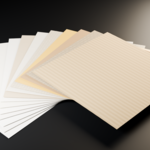
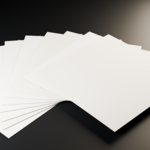
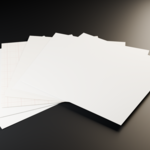
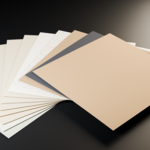
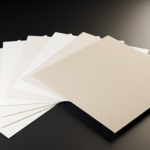
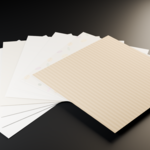
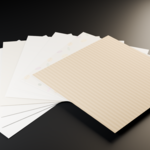
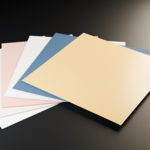
Paperforge is a library of 50 procedural 4K PBR paper and canvas materials, generated entirely from code — not photographed, not scanned, not made with generative AI.
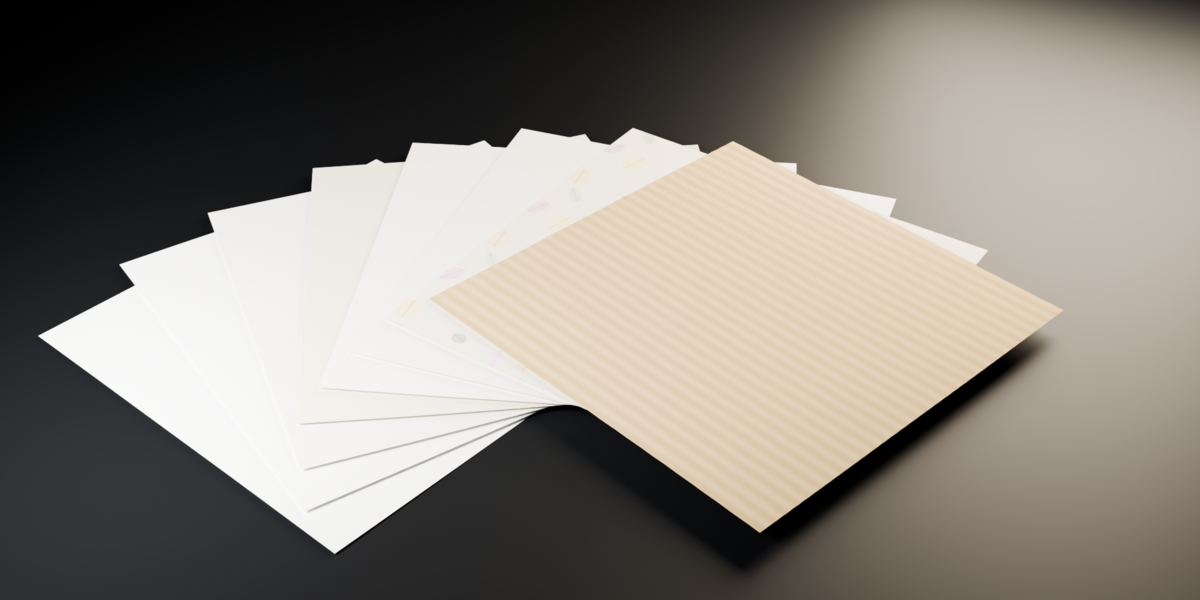
This asset library drops straight into Blender's Asset Browser: drag any of the 50 materials onto an object and you're rendering. Every material carries its full 4K PBR set (albedo, normal, roughness, height) already wired into a Principled BSDF, with height feeding displacement.
44 of the 50 sheets are genuinely seamless, verified by measuring the pixel jump across the tile edge against the typical jump between neighbouring interior pixels — not just eyeballed. The remaining 6 are single-sheet decorative finishes (metallic and pearlescent) that are not meant to tile, and are clearly labelled as such.
Two material setups in the box
Every paper now ships twice: same maps, two ways of putting them on a mesh. The new Object / Box setup drives the textures from Texture Coordinate > Object into a Mapping node, with all four image textures on Box projection at a 0.284 blend. The texture is placed from the shape of the object itself, so it lands correctly on any mesh with no UV map at all: a crumpled sheet, a book, a box, a scanned model. A single Value node feeds the Mapping Scale, so one number rescales all three axes at once - raise it for a finer grain, lower it for a coarser one.
The classic UV setup is still here
Unchanged and still included: Texture Coordinate > UV into a Mapping node, image textures on Flat. That is the traditional route and it follows the UV map you authored, which keeps exact control of orientation and scale per island. Neither setup replaces the other - the Object / Box one reads the shape of the object automatically, the UV one does what your unwrap tells it to. Keep whichever suits the model in front of you.
The file opens full, not empty
The Object / Box library also carries a ready scene: fifty planes laid out as a ream, one per paper, each with its material already applied, plus camera and light. Open it and the whole collection is in front of you, with no hunting through the Asset Browser to find out what a paper actually looks like.
The raw maps, on their own
A separate archive holds all 200 JPGs - albedo, normal, roughness and height for every sheet - for anyone who would rather wire them by hand or take them into another renderer.
What is inside
Watercolour and cotton papers — 10 materials
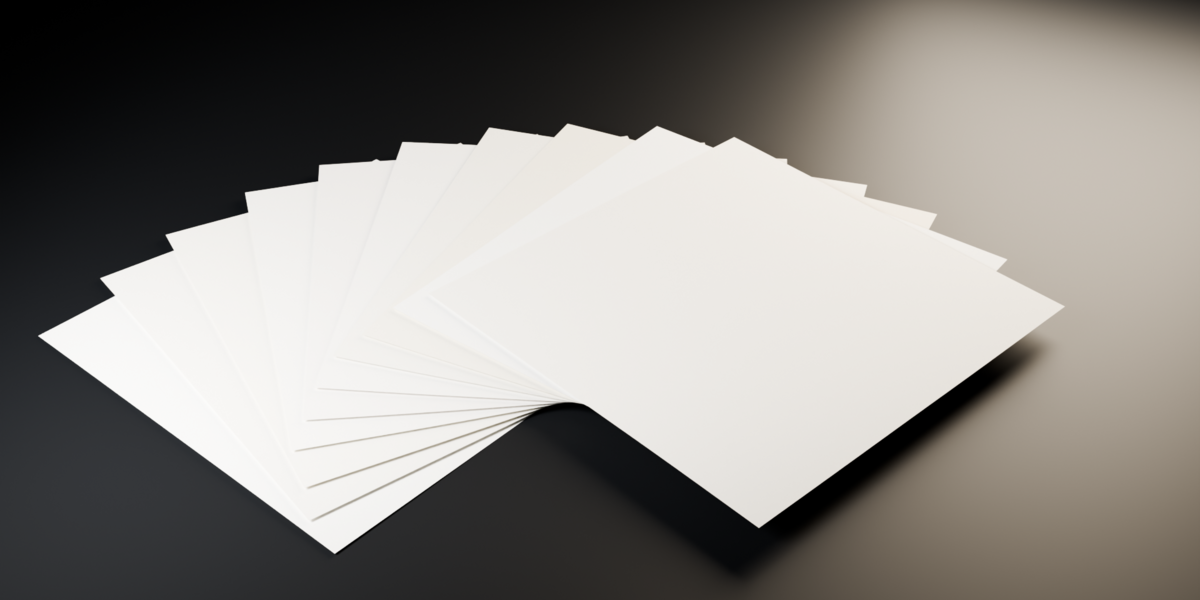
Notebook, grid and technical papers — 6 materials
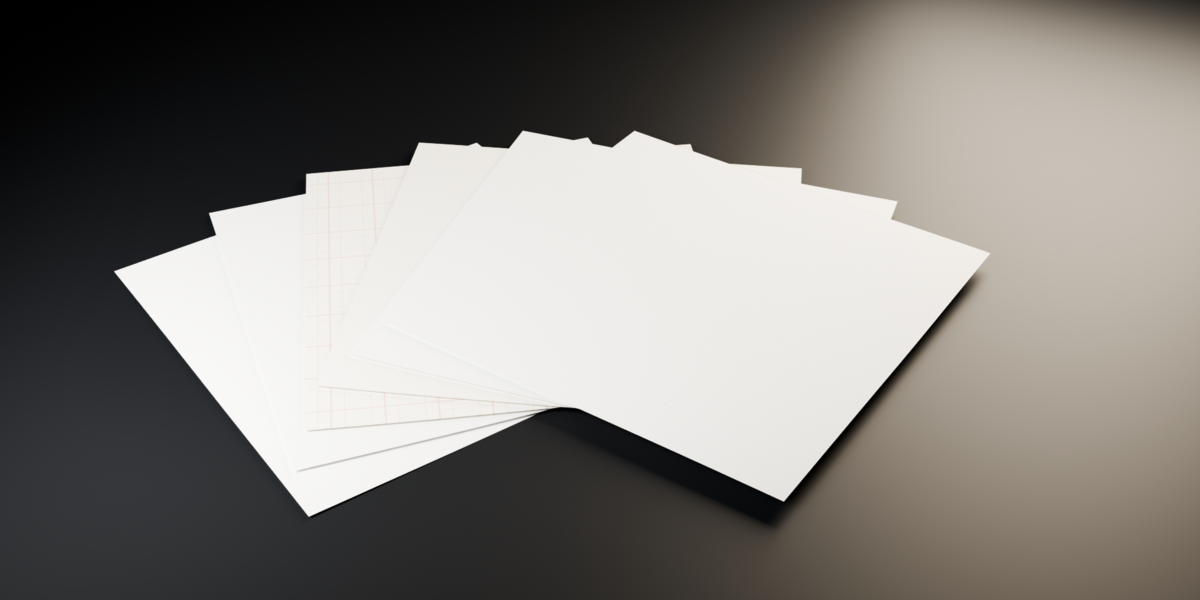
Canvas, linen and jute — 8 materials
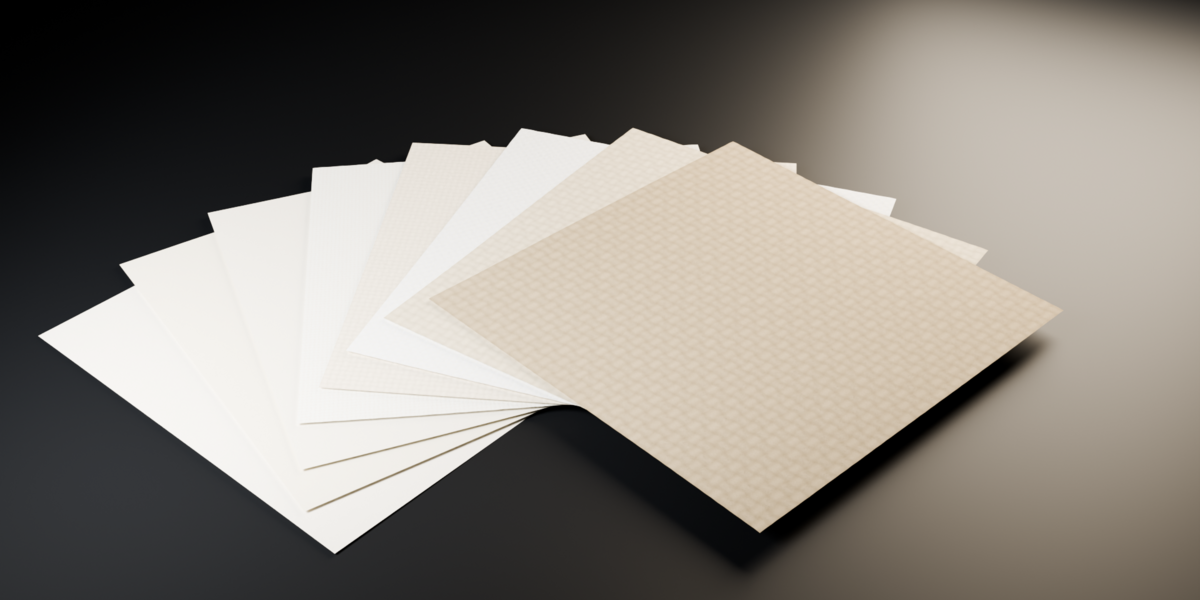
Pastel, vintage and kraft — 12 materials
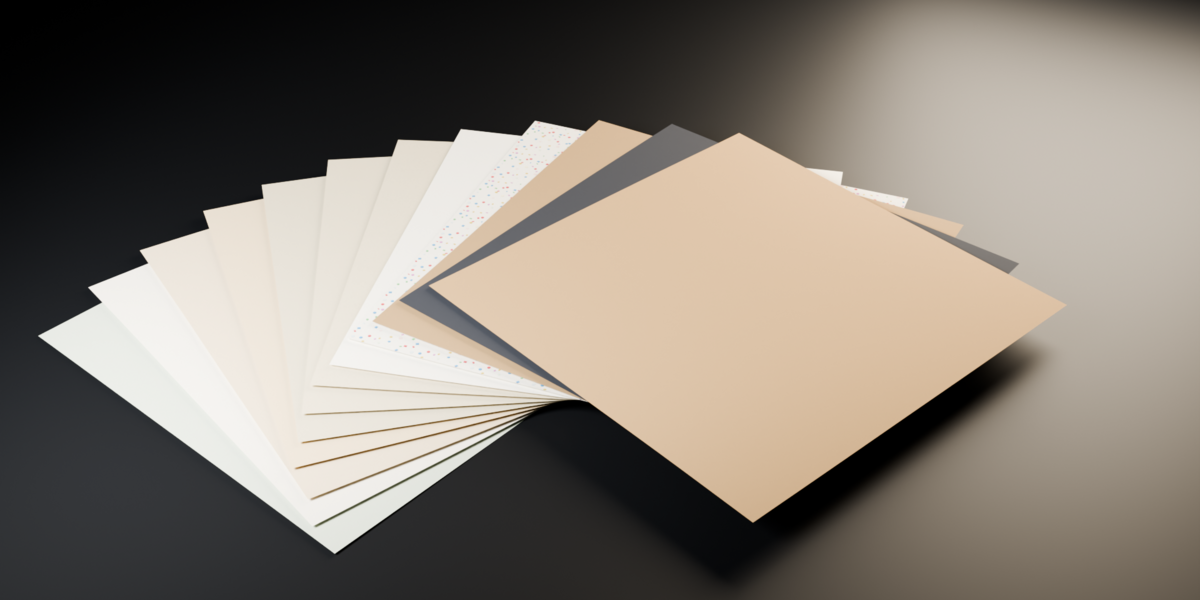
Craft, washi and print — 8 materials
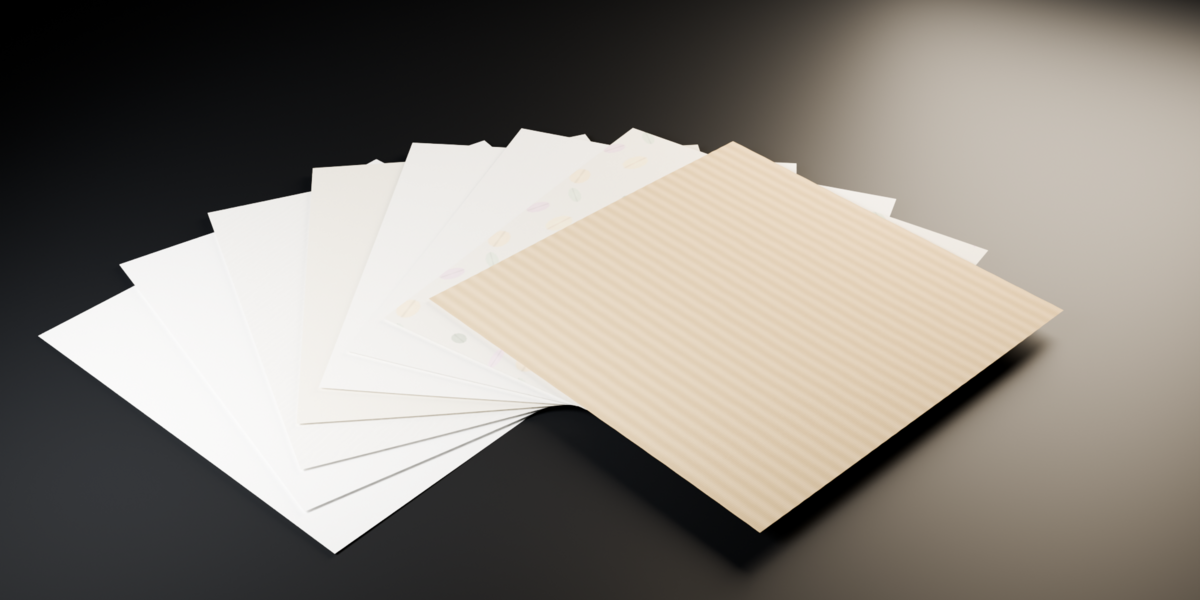
Decorative metallic and pearl sheets — 6 materials
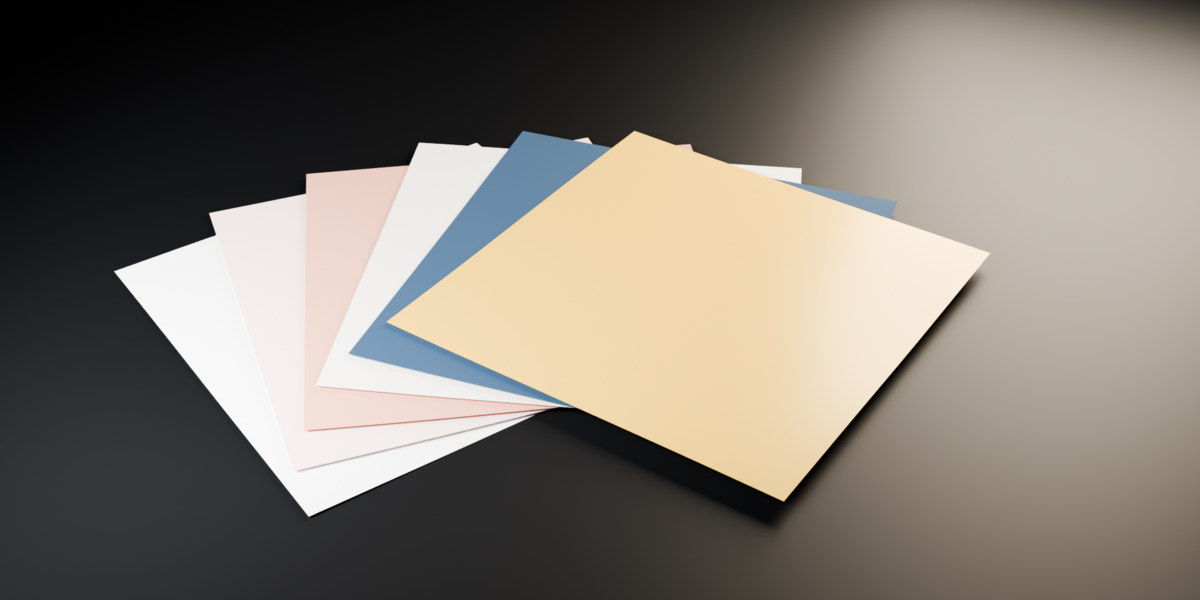
LICENSE: royalty-free, unlimited personal and commercial use, no attribution required. You may not resell or redistribute the files themselves as a texture or material pack.
Made with Paperforge — Regolith Highfield's in-house procedural paper engine.