 ZEG
ZEG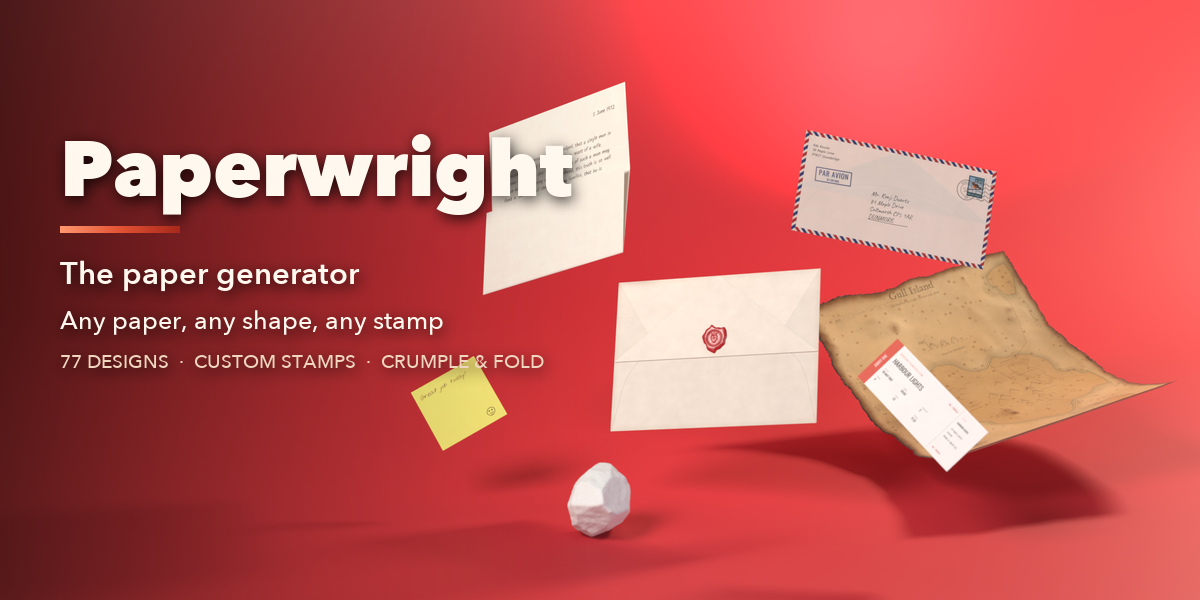



Installation
In Blender open Edit, Preferences, Get Extensions, then use Install from Disk and pick the paper_generator zip. The add-on is listed as Paper Generator.
Usage
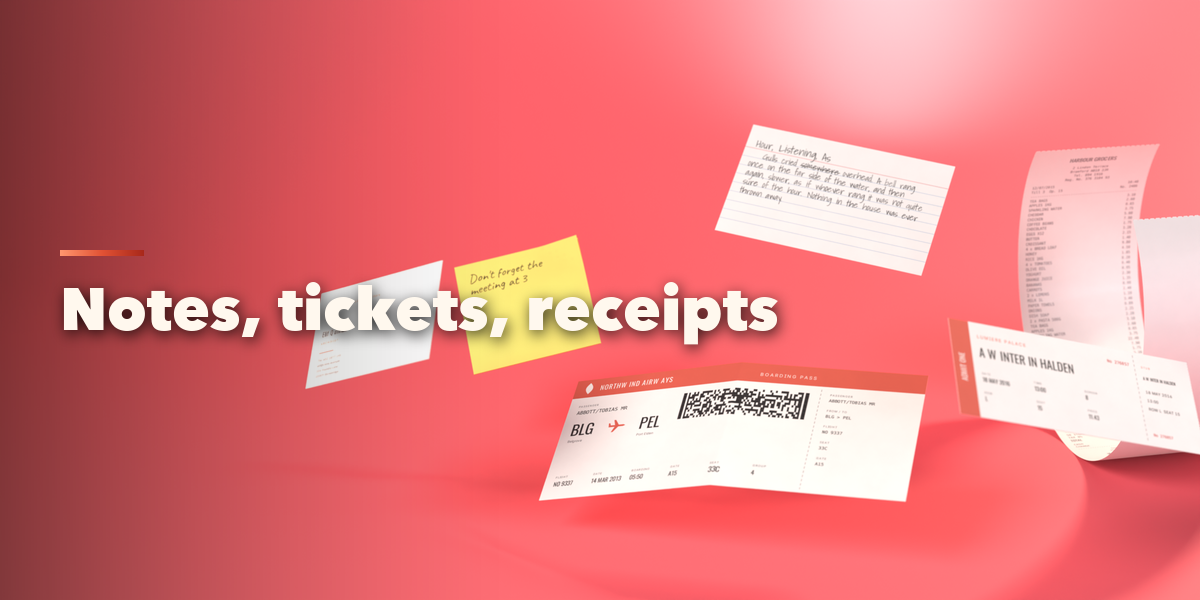
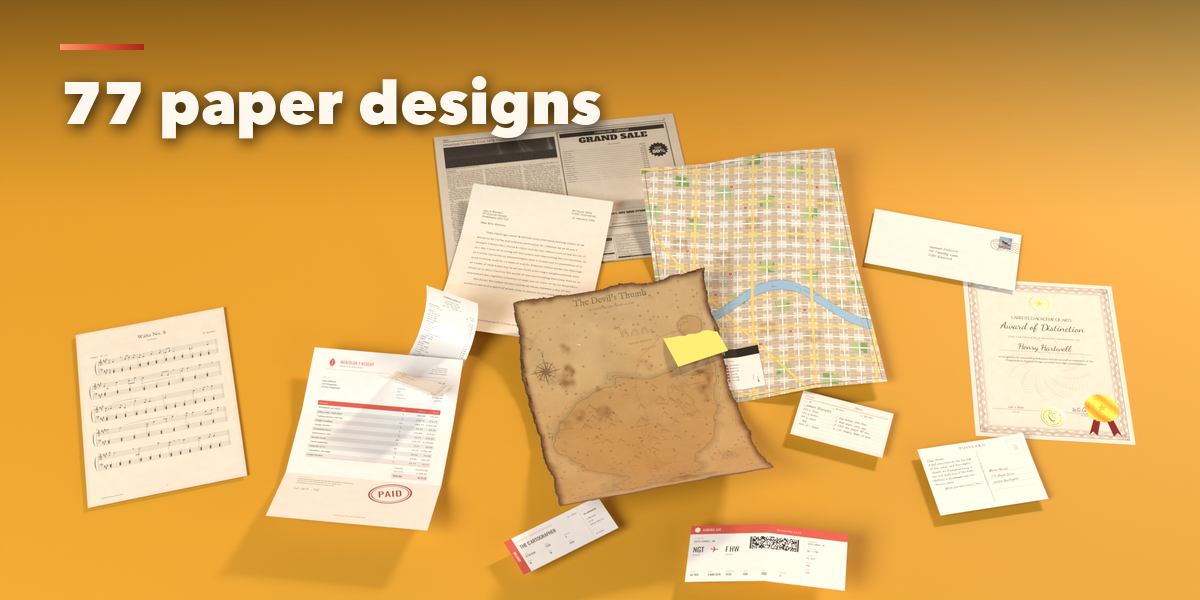
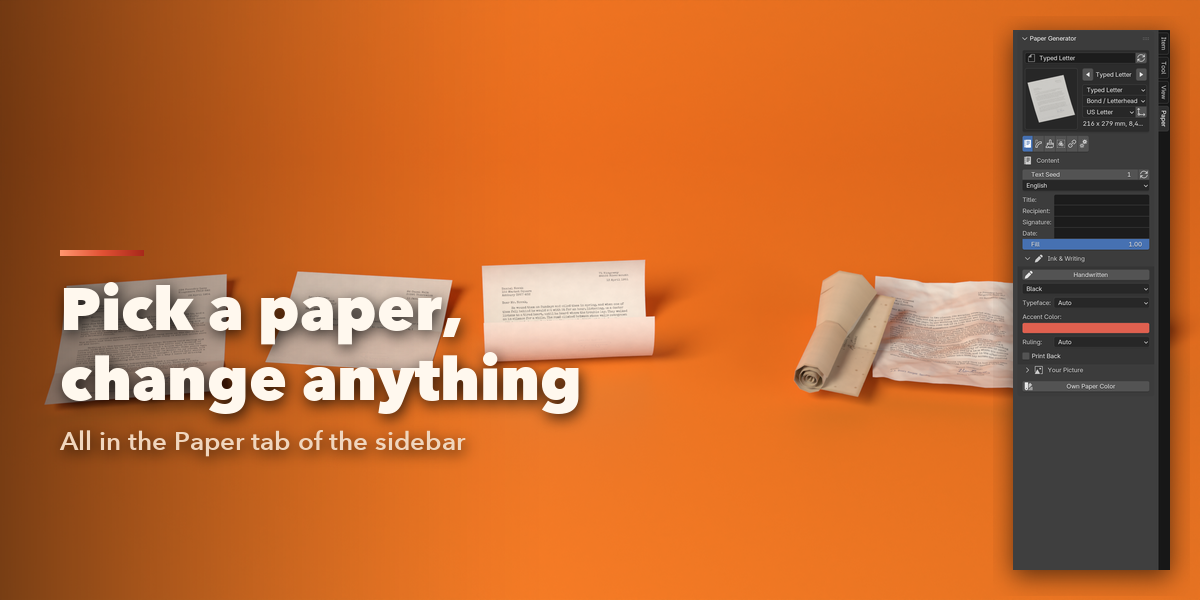
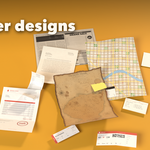
- In Object Mode press Shift+A and choose Mesh, Paper, or open the Paper tab in the 3D viewport sidebar (N). Click a design picture and press Add, or press Random.
- With a paper selected, the sidebar shows tabs: Content, Shape, Condition, Stamps, Extras and Quality. Every setting rebuilds the paper live.
- Content: the text, language, ink, handwriting, typeface, your own body text or image.
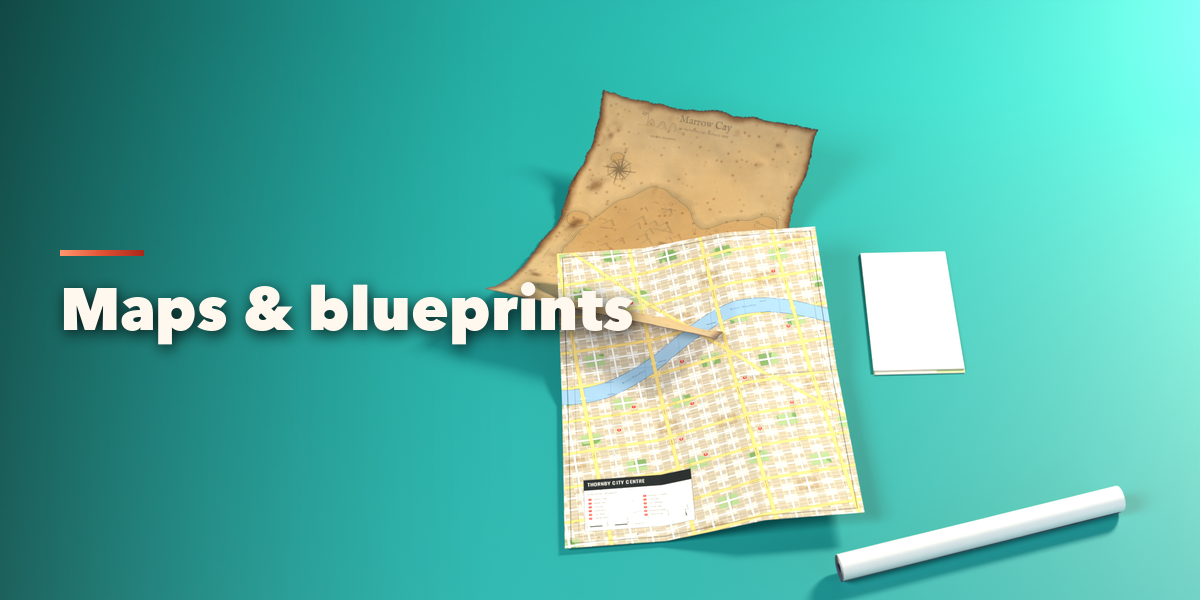
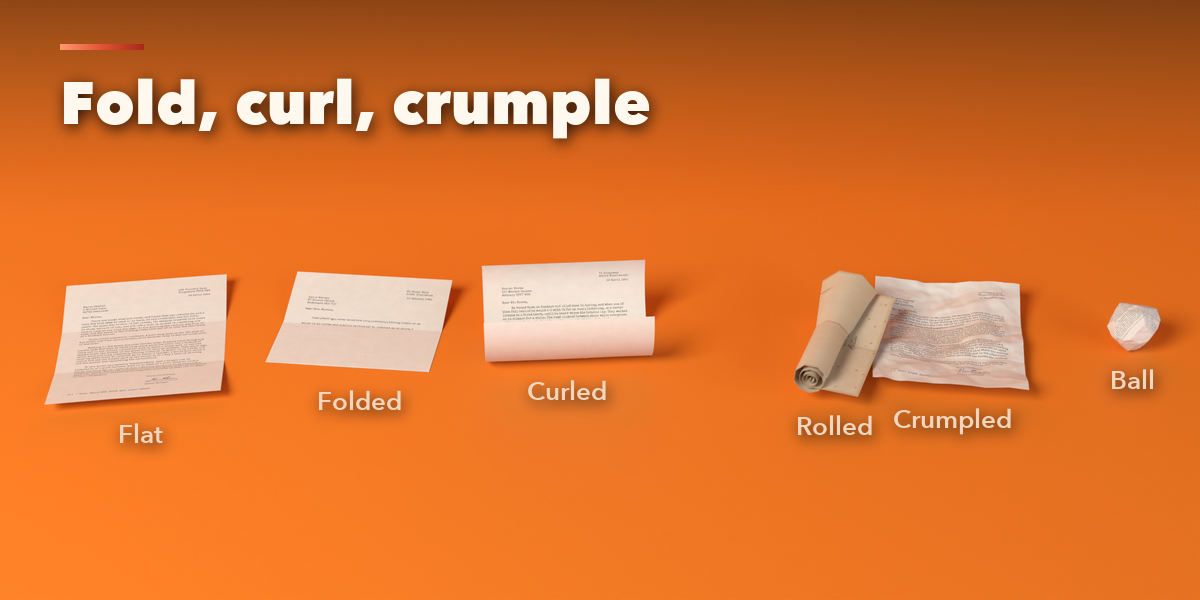
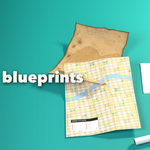
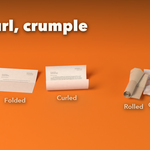
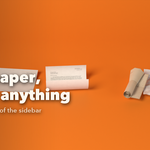
- Shape: pick a fold picture and drag Folded, or use Curl, Roll, Crumple and Ball. Edges can be clean, deckled, torn, perforated or burnt.
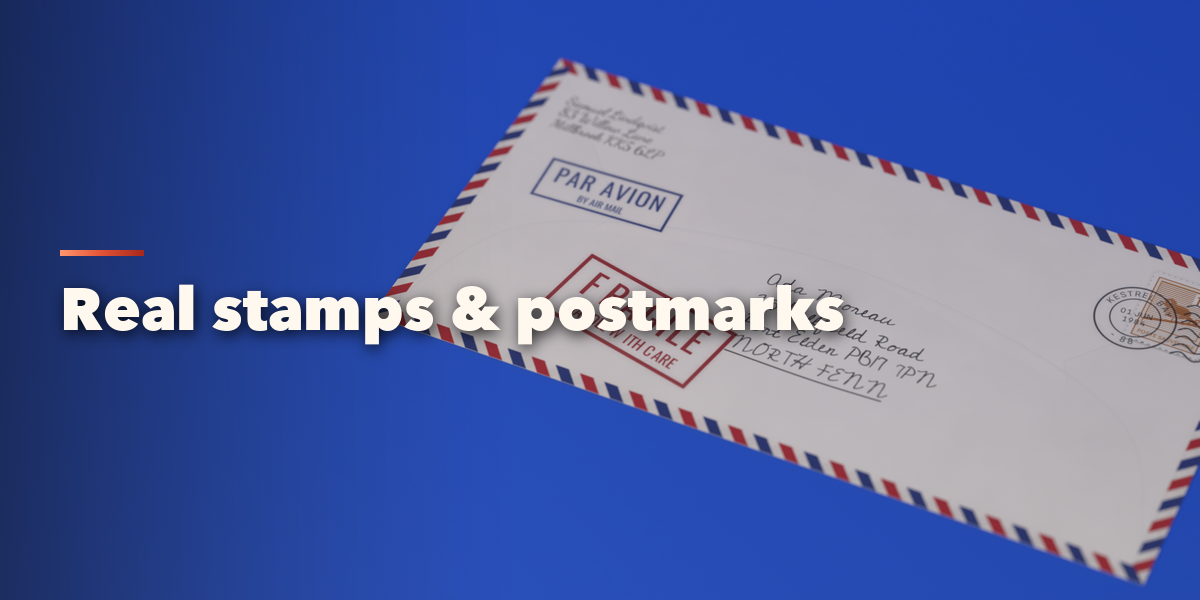
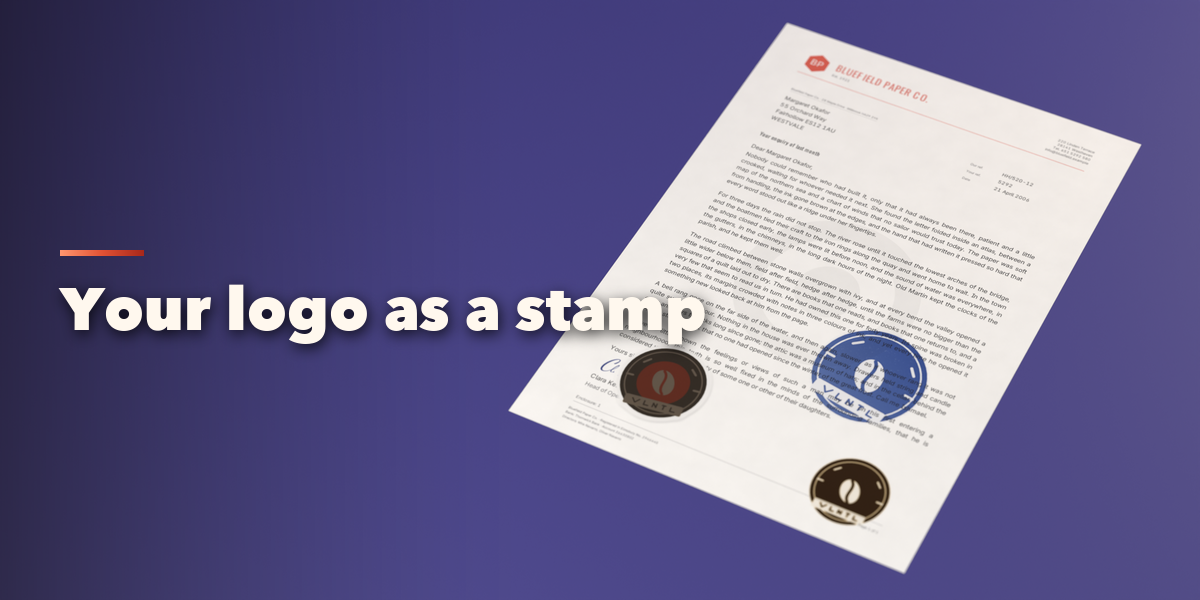
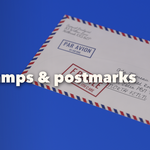
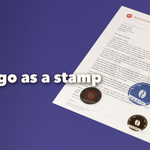
- Stamps: add a Postage, Rubber, Emboss, Sticker or Print layer, choose a built-in design, type your own words or press Stamp from PNG / SVG File. Press Click on the Paper to Place, then click on the paper. Ink, wear and fade settings sit below.
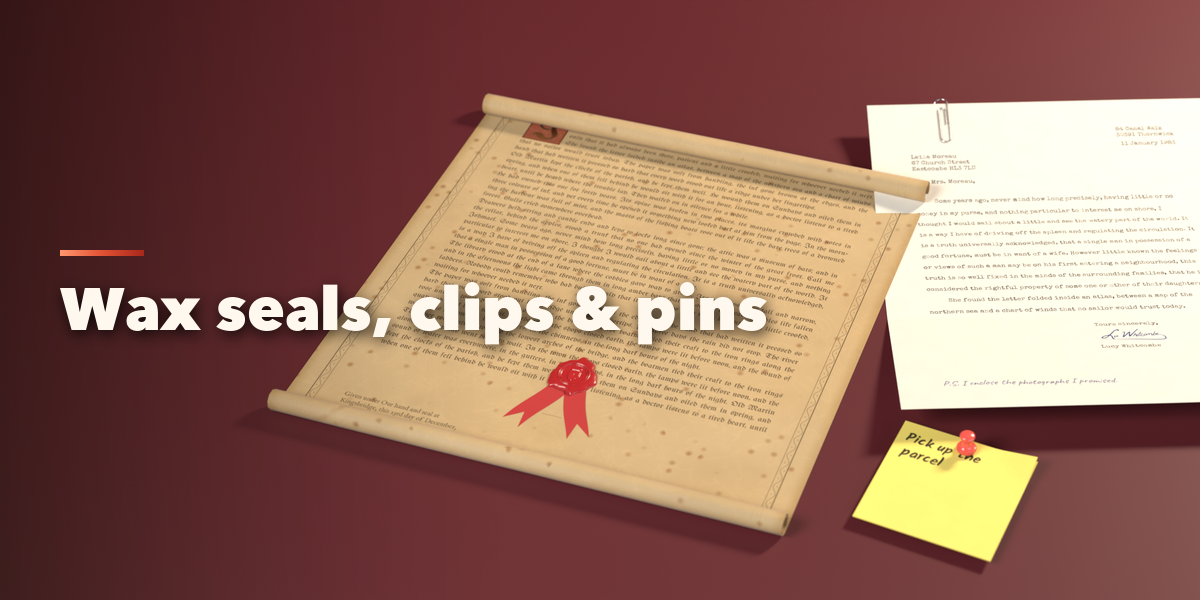
- Extras: wax seal, ribbon, paper clip, binder clip, staple, pin or tape. Animate keyframes unfolding, folding, crumpling or unrolling in one click.
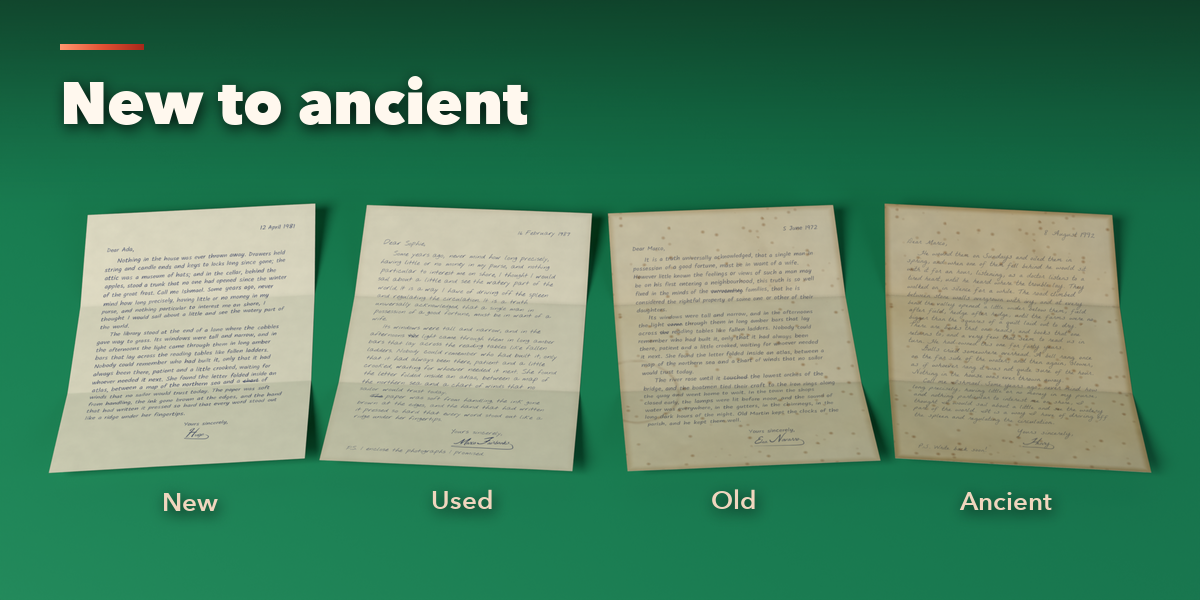
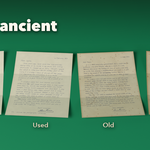
- Condition: move from New to Ancient or tune stains, foxing, fingerprints and burn by hand.
Switch the viewport to Material Preview or Rendered to see the printed paper.
Have questions about this product?
Login to message
| Blender Extension Compatible | Yes |
| Published | 2 days ago |
| Blender Version | 4.2 - 5.2 |
| Extension Type | Add-on |
| Render Engine Used | Cycles, Eevee |
| License | GPL |

Discover more products like this
set dressing letter procedural document props Generator paper newspaper envelope crumpled-paper vintage stamp