 multlabs


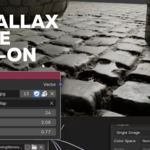
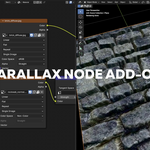
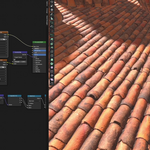
Parallax Node
A Blender add-on that provides custom nodes for creating parallax mapping effects in shader materials. Many parallax node setups already exist, so the concept itself isn’t new. What makes this one truly different is its user-friendly design. Instead of a complex node group, this implementation is a single, special node that directly contains the Height Map texture and allows you to control the iteration count internally by adjusting the step parameter.
You can buy this version if you want to support me. A free version is available at Blender Extensions Platform
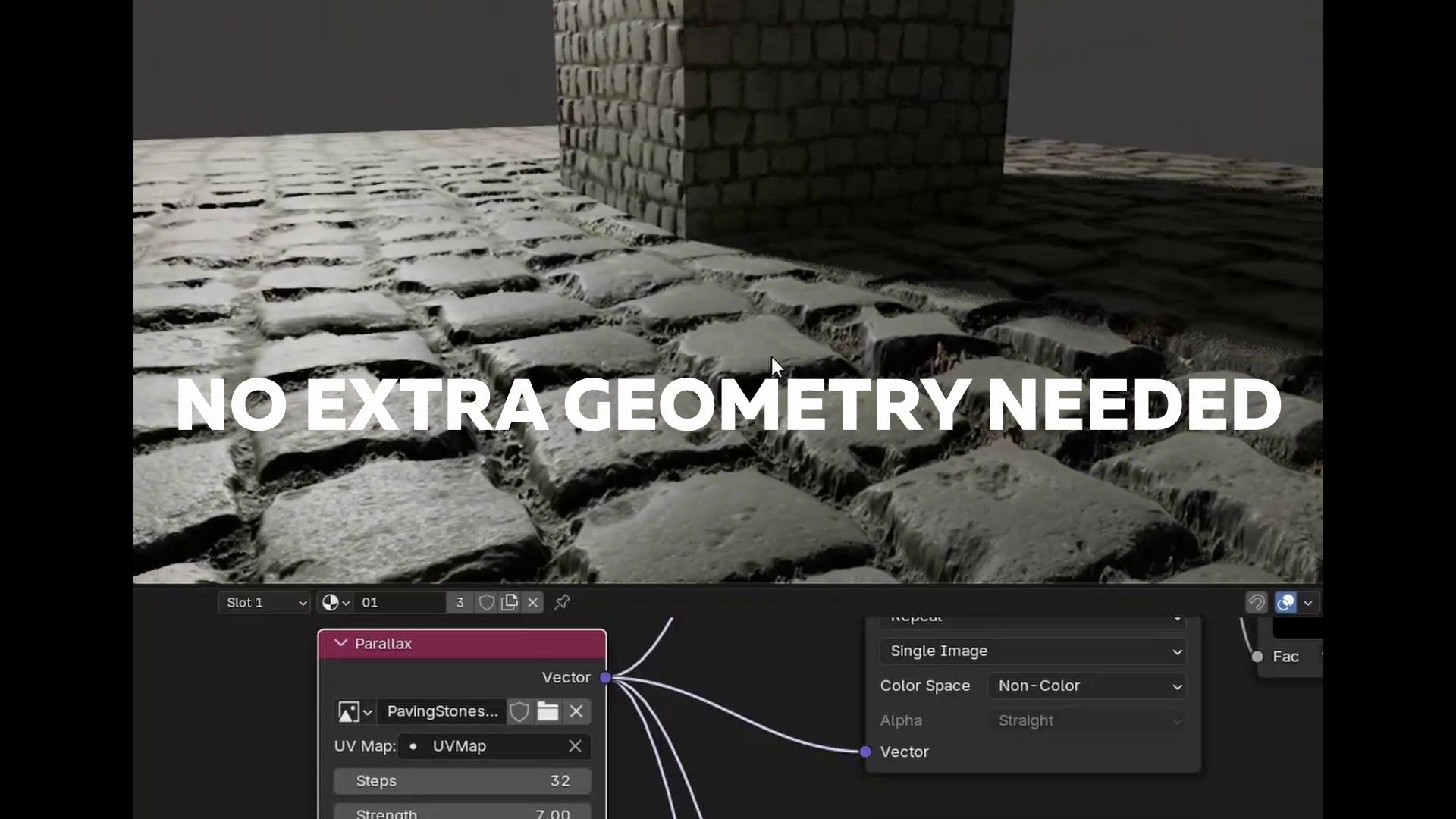
New Version 1.1 (Blender 5.0 required)
- New Parallax Closure node, allows injecting any type of textures, not only images.
- Using Shader repeat zone, means fast, one-time shader compilation!
- Works now with Orthographic and Panoramic Cameras.
- You can now Scale and Offset UV coords.
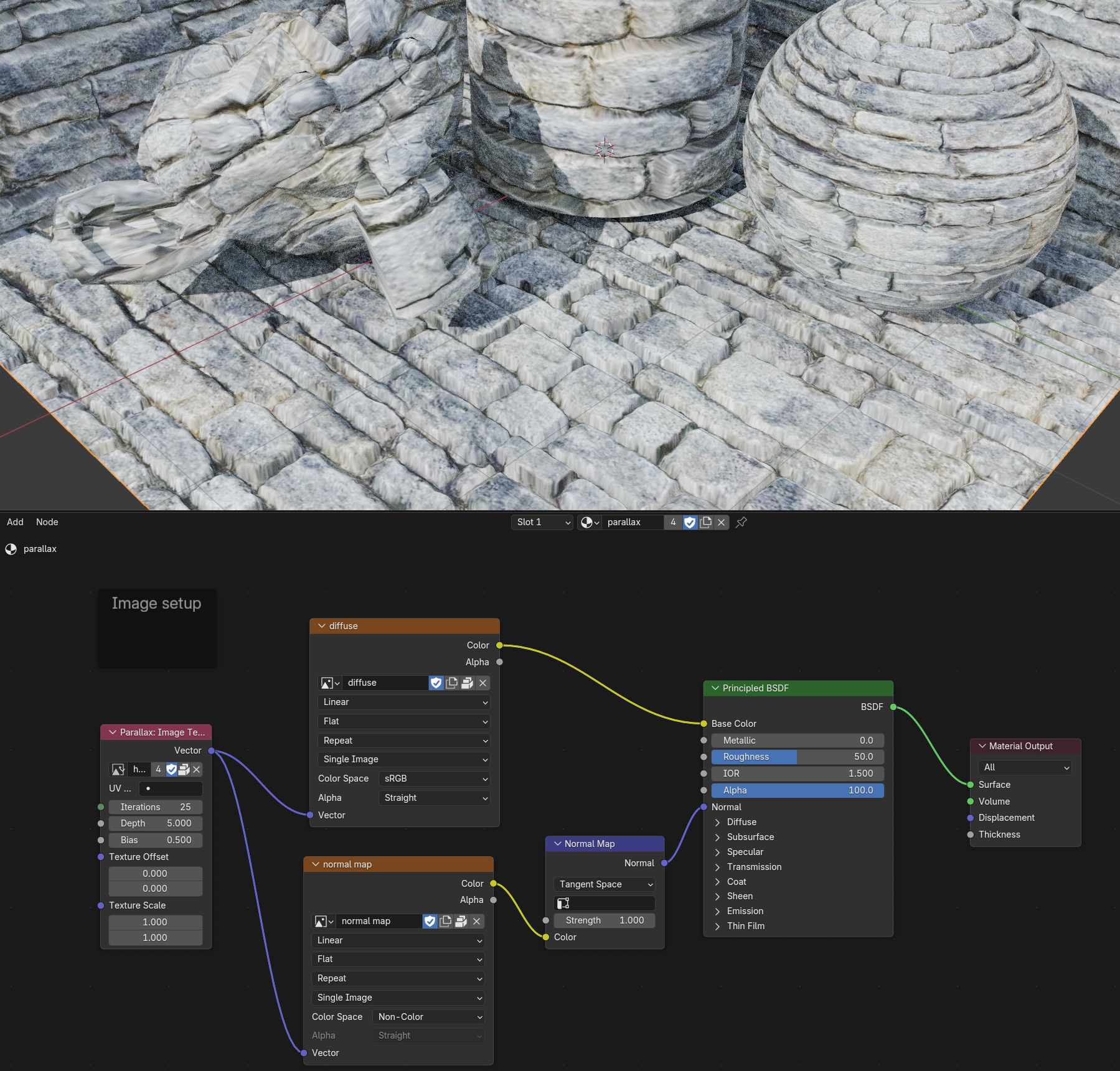
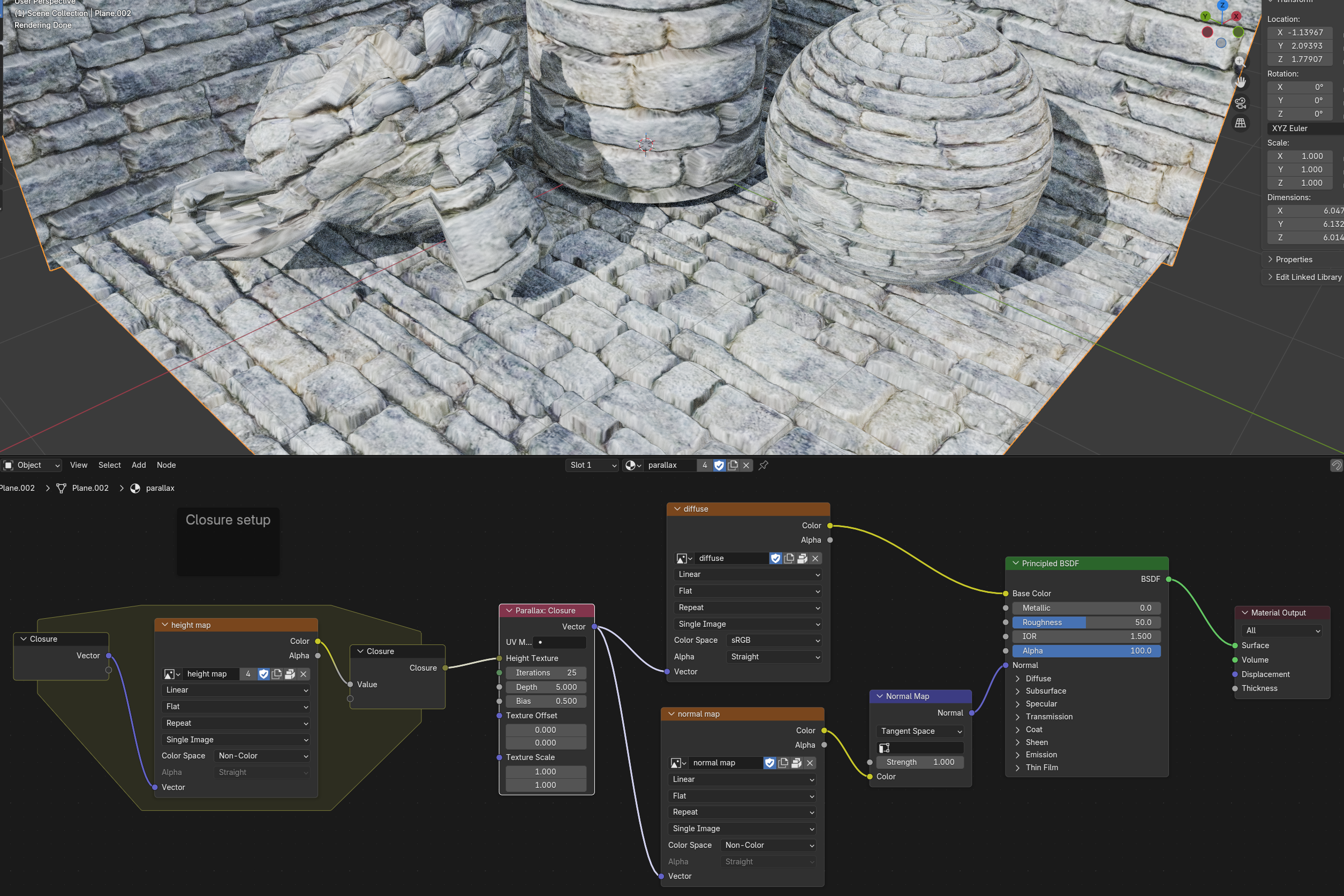
What is Parallax Mapping?
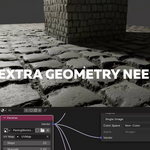
Parallax mapping is a technique used in 3D graphics to enhance the illusion of depth and detail on flat surfaces without adding actual geometry. It works by displacing texture coordinates based on a height map (elevation image) and the viewing angle, creating the appearance of surface relief and depth.
Features
- Custom Parallax Node: A shader node that implements parallax mapping with adjustable parameters
- Seamless Integration: Integrates directly into Blender's shader node editor
- Configurable Steps: Adjustable iteration count for quality vs performance balance
- UV Map Support: Works with custom UV layers
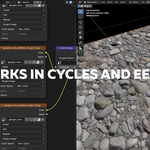
- Real-time Preview: Works with Cycles and EEVEE
Technical Details
This add-on implements parallax occlusion mapping using multiple texture sampling iterations. Each iteration refines the texture coordinate offset based on the height map, creating a convincing depth effect that responds to viewing angle changes.
Attribution
Some code in this project is adapted from or inspired by the Noise Nodes add-on by haseebahmed295.
License
This project is licensed under the GNU General Public License v3.0 or later. See the license headers in the source files for details.