Parallax Node (Free)
 multlabs


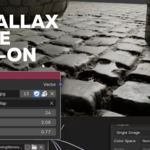
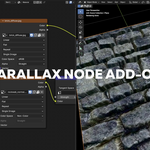
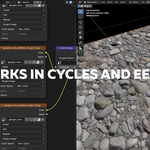
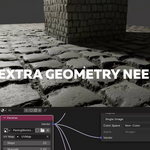
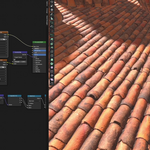
Usage
Adding the Parallax Node
- Open the Shader Editor and create or select a material
- Press to open the Add menu
- Navigate to
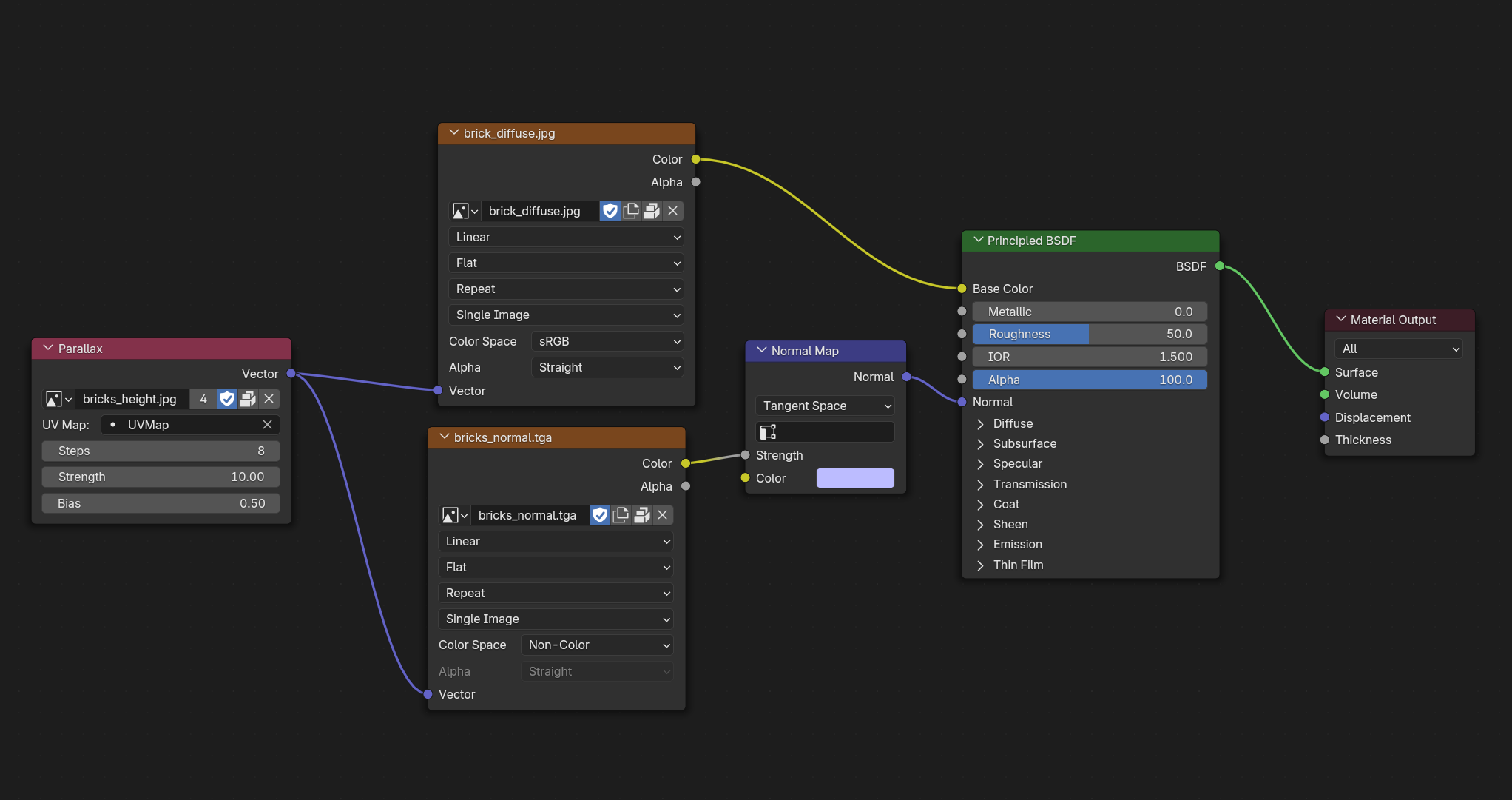
- Connect vector output into textures inputs (Use Parallax node instead Texture coordinate node)
Node Parameters
The Parallax node provides several adjustable parameters:
- Elevation Image: The height/displacement map texture that defines surface relief
- UV Map: Select which UV layer to use for the parallax effect if you are using several UV maps
- Steps: Number of iterations (1-64) - higher values provide better quality but slower performance
- Strength: Scale of the parallax effect (0.0-100.0) - controls how pronounced the depth effect is
- Bias: Texture tweaking bias (0.0-2.0) - fine-tunes the height mapping
$10
Have questions about this product?
Login to message
| Blender Extension Compatible | Yes |
| Sales | 20+ |
| Published | 12 months ago |
| Blender Version | 4.5 - 5.2 |
| Extension Type | Add-on |
| Render Engine Used | Cycles, Eevee |
| License | GPL |
Discover more products like this
parallax eevee parallax cycles blender parallax parallax mapping parallax