 Arq. Gustavo Garcia ARCHS


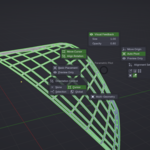
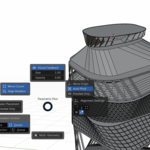
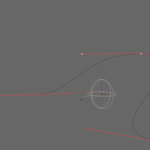
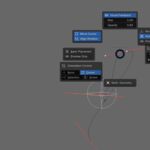
🚀 “Controller Parametric Pilot Pro+ Add-on Description”
ℹ️ General Info
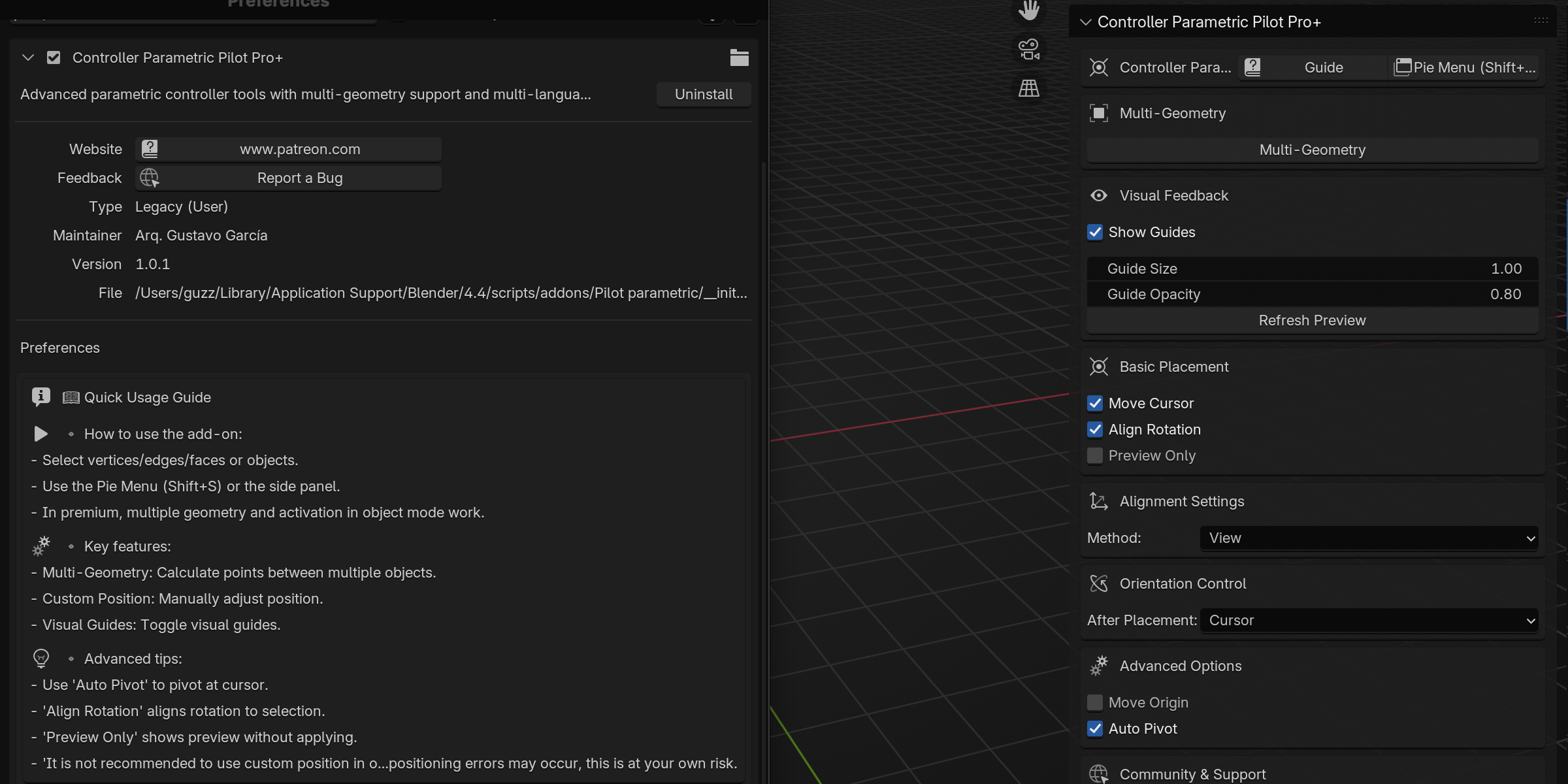
- Name: Controller Parametric Pilot Pro+
- Author: Arq. Gustavo García
- Version: 1.0.1
- Compatibility: Blender 4.4.0
- Location: 3D View Sidebar > Parametric Pilot Tab
🎯 “Core Features”
This add-on is an advanced parametric control tool that enables:
📌 Precision Pivot Placement
1. 🔄 Multi-Geometry Support (works across multiple objects)
2. 🧭 Smart Orientation Control (multiple alignment methods)
3. 👁️ Visual Feedback (interactive guides)
4. 🔄 Curve & Mesh Support
🔥 Key Features
Shift + S
🎯 Placement System
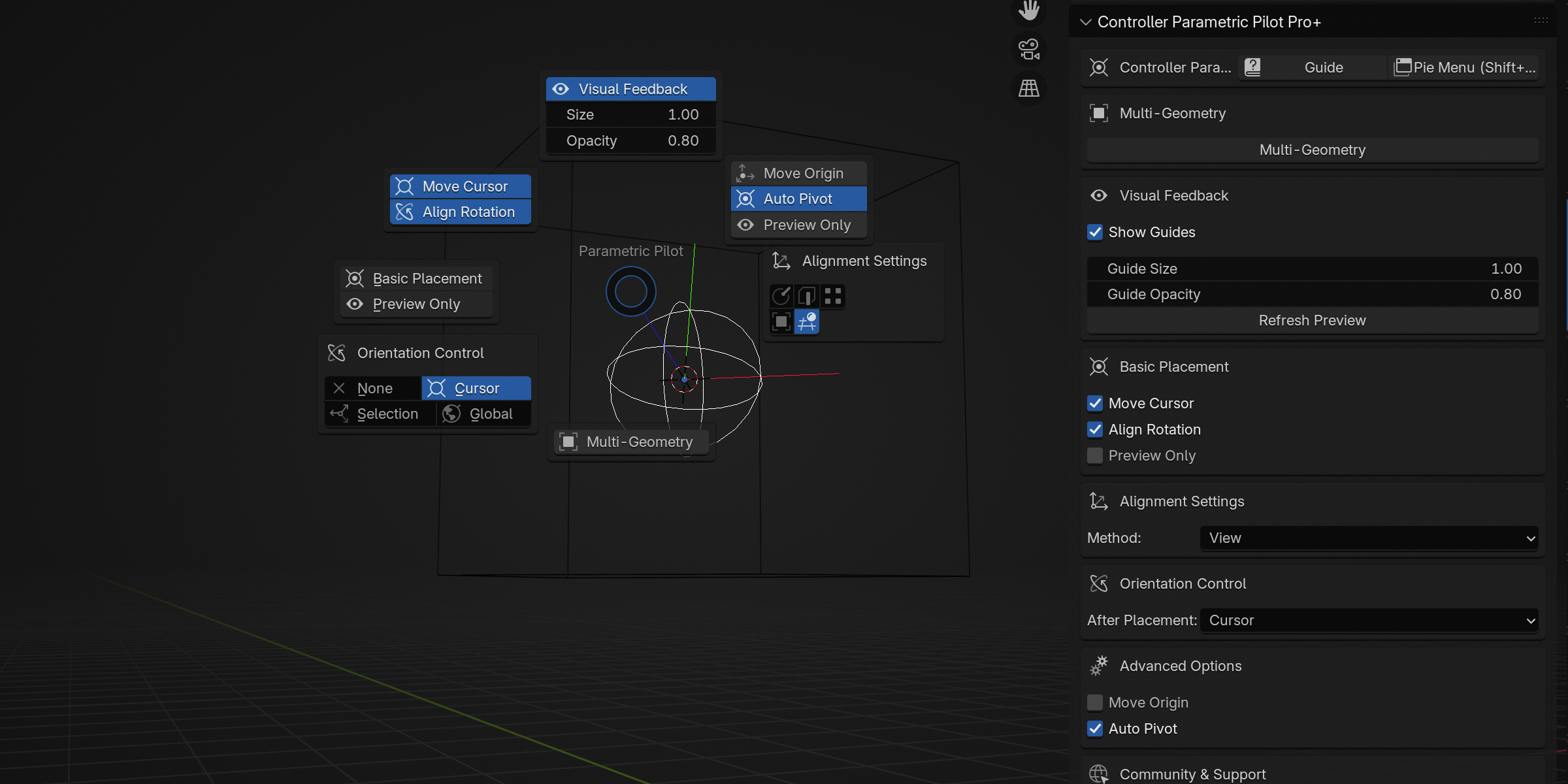
- ✏️ Move 3D Cursor to calculated positions
- 🖱️ Manual Position Adjustment (drag & arrow key fine-tuning)
- ⚙️ Origin Control (move object origins)
- 👀 Preview Mode (test before applying)
🧭 Alignment Methods
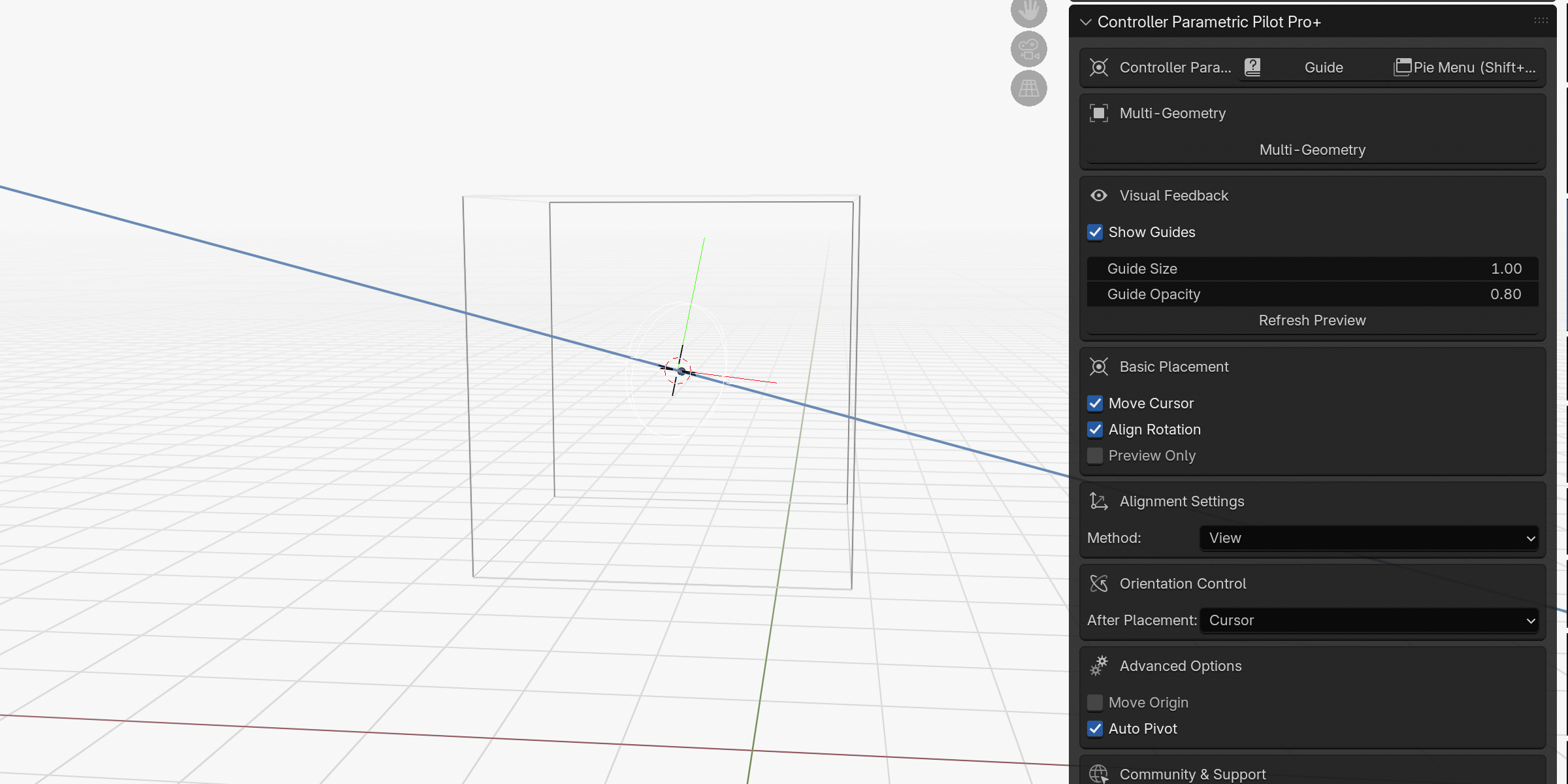
- 📐 Normal-Based (surface alignment)
- 🔷 Edge-Based (follows edge direction)
- 🌍 Global Z (best Z-axis alignment)
- 📦 Object Axes (align to object orientation)
- 👁️ View-Based (matches current viewport)
👁️ Visual Guides
- 🎨 Customizable Display (size & opacity controls)
- 📊 XYZ Axis Visualization
- ⭕ Orientation Circles
🌍 Multi-Language Support
- 🇺🇸 English
- 🇪🇸 Spanish
- 🇷🇺 Russian
- 🇨🇳 Chinese
🖥️ UI & Workflow
- 📋 Main Panel (sidebar controls)
- 🥧 Pie Menu (quick access via “Shift+S”)
- 📖 Quick Start Guide (in add-on preferences)
- 🎛️ Interactive Controls (real-time adjustments)
⚙️ Tech & Implementation
- 🔧 Custom Blender Properties
- 🖥️ GPU Rendering (for visual guides)
- 🌐 Dynamic Translation System
- 🛠️ BMesh Geometry Manipulation
- 🎯 3D Raycasting (interactive positioning)
💡 Use Cases
- 🎨 Precision Modeling
- ⚡ Fast Object Alignment
- 🤖 Rigging & Control Systems
- 📷 Camera/Light Placement
- 🎓 3D Transformation Learning Tool
🔗 Links & Support
- 📸 Instagram: [@gustavo_a_garcia_nova](https://www.instagram.com/gustavo_a_garcia_nova/)
- 💖 Patreon: [Support & Premium Features](https://www.patreon.com/preview/campaign?u=160453023&fan_landing=true&view_as=public)
Perfect for 3D artists & technical users who need precise object control in Blender! 🚀
