 3dartbox
in
3DARTBOX ADD-ON
AB Parametric Slicer
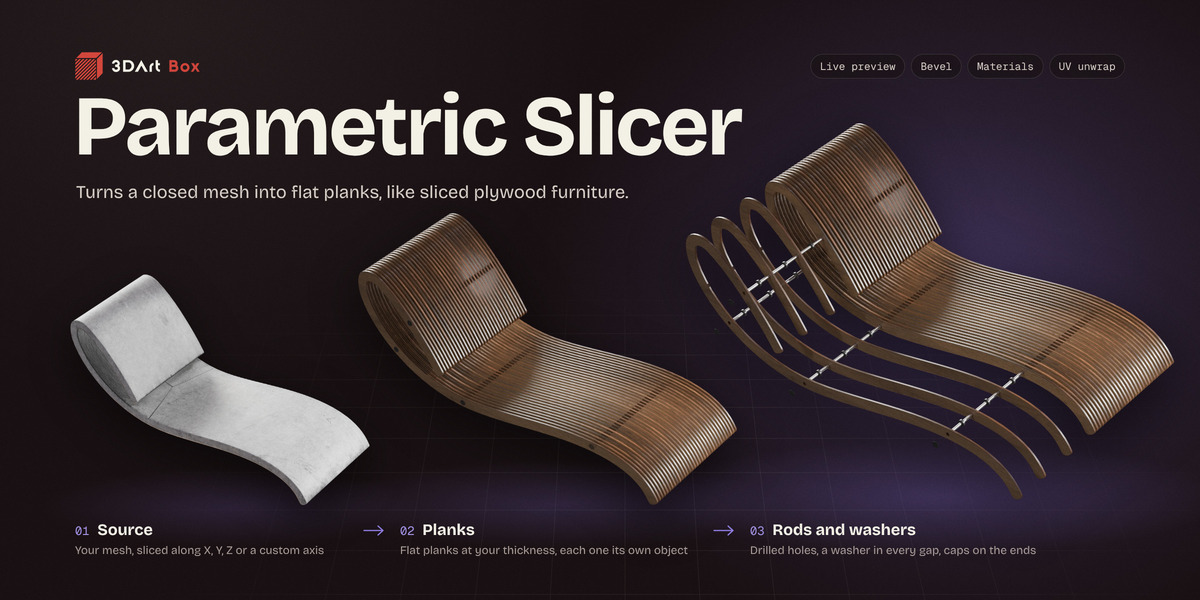
Turns a closed mesh into a stack of flat planks, the kind of furniture that's cut from plywood and then glued or bolted back together. Pick an object, switch on one or more directions, set how thick the planks are, and every plank comes out as its own clean object.
Doing this by hand means a boolean per plank, and all of it again the moment the thickness or the spacing changes. Here every setting stays live: the preview rebuilds as you change a number, and Slice builds the real result once you're happy with it.
It's made for anyone designing or presenting sliced furniture, sculptures and installations, from archviz and product shots to game props.
VIDEO
Every tab, then four more examples
A walk through the tabs in order, then a round chair, a lamp on a custom axis, a plastic chair and a big bench.
PLANKS
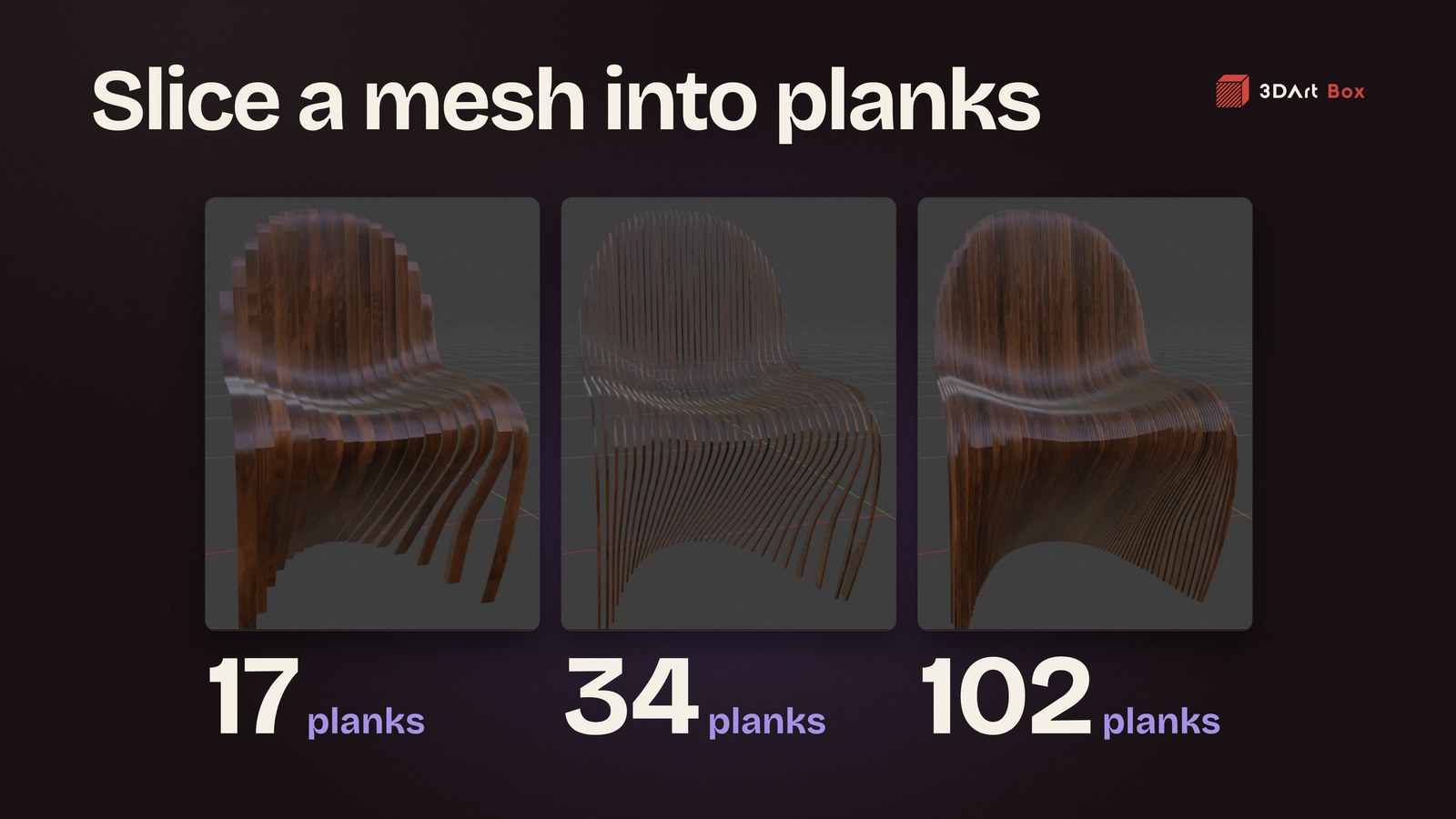
Set the thickness, the count follows
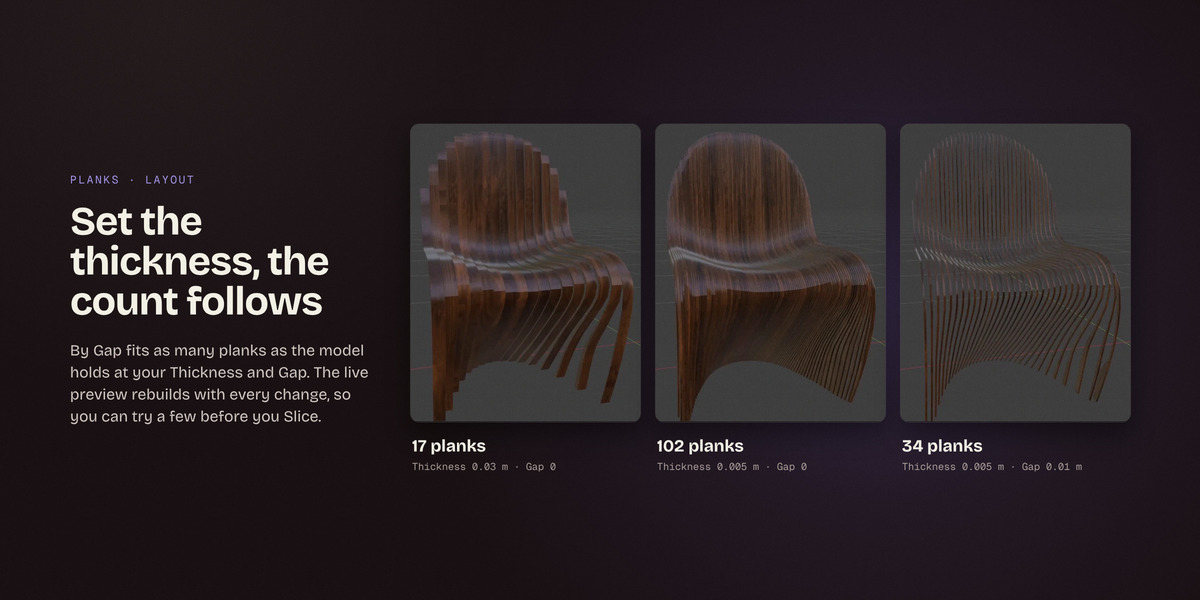
By Gap fits as many planks as the model holds at your Thickness and Gap. By Count spreads a set number of planks over the model instead. The live preview rebuilds with every change, so you can try a few before you Slice.
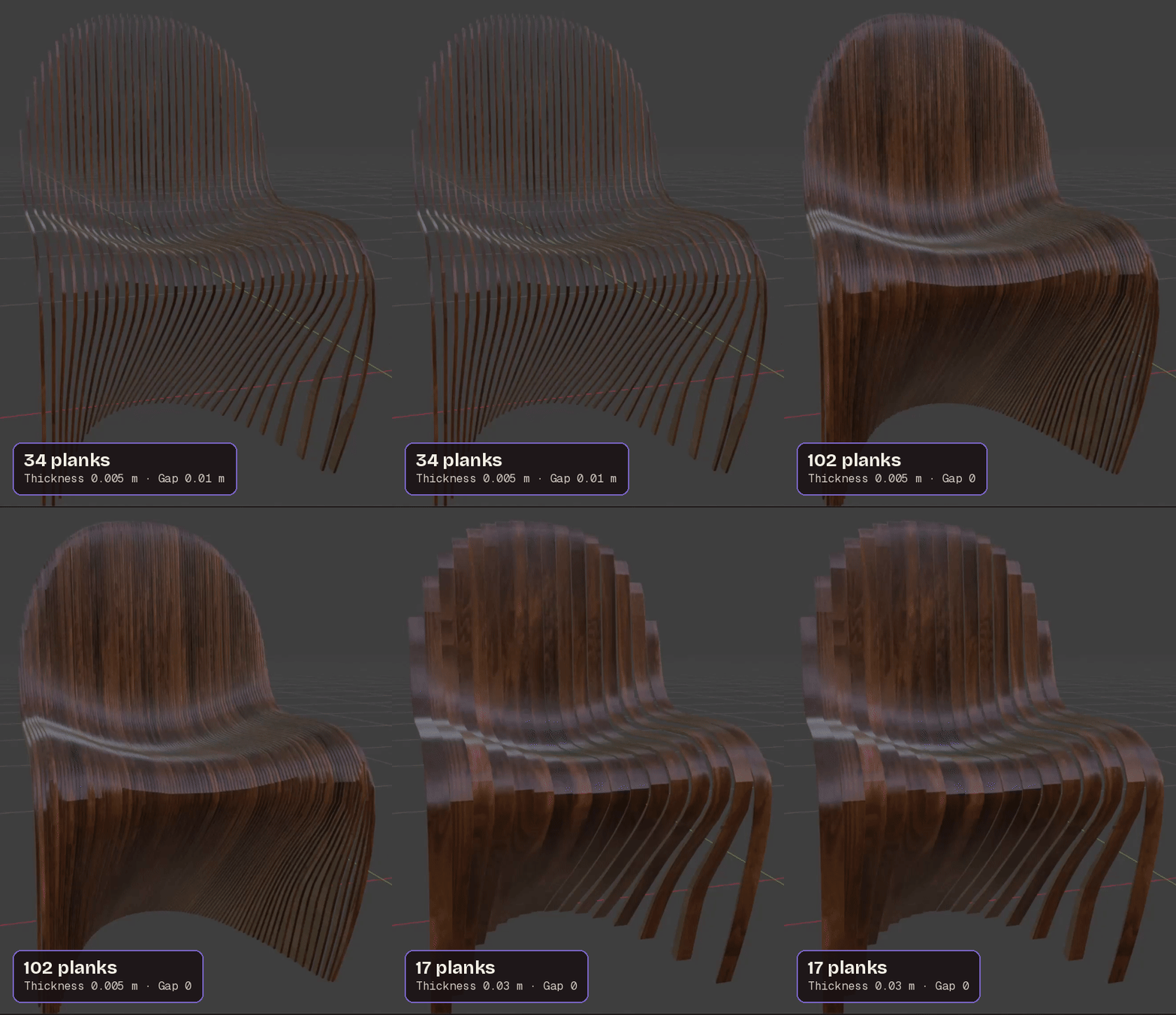
One chair at three settings: 34, 102 and 17 planks
- Align, Offset and Shrink place each stack, and Shrink is what keeps crossing stacks out of each other's way.
- Profile builds each plank fresh from the model's outline, with flat caps and a tidy side.
- Boolean keeps the model's own topology on the sides.
- Carve slices with a plane on each side of the plank and fills the cut.
DIRECTIONS
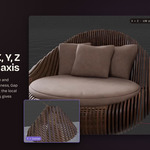
Slice along X, Y, Z or your own axis
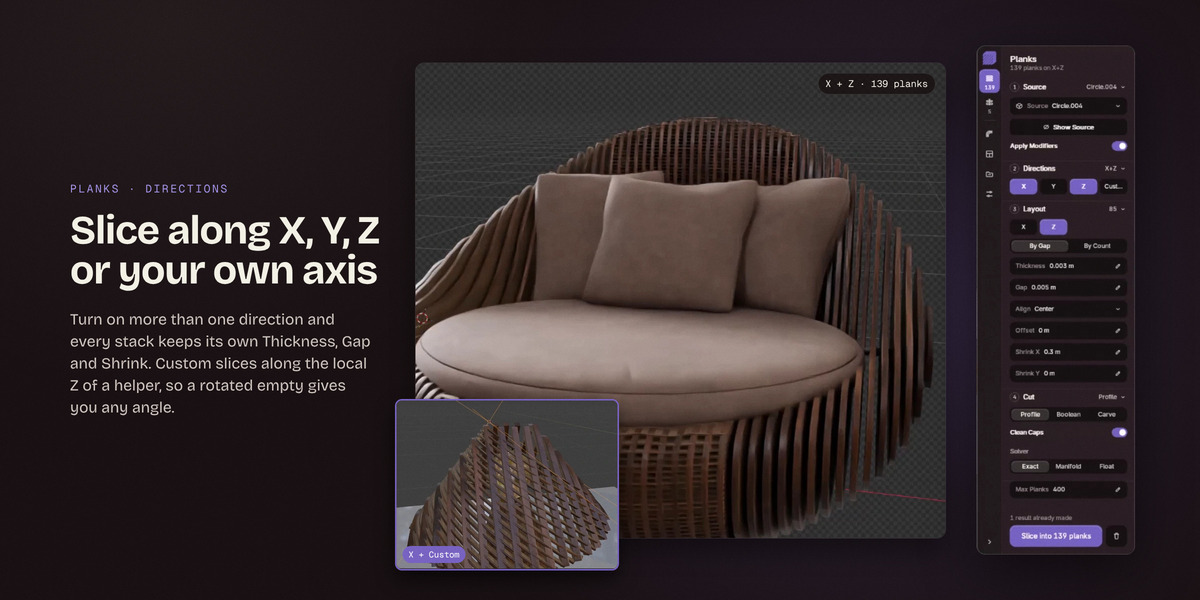
Turn on more than one direction and every stack keeps its own Thickness, Gap and Shrink. Custom slices along the local Z of a helper, so a rotated empty gives you any angle.
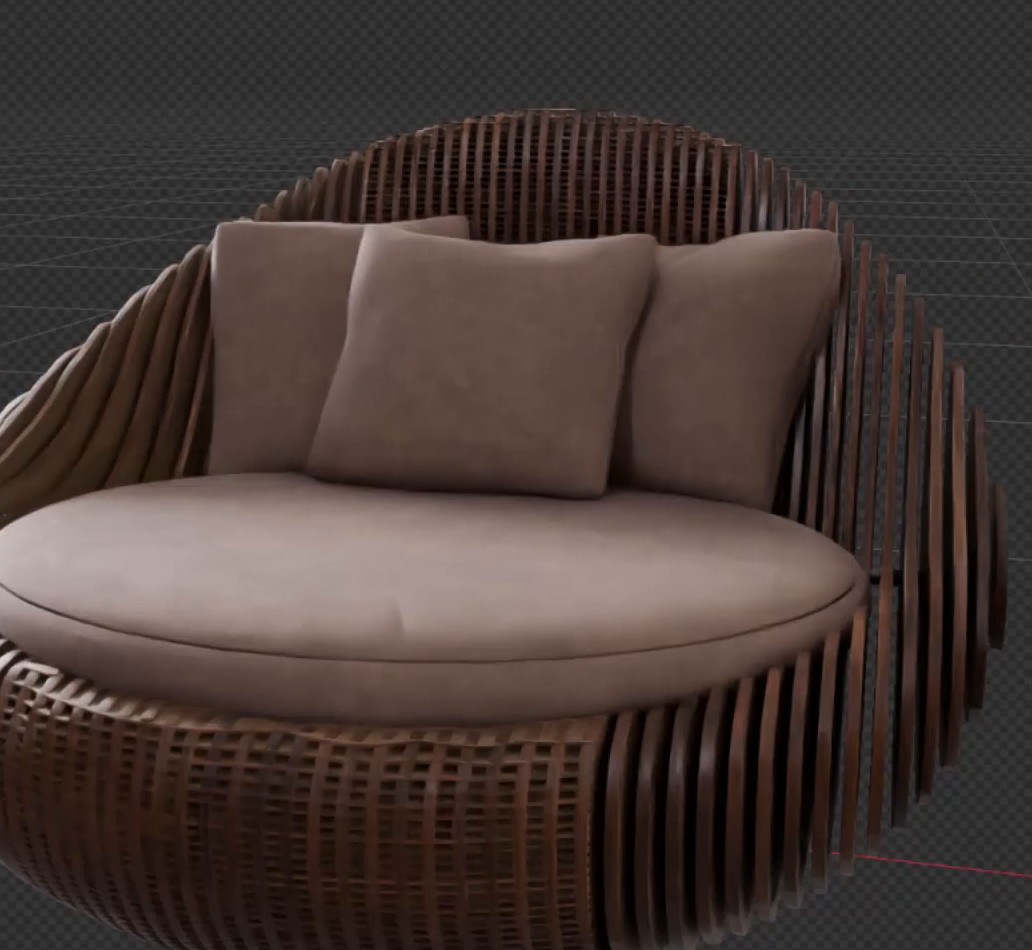 X + Z · 139 planks |
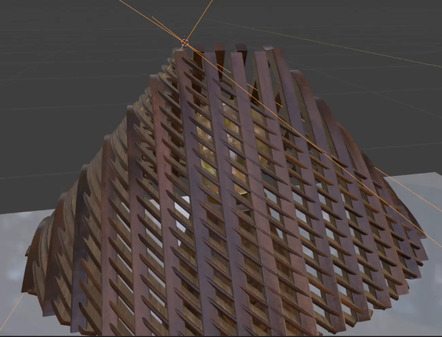 X + Custom |
HARDWARE
Rods, washers and end caps
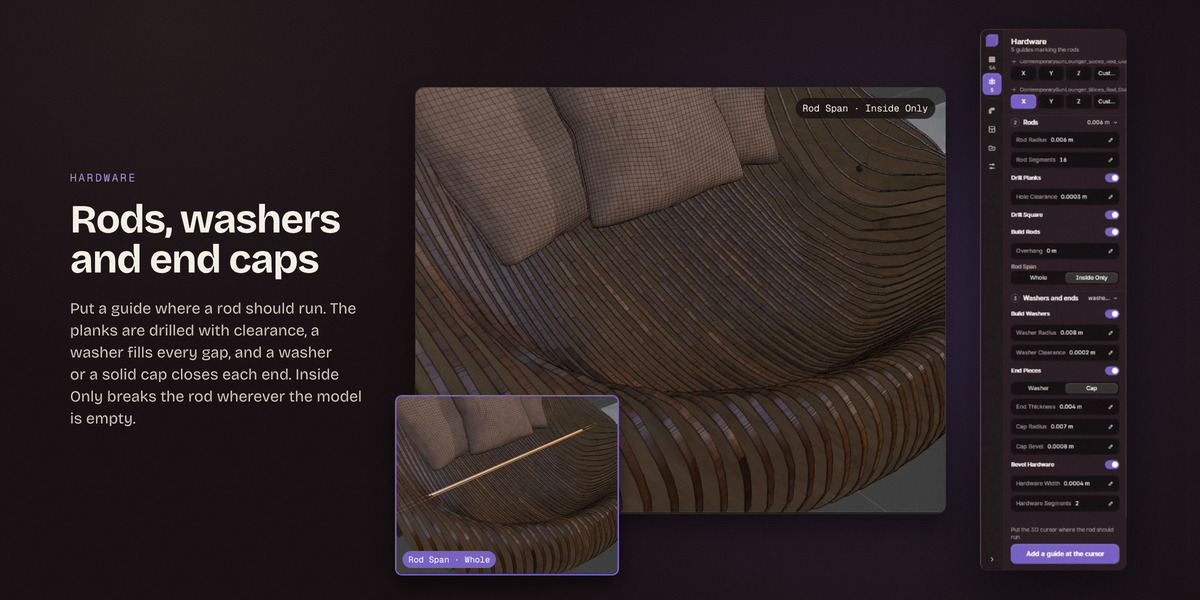
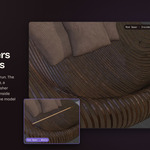
A guide marks where a rod runs, usually an empty dropped at the 3D cursor. The planks are drilled for it, and the rod, the washers and the end pieces are built with the stack.
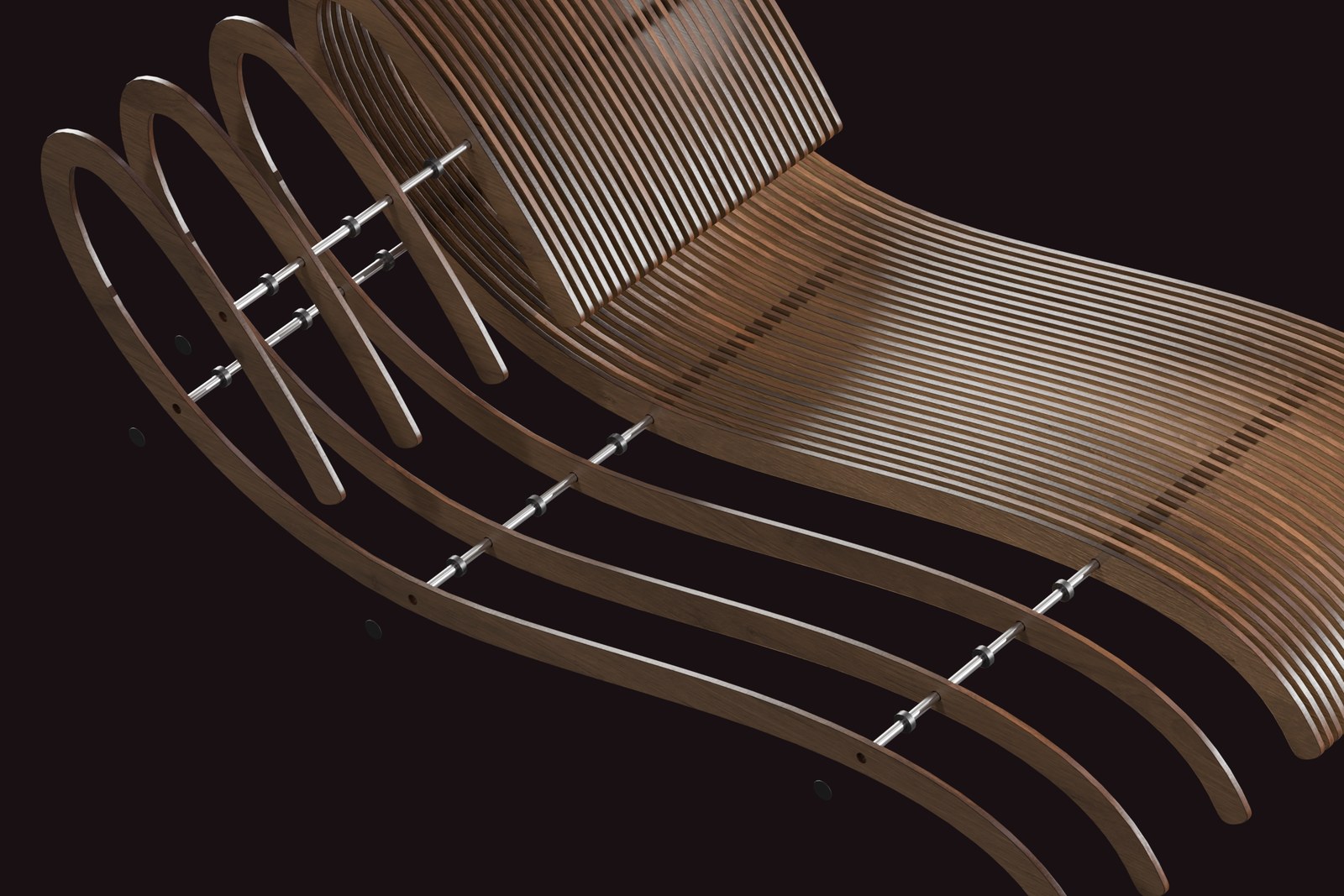
Planks pulled out along the rods to show the washers between them
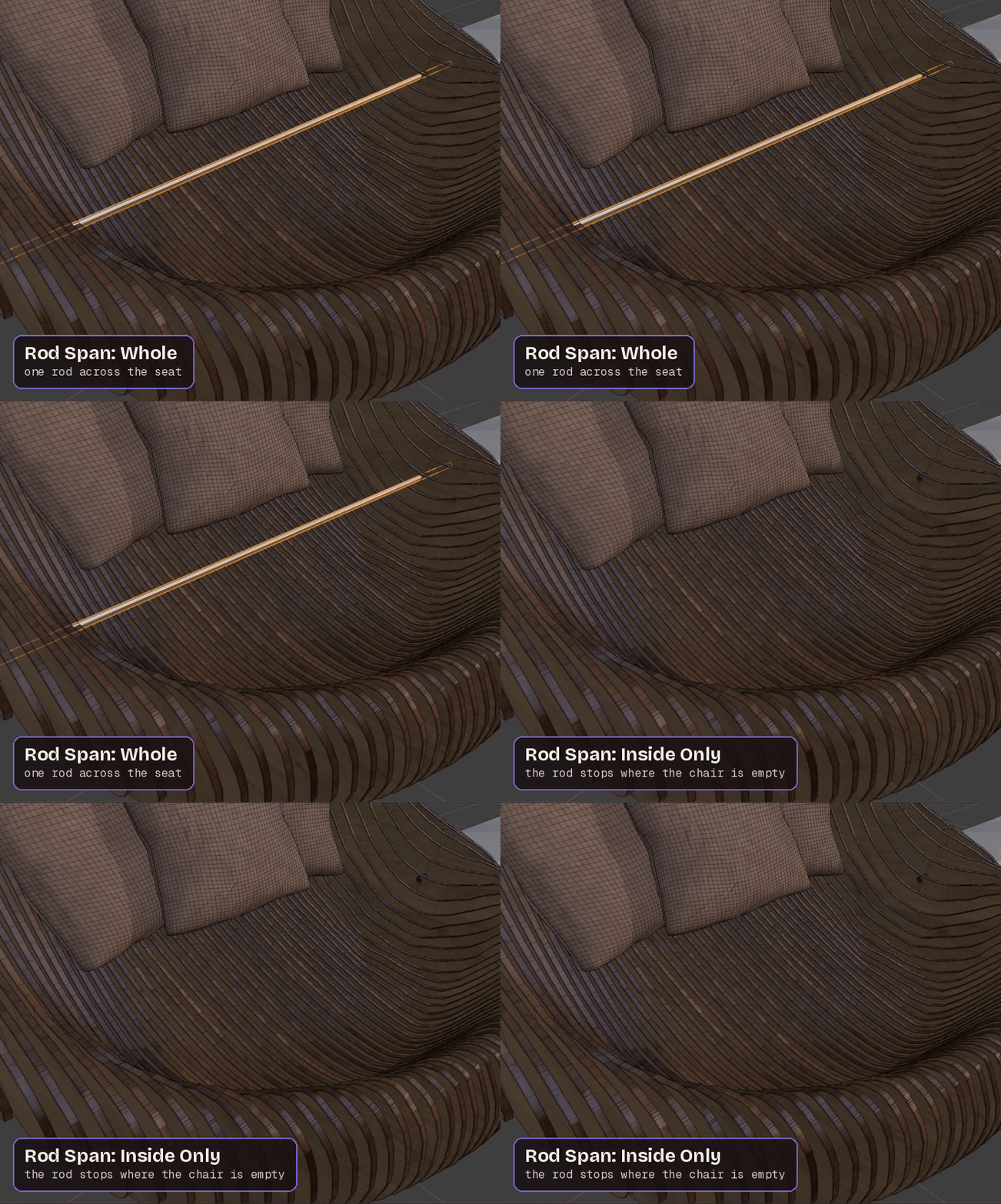
Rod Span: Whole, then Inside Only
- The holes have a clearance so the rod slides through, and Drill Square bores straight through even when a rod is tilted.
- A washer goes in every gap, and a washer or a solid cap closes the outside of the first and last plank.
- Rod Span decides what a rod does in empty space: Whole runs it straight across, Inside Only stops it wherever the model is empty.
- Bevel Hardware rounds the rods, washers and end pieces.
DETAIL
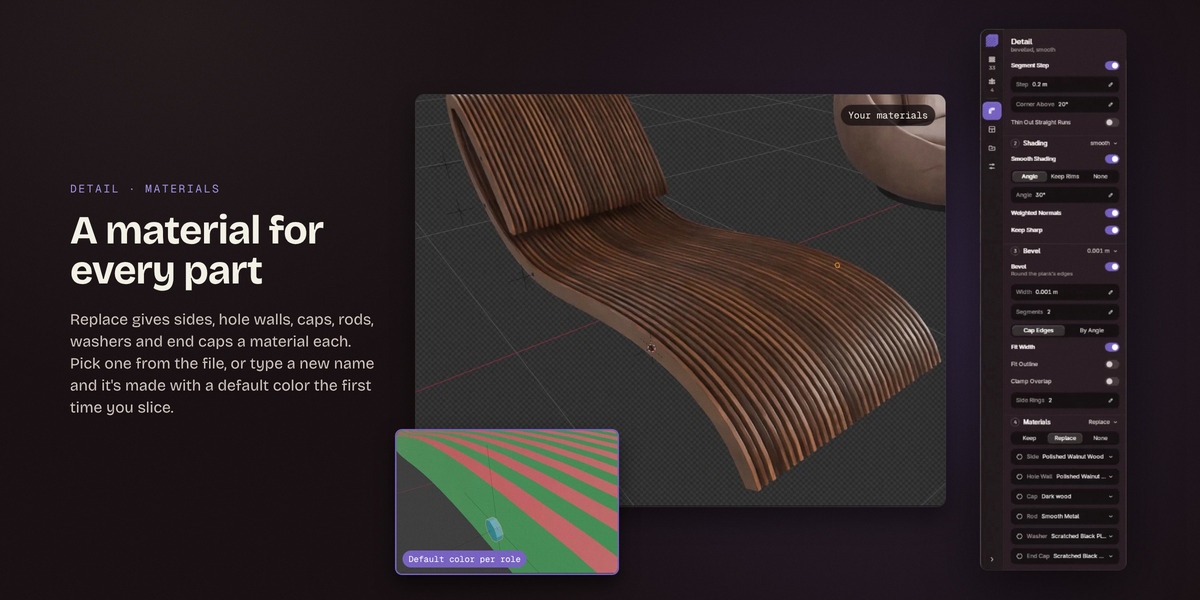
A material for every part
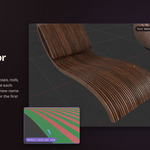
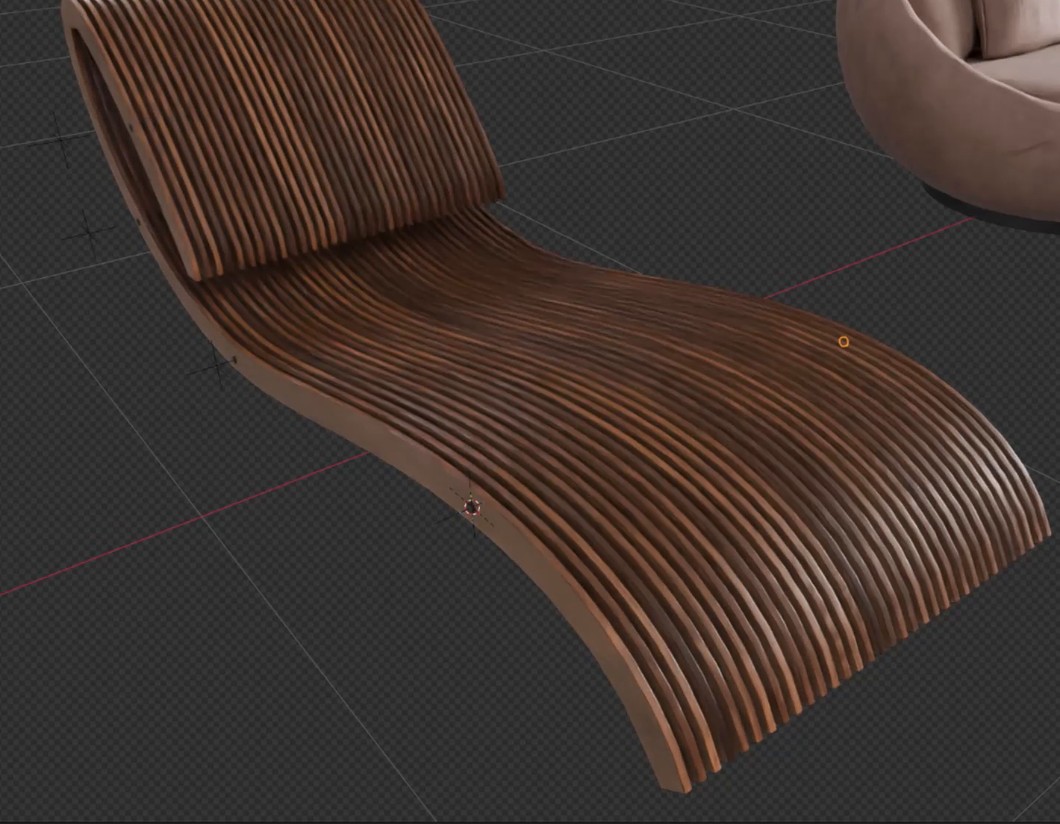
Replace gives sides, hole walls, caps, rods, washers and end caps a material each. Pick one from the file, or type a new name and it's made with a default color the first time you slice.
 Your materials |
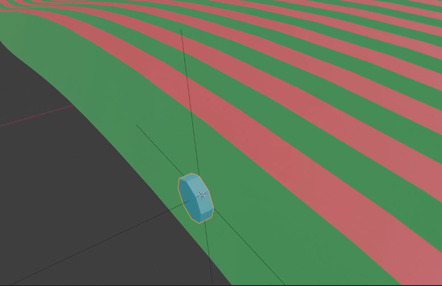 Default color per role |
- Respace the outline by segment count or by segment length, keep the sharp corners where they are, and thin out the straight runs.
- Bevel the plank edges. Fit Width holds one width for the whole run, so a thin stack never gets a bevel wider than its planks.
- Smooth shading with sharp edges by angle or at the rims, plus Weighted Normals to clean up the bevel.
UV
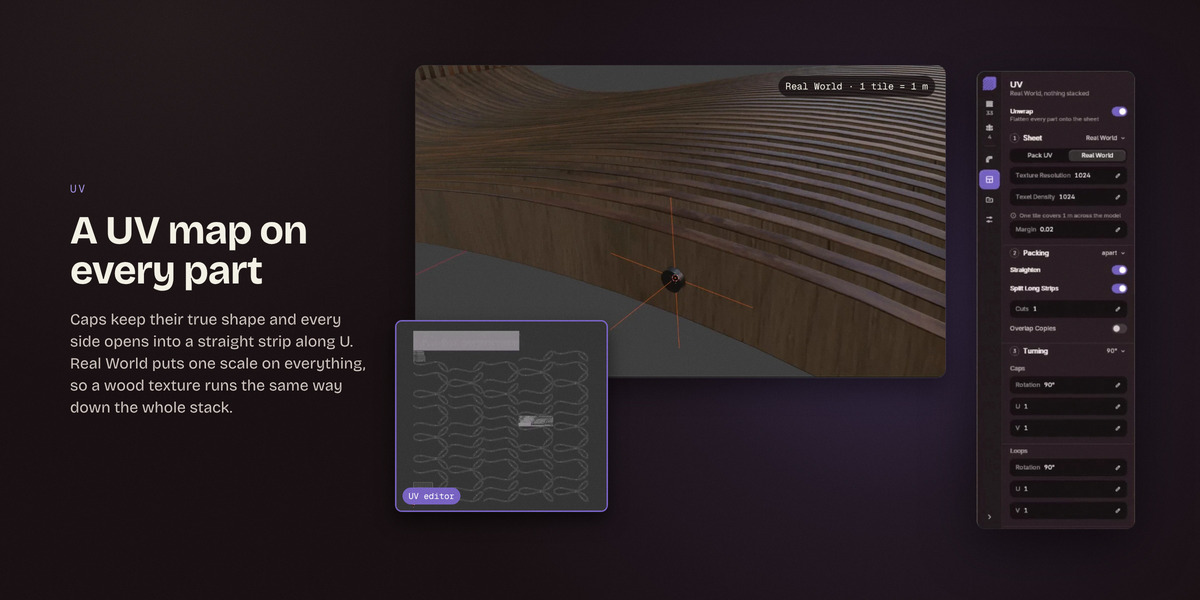
A UV map on every part
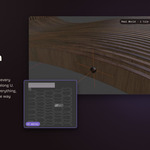
Caps keep their true shape and every side opens into a straight strip along U. Real World puts one scale on everything, so a wood texture runs the same way down the whole stack.
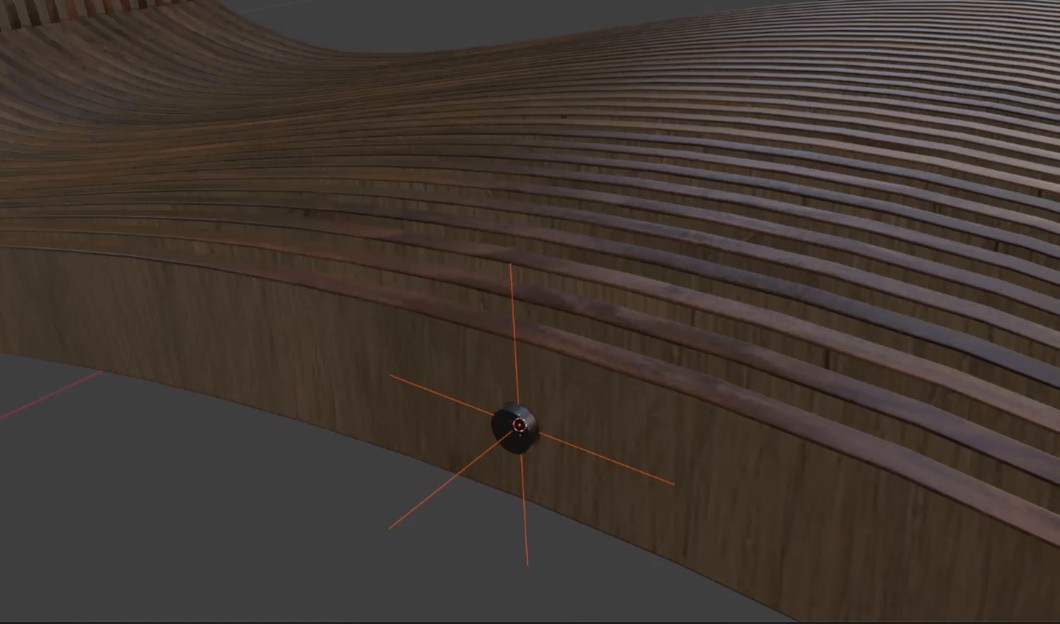 Real World · 1 tile = 1 m |
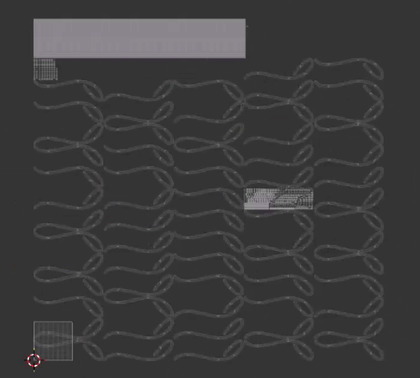 UV editor |
- Hole walls open into strips too, and the seams follow the materials.
- Pack UV puts the planks in one tile and the hardware in the next.
- Straighten, Split Long Strips and Overlap Copies tidy the layout, and caps and loops each get their own turn and stretch.
OUTPUT
Preview as you work, then Slice
- The live preview runs in Draft, which leaves the finishing work out and stays quick, or in Full, which is exactly what Slice will build.
- Slice builds a few parts at a time behind a progress bar, so the viewport keeps turning while it runs, and Esc stops it.
- Every result lands in its own numbered collection. Join Parts merges a result into one object, and Triangulate Ngons splits faces with more than four corners for other programs.
Everything sits on a card in the 3D Viewport sidebar, and most controls show a tip with a small animation of that very setting. If you'd rather have Blender's own panels, the classic panel offers the same settings and buttons.
AT A GLANCE
|
DIRECTIONS
X, Y, Z and Custom, each with its own settings
|
SPACING
By Gap or By Count
|
|
CUTTING
Profile, Boolean or Carve
|
HARDWARE
Rods, washers and end caps, with Rod Span
|
|
MATERIALS
Side, Hole Wall, Cap, Rod, Washer and End Cap
|
UV
Pack UV and Real World scale
|
|
PREVIEW
Draft or Full, rebuilt as you work
|
OUTPUT
Numbered collections, Join Parts, Triangulate Ngons
|
COMPATIBILITY
Included: AB_Parametric_Slicer.zip, the add-on. Install the zip as it is, without unzipping it. The README and the GPL license are inside.
GOOD TO KNOW
- The planks are 3D objects in your scene. The add-on doesn't export cutting files such as SVG or DXF, and it doesn't lay the planks out flat on a sheet for a laser or a CNC.
- Crossing stacks aren't notched into each other. Shrink pulls each stack in so they keep apart.
- It slices one source object at a time, in the open .blend file.
- Boolean needs a properly closed mesh. Profile, the default, usually copes with gaps in the surface.
- The Bevel and Outline options work with Profile only.
- A heavy model can take minutes to slice. Leave the preview on Draft, lower Preview Limit, or switch Live preview off and just Slice.
Every tab and setting is explained step by step in the Documentation tab.