 Zosuya
Is there a refund policy?
Refunds follow the Superhive refund policy. If something isn't working, please message me through this product page first; most problems can be fixed quickly.
Can I open files made with the free ParaRig?
Yes. Disable the free version, enable ParaRig Pro and open the file. Settings carry over, and bone targets from free v1.2.0 that used per-axis checkboxes are converted automatically.
Can I reuse a slider setup on another character?
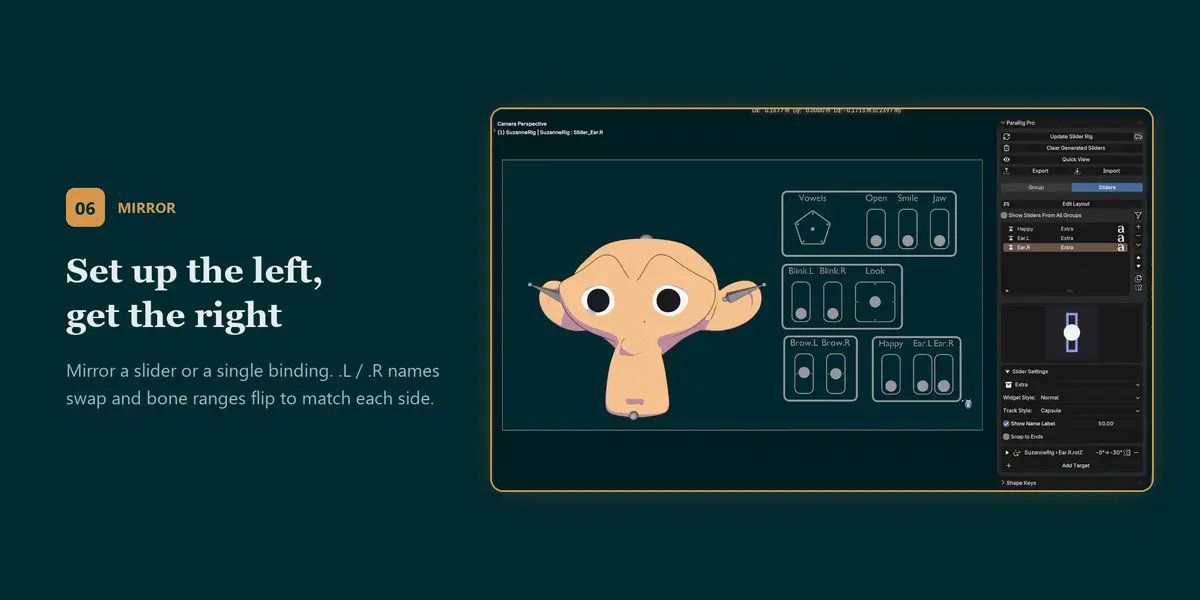
Yes. Export it to JSON and import it in the other file. Objects and bones are matched by name; anything that can't be found is listed in the "Relink Unresolved Objects" panel so you can point it at the new character.
I updated ParaRig Pro and the sliders still look the same.
Click "Clear Generated Sliders" once, then "Generate Slider Rig". This rebuilds everything with the new version. Your slider settings are kept.
My bone rotation slider doesn't move the bone.
Bone rotation targets drive Euler rotation. New bones in Blender use Quaternion by default; ParaRig Pro shows a warning on the target with a one-click "Switch to Euler" button. The current pose is kept, but existing Quaternion keyframes on that bone aren't converted.
Two sliders drive the same Shape Key and only one works. Why
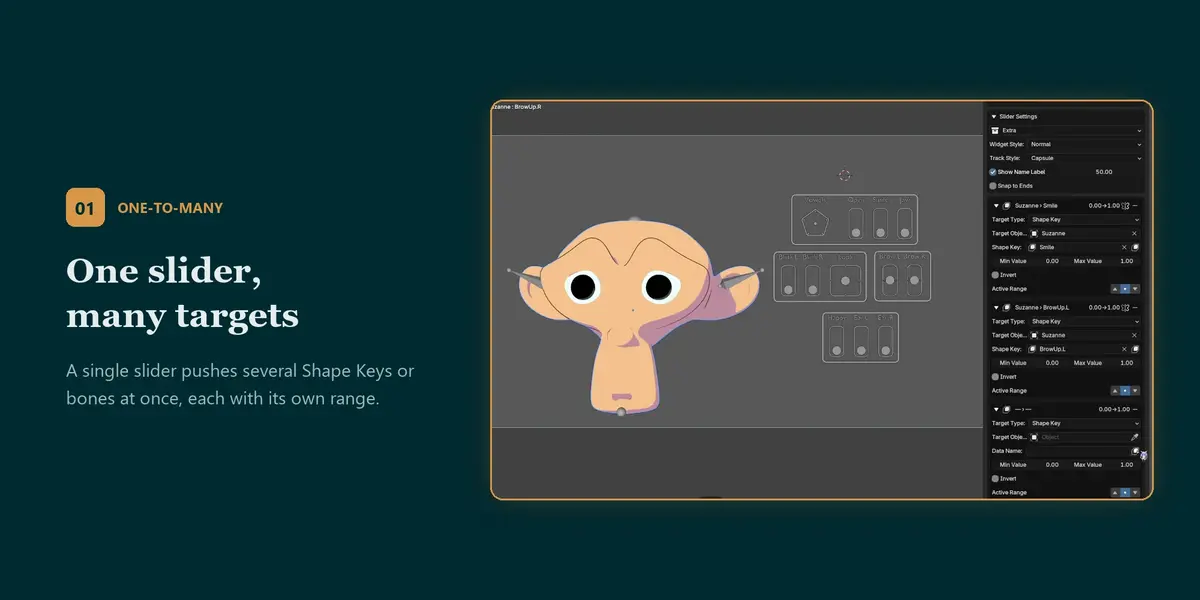
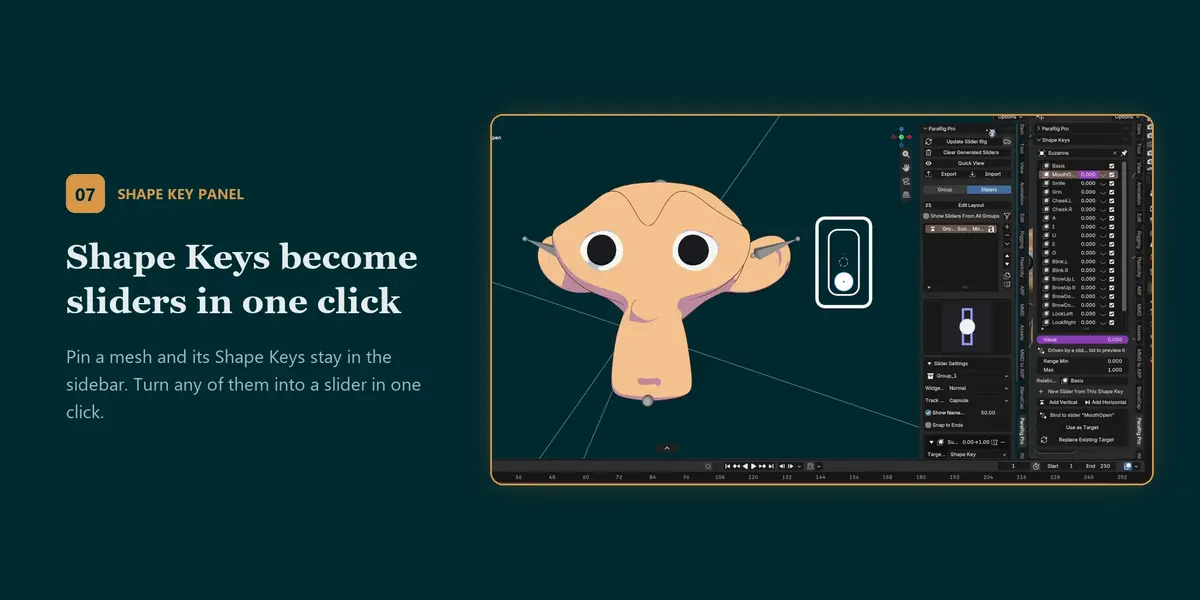
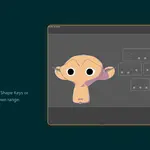
A Shape Key value can only have one Driver, so the slider generated last replaces the other. If you want two controls to affect the same Shape Key, use one slider with several targets (Add Target), or the Upper Half / Lower Half split range.
Do I need ParaRig Pro installed to open the file on another computer or render on a farm?
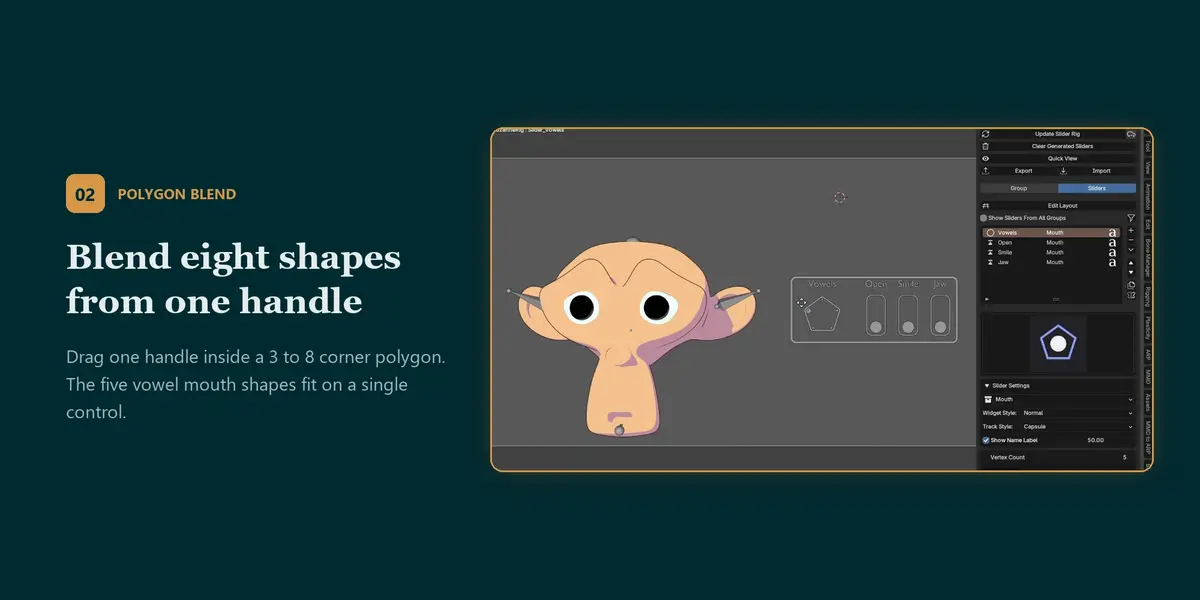
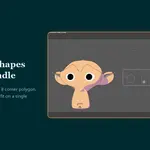
No for playback and rendering. The sliders are normal objects or bones and the Drivers are standard Blender Drivers, so animation plays back without the add-on. The one exception is the Polygon Blend control: its Drivers call a small helper function that ParaRig Pro registers, so those targets need the add-on enabled and Blender's "Auto Run Python Scripts" allowed for the file. You only need the add-on to edit or regenerate the slider setup.
Can I animate the sliders?
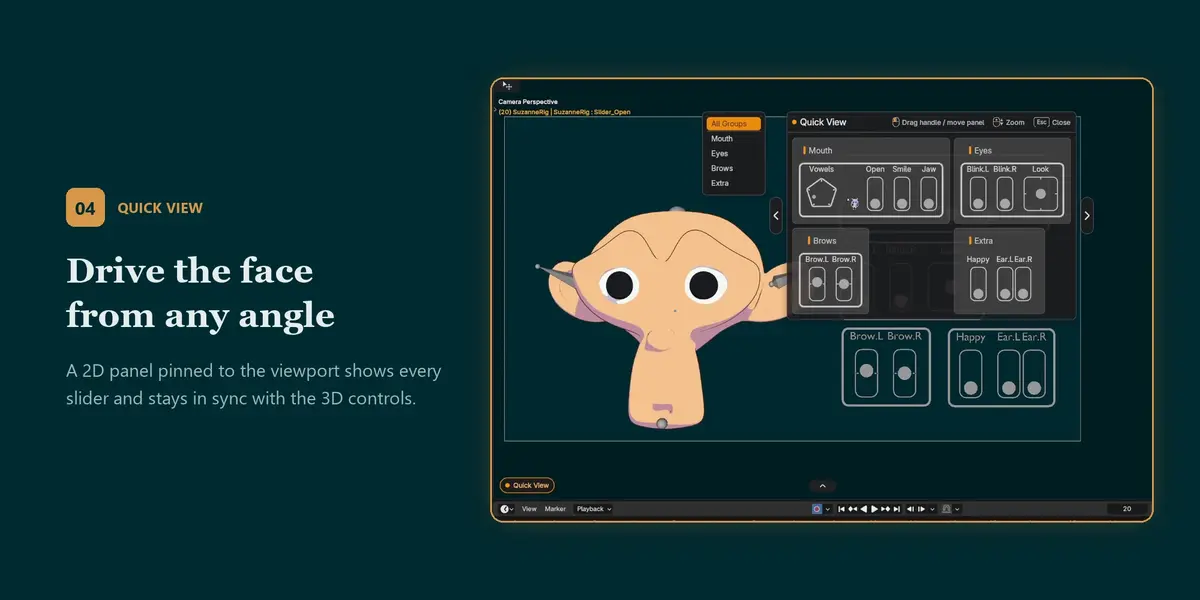
Yes. Insert keyframes on the slider handles like on any other object or bone. In Armature Bone mode they live in the same armature as your character, so they show up in the same Action.
What's the difference between Empty Object mode and Armature Bone mode?
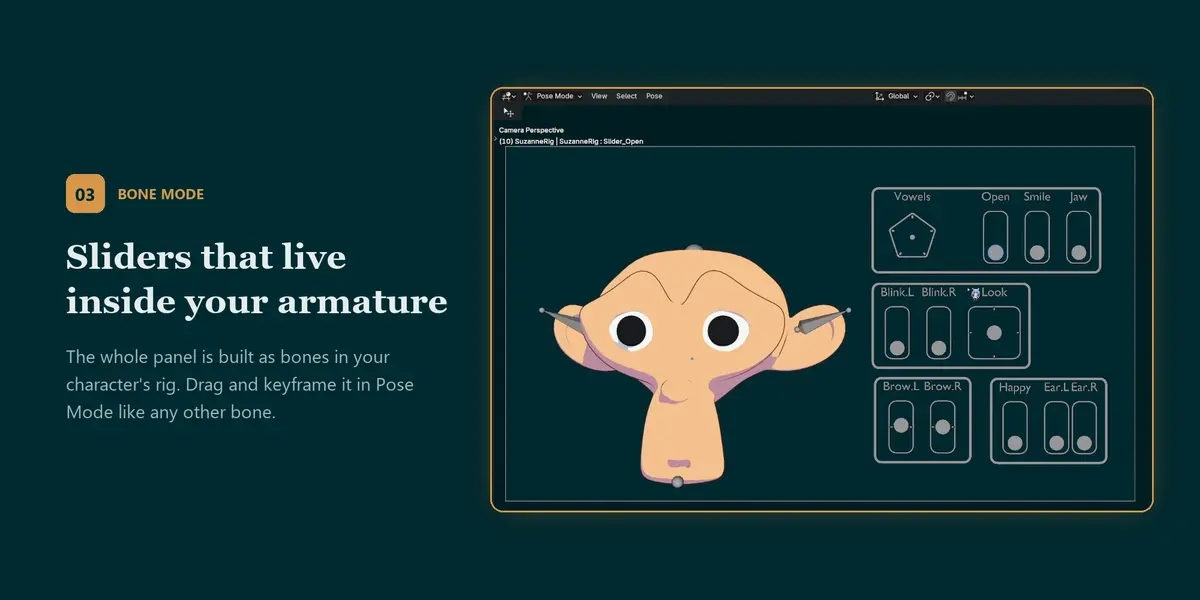
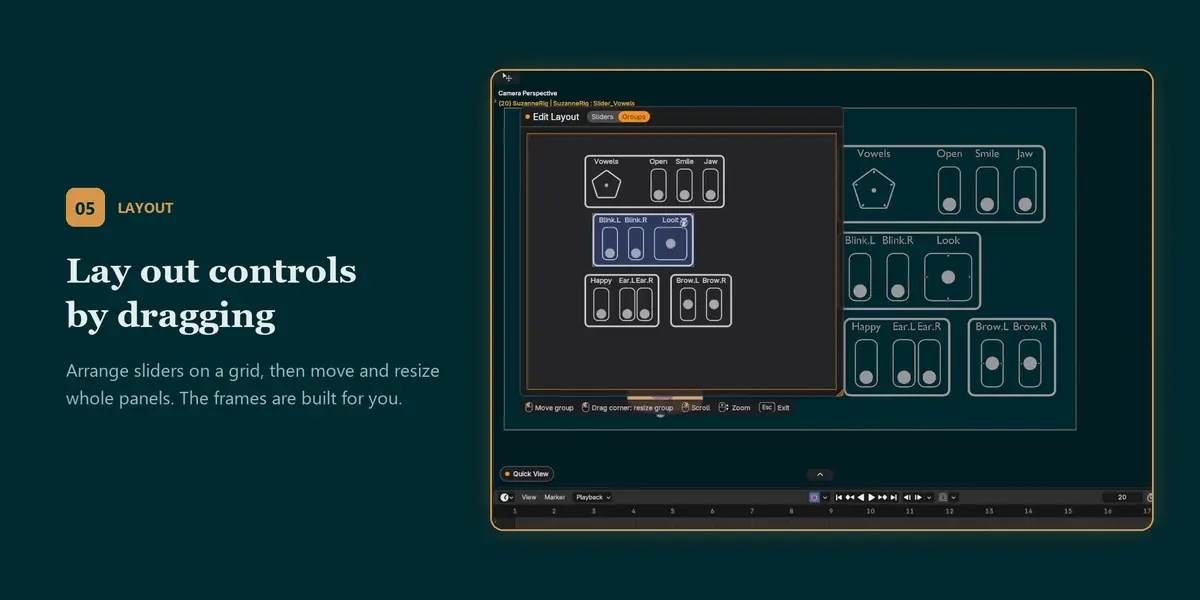
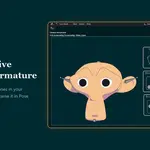
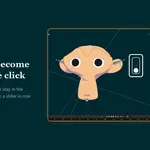
Empty Object mode builds sliders as separate objects that you drag in Object Mode. Armature Bone mode builds the whole panel as bones inside an armature, so animators can drag and keyframe sliders in Pose Mode without switching modes. You can switch a group between the two at any time and click Update.
Does it work with my existing rig, or do I need a special setup?
It works with any rig. ParaRig Pro only adds sliders and Drivers on top of what you already have: it doesn't rename, re-parent or modify your bones or Shape Keys. In Armature Bone mode the slider bones are added to the armature you choose (or to a separate armature it creates), and only bones it created are ever removed.
Does it work with my existing rig, or do I need a special setup?
It works with any rig. ParaRig Pro only adds sliders and Drivers on top of what you already have: it doesn't rename, re-parent or modify your bones or Shape Keys. In Armature Bone mode the slider bones are added to the armature you choose (or to a separate armature it creates), and only bones it created are ever removed.
**Which Blender versions does it support?**
Blender 4.2 or later. It's tested on Blender 4.5 LTS and 5.2 LTS.
Have questions about this product?
Login to message
| Published | about 5 hours ago |
| Blender Version | 4.2 - 5.2 |
| Extension Type | N/A |
| License | GPL |

Discover more products like this
face rig slider shape keys blend-shapes facial rig Rig-UI lip sync Facial Animation bone controls drivers custom properties Character rigging