 Zosuya
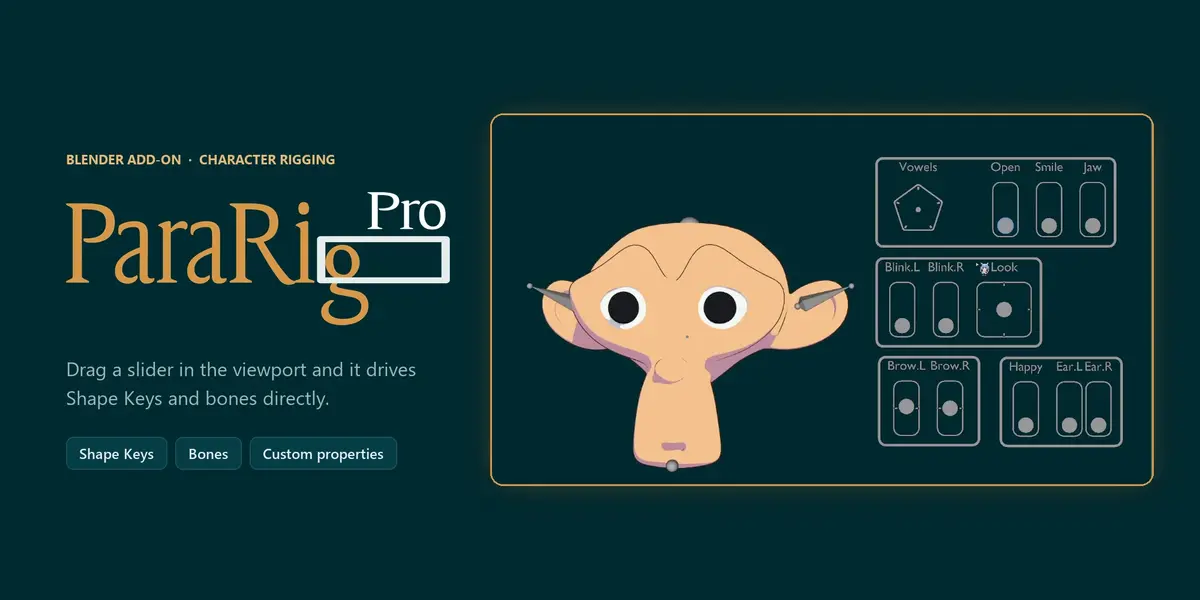
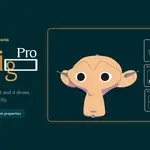

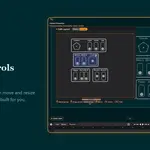
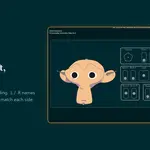


ParaRig Pro builds a draggable slider panel right in the 3D Viewport. Drag a slider and it drives a Shape Key, a bone, or a custom property directly, so you can see the result while you work instead of hunting for values across panels.
You decide which controls you want, where they go, and what they drive. ParaRig Pro builds the controls, wires up the Drivers, and writes the expressions for you.
| No Driver expressions | Bone or Empty sliders | Quick View 2D panel |
What you can drive
|
Shape Keys
Facial expressions, corrective shapes, mouth shapes.
|
Custom properties
Any property you can add a Driver to.
|
|
Bone location
Per axis, with each axis toggled on or off.
|
Bone rotation
Single axis, Euler. Quaternion bones get a warning and a one-click conversion.
|
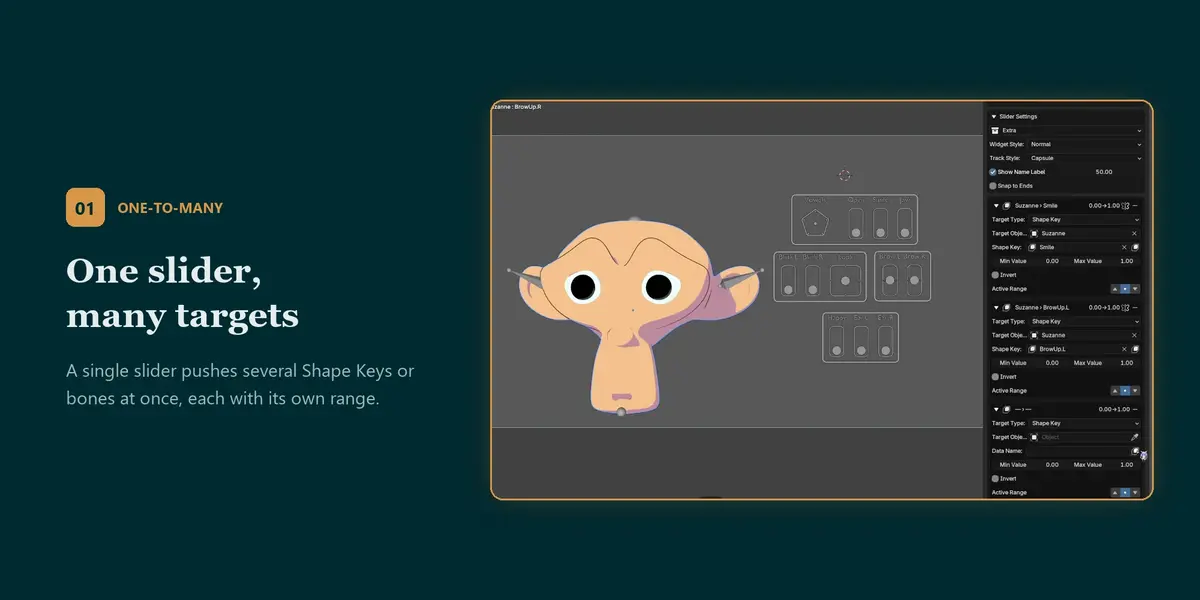
One slider, many targets
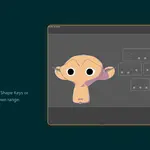
A single slider can push several Shape Keys or bones at once, each with its own range. Build an emotion slider that blends brows, eyes and mouth together.
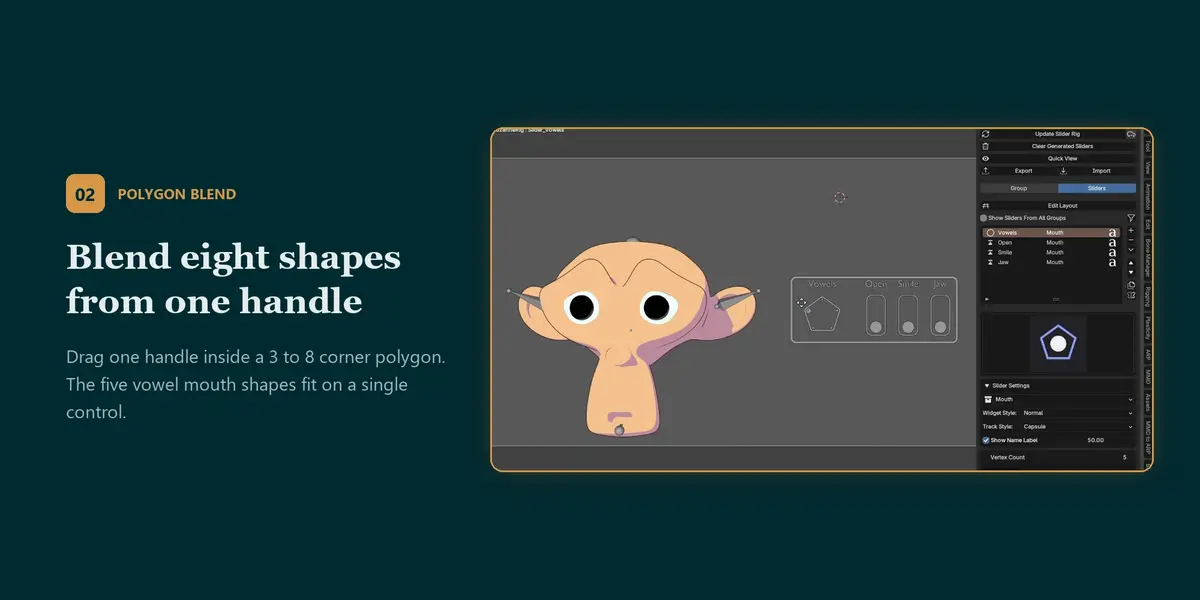
Blend up to eight shapes from one handle
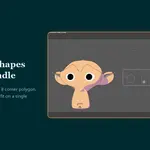
Drag one handle inside a polygon with 3 to 8 corners to blend between that many targets. For example, the five basic mouth shapes can live on a single control instead of five separate sliders.
Two directions, two targets
Give the positive and negative halves of a slider their own targets and ranges: drag up to raise the brow, drag down to lower it.
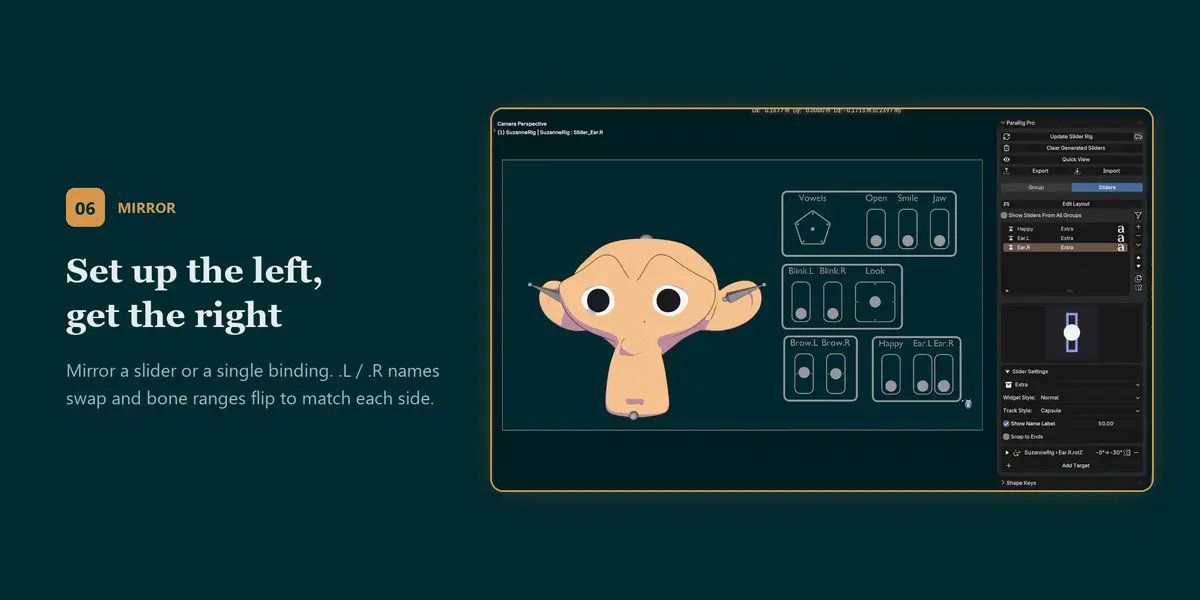
Set up the left, get the right
Mirror the whole slider, or a single binding, to the other side. .L / .R names are swapped for you, and bone ranges flip sign based on the bones' actual orientation, so both sides move symmetrically even on hand-built rigs.
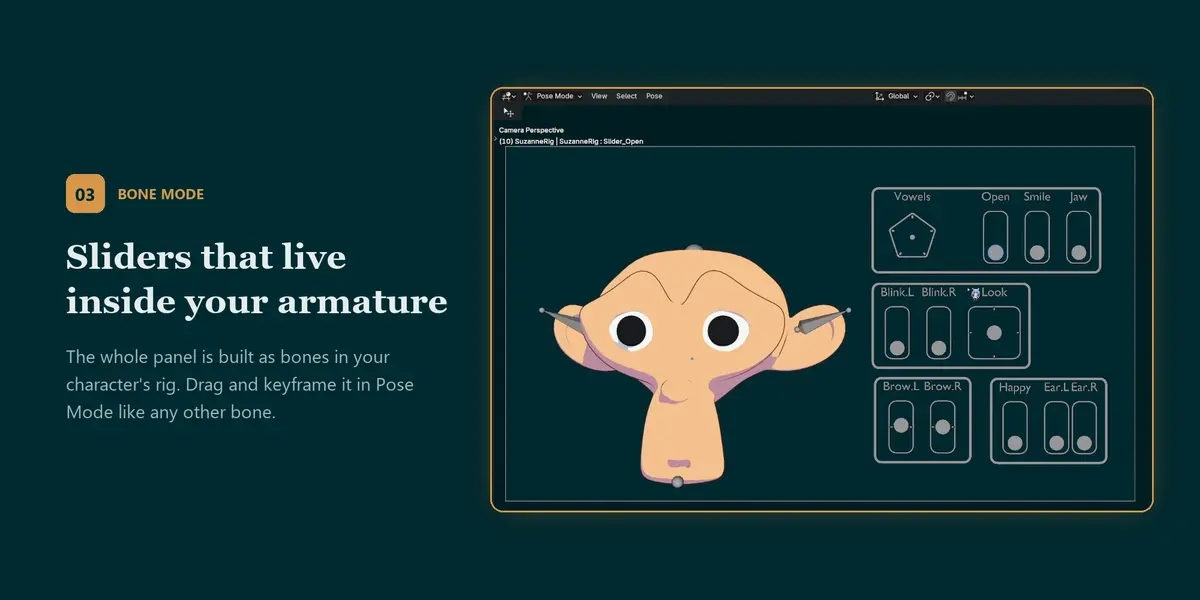
Sliders that live inside your armature
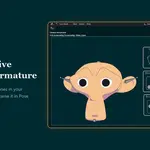
Switch a group to Bone mode and the whole panel is generated as bones inside your character's armature (or a shared armature created for you). Riggers and animators can drag sliders without leaving Pose Mode, and keyframe them like any other bone.
Safe from pose resets
Clearing transforms on your character (Alt + G / R / S) leaves the slider panel and the expression alone. Switching to Rest Position or using a Reset Pose tool sends sliders back to their neutral values instead of jumping to the middle.
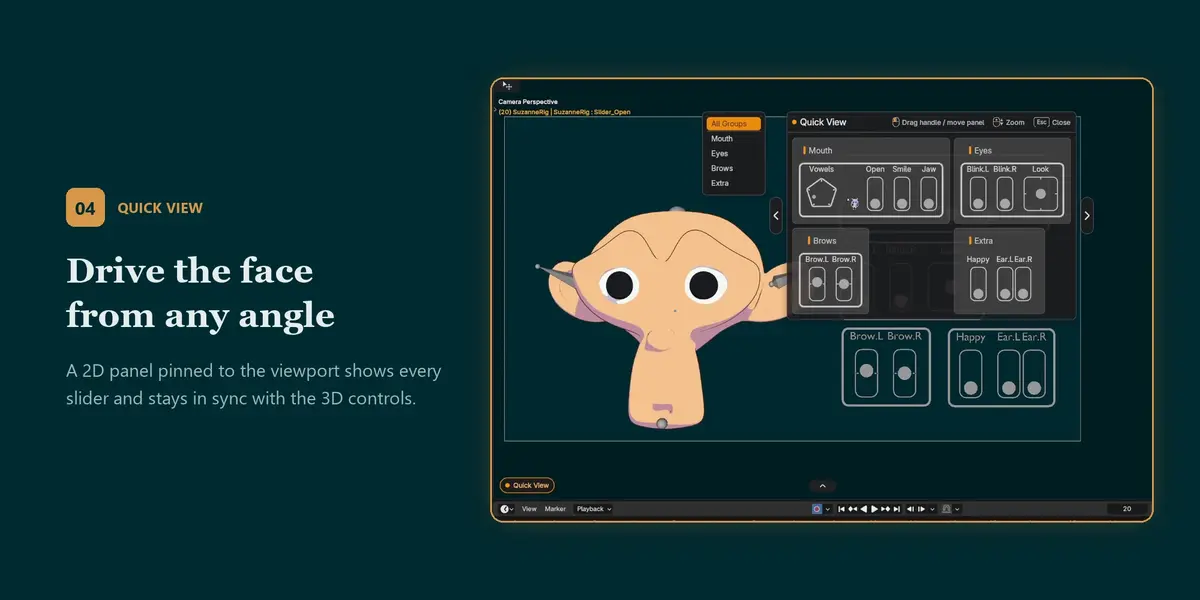
Drive the face from any angle
Open a 2D panel pinned to the viewport that shows every slider. Drag the handles to drive the character no matter where the camera is pointing; it stays in sync with the 3D controls. You can also hide a group's 3D sliders entirely and operate them only from Quick View, which keeps the viewport clean.
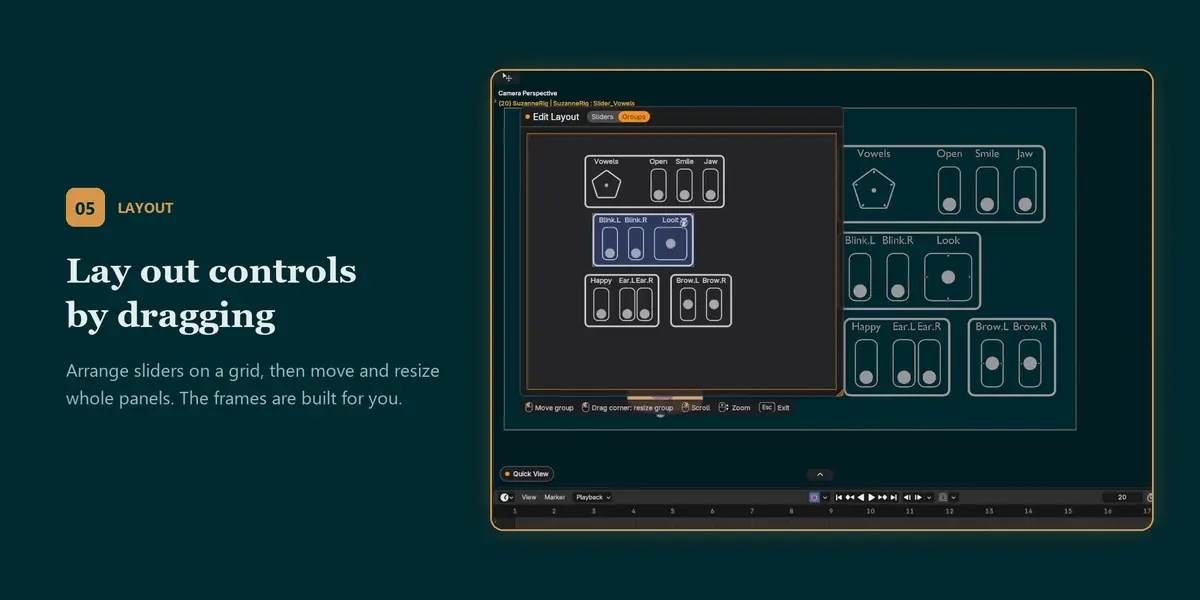
Lay out controls by dragging
Drag controls onto a grid; ParaRig Pro works out the spacing and builds the frame around the group.
Arrange whole panels, not just sliders
Switch Edit Layout to Groups and drag entire panels around, resize them from the corner, and line them up on a shared grid. One click aligns every panel to the current view. You can even place groups you haven't generated yet, and they appear right where you put them.
Update without losing your tweaks
Change a setting and click Update. Existing controls are updated in place, so positions and sizes you adjusted by hand are kept.
Reuse your work
Export a slider setup to JSON and import it onto another character. Targets that can't be found are listed so you can relink them.
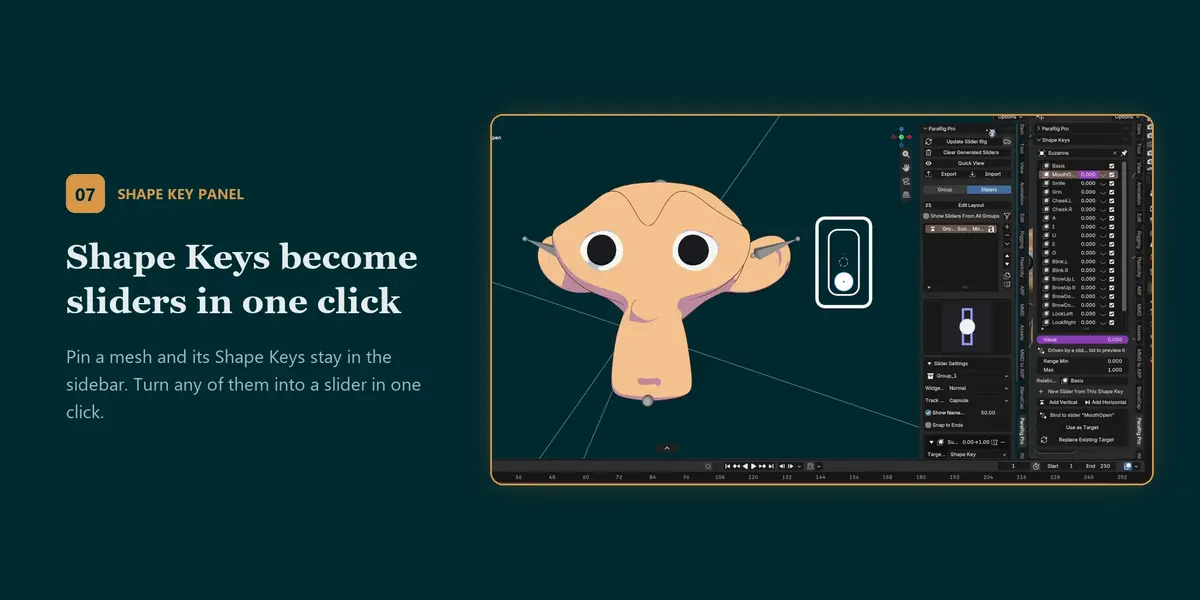
Your Shape Keys, one click from a slider
Pin a mesh and its Shape Keys stay listed in the sidebar. Bind any of them to a slider in one click, as a new target or replacing an existing one. Click the eye icon to preview a single Shape Key at full strength, even one that's currently driven by a slider.
Small things that save clicks
| › Fill a binding from the current selection: the active Shape Key or bone, in one click | › Duplicate a slider together with all its bindings |
| › Snap-to-ends for on/off style controls | › Sliders rename themselves after the target you pick |
| › Several scenes in one file keep their sliders separate | › Auto Update: change a setting and the rig rebuilds itself, no Update click needed |
| › Large 3×3 two-axis control, and a half-cell grid for finer layout | › Center snap for split-range sliders |
| › Remove every slider that has no target in one click | › Fast on big rigs: rebuilding 70 bone sliders on a 686-bone character takes about a second |
|
COMPATIBILITY
Blender 4.2 or later
Tested on Blender 4.5 LTS and 5.2 LTS
Interface in English and Traditional Chinese
Opens files made with the free ParaRig, including v1.2.0 bone three-axis setups, converted automatically
|
WHAT'S INCLUDED
The ParaRig Pro add-on (.zip, install from Edit > Preferences > Add-ons > Install from Disk)
Updates for this version
|
LICENSE AND SUPPORT
GPL-3.0-or-later, like the free version. Your purchase pays for this edition, its updates and support.
If something doesn't work, message me through this product page and I'll help you sort it out.
|
