 Dennis Hafemann


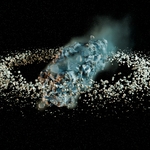
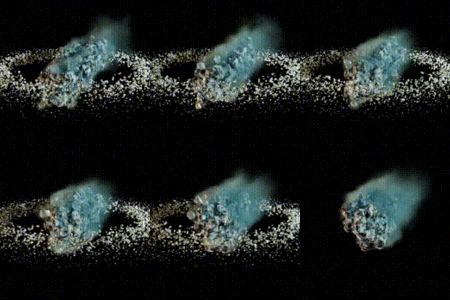
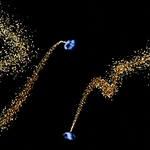
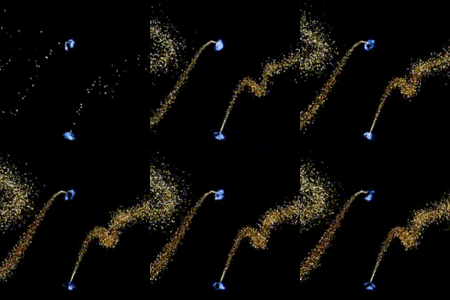
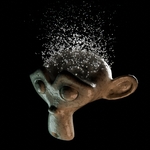
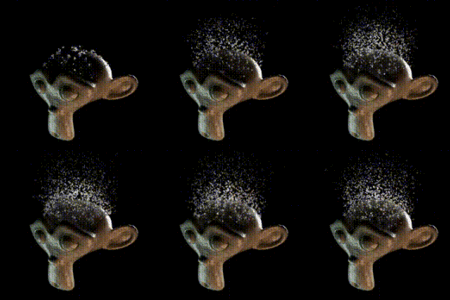
Particle Flow On Mesh Grid / Curve (Incl. Geometrty Nodes Modifier) | Let your particles flow along a mesh grid or curve, with lifetime, spreading, velocity, damping, flow, tilt and custom objects | Geometry Nodes Modifier
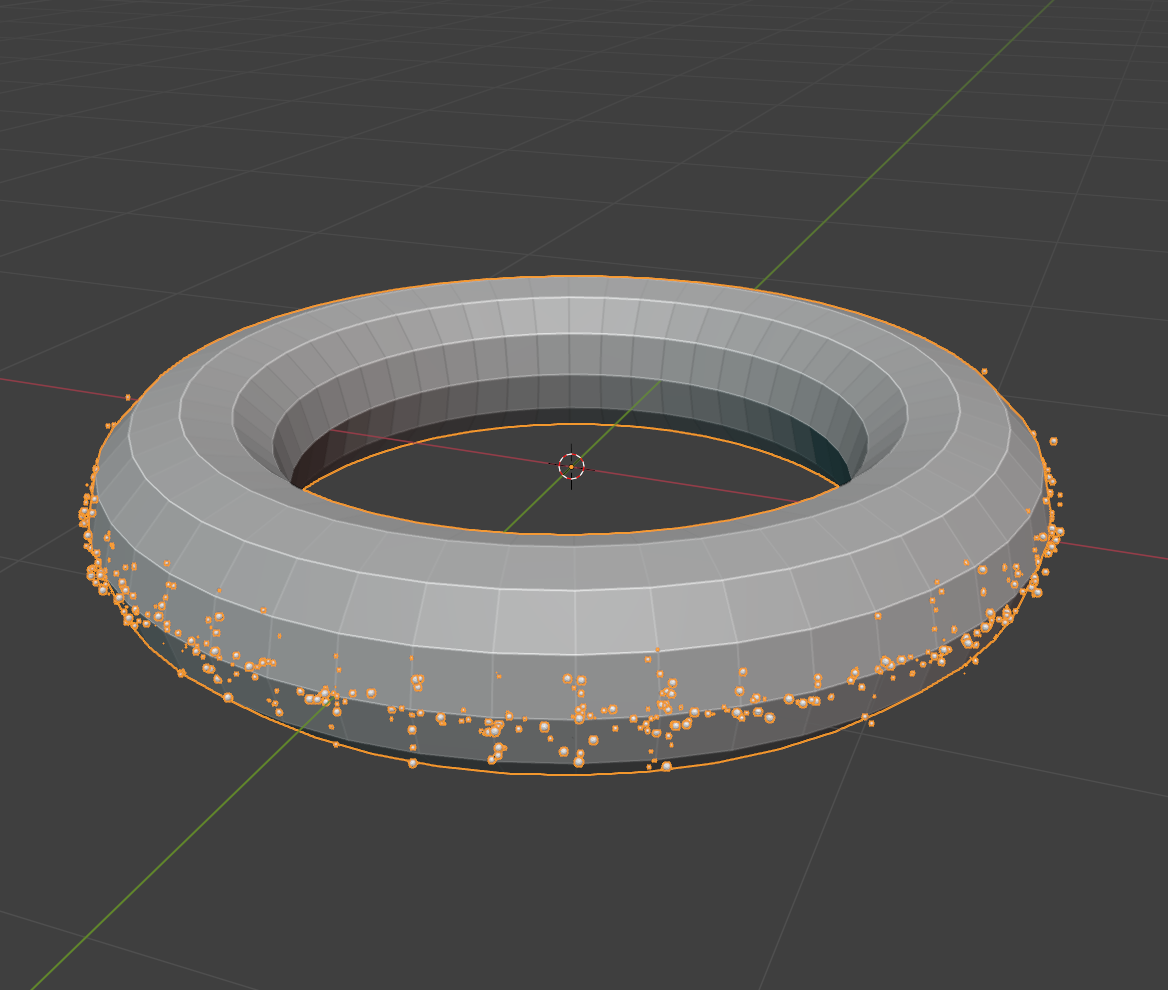
Make use of Blender's simulation nodes and unleash particle flow effects with this Geometry Nodes Modifier. This highly customizable tool allows you to effortlessly animate particles along curves or the grid of a mesh, offering control over their behavior and appearance.
Whether you're looking to simply create gently flowing streams, swirling swarms, or precisely aligned particle paths, this modifier provides all the necessary settings. Precisely adjust visualization, particle size, lifecycle, spawn time and position, and dispersion. Influence the rotation, speed and decay, as well as the flow and flow speed of the particles to realize stunning and customized animations for various needs.
In addition, the modifier provides output attributes / variables for further processing within your node tree, giving you maximum flexibility for complex setups and individual effects.
Take a look at the documentation pages, for what the modifier has to offer on properties, adjustments and customizability.
|
|
|
|
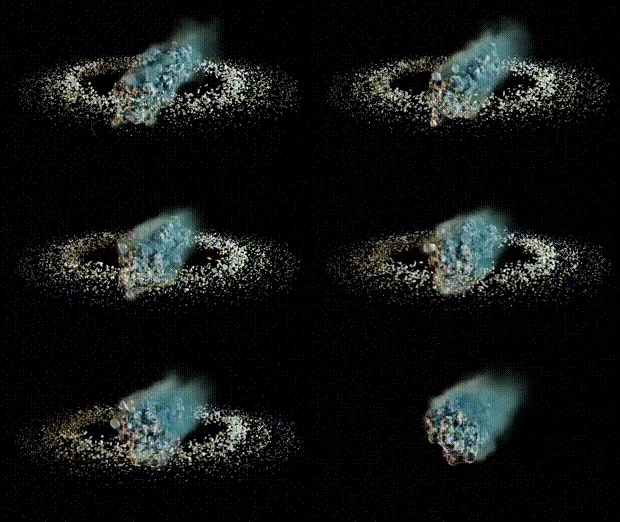
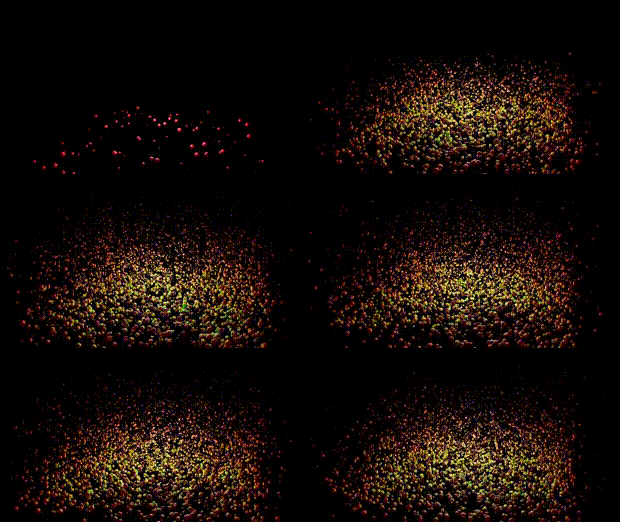
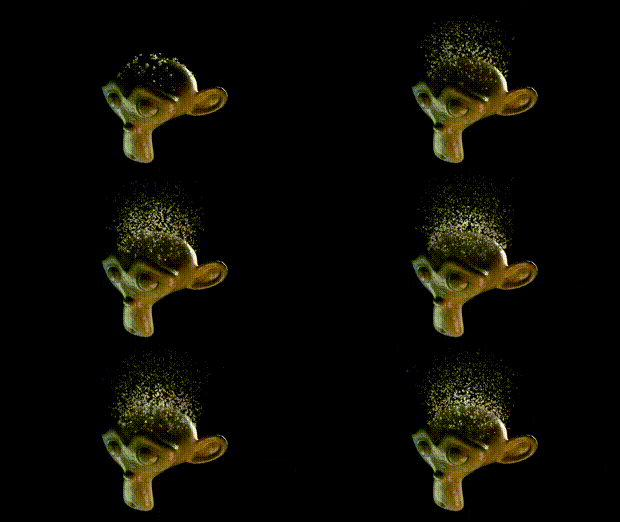
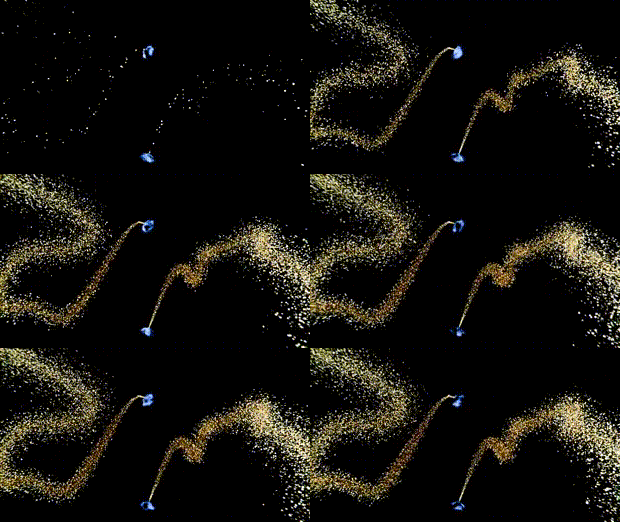
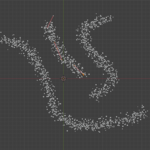
Draw a curve ... |
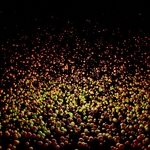
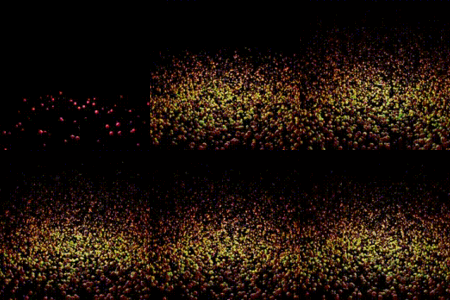
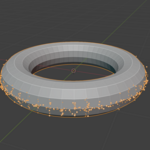
... or use a mesh grid. |
|
|

Including
* Main geometry nodes modifier "Particle Flow Modifier", marked as asset.
* 4 collections as examples, for showing how to use it and set ist up. "Asteroid", "Portals", "Just Particles", "Monkey".
Usage
Download and extract .zip-file.
* Import/Append (F4) collections, objects, materials or node groups from .blend-file.
* "Particle Flow Modifier" is marked as asset. Copy extracted .blend-file to your asset library directory to import via the Blender's asset browser.