Particle Flow On Mesh Grid Or Curve (Incl. Geometrty Nodes Modifier)
 Dennis Hafemann



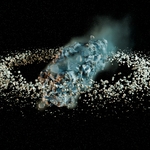
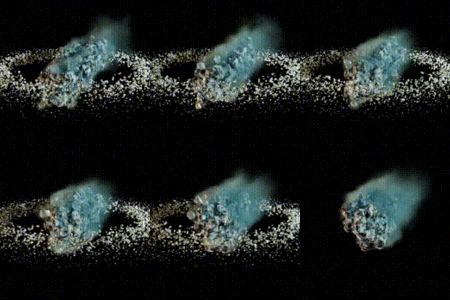
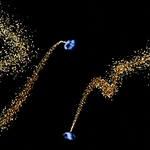
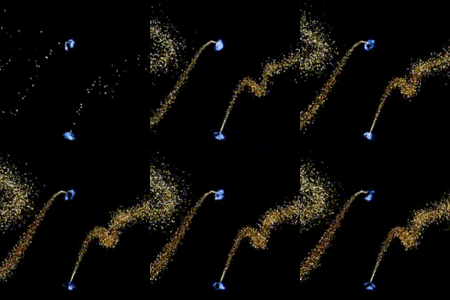
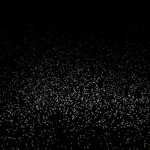


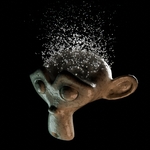
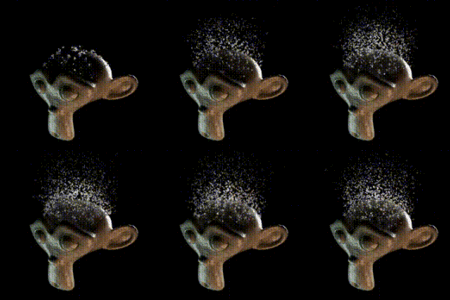
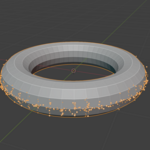
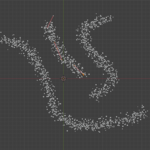
Modifier Explained
|
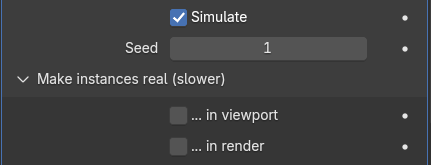
Realize / make the particles rea meshl, if needed, and change their behaviour in materials and other following modifers. | |
|
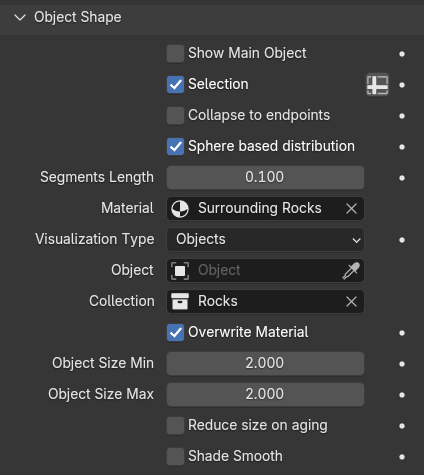
Adjust the object / particle visualization. Make use of vertex groups, type of particle distribution, custom particle objects, size and behaviour. | |
|
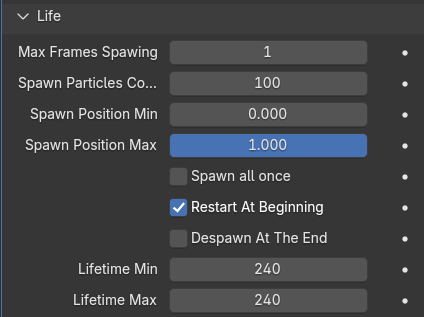
Define the lifecycle of the particles with spawning counts, positions, starts and ends and lifetime. | |
|
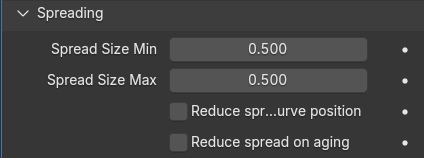
The particles are distributed randomly in a cube or sphere volume along on a mesh grid or curve position. Adjust the spread size of this points holding volume. Adjust it's behaviour. | |
|
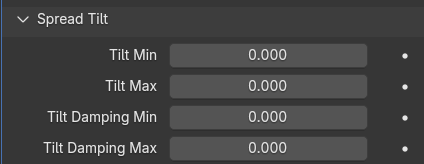
Make use of tilting and rotate the "spread" around the movement. | |
|
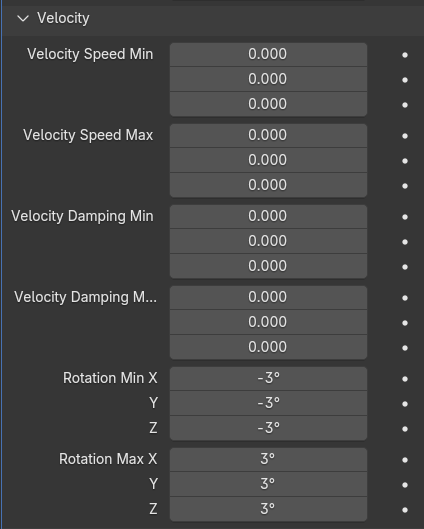
Adjust the velocity of a spread in min and max values for in- or decrements of x, y, z speed, damping and rotation. | |
|
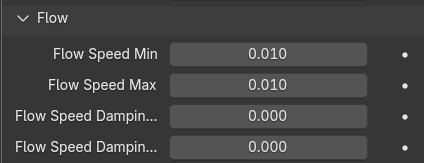
Give your particles a static behaviour or a dynamic flow along a mesh grid or curve. Use flow speed and damping. | |
|
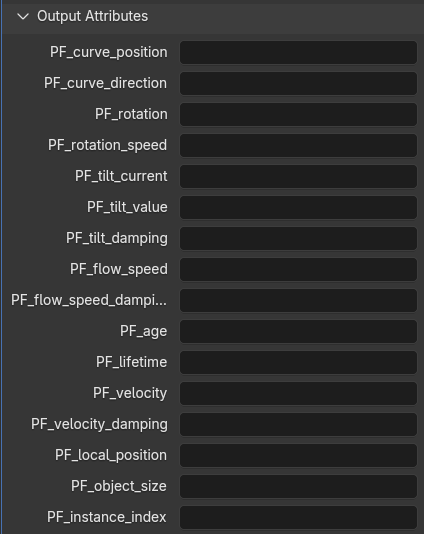
Various variables are used within the Particle Flow Modifier and are exported to make use of in the shader and geometry nodes editor. Depending on "realized particles" the values are stored on "geometry" or "instancer". |
Versions Changelog
v1
- First version, with object shape, sizes, visualizations, lifecyle, spreading, tilting, velocity, damping, rotation, flow and speed, output attributes, etc.
$5
Have questions about this product?
Login to message
| Sales | 20+ |
| Dev Fund Contributor | |
| Published | about 1 year ago |
| Blender Version | 4.3 - 5.2 |
| Render Engine Used | Cycles, Eevee |
| License | Royalty Free |