 iralon


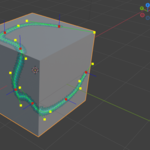
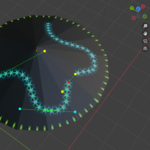
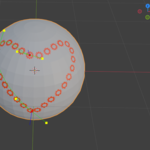
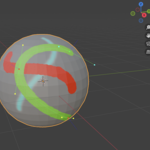
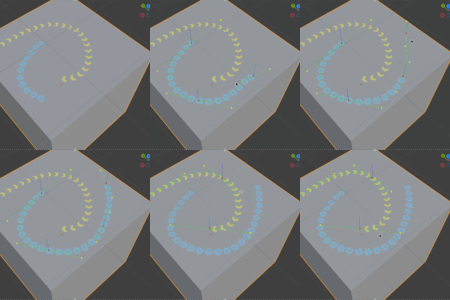
Path Painter is a Blender add-on designed to paint patterns or color on textures using paths on the surface of objects.
After selecting the target image and creating the path, you can simply click on the surface of the object to quickly form a path curve that will be distributed along the surface, then the target image will be painted along the path.

Update 1.0.3:
Added the function of opening the image editor, from which you can reload the image or save it, and perform other common image processing functions.

Features:
Paths can be quickly added and modified. (To see the painting result, the mesh must have at least one uv layer, and the image selected is in use for current material.)

The order of paths can by easily adjusted to achieve the desired overlay effect.

You can quickly make the path symmetrical along the x, y, or z axes:

Each path has its own brush, and you can adjust the brush size, flow, interval, pattern, and more. When 'Follow Path' is enabled, the pattern will always align with the direction of the path, including rotation:

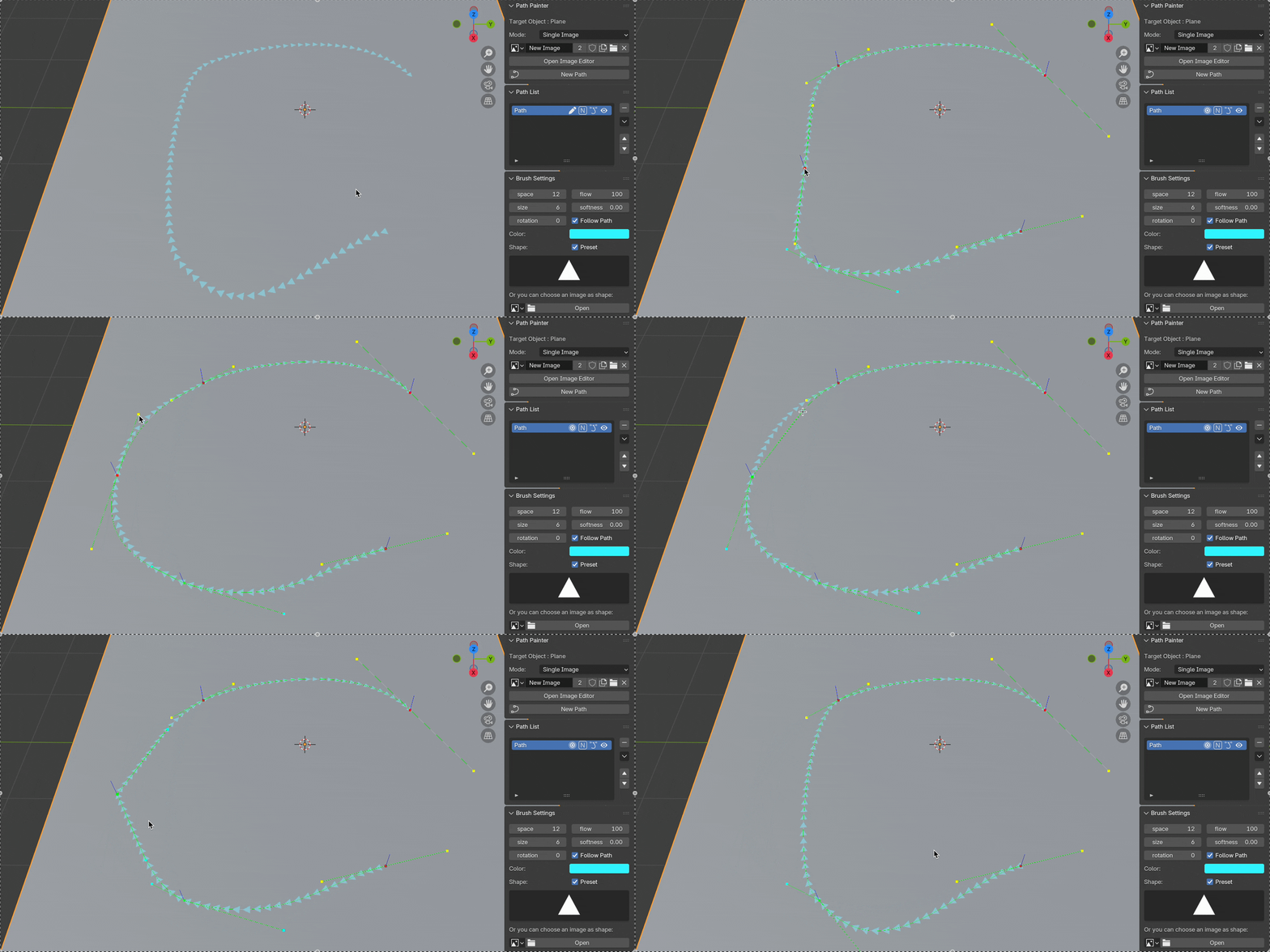
To edit a curve, you can left-click the curve line (not over a control point) to add a new point, and left-click a control point (not handlers) to change its type (free or vector), and right-click a control point to delete it.
To change the pattern, you can simply choose from the presets, or select a custom pattern from your image file.

You can also set the path to be loop opened or closed. For more features and details, please refer to the documentation.
Please feel free to contact me if you have any questions or need any further information.