Pattern Generator - Procedural
 Vaishnav3D
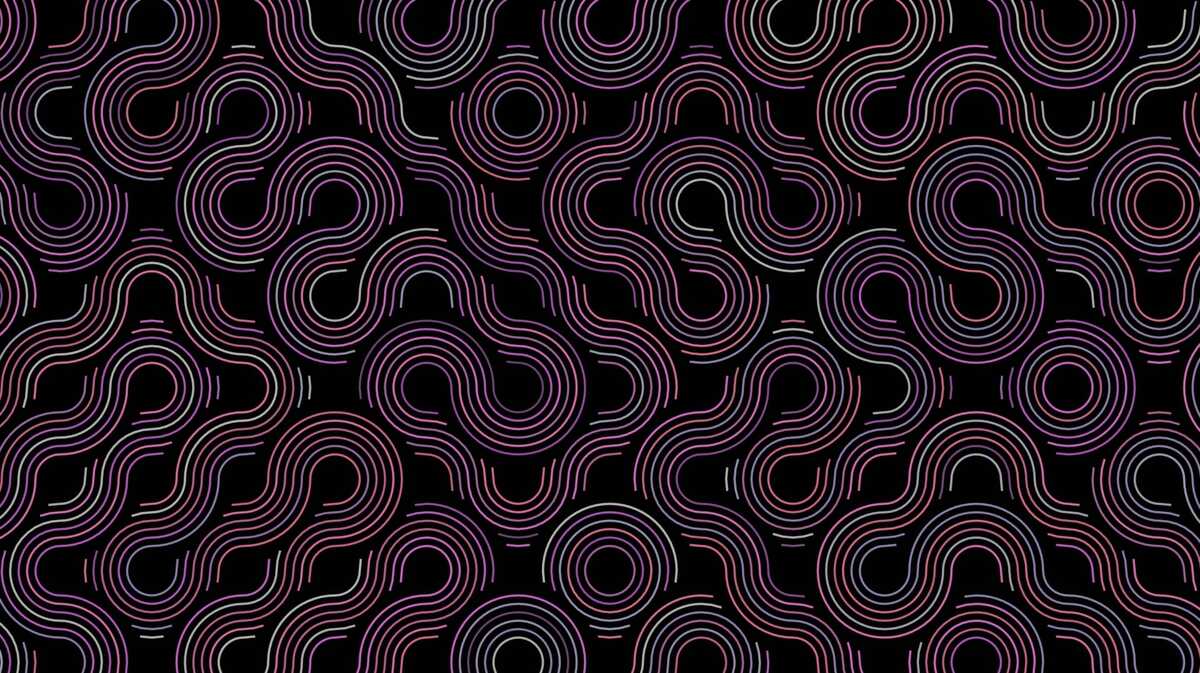
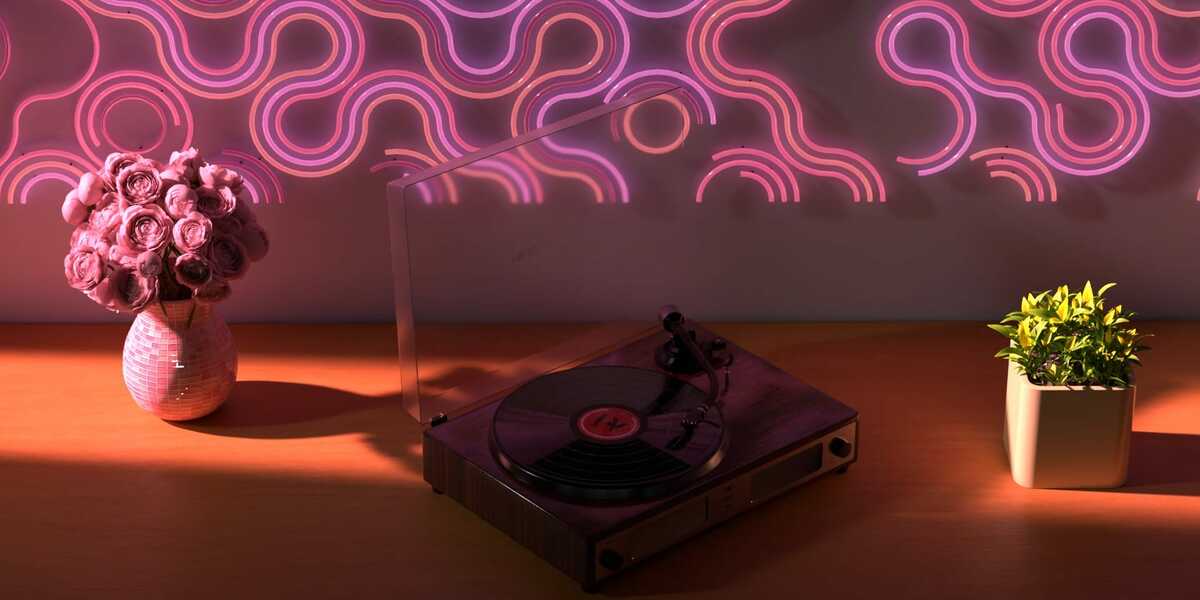

Parameters Explained:
The Geometry Nodes modifier provides an intuitive interface with clearly labeled parameters:- Size and Shape:
Count: The number of tubes to generate.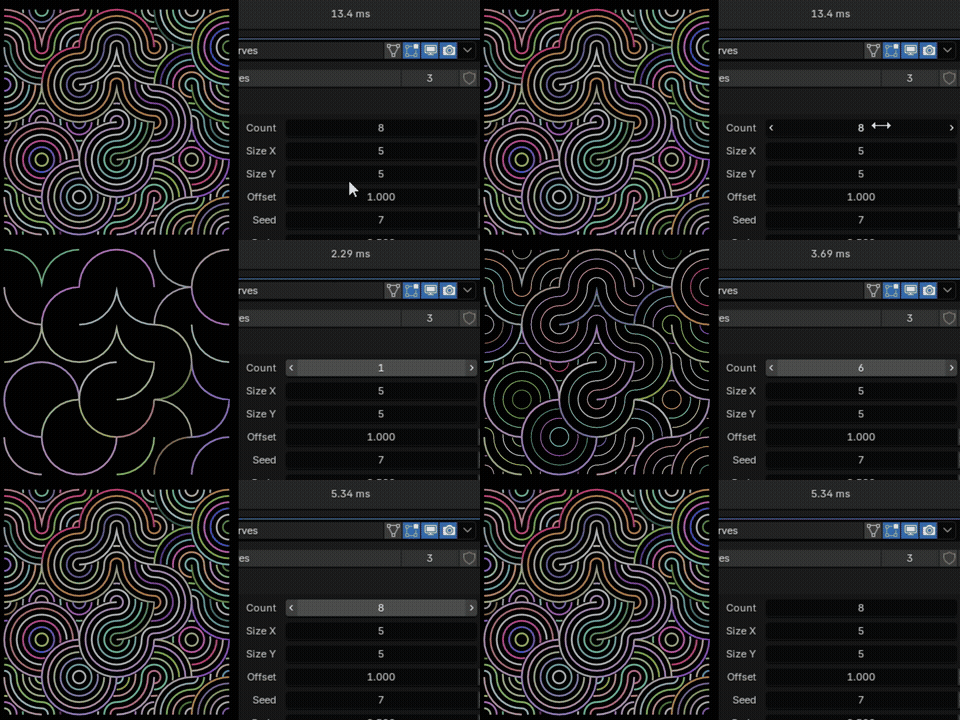
Size X: The width of the tube grid.
Size Y: The height of the tube grid.
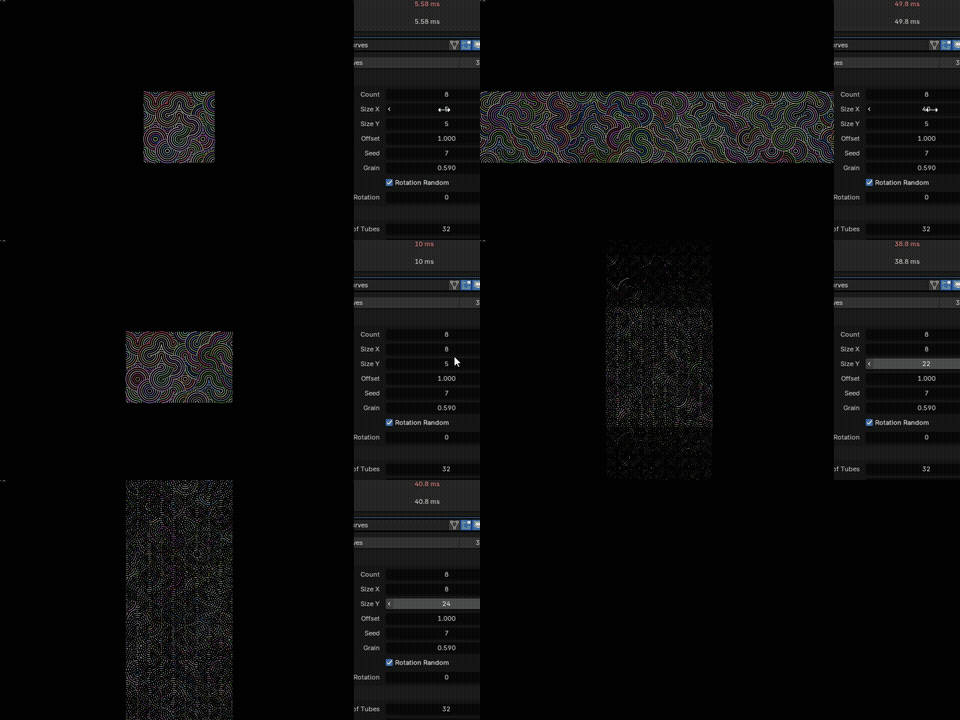
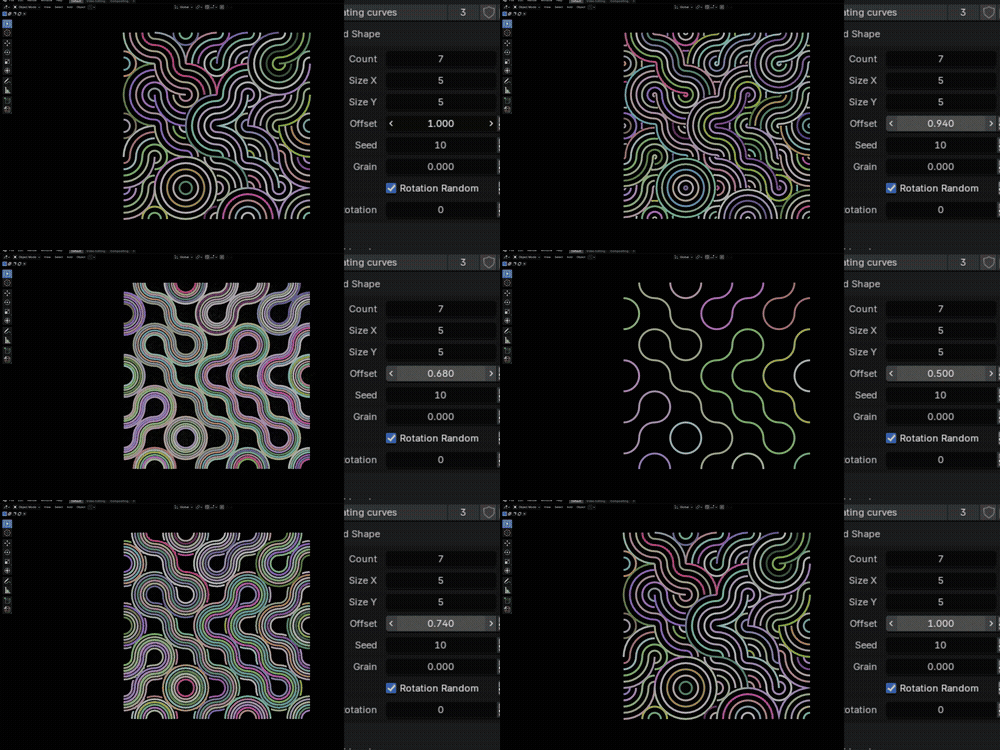
Offset: Controls the spacing between tubes. Higher values increase the spacing.
Seed: A random seed for variations in tube placement. Changing this value generates a different arrangement.
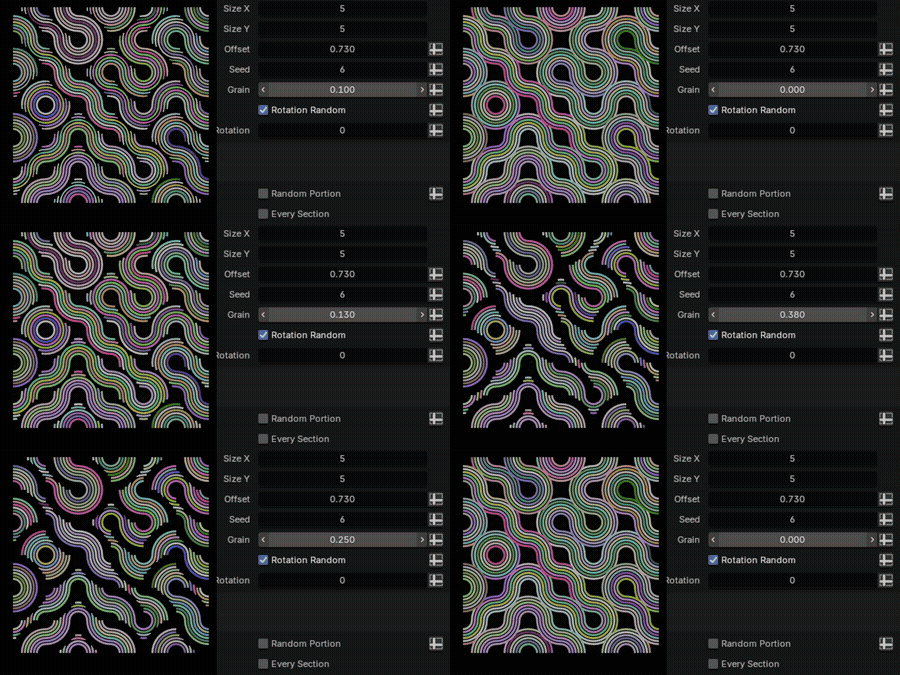
Grain: Increasing the seperation between curves by deleting curves
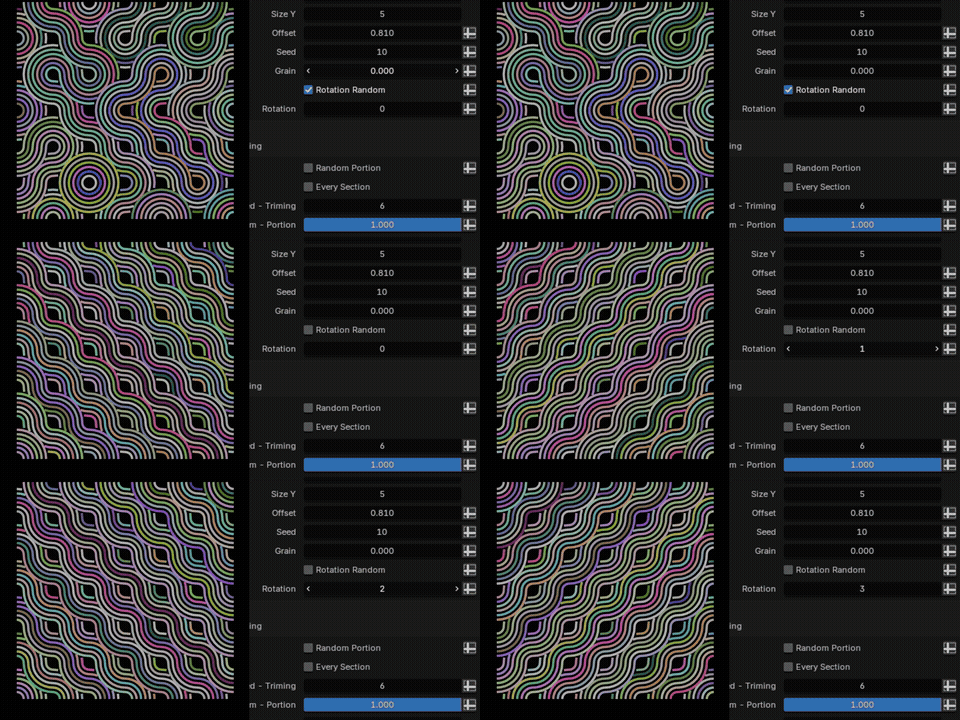
Rotation Random: Enables random rotation of each tube.
Rotation: A fixed rotation value for all tubes.
- Curves:
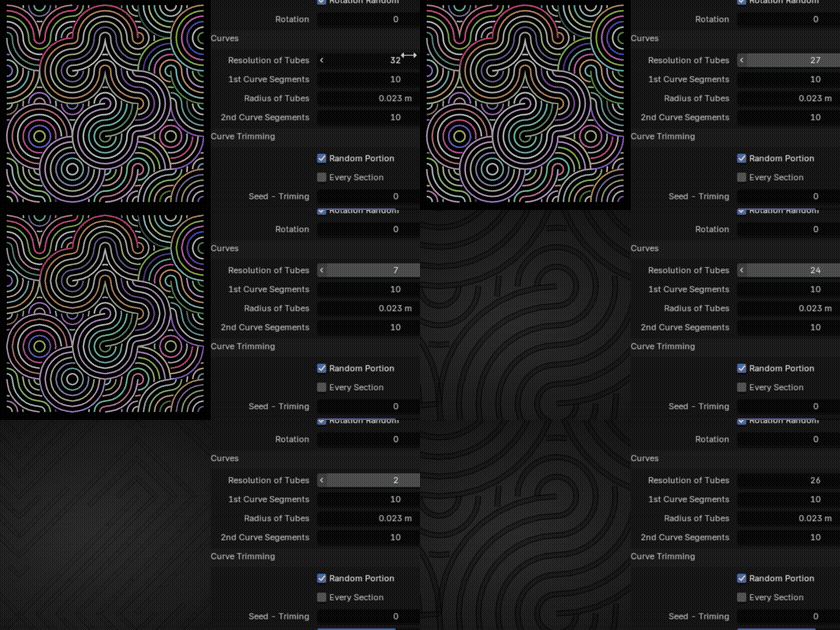
Resolution of Tubes: Controls the number of edges along the tube's length. Higher values increase smoothness.
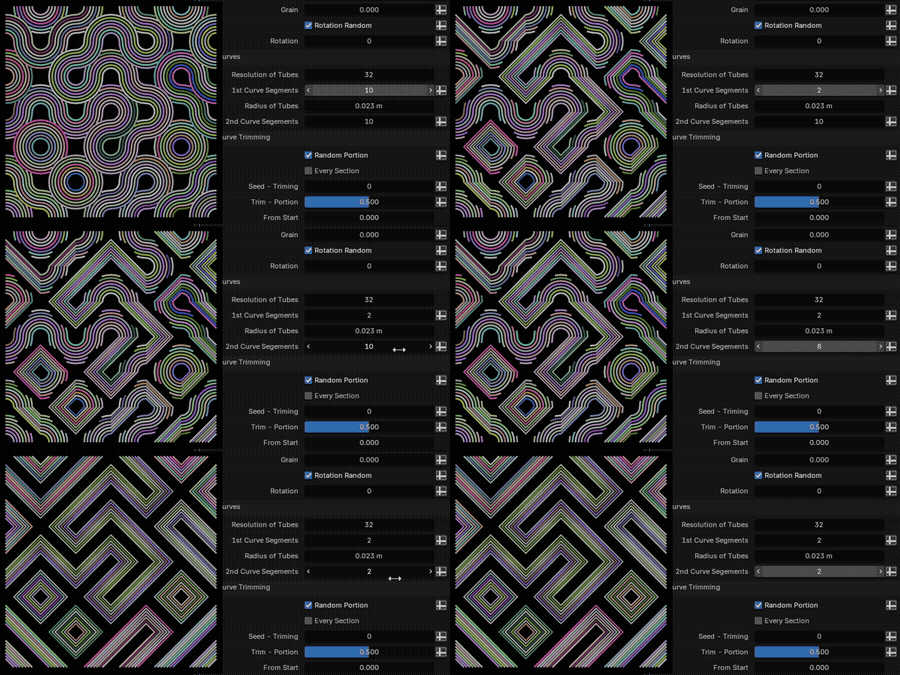
1st Curve Segments: Number of segments (resolution) in the first Half Curve
2nd Curve Segments: Number of segments (resolution) in the second Half Curve
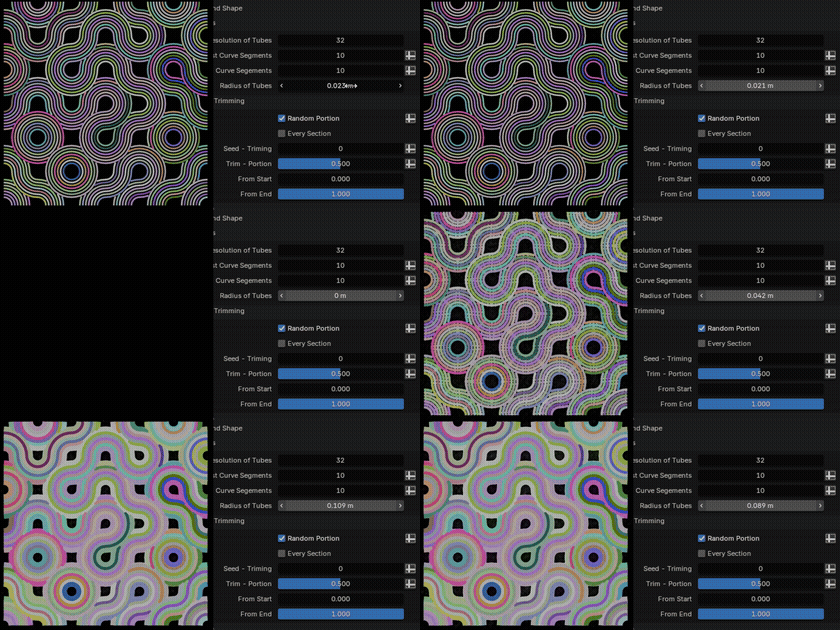
Radius of Tubes: The radius (thickness) of the tubes.
- Curve Trimming:
Random Portion: Enables random trimming of the curves.
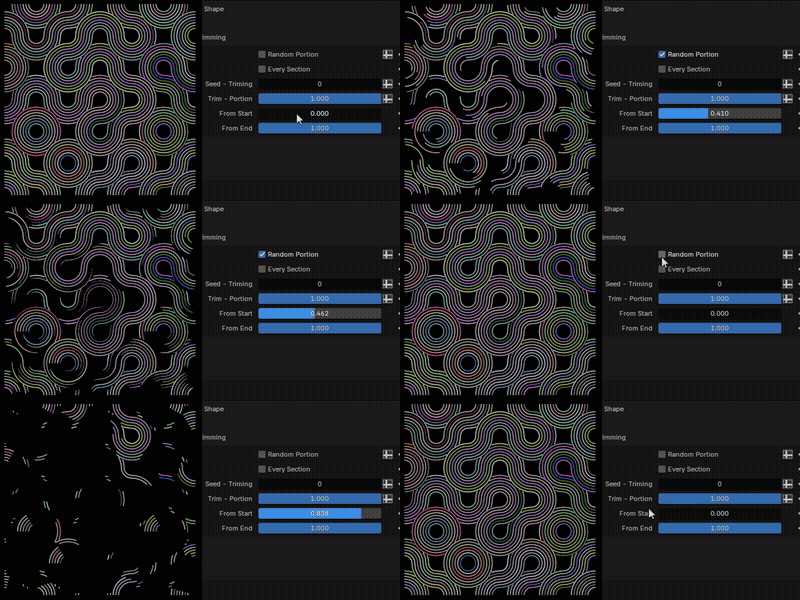
Every Section: Enables individual trimming of each curve section.
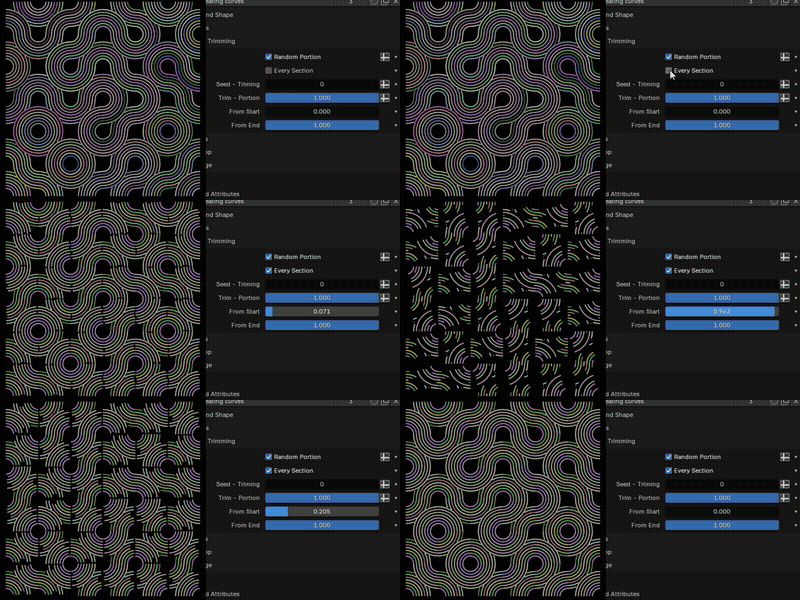
Seed - Trimming: Seed for random trimming.
Trim - Portion: Percentages of the curves to trim (1 = All Curves Trim).
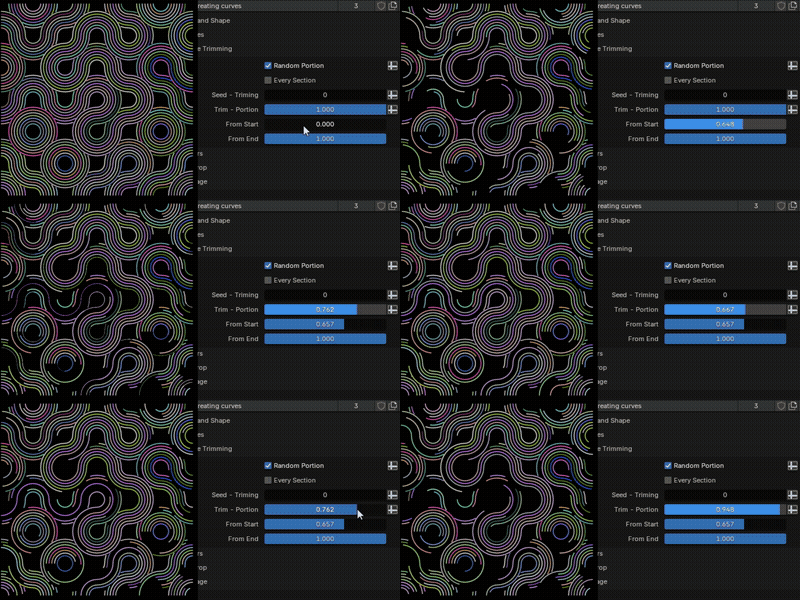
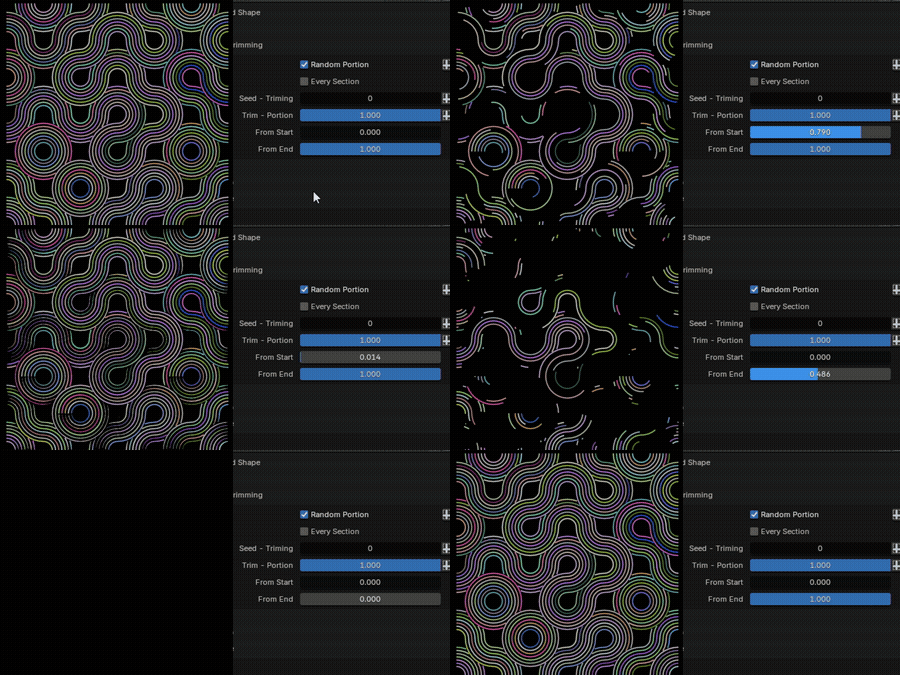
From Start: Percentage of the curve to keep from the start (For Not Deleting 100% with Random Portion ON).
From End: Percentage of the curve to keep from the end (For Deleting 100% with Random Portion ON).
- Colors:
Material (Curves): Selects the material applied to the generated tubes.
Color Attribute: Named Attribute (To be further used in Shading)
Animate: Enables/disables animation.
Animation Type: Selects the type of animation (currently only "Wave on/off" is supported).
Random: -
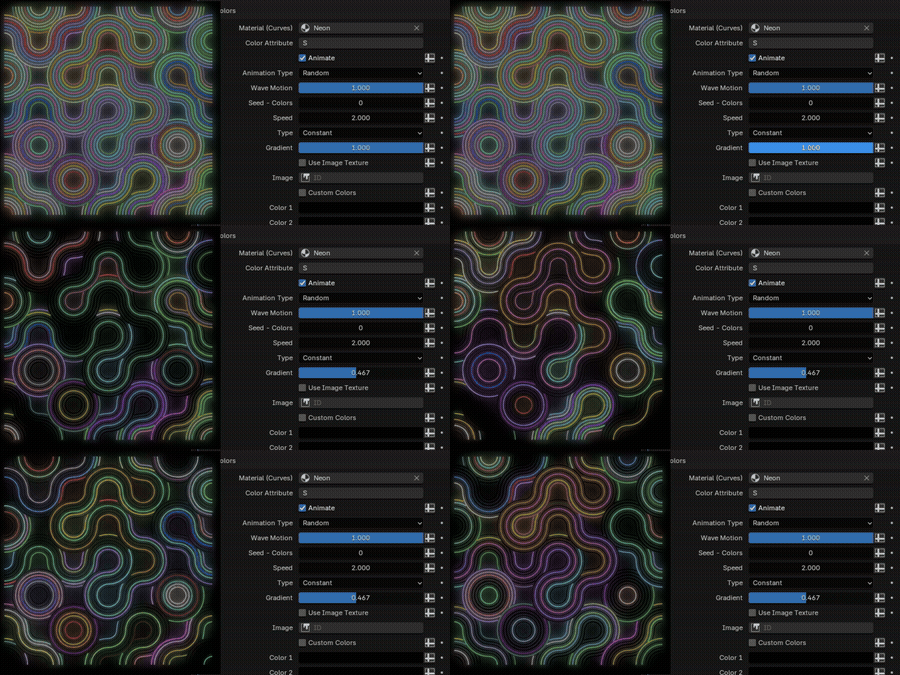
Wave: -
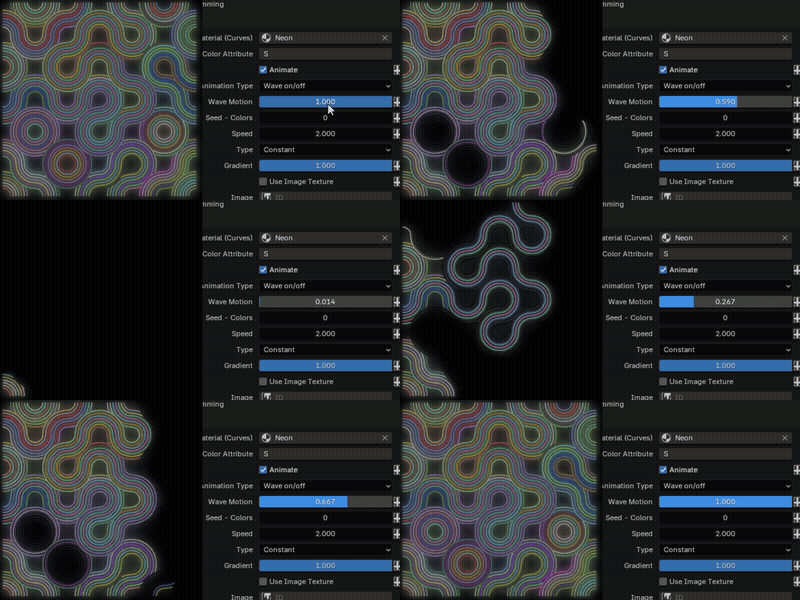
Wave Motion: Controls the speed of the color wave animation.
Seed - Colors: Seed for random color variation.
Speed: Controls the speed of the color animation.
Type: Selects the gradient type (currently only "Constant" is supported).
Gradient: Percentage of Tubes that have Color.
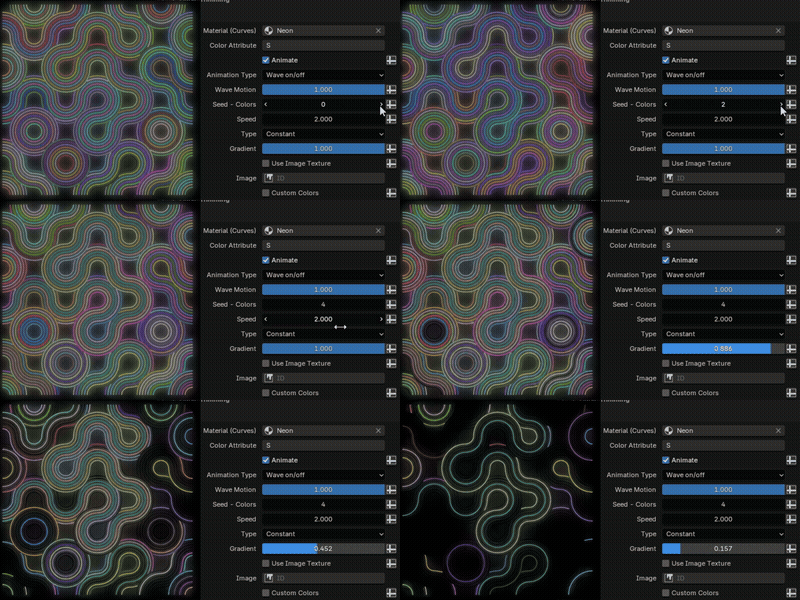
Use Image Texture: Enables the use of an image texture to define the color gradient.
Image: Select the image texture to use.
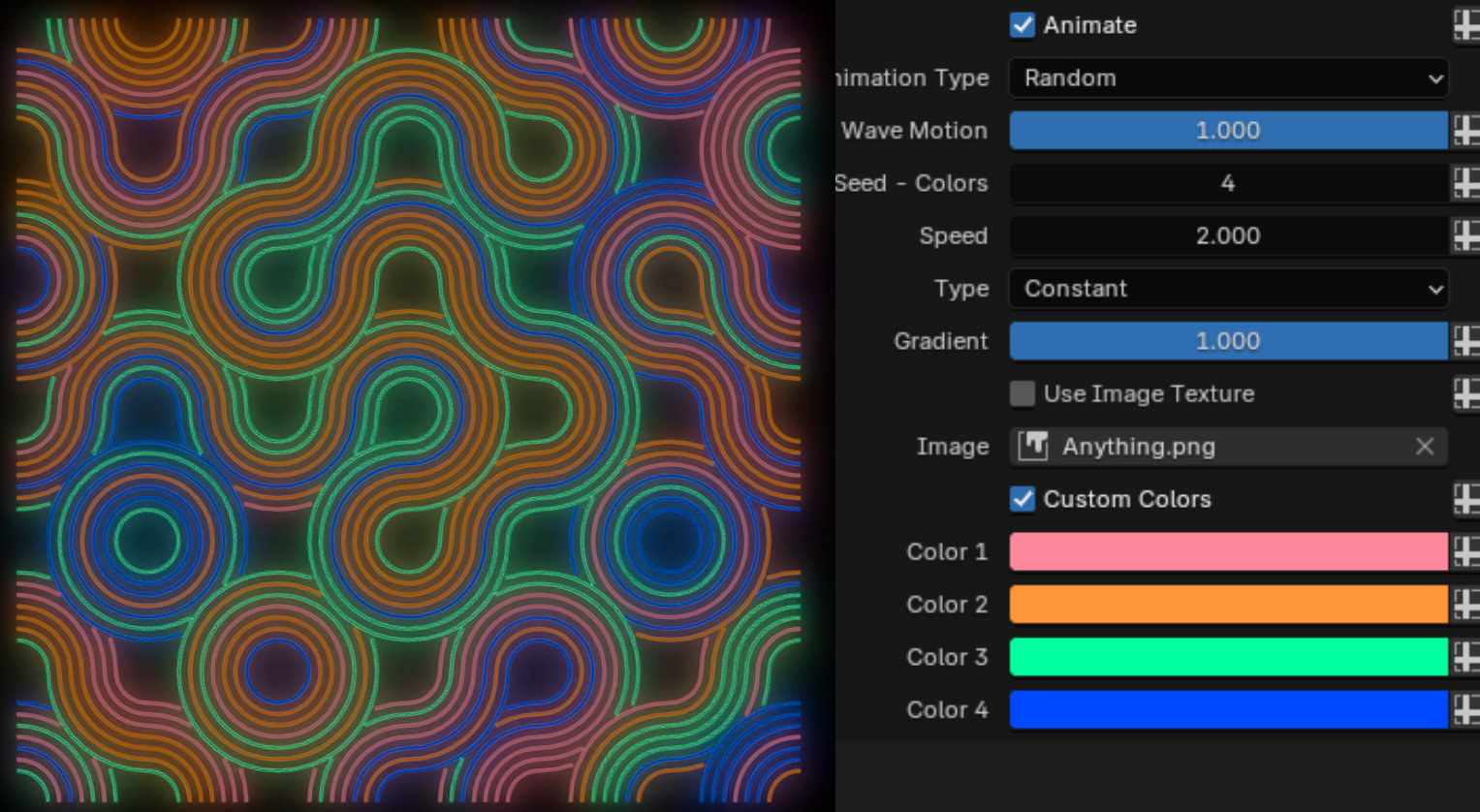
Custom Colors: Enables defining custom colors for the tubes.
Color 1: Set the first color for the gradient.
Color 2: Set the second color for the gradient.
Color 3: Set the third color for the gradient.
Color 4: Set the four color for the gradient.
- As Prop:
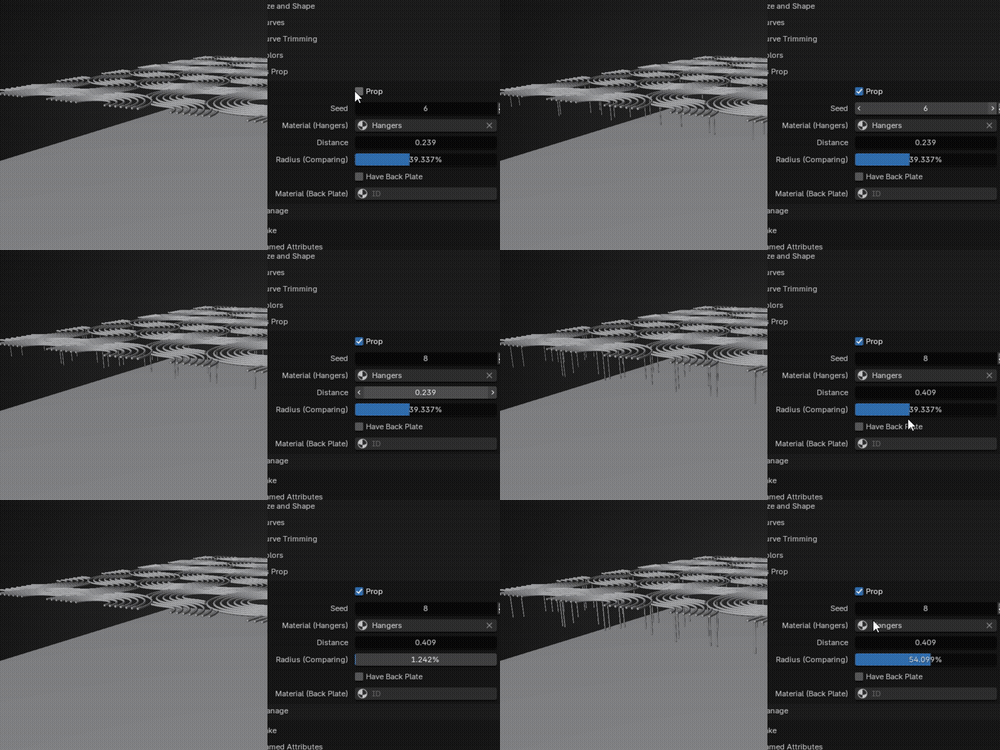
Prop: A checkbox enabling or disabling the generation of the prop. When unchecked, no hangers or backplate are created.
Seed: An integer value acting as a random seed for placement of hangers
Material (Hangers): A material selection dropdown.
Distance: Set the height of the hangers
Radius (Comparing): A percentage value of radius of tubes, Set radius of hangers
Have Back Plate: A checkbox enabling or disabling the generation of a back plate behind the hangers.
Material (Back Plate): A material selection dropdown.
Have questions about this product?
Login to message
| Published | over 1 year ago |
| Blender Version | 4.3, 4.2, 4.1, 4.0, 3.6 |
| License | Editorial |
Discover more products like this
Dreamscape texture 3d wall decor geometrynode Blender 4 geometry node Blender Geometry Node neon geonode 3dprop abstract abstract art 3d wall art wallpaper 3D Procedural Structures