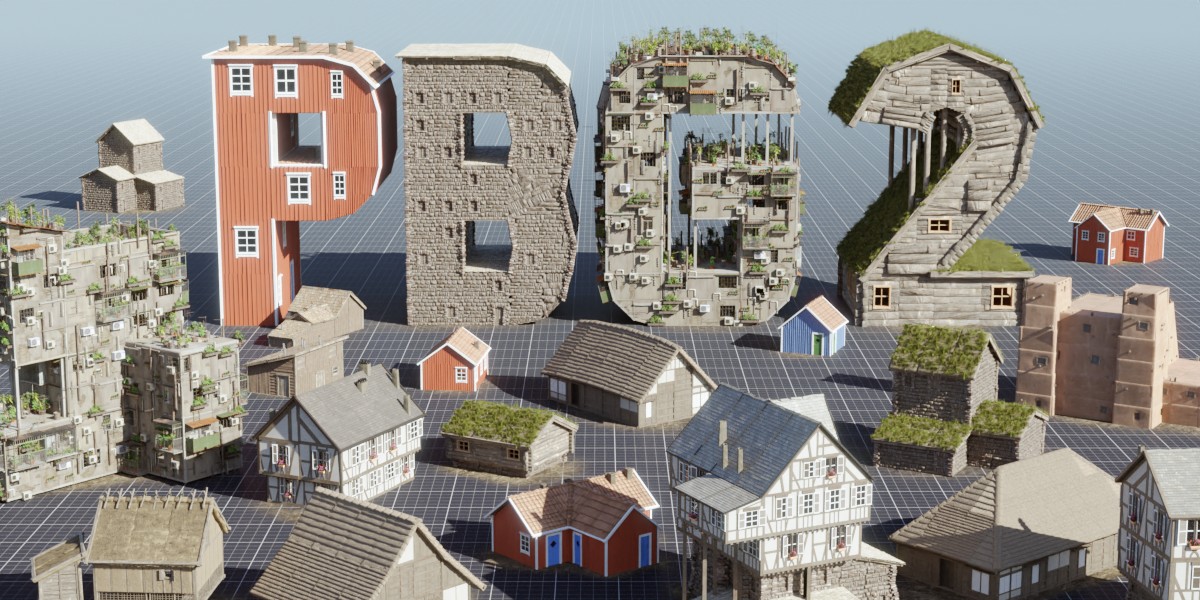
Procedural Building Generator 2
 Isak Waltin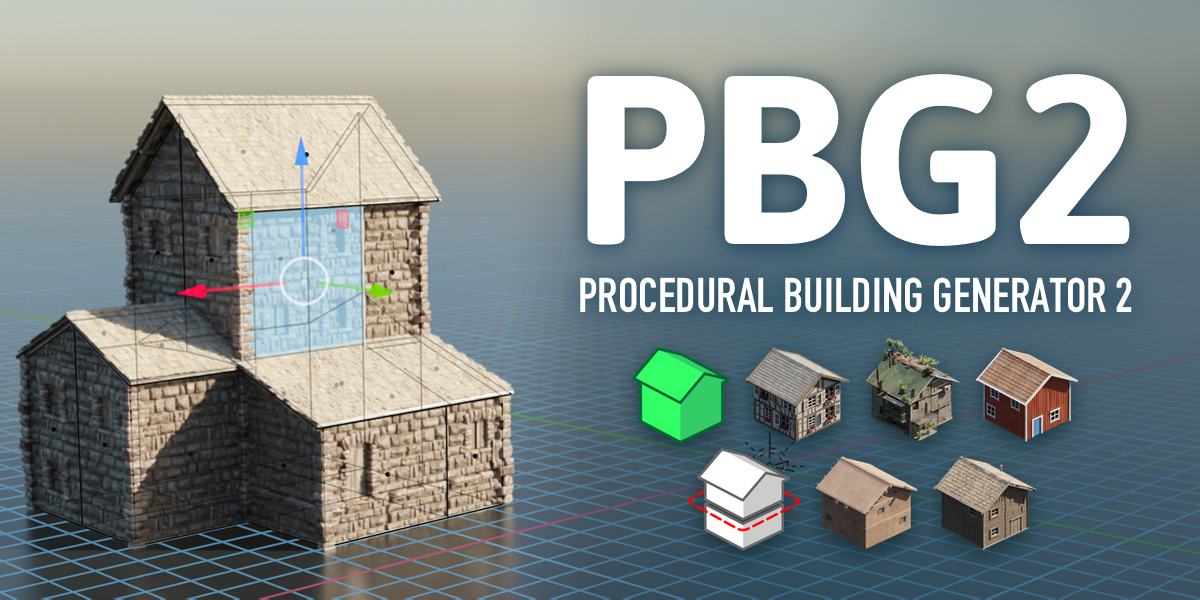
How do I install this?
- Extract the zip file and place the folder somewhere convenient
- Open Blender. Go to Edit>Preferences>File Paths>Asset Libraries
- Click “+” and navigate to the folder “PBG_2”. Select it.
- Set “Import method” to Link
- Done!
Can the models be 3D printed?
I have not tested 3D printing the models, so I can't guarantee it. However, you can convert the buildings to regular meshes so as long as you are comfortable with preparing meshes for 3D printing it is probably possible.
I get a Missing Manifest error when installing, why?
Missing Manifest appears when you try to install PBG2 as an addon. It is not an addon, but an asset library. See the FAQ about installing, or the Documentation about Getting Started, for detailed setup instructions.
-
$15
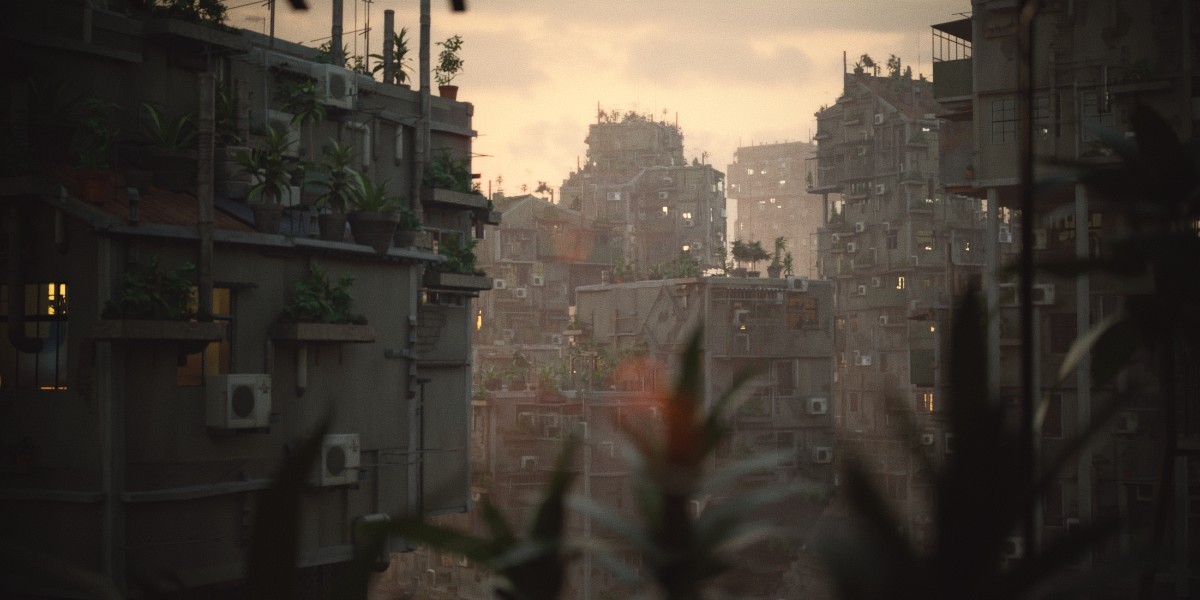
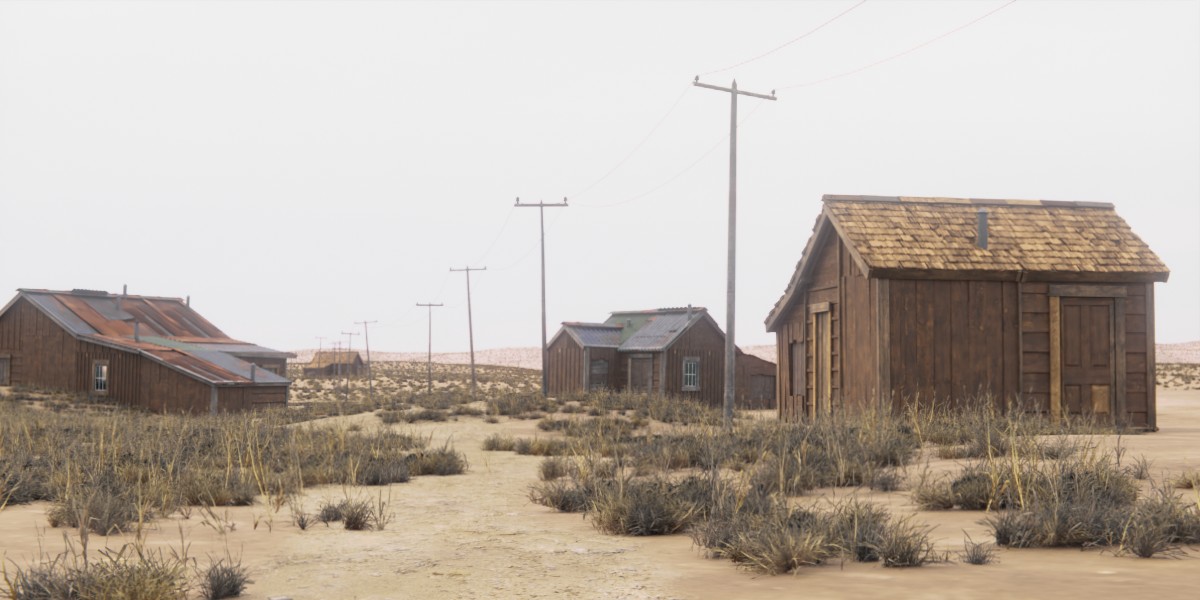
All PBG 2 node groups + 5 building styles
-
$20
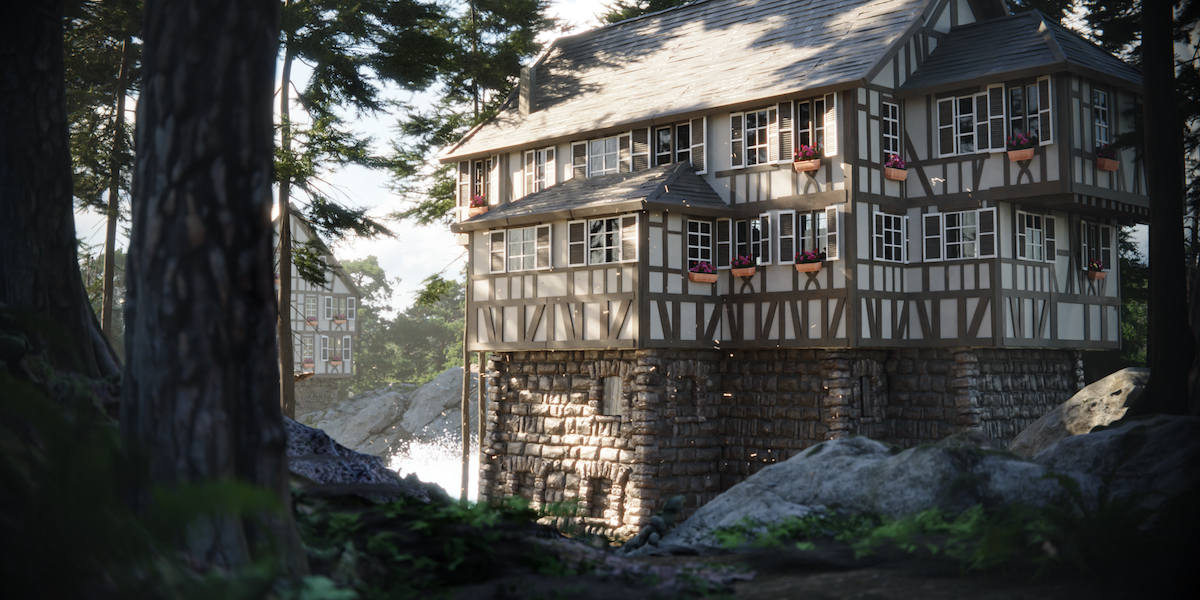
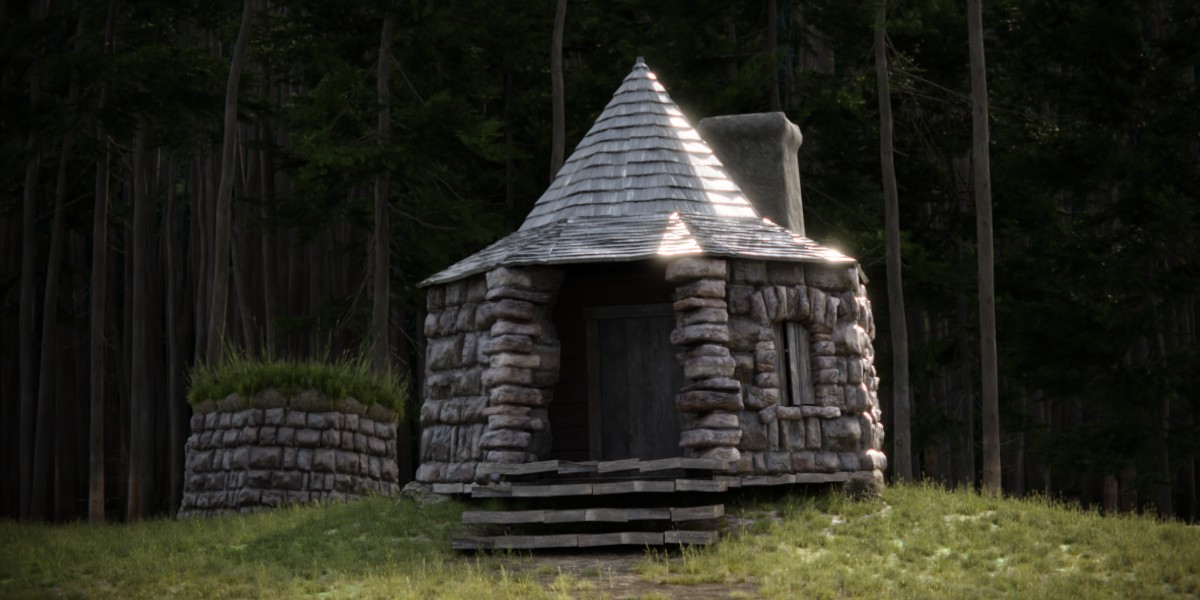
Node groups + 5 styles + 4 historic building styles
Have questions about this product?
Login to message
| Sales | 2000+ |
| Rating | 13 ratings |
| Dev Fund Contributor | |
| Published | about 3 years ago |
| Blender Version | 4.2 - 5.1 |
| Render Engine Used | Cycles, Eevee |
| License | Royalty Free |
