 3D BlueHat


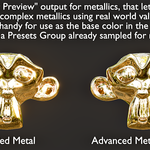
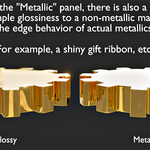
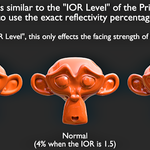
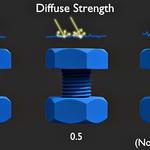
Real optics. Real results.
What makes PBR Advanced different?
PBRA was developed around a single question: How would a real material behave when all of its optical properties are considered together? The system answers that automatically — you work with physical material properties while the shader handles the complex interactions between them.
Where optics matter — thin-film interference, dispersion, spectral metallics — the Optics Edition brings 12-band spectral calculations and full complex Fresnel math under the hood. Where they don't, the system uses advanced shading logic and context-aware features to produce physically accurate results without unnecessary complexity.
The result is a complete rendering ecosystem: shading, compositing, and workflow addons all working together. Just as easy to use as Blender's Principled BSDF — with real physics where it counts.
PBRA Shader — all-in-one, with real optics where it counts
Complex Fresnel Optics
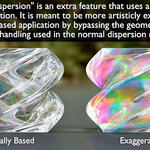
Full complex refractive index computation — no approximations, no baked assumptions. Real optical behavior for materials that need it.
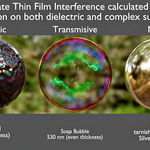
12-Band Spectral Thin Film
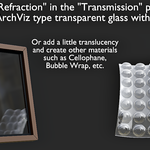
Full Airy wave mathematics across 12 bands — including absorbing thin films, which are not normally possible in node-based shading.
Dual Thin Film Application
Two independent thin film layers — one on the base material, one on the uppermost active coat — for layered iridescent effects.
Multi-Coat with Attenuation
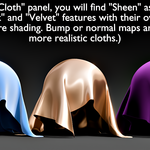
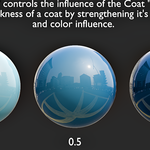
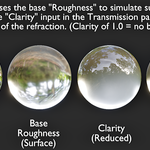
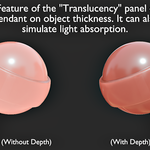
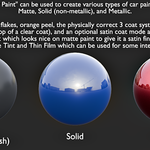
Up to 3 coats with proper attenuation across layers and base reflection. Coat color system simulates real thickness, and coats support physically based surface roughness.
Emergent Material Behavior
With absorbing thin films, the shader detects when the physics dictate opacity and takes over the metallic state internally — no manual toggle needed.
Caustics & Indirect Control
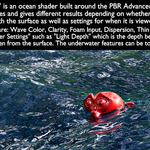
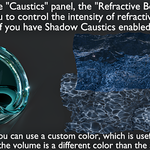
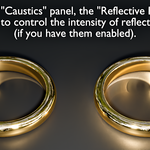
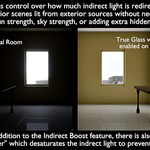
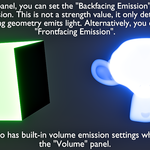
Refractive caustics boost, reflective caustics boost, and indirect boost — fine-tuned control over caustic intensity and indirect bounce behavior.
Context-Aware Shading
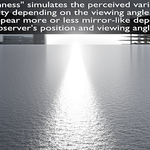
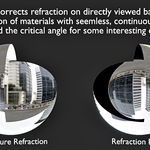
2D/3D detection, angular roughness, and smart glass architecture that adapt automatically to geometry and viewing conditions.
Easy to Use
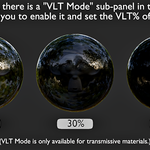
Drop-in replacement for the Principled BSDF. All the advanced physics runs under the hood — just tweak sliders like you always do.
PBRA Super Composite — complex pipeline, zero setup hassle
Building a full multipass compositing pipeline — glare, mist, denoise, color management, lens effects — usually means hours of wiring nodes and figuring out what connects where. PBRA Super Composite handles all of it in a single node group.
Single pass or full multipass — just plug in your render and adjust the settings you need. All the wiring is already done.
Convert, compose, and render — faster
PBR Advanced Addon
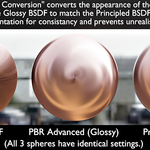
One-click conversion of existing materials and worlds to PBRA. Sets up the compositing layout with Super Composite in seconds.
Vertigo
One-click dolly zoom effect. Position your camera, pick a target, and enable — Vertigo handles the math. Animation-ready with keyframe controls.
Auto Downscale
Supersample your renders directly within Blender — no external program needed. Often produces higher quality with fewer samples.
See Vertigo in action
Rating the product and providing feedback is greatly appreciated. I would also love to see any creations made using PBR Advanced!
— 3D BlueHat —
