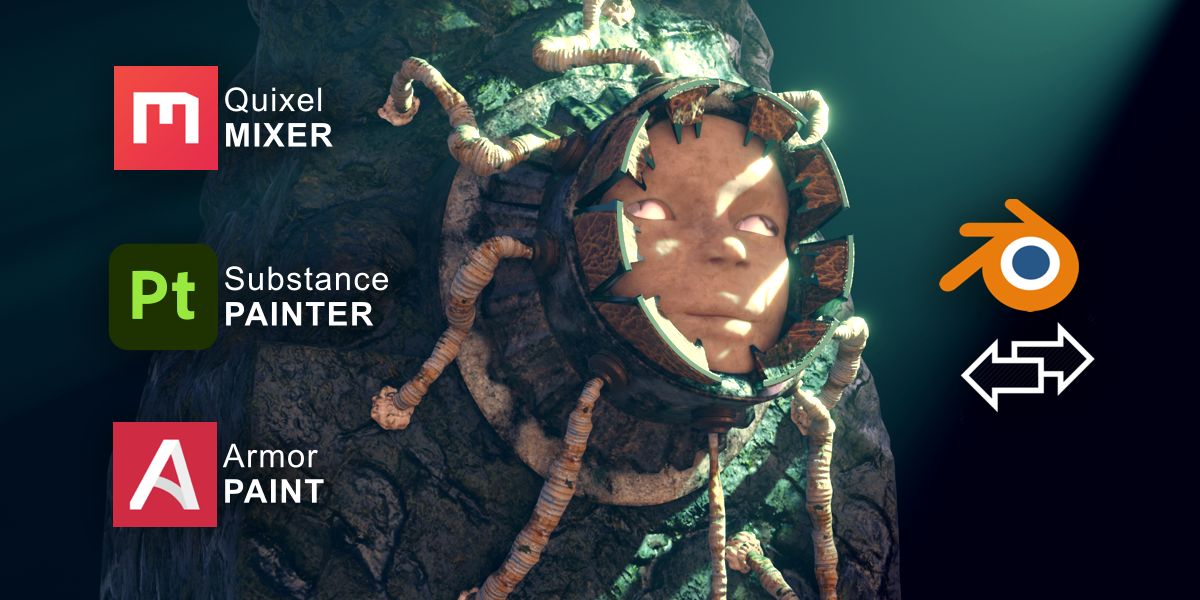
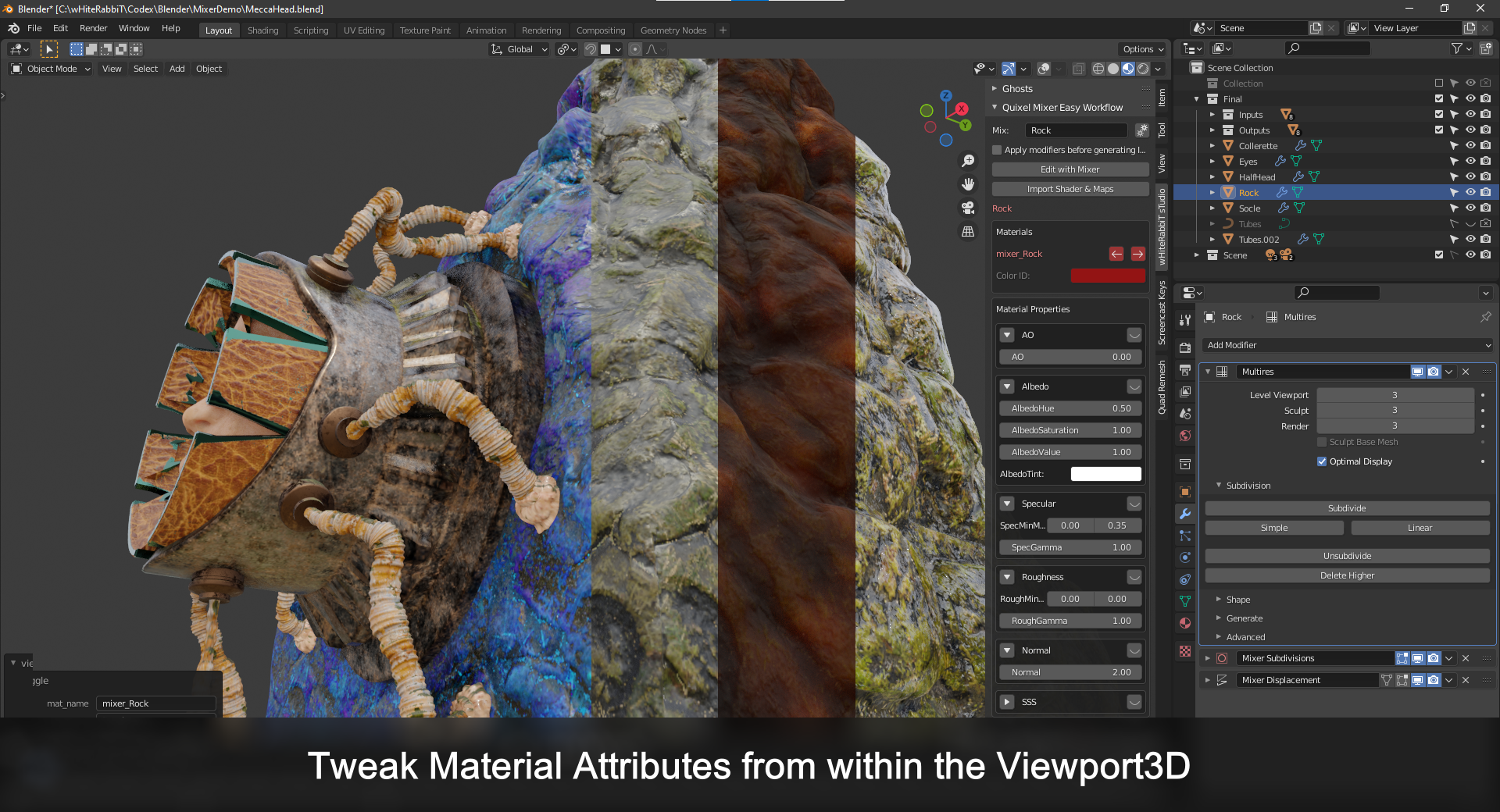
Pbr Bridge

iwHiteRabbiT in Rendering


Item Rating

This item has an average rating of 5 from 26 ratings by the community.

89%
4%
4%
0%
4%

Purchase this item to leave a review!

  • John
    almost 5 years ago

    This addon makes things so much faster and more simplistic, definitely another addon you don't wanna miss once you used it. A literal timesaver. Even though at the beginning I had a problem with syncing but I fixed it by closing Blender and restarting it after I enabled the addon. This saves a lot of clicks.

  • 2REK
    almost 5 years ago

    Great stuff, it drastically shortens transition time from Blender to Substance Painter.
    Basically the only thing left to do before texturing is baking textures.

    One button instead of multiple clicks and scrolls? Count me in!

  • Ludacity Digital
    almost 5 years ago

    Such an awesome addon! Improves the Blender with Quixel Mixer workflow considerably. Was able to do in 5mins what took usually takes me like 30mins spent on creating, configuring and importing/exporting generic maps. Lets me immediately get to the fun part!

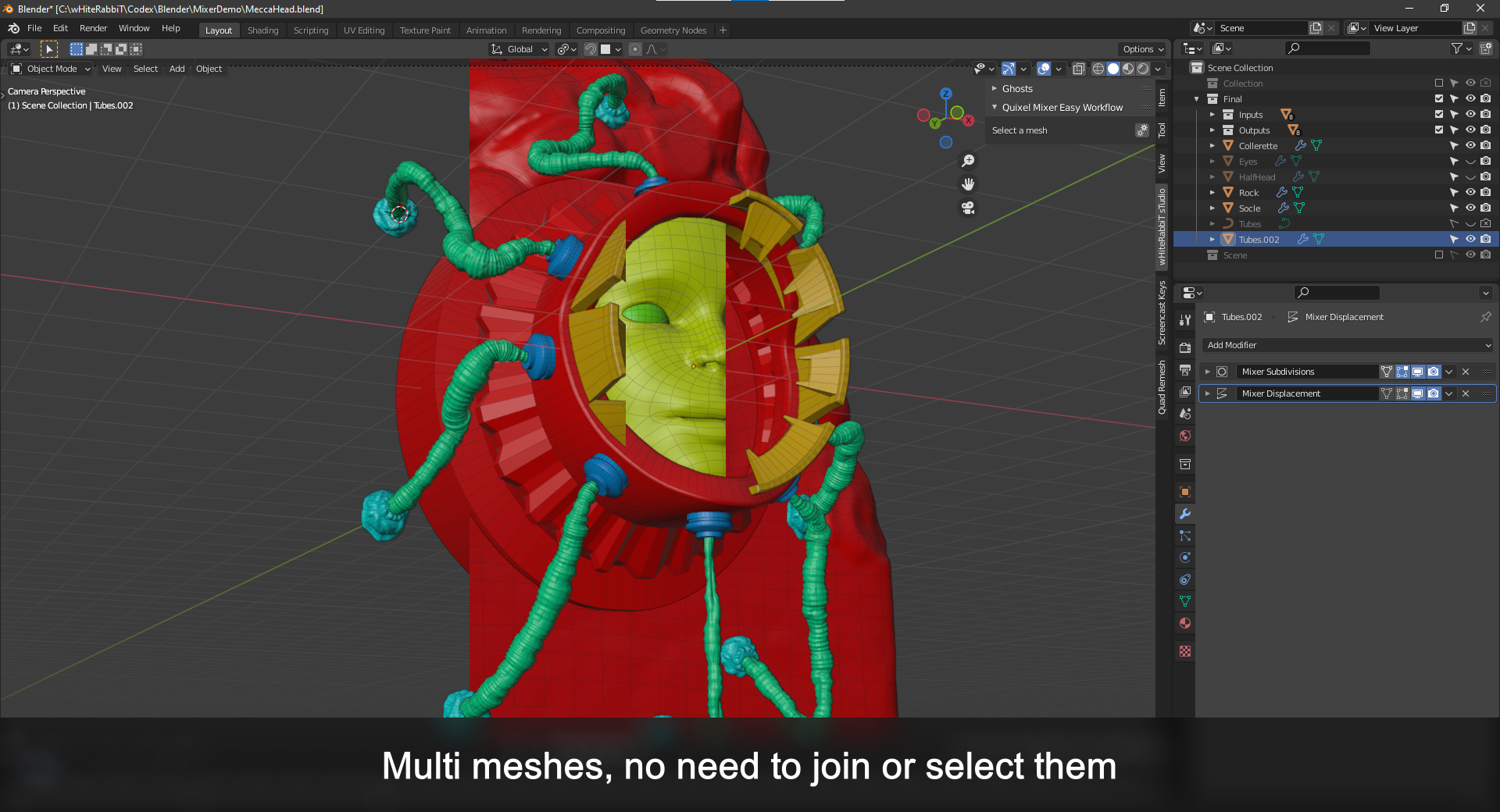
    Only had one issue that had me stumped for a bit. If you try to open multiple objects in one mix and any of them have have UVs created not called "UVMap" (Blender's Default), Quixel Mixer throws a UV coordinate not found error when it tries to open the mix. I had a project with some objects I previously baked with SimpleBake which changed the UV names.

    Redoing the UV unwraps fixed it for me. Not sure if this is caused by PBR Bridge, the FBX export, Quixel or something I did wrong in my workflow. Curiously these objects opened fine when selecting them one at a time and opening them alone in Mixer.

    • iwHiteRabbiT

      almost 5 years ago

      Thanks a lot! I'm so glad to hear that the addon served its purpose to improve your workflow and let you focus on what really matter :D.

      Sorry that you ran into an issue though. I didn't think of trying with different UV names with different meshes. My first thought is that when joining them, Blender keeps the different UVs and Quixel only reads the first one, hence the missing coordinates.

      I'll try to reproduce and fix this!

      Thanks for that report and if you need to report bugs, request a feature or seek help, don't hesitate to post on my discord: https://discord.gg/FTwdCxghGv

      Cheers!

  • Andy Tanguay
    over 4 years ago

    Very cool addon that leverages a great program. I just wish its UI tab was titled for the addon. Please please name the UI tab 'PBR Bridge' or something more descriptive and brief.

    • iwHiteRabbiT

      over 4 years ago

      Thanks Andy, I'm glad you like it!
      You're not the 1st requesting a better tab name, that's why I added the possibility for you to rename it via the "addon preferences" of PBR Bridge.
      I personally like to rename it to "Tool" since it will then merge with the current "Tool" tab.
      If you need further explanation on that matter, feel free to reach out or join the Discord.

  • Amxc
    over 4 years ago

    真的很棒,作者非常用心。

    • iwHiteRabbiT

      over 4 years ago

      非常感谢你 ! 我很好奇,为什么评分这么低? 你缺少什么? 请通过消息或不和谐告诉;)

  • Eryn Lynn
    almost 2 years ago

    This addon is unfortunately not very customizable and the author was rude when contacted about addressing those concerns. The shader that's generated by this addon isn't compatible with exporting to other formats (such as GLTF) and, in the words of the author, "is only for Blender renders". This is obviously extremely limiting. When contacted, he said the addon "is a bridge between Blender and Substance, not Blender and a Game Engine" - yeah, obviously! You still need to get your materials back in to Blender before you export them to another format. So silly.

    Rather than making any attempt to be helpful, the author just explained to me why my workflow was wrong and then got weird at the end saying I was "threatening him" because I'd refund this addon if I can't find a solution here. Uh, yeah? Of course I'm going to refund a product if I literally cannot use it? I don't see how that's a threat. Anyway, very unhappy with my experience here. First negative experience on this website. I wouldn't put a one-star review *just* because an addon doesn't match my worfklow. It obviously does work for others. But the single star is because the author simply doesn't have the human decency to be polite. Most authors are very kind, so it's just a shame.

    • iwHiteRabbiT

      about 1 year ago

      Eryn Lynn

      Hi. I recently purchased your PBR bridge addon. When I look at the generated shader, I can see that it multiplies the AO into the Albedo layer. This is incorrect, as AO, literally being "ambient occlusion", is supposed to occlude the ambient lighting in the scene, and so it needs to be in a separate channel that whatever renderer you are using can use. In my case, we are importing the model into a game engine.

      Our engine uses the GLTF file format, and so the Blender GLTF exporter expects AO to be like this:

      So as it stands, this shader isn't correct in both the sense of AO shouldn't be multiplied into albedo in any situation, but it also isn't exportable to GLTF in the way that the Blender GLTF exporter supports.

      I was looking for any way to customize the shader or the expected format, but couldn't find any settings for this within the addon.

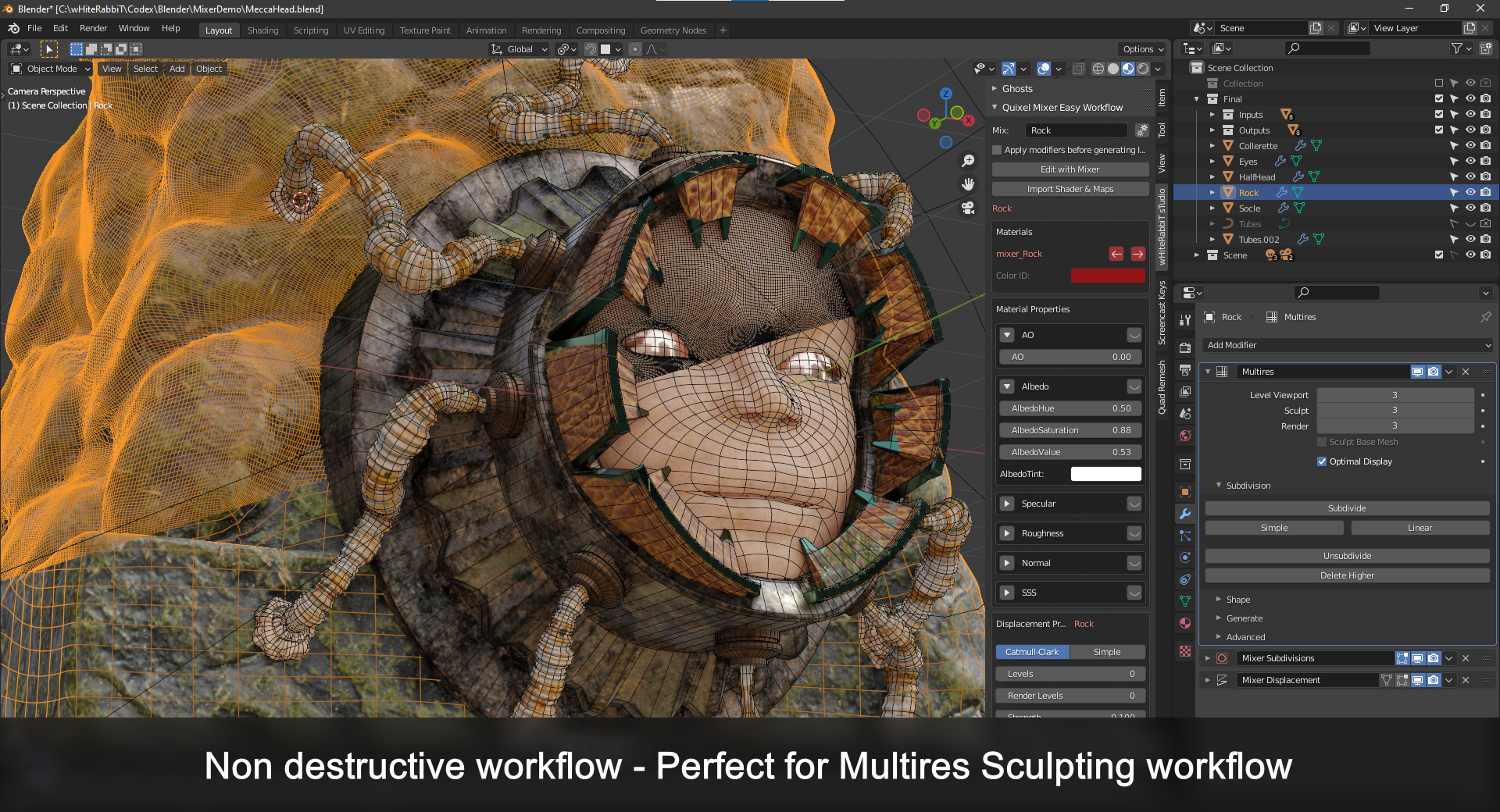
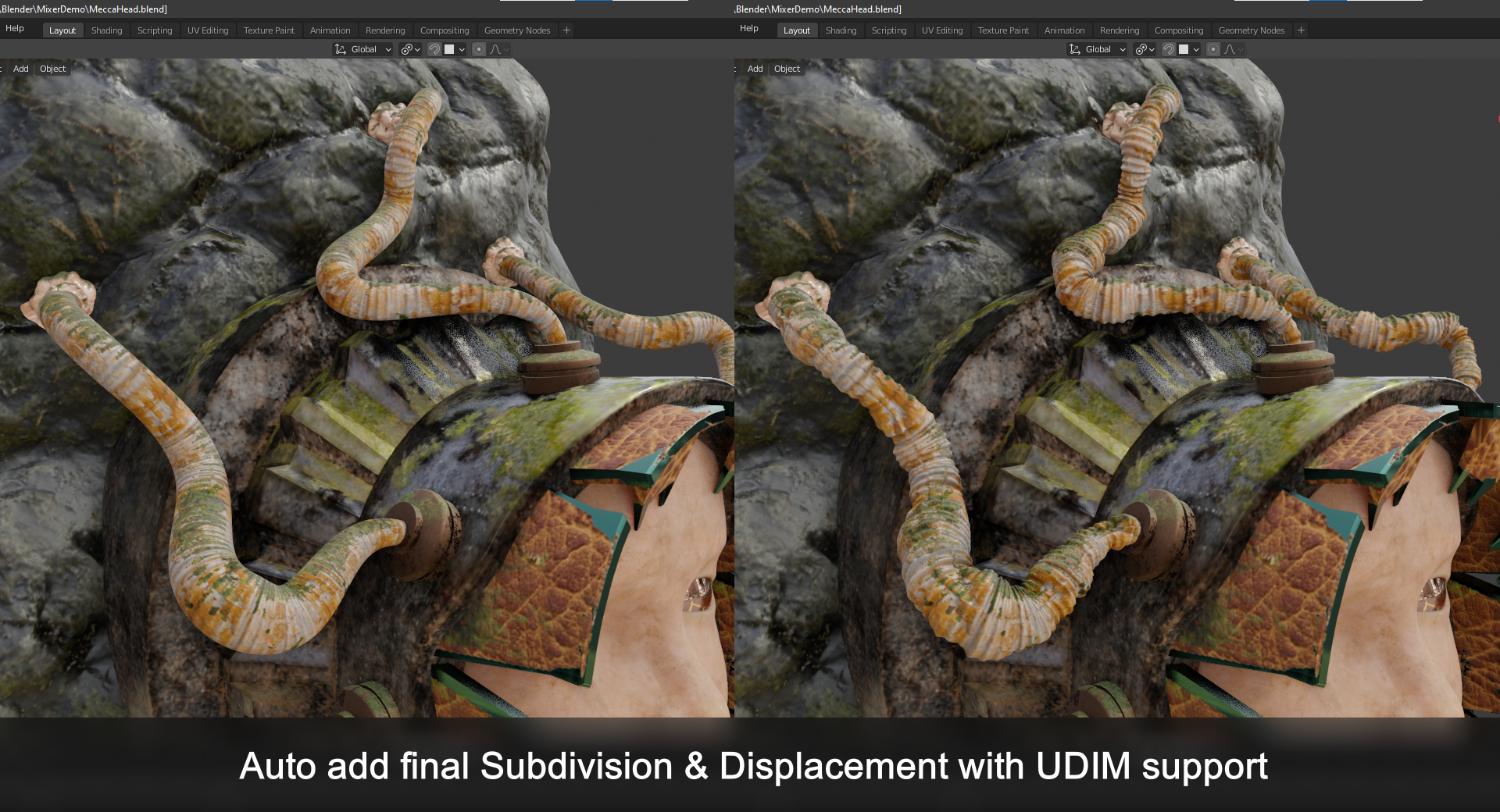
      Outside of that, I was surprised to see that the addon would add subdivision and displacement modifiers automatically. And as for ID maps, there's seemingly no way to use vertex color as the ID map rather than unique material ID. As in common in games, every object in the file would ideally use a single material, and so having the addon make this assumption (as part of the ID map and also the way it generates a unique material per object when you don't have any materials present yet) makes it hard to work with.

      Let me know your thoughts on this. I understand some of these issues might be too core to your addon and so you wouldn't be able to fix them just for me. In that case, I think requesting a refund and making our own addon might be the best course of action for me.

      Hello Eryn,

      Regarding AO maps, you're actually not supposed to use them when using a renderer like Cycle or Eevee.
      It is a bit more complicated than what you explained.
      I put this cheap solution for when we want to have an increased look in Blender since BSDF doesn't take AO map.
      I personally don't use an AO map with Blender.

      - "In my case, we are importing the model into a game engine."
      This addon is not a bridge to a game engine, it's a bridge between Substance/Mixer/ArmorPaint and Blender and its renderers.
      The created shaders are for Blender renderers not for export.

      Most of good engine takes AO maps in a dedicated slot.

      If you're using Substance, all the maps are already baked and you can directly use them with a proper shader (and put the AO map where it should). But again this is not what you should expect from this Bridge, this addon exists to help you go back and forth between Blender & painter software.

      On a side note, you should not use all the generated maps directly into your realtime engine, you need to do some packing, other specific addons exist only for that.

      - "Our engine uses the GLTF file format, and so the Blender GLTF exporter expects AO to be like this:"
      Again, you're looking for a different functionality, a dedicated exporter for your Engine.
      I personally use my own exporter to Unreal, which is not PBR Bridge.

      You can dig into the script which generates this shader, it would be quite straight forward to make the changes that you need in your case.

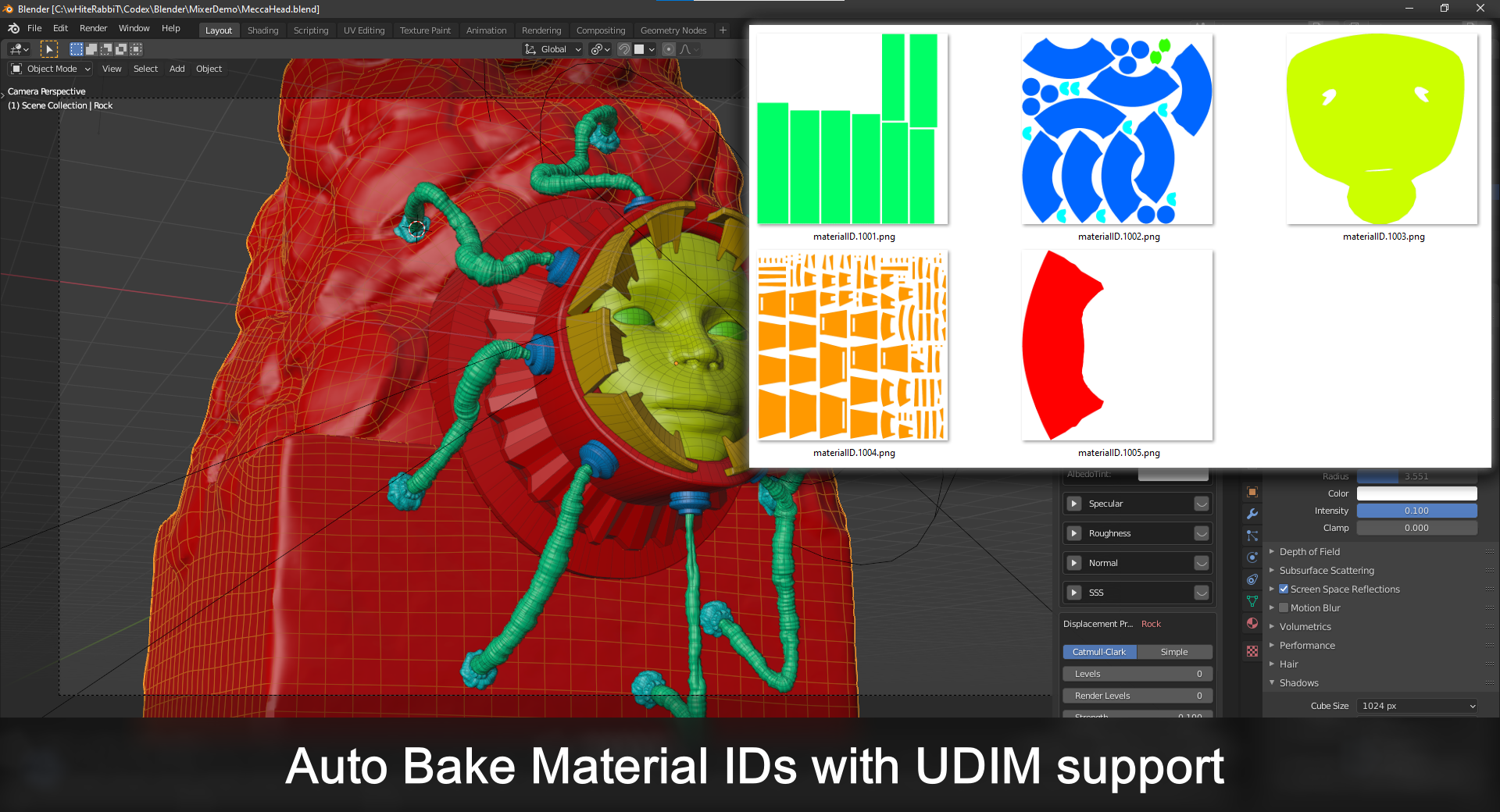
      The ID map is for the Bridge (again), once you're done with your paint, you will bake everything into 1 material, so you'll import that result into your engine (unless you have to split them like SSS, translucent, etc). It only creates different mat in order to final tweak them for Eevee or Cycle.

      I personally, like many other, use vertex color for a different purpose, I do not want them to be occupied by a mat ID.

      As you mentioned, some of theses requests are only for you, and above all: not related to a PBR Bridge between Painting Software and Blender.

      - "I think requesting a refund and making our own addon"
      I do hope that wasn't intended but this sounds like a threat, you're basically saying: "if you don't do this for me I'll get a refund, keep the code and add my own changes."

$50

Have questions about this product?
Login to message

Details
Sales 1000+
Rating
26 ratings
Dev Fund Contributor
Published almost 5 years ago
Blender Version 4.2, 4.1, 4.0, 3.6, 3.5, 3.4, 3.3, 3.2, 3.1, 3.0, 2.93, 2.92, 2.91, 2.9, 2.83, 2.82
Render Engine Used Cycles, Eevee
License GPL