Pbr Mixer
 Nodes and noodles
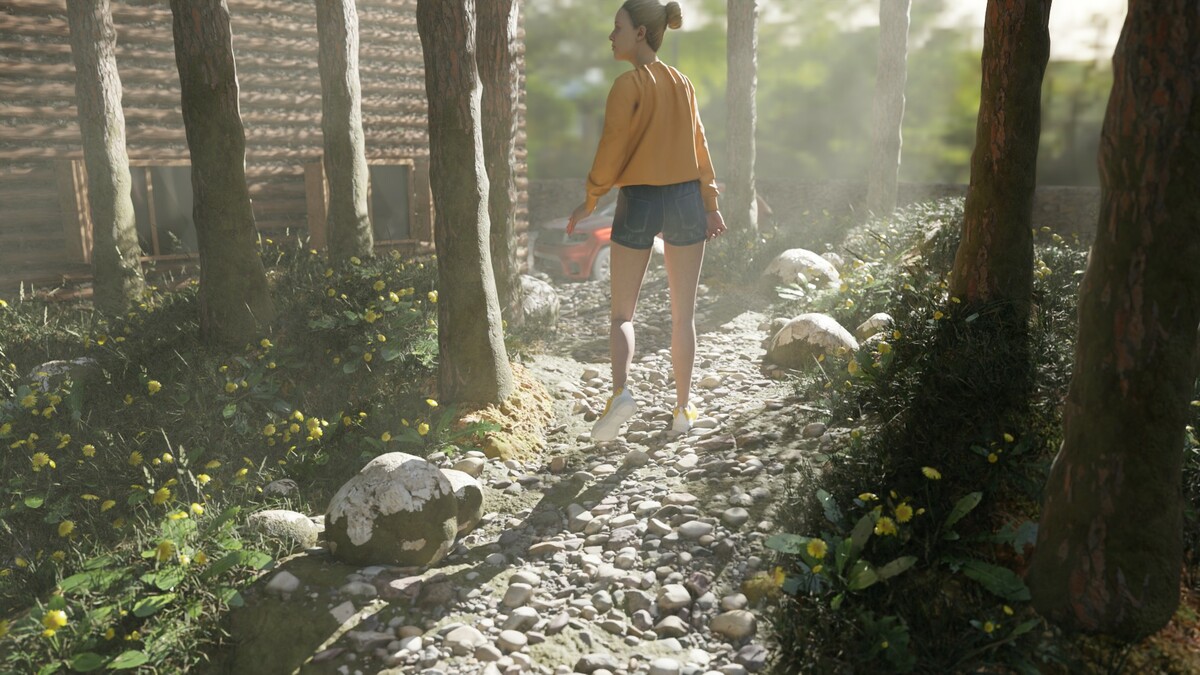
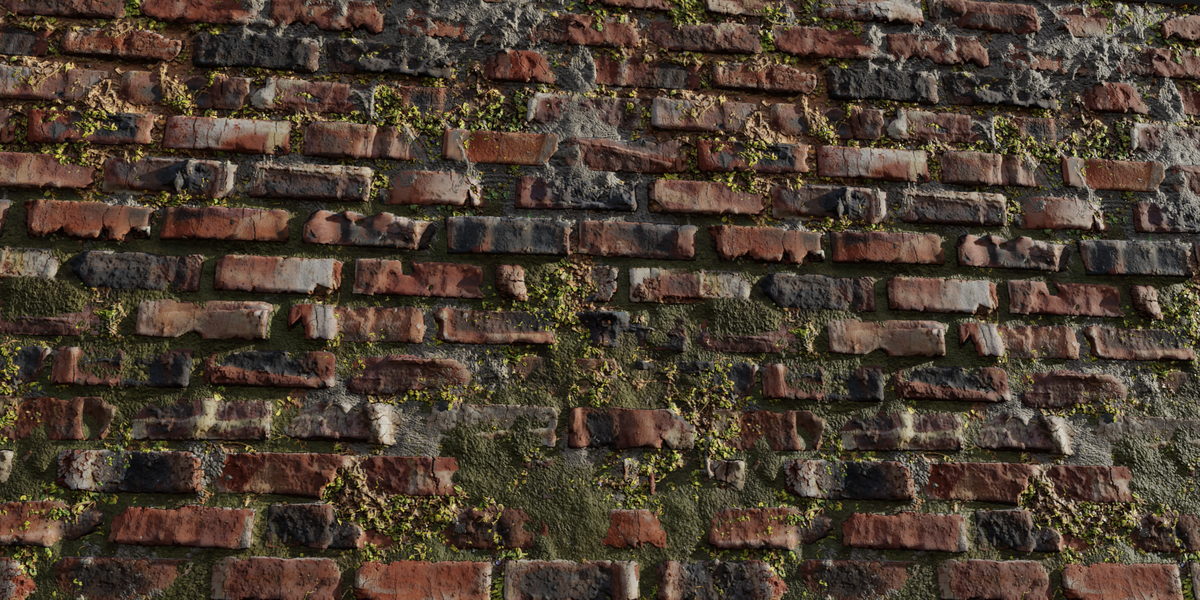
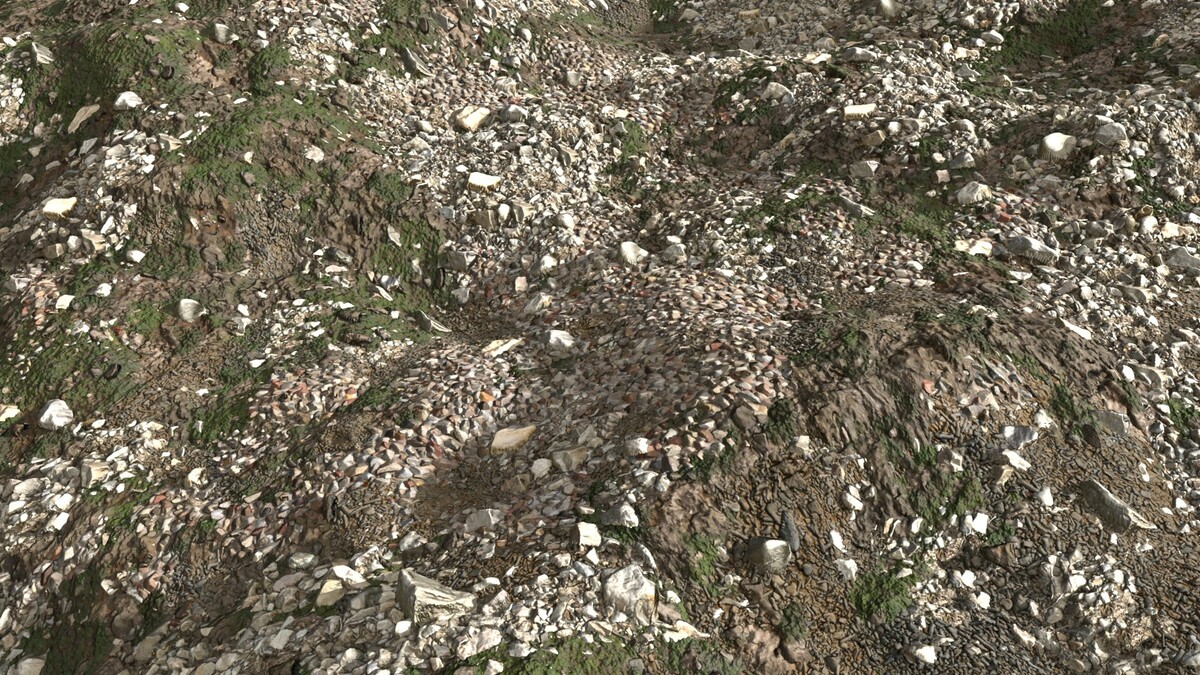
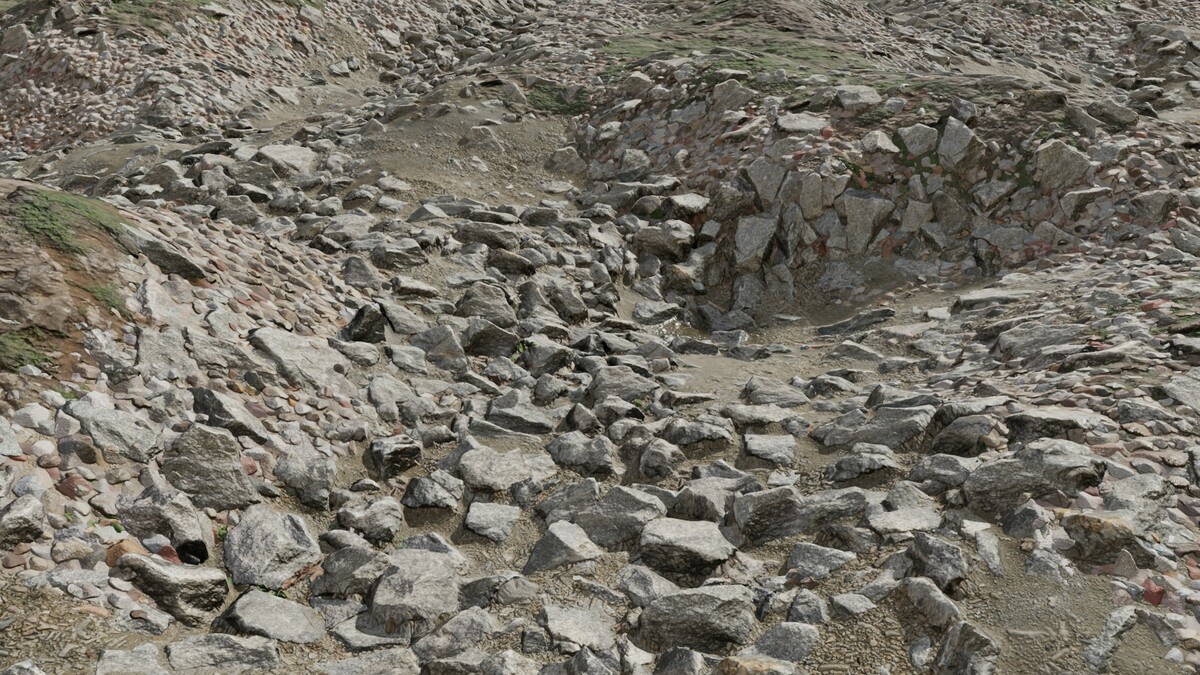
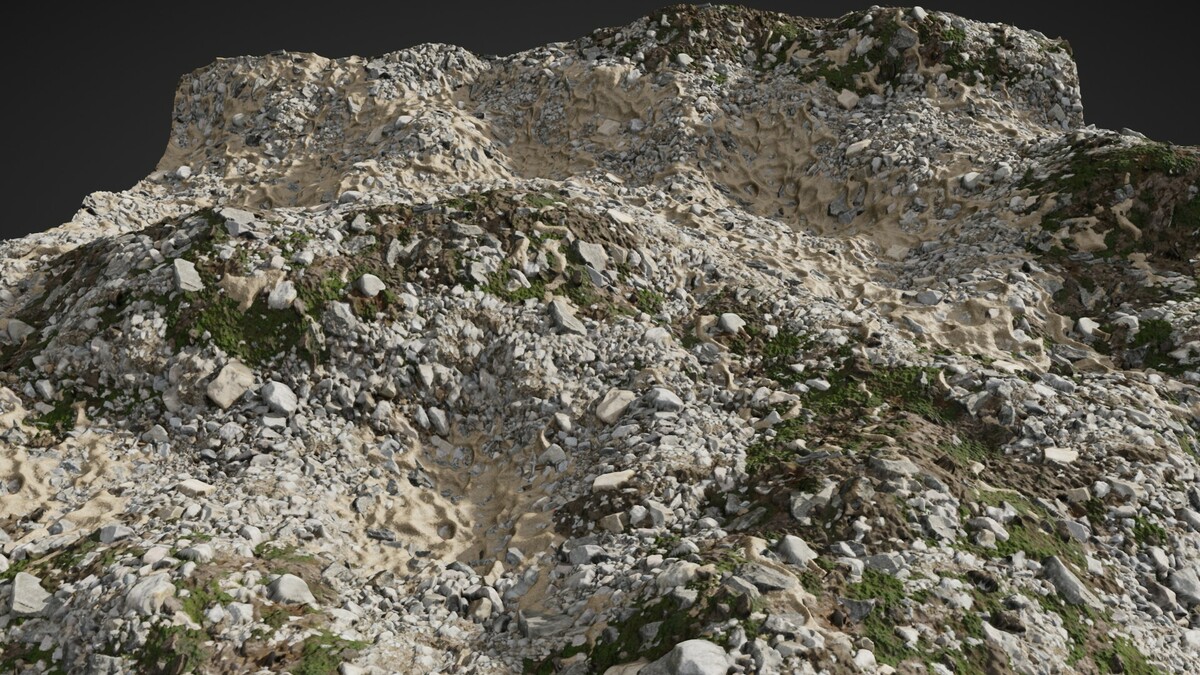

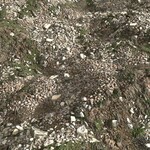
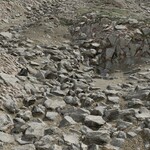
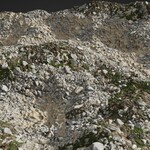
PBR Mixer also features access to the underlying functions which the manager uses to create PBR layers from the N-Panel in the Shader Editor.
Installation Instructions:
To install the addon:
- In Blender, click on Edit, then Preferences.
- Click on Addons, then Install.
- Browse to your downloaded PBR Mixer Manager.ZIP file, select it, and click Install.
- Enable the addon.
- The PBR Mixer Manager will appear in the Properties panel of the 3D View and Shader Node editors.
$28
Have questions about this product?
Login to message
| Sales | 100+ |
| Rating | 1 ratings |
| Published | almost 2 years ago |
| Blender Version | 3.6 - 5.2 |
| Render Engine Used | Cycles, Eevee |
| License | Royalty Free |
Discover more products like this
baking pbr mixing PBR material blending Material Mixing pbr-materials