PBR Prefab Toolkit
 blender-world


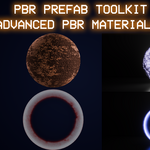
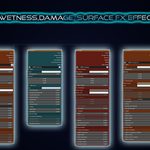
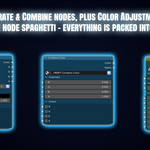
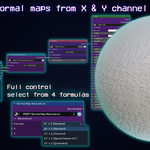
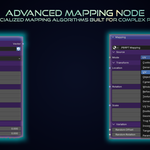


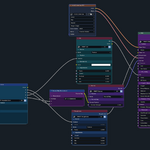
How do I install and find the add-on in Blender?
Installation is completely standard and takes less than 10 seconds:
Open Blender and go to
Edit > Preferences > Add-ons.Click Install... in the top right corner and select the downloaded
.zipfile.Check the box to enable PBR Prefab Toolkit.
Open the Shader Editor workspace and press
Shift + A— your new custom toolkit menu will pop up instantly!
How can I report a bug, request a feature, or contact the developer?
You can reach out directly via Discord: kourt_film. A dedicated community Discord server will also be launched very soon for direct support, bug reports, and roadmap discussions!
 Included
Includes 12 months of
- Support from blender-world
- Product updates
Extend this product’s Support Period +12 months: 50% of product price
Have questions before purchasing?
Login to message
| Blender Extension Compatible | Yes |
| Published | 3 months ago |
| Blender Version | 5.2 |
| Extension Type | Add-on |
| Render Engine Used | Cycles, Eevee |
| License | GPL |