 MarkoPetrush


Introducing a complete PBR Baking toolkit and advanced suffix preset management!
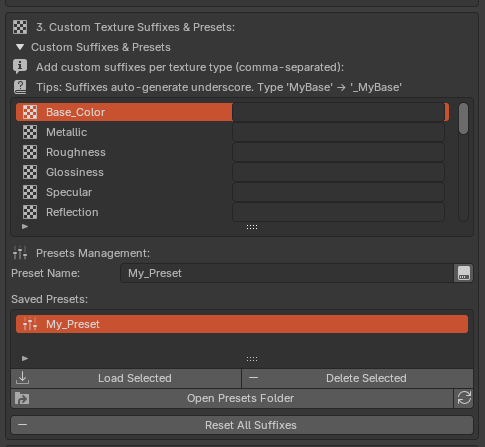
- ✔ Advanced Suffix & Preset Management: Take full control over texture naming conventions. Define your own suffixes for each texture type, save them as presets, and share them with your team.
- ✔ Powerful PBR Baking Engine: A brand new panel dedicated to baking. Generate a full PBR material from a single image or bake your complex Principled BSDF shaders into a complete set of PBR textures.
No more being locked into default naming conventions. Now you can define custom suffixes for every texture map and save your configurations as presets. Perfect for teams with established pipelines.
A complete baking solution is now integrated. The new "PBR Baking" panel provides two powerful workflows.
1. Generate PBR Material from a Single Image
Instantly create a full, tweakable PBR material from just one texture. The add-on intelligently generates maps like Roughness, Bump, and Displacement, with live-updating controls to perfect the look.
2. Bake Any Principled BSDF Shader
Bake your complex, custom-made materials into a set of PBR textures. The baker supports baking from a single object or all objects within a collection, and it works with any material that uses a Principled BSDF node.
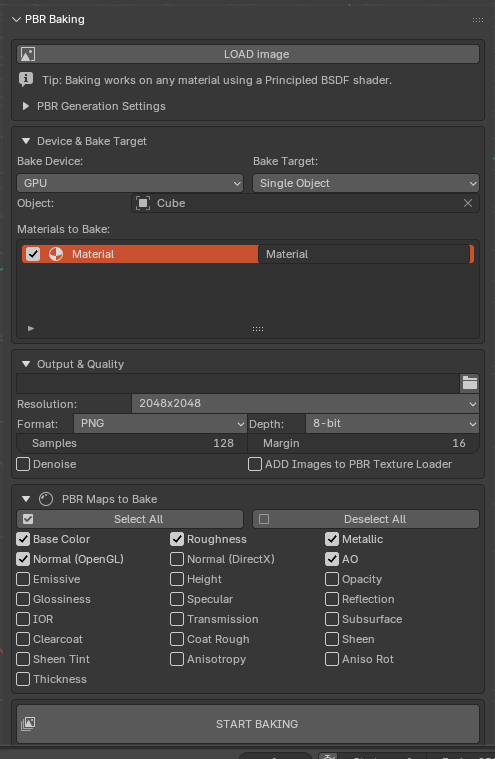
- Flexible Bake Targets: Bake materials from a Single Object or all mesh objects within a selected Collection.
- Granular Material Control: When baking from an object with multiple materials, you can precisely select which materials to bake and even rename them directly within the baking list.
- Full Control Over Output: Set texture resolution (up to 8K or custom), file format (PNG, JPG, TIFF, EXR), color depth (8/16-bit), samples, bake margin, and choose between GPU or CPU for baking, with an optional Denoise feature.
- Extensive Map Support: Bake all essential PBR maps, including Base Color, Normal (OpenGL/DirectX), Roughness, Metallic, AO, Height, Emissive, and many more.
- Live Progress Tracking: A responsive progress bar and log keep you updated during the entire baking process.
- Auto-Import: Automatically load the newly baked textures back into the PBR Texture Loader, ready for material creation.
Powerful new features for an even faster workflow! Version 1.0.3 adds the ability to rename materials and automatically search through all subfolders.
- ✔ Rename Materials Directly: No more accepting default names. You can now rename materials as they are created for better organization.
- ✔ Recursive Folder Search: Stop navigating folder by folder. The add-on now scans all subfolders within your selected directory to find every texture set automatically.
PBR Texture Loader
Stop wasting time manually creating materials and connecting nodes. With PBR Texture Loader, you can import and set up a complete, game-ready PBR material from a texture set with a single click.
Installation is simple. Follow the animation to install and use the add-on.

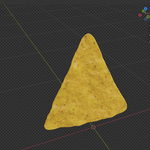
See how fast you can create a full material setup. From selecting a folder to a fully textured object in seconds.

- Works in Eevee & Cycles: Fully compatible with both of Blender's main render engines.
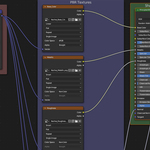
- One-Click Material Creation: Automatically creates a new material and builds a full PBR node tree.
- Smart Texture Detection: Intelligently finds all associated maps based on a huge list of common naming conventions.
- Full PBR Support: Connects all essential maps including Base Color, Metallic, Roughness, Normal, Height, AO, and more.
- Advanced Maps Supported: Also supports complex maps like Glossiness, Specular, Opacity, Emissive, SSS, Clearcoat, Sheen, and Anisotropy.
- OpenGL & DirectX Normals: Option to automatically convert Normal Maps between formats with a single checkbox.
- Displacement Control: Use Height maps for realistic displacement with adjustable strength.
- The texture type suffix (e.g.,
_BaseColor) must be at the very end of the filename before the extension. - All textures for a single material must share the exact same base name before the suffix.
How Textures Are Grouped
The script uses the base name to group textures into one material. If the base name is different, it will create a new material.
|
✔CORRECT (Creates ONE material)
Nachos_Base_Color.png Nachos_Roughness.png Nachos_Normal.png |
✘INCORRECT (Creates TWO materials)
Nachos_Base_Color.png Potato_Chip_Roughness.png |
Available Suffixes
Base_Color:_BaseColor_Base_Color_Albedo_Diffuse_Color
|
Metallic:_Metallic_Metalness_Metal
|
Roughness:_Roughness
|
Glossiness:_Glossiness_Gloss_Glossy
|
Specular:_Specular
|
Reflection:_Reflection_Reflect
|
Normal:_Normal_Nrm
|
Normal_OpenGL:_Normal_OpenGL
|
Height:_Height_Displacement_Disp_Bump
|
AO:_AO_AmbientOcclusion
|
Opacity:_Opacity_Transparency_Alpha
|
Emissive:_Emissive_Emission_Emit
|
IOR:_IOR_IndexOfRefraction
|
Transmission:_Transmission
|
Subsurface_Color:_SubsurfaceColor_Subsurface_Color_SSSColor_SSS
|
Clearcoat:_Clearcoat
|
Clearcoat_Roughness:_ClearcoatRoughness_Clearcoat_Roughness
|
Sheen:_Sheen
|
Sheen_Tint:_SheenTint_Sheen_Tint
|
Anisotropy:_Anisotropy
|
Anisotropy_Rotation:_AnisotropyRotation_AnisotropicRotation
|
Thickness:_Thickness
|
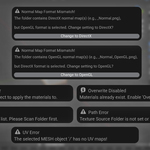
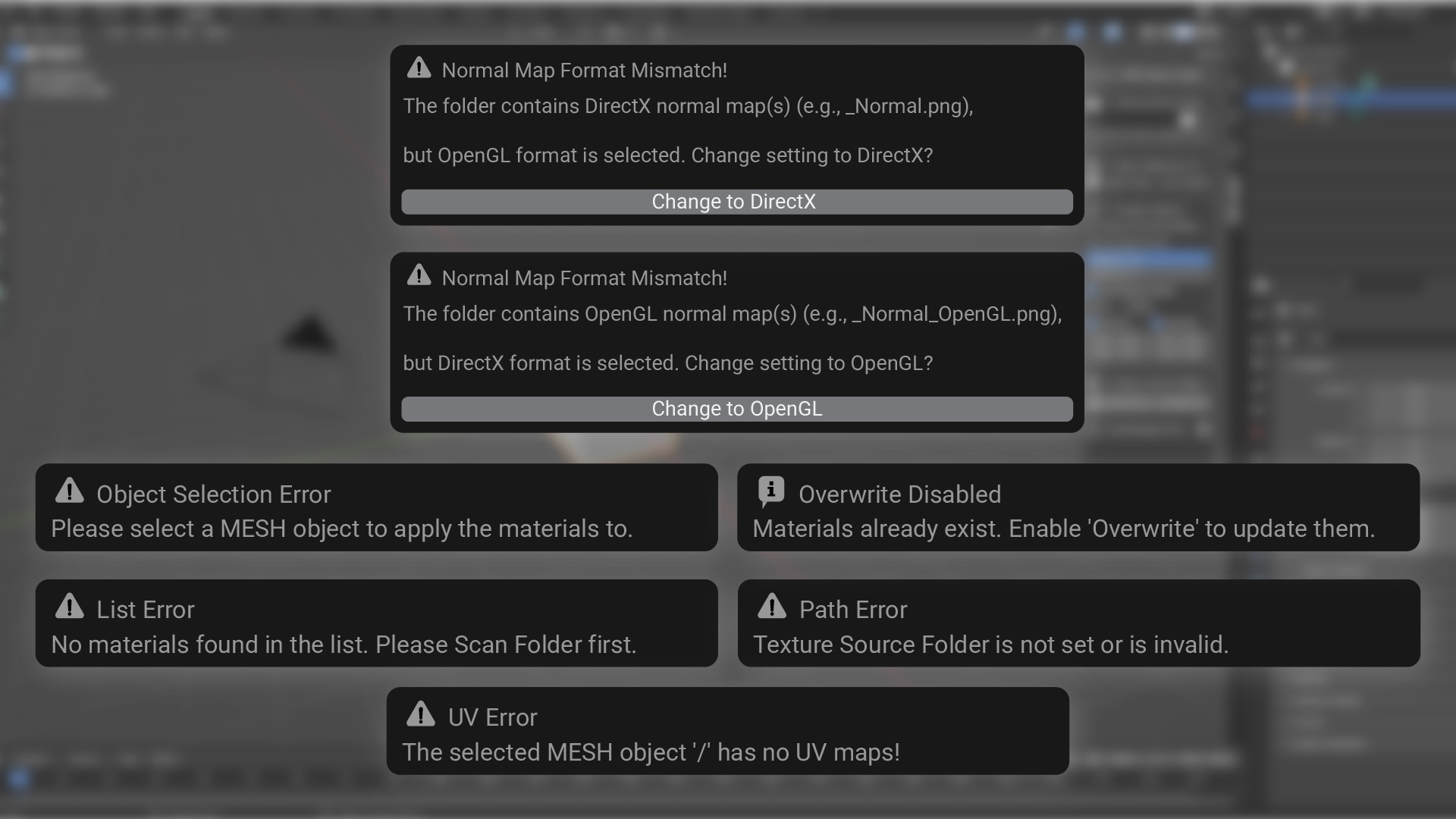
The add-on provides helpful pop-up messages to guide you and prevent errors.
- The PBR Texture Loader Add-on (.zip file)
- Dedicated Customer Support