 ZEG
ZEG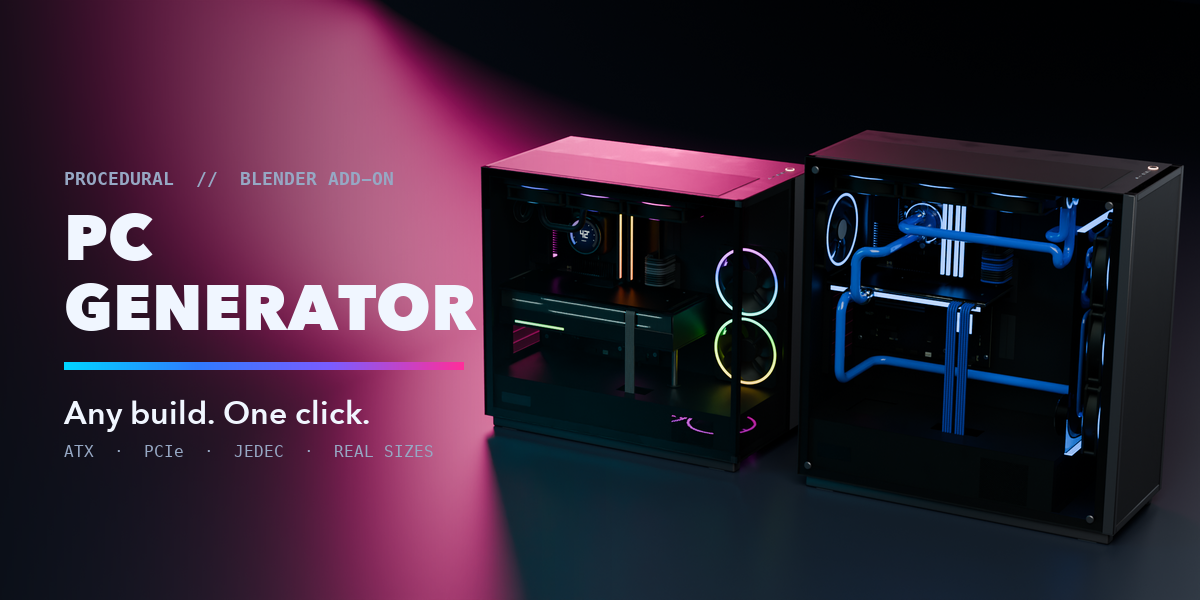
Installation
In Blender open Edit, Preferences, Get Extensions, then use Install from Disk and pick pc_generator-1.0.0.zip.
Usage
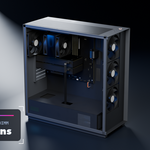
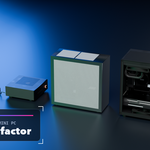
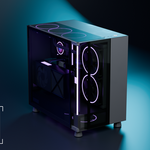
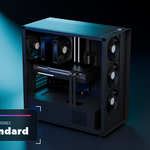
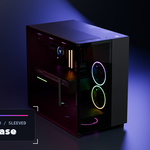
- In Object Mode press Shift+A and choose Mesh, Desktop PC, then pick a preset. You can also use the PC tab in the 3D viewport sidebar (N).
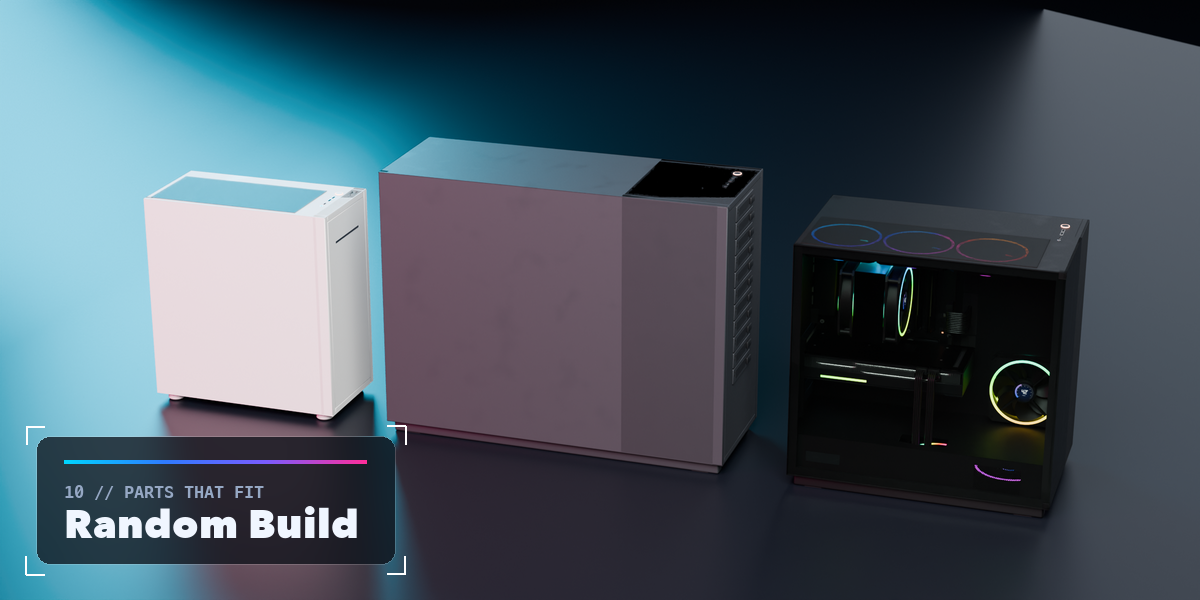
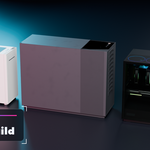
- Change the preset, or press Random Build for a new build whose parts fit together, and Random Colors for a new theme.
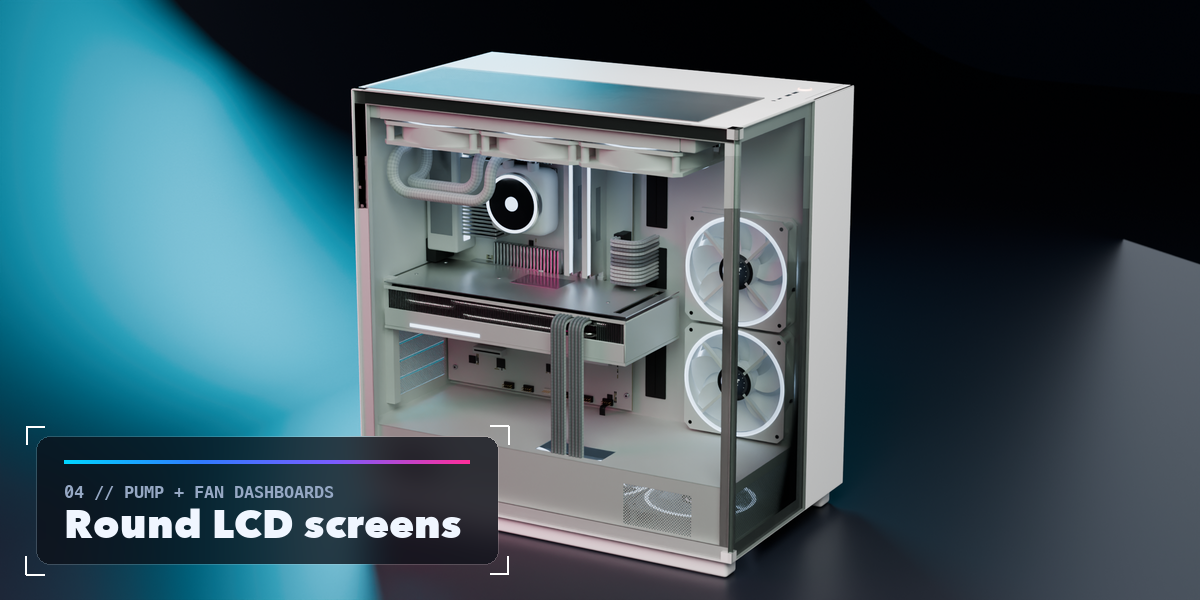
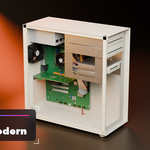
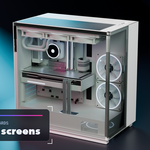
- Use Show Panels to take the glass and front panels off and see inside.
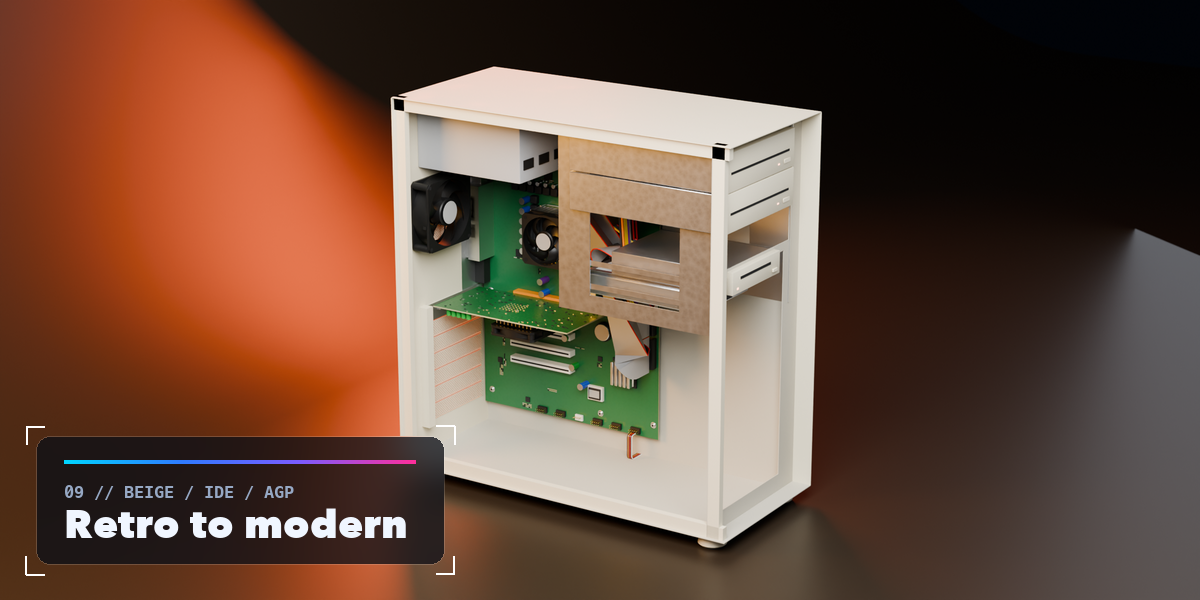
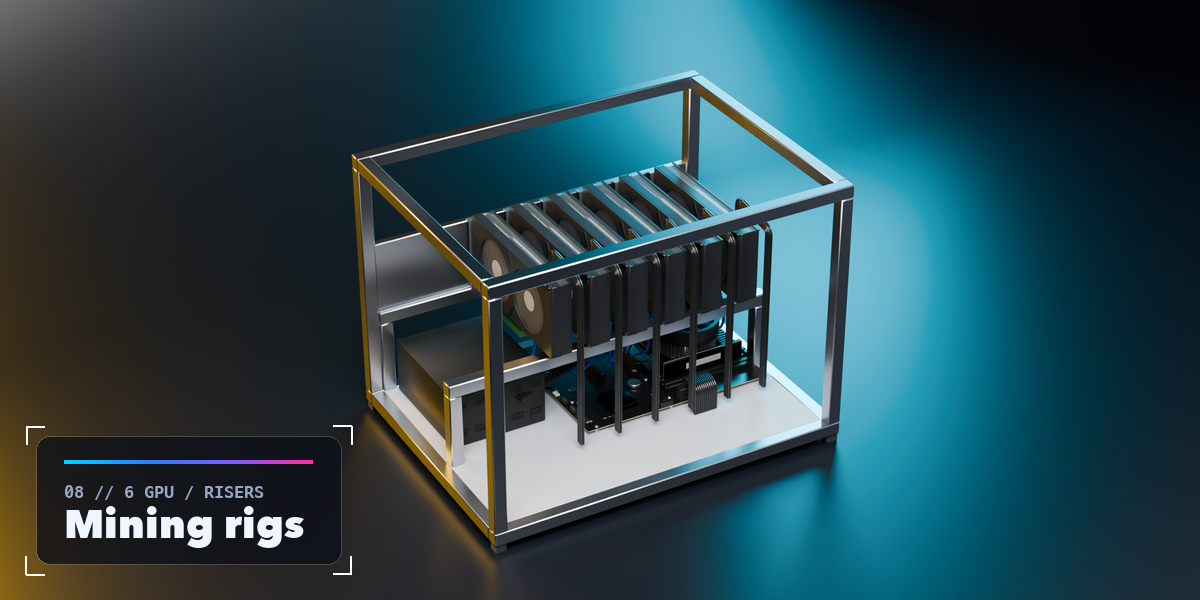
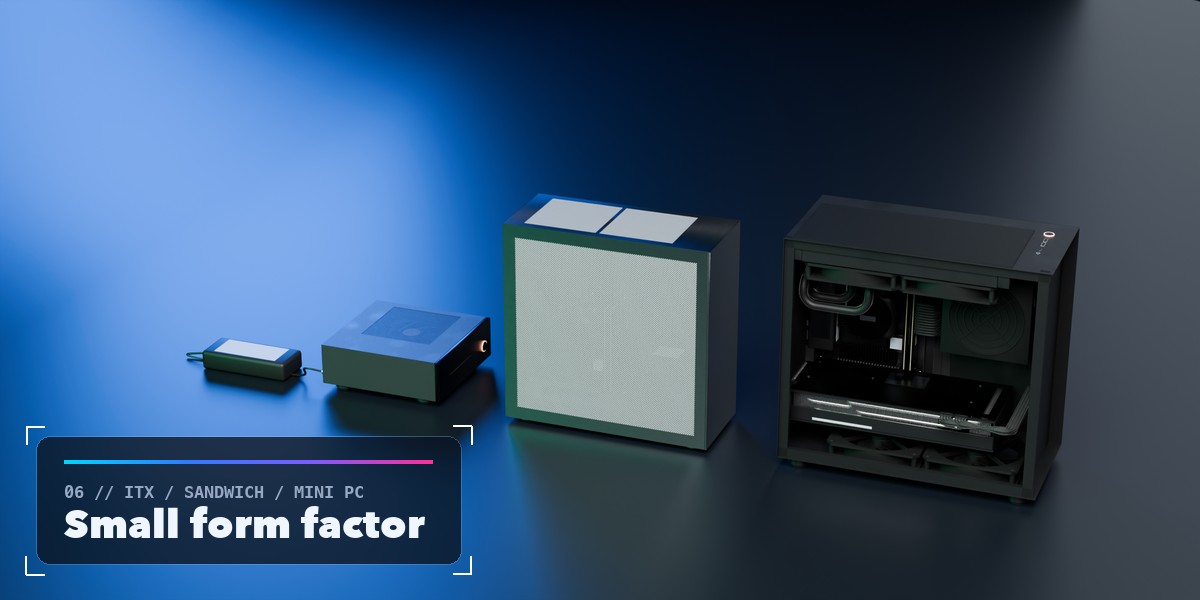
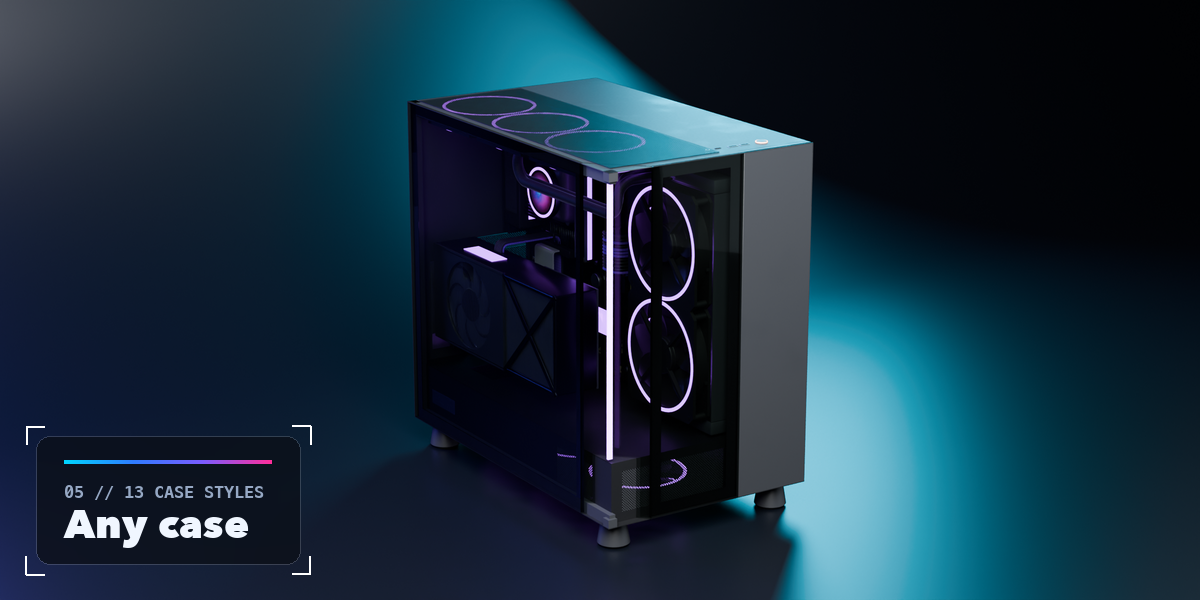
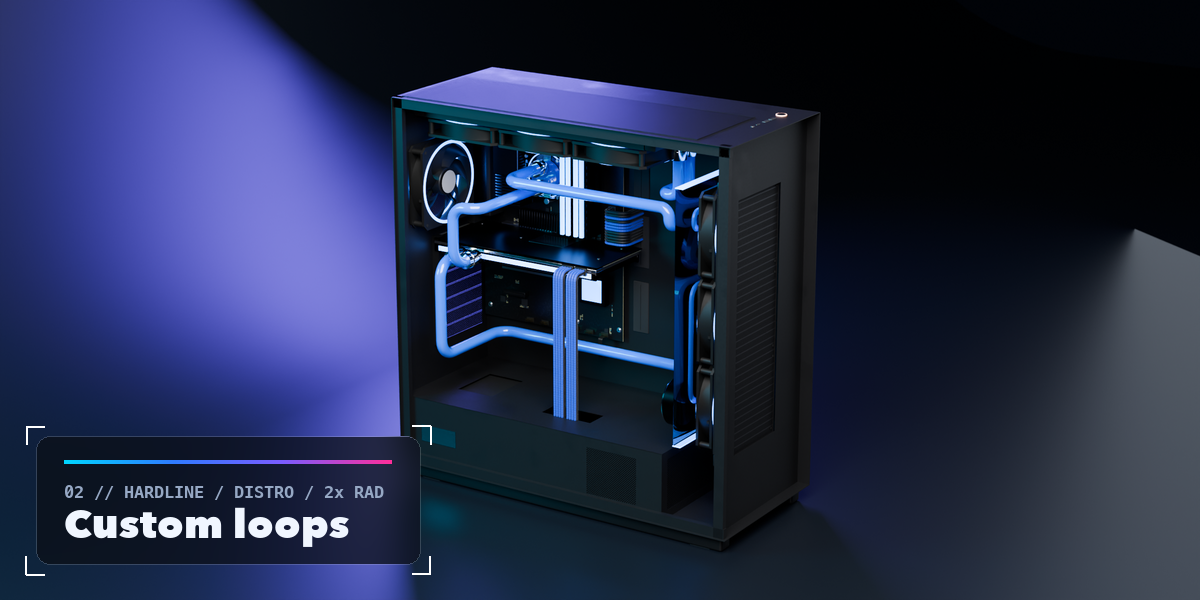
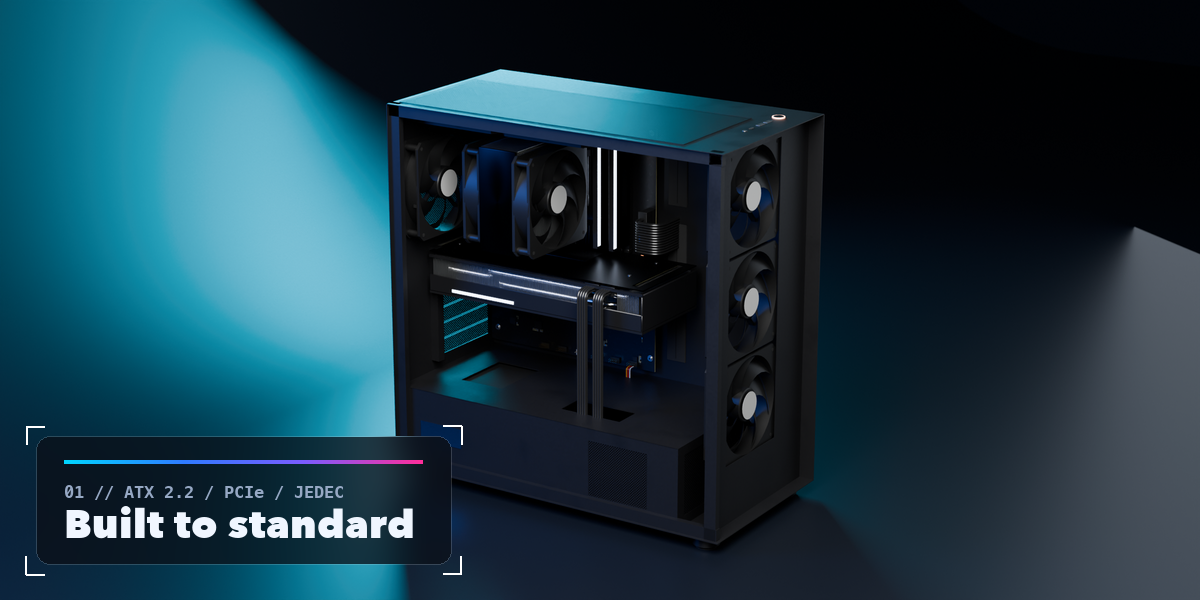
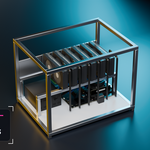
- Under Case pick a case style, front and side panels. With Auto Size on, the case grows to fit the parts; turn it off to set your own size. The box at the top lists the build and warns about anything that does not fit.
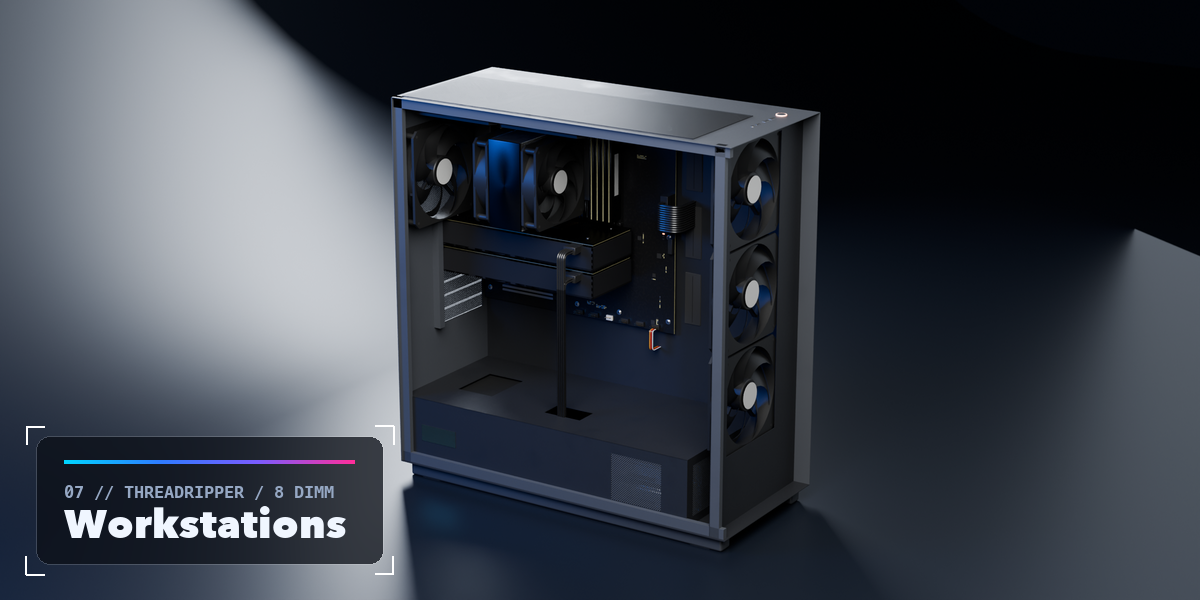
- Under Motherboard, Cooling, Graphics Card, Memory and Storage, and Power and Fans choose the parts. Picking a card model loads its real size, which you can then change.
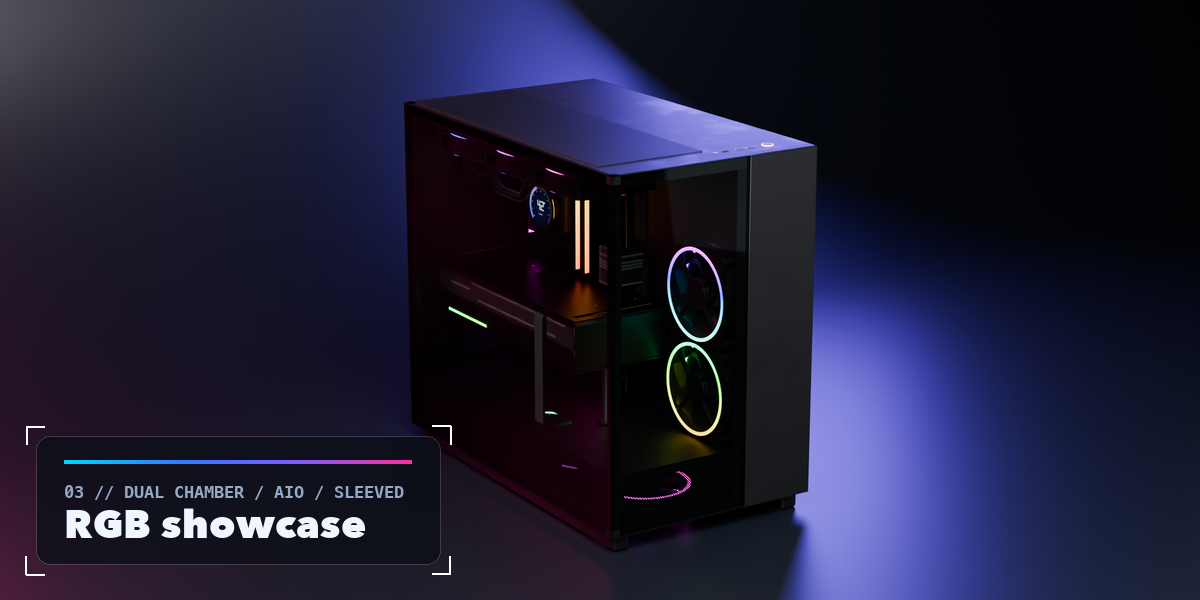
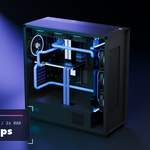
- Under Colors and Lighting set every color and the RGB mode.
- Click a part in the Parts list to select it. Use Make Static to turn the PC into plain objects, or Delete to remove it with its materials.
Switch the viewport to Material Preview or Rendered to see the materials and lighting.
$19
Have questions about this product?
Login to message
| Blender Extension Compatible | Yes |
| Published | 2 days ago |
| Blender Version | 4.2 - 5.2 |
| Extension Type | Add-on |
| Render Engine Used | Cycles, Eevee |
| License | GPL |
