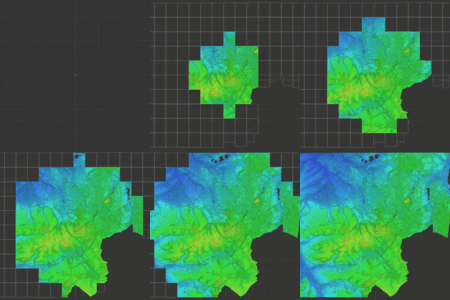
Point Cloud Visualizer

Jakub Uhlík in Addons


Item Rating

This item has an average rating of 5 from 19 ratings by the community.

90%
6%
0%
0%
6%

Purchase this item to leave a review!

  • Bad Gateway
    over 4 years ago

    rly expansive and well developed plug-in and Jakub offers very thoughtful support , he even added some simple functionality I requested to his to-do list

  • Clement Valla
    almost 5 years ago

    Great addon. Thanks so much Jakub.

  • Maciej
    almost 5 years ago

    Works great. Now I can handle .pts directly in Blender. Good job Jakub. Thank you!

  • Larry Whittington
    over 5 years ago

    Wonderful plugin, works as promised, but the extras menu that needs the open3d download fails to load. Could you please look into this.

    • Jakub Uhlík

      over 5 years ago

      hello, can you please try to install open3d in blender 2.92? in 2.93 there was python version change and unfortunately there is no required open3d version package to download for python version in 2.93. i know about it and i am going to upgrade open3d version to latest soon, so this problem will be fixed. if it does not work for some other reason, please write me using Product Support button, because here i am limited to single response. thanks!

  • Jer Bot
    over 5 years ago

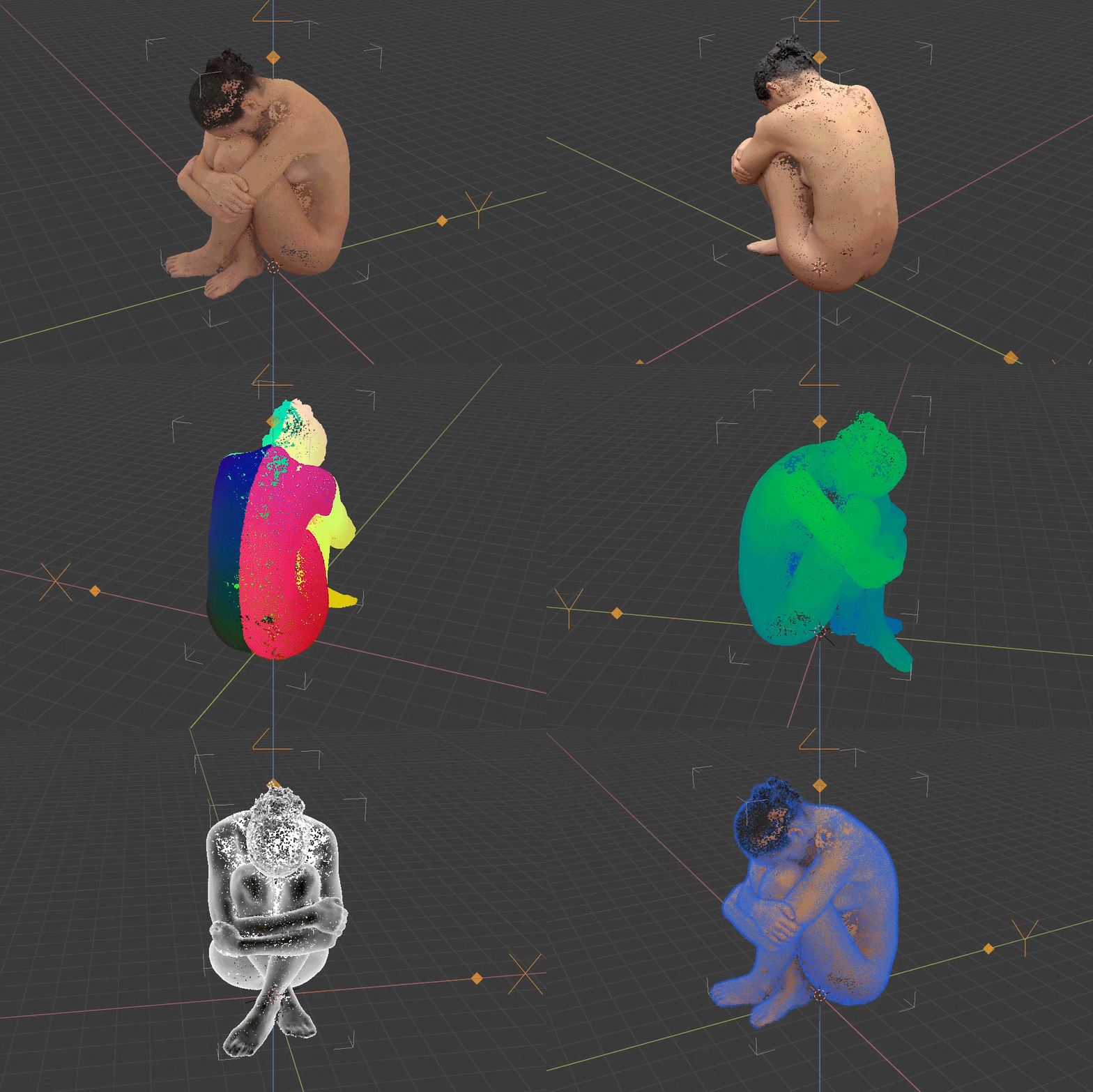
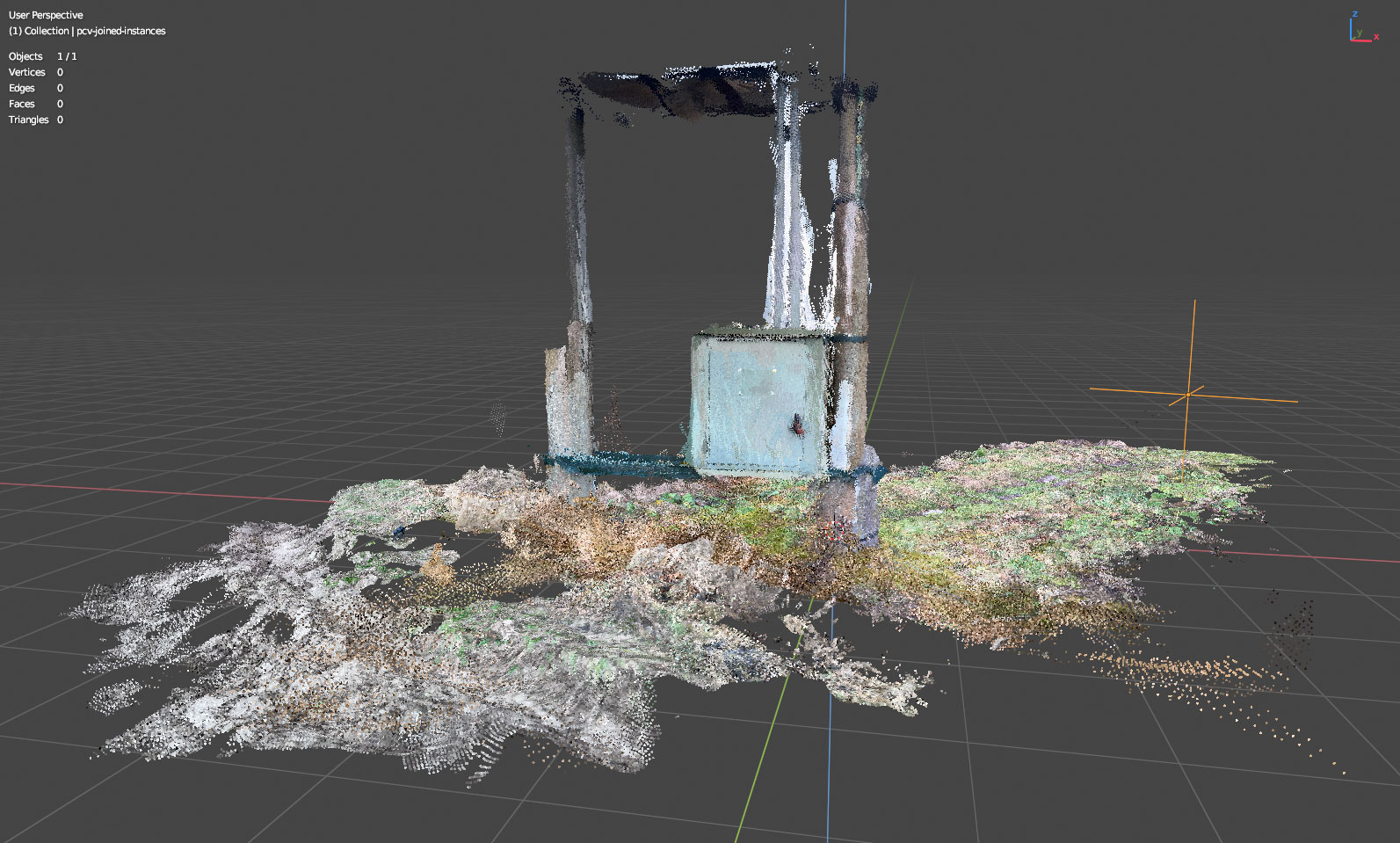
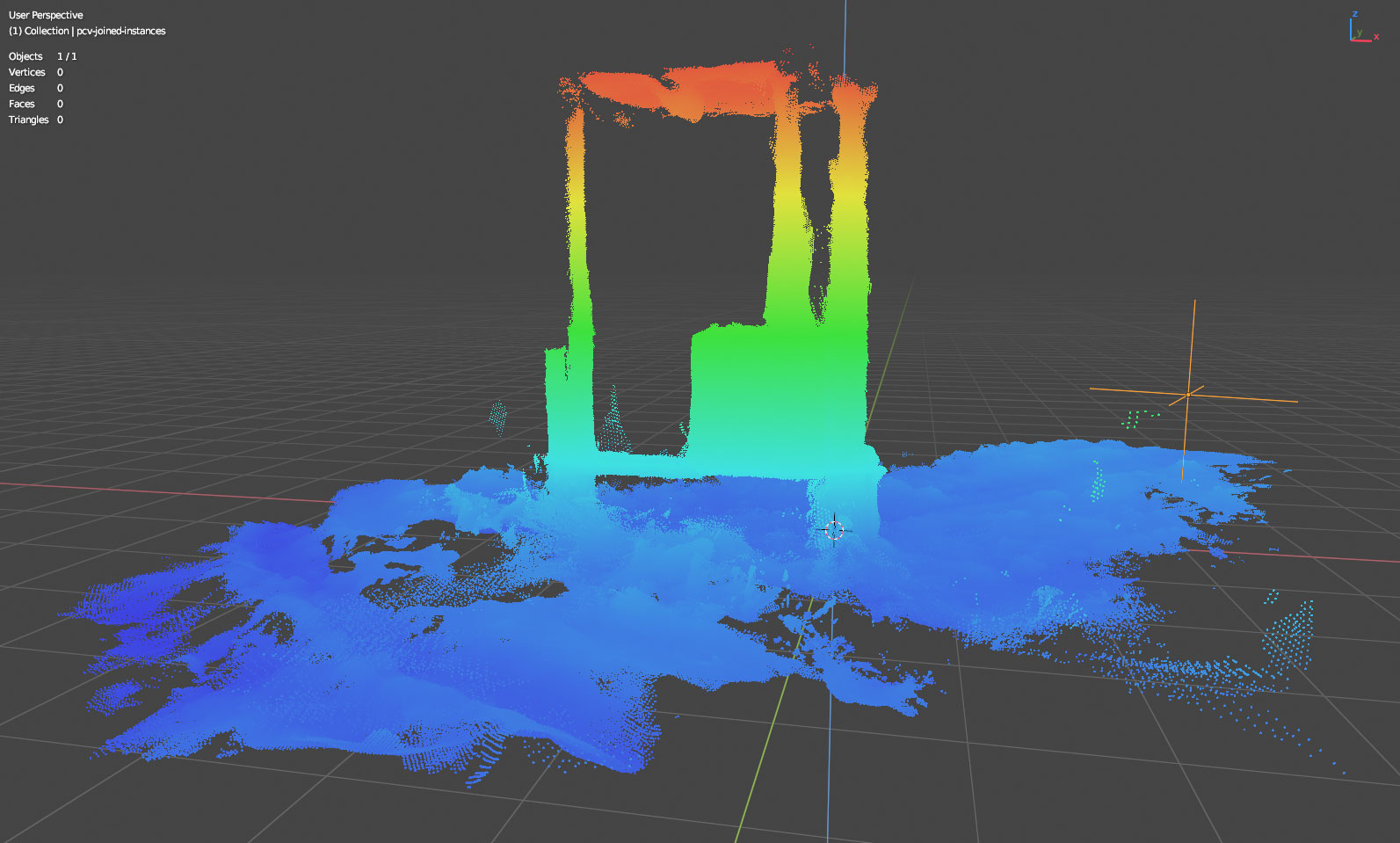
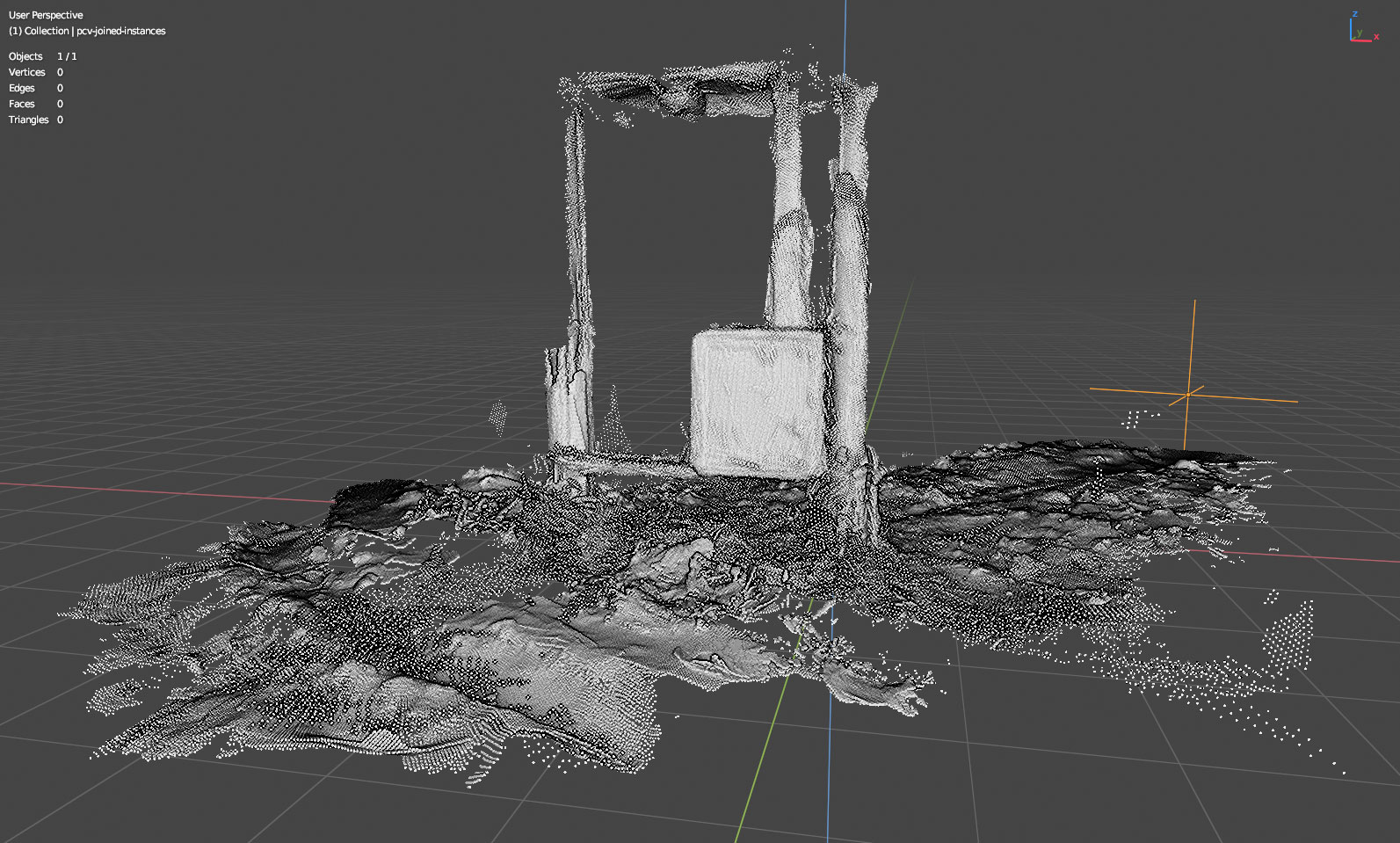
    I have been using this for the past 2 years, even prior to becoming a commercial product. This tool exceeds what I thought would be possible in a Blender Addon. For those working with photogrammetry, PCV is priceless. There are so many useful editing functions and a large list of visualization styles. The constant updates continue to improve the workflow. Much respect for this artistic developer.

  • newart
    almost 6 years ago

    1.6GB Pointcloud loads in just over 14 seconds with 54 Million points. Lots of options. Great Addon...takes Blender down another professional path.

  • Cole Masuno
    about 6 years ago

    Thank you so much for providing updates and enabling designers to have access to a workflow that allows you to display and edit point clouds. There are not currently many options to do this, but with your plugin the community is able to take a great step forward. Thank you so much - Cole

  • Step C
    over 5 years ago

    Point clouds coming from laser scanned data I have are not properly visible. Talking with the author of PCV seems like there are some issues most likely related to this type of scanner I am using, also because with other point clouds I tested it works just great (especially with photoscans). With data coming from a Riegl VZ400 there is Continuous clipping and missing parts at some view angles. When I switch to camera view the point cloud disappears completely and then I cannot navigate in the viewport. Also I am not able to work fluidly, adding objects or more point clouds. Even adjusting viewport and camera clipping options/limits, problems stay the same.
    If someone else experiences these issues please bear in mind that they could be related also to graphic card compatibility, but I am not sure of this 100% by now because I haven't tested these data on another machine so far

    • Jakub Uhlík

      over 5 years ago

      Hi,
      It's a pity you did not contact me for support first..
      From what are you describing, your "continuous clipping and missing parts at some view angles" is blender viewport clip limits setting is too small for your data dimensions: https://docs.blender.org/manual/en/dev/editors/3dview/sidebar.html#view-panel and "switch to camera view the point cloud disapper completely" and "Rendering appears to be blank" is the same thing, this time for camera view: https://docs.blender.org/manual/en/dev/render/cameras.html#lens
      Also, your issue with "adding objects or more point clouds", any blender object can contain PCV instance, so adding another Empty object to scene and loading another ply file is all it takes.
      Please, if you have some more issues, use Product Support button to send me a message, some screenshots and anything that is needed so i can help you.
      Thanks

  • Jesse
    over 2 years ago

    Using blender 3.6 and failed to load a pts and .e57 file exported from Autodesk Recap.
    Applied to get a refund a day later and have since been given a run around by BlenderMarket for the last Month.
    Not limited to: Flat out ignoring emails for a straight week. Asking me the same questions I had already answered. Restarting my support ticket midway through the month. All before the final piece: It's been longer than 30 days, we won't give you a refund anymore.
    To reiterate: They basically ignored me for a month before saying you've taken too long - we won't give you a refund. It's ridiculous.
    My complaints are directed at BlenderMarket, but they haven't been remotely helpful. Jakub has been nothing by kind and attempted to help but the fix didn't work. I'm sure there is more we could have eventually tried but I don't have a use for the product because the project has already be completed.
    I did expect that for $75 USD I wouldn't have had quite so many issues - which is why I asked for a refund but I've just ended up screwed over by BlenderMarket customer support.

    • Jakub Uhlík

      about 2 years ago

      i am limited to one message here. so, let me summarize facts first. you wrote me one single message of two and half lines of text about your problem loading your pts and e57 files. i responded within 30 minutes with everything i could deduct from such small amount of info and you never responded back. i assumed everything is fine.

      first, pts is plain text format, there is no real standard for it. i included guide how to load such files in general. this is only on you not bothering to fix your input. and not bothering to check my guide or documentation. by the way, if you would screenshot the columns in your pts file i would tell you exact settings to use to load it.

      second, if you would screenshot or copy paste e57 error (if it even was an error, it might have been just message that you should install library first) as i asked, so i know what it says, there might have been solution for it as well right out of the box. or not, nobody will know.

      i can't help if you don't let me..

  • $85
  • $150
$85

Support Period Included

Includes 12 months of

Extend this product’s Support Period +12 months: 25% of product price

Have questions before purchasing?
Login to message

Details
Blender Extension Compatible Yes
Sales 2400+
Rating
19 ratings
Published over 6 years ago
Blender Version 4.2 - 5.2
Extension Type Add-on
License GPL