 Marc Mintel


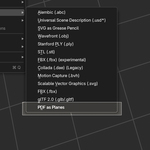
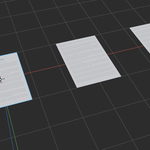
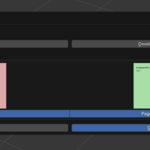
PDF as Planes lets you import entire PDF documents as image-textured planes directly into Blender – similar to Images as Planes, but for multi-page PDFs. Whether you’re working with architectural plans, moodboards, or technical documents, this add-on simplifies the process of turning PDF pages into organized, view-aligned geometry.
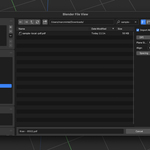
It supports full document import, individual page selection, DPI control, real-world page size or uniform scaling, spacing between pages, and auto-generated materials with transparency.
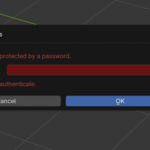
The add-on uses PyMuPDF or pdf2image (auto-installable) to convert pages to images before mapping them onto planes. A handy UI guides you through everything – and fallback instructions are available for manual setup if needed.
Ideal for concept artists, architects, engineers, and anyone who needs to place reference PDFs directly into 3D space.
