Pen Writer - Animated Handwriting
 Paulo Antunes
Quick start
- In Blender 5.2+: Edit > Preferences > Get Extensions > (arrow) > Install from Disk
- The Pen Writer wizard appears in the 3D Viewport: three steps in a bar at the top, the current step on the left. Hover anything for a tooltip.
- 1 What to write: choose a source (Text, Drawing, SVG or Board), type your line and click Next.
- 2 What appears: switch Tool, Hand, Paper, Camera, Lights and Ink Pot on or off, and pick the Look (scene look, camera angle, paper, tool model) from thumbnails.
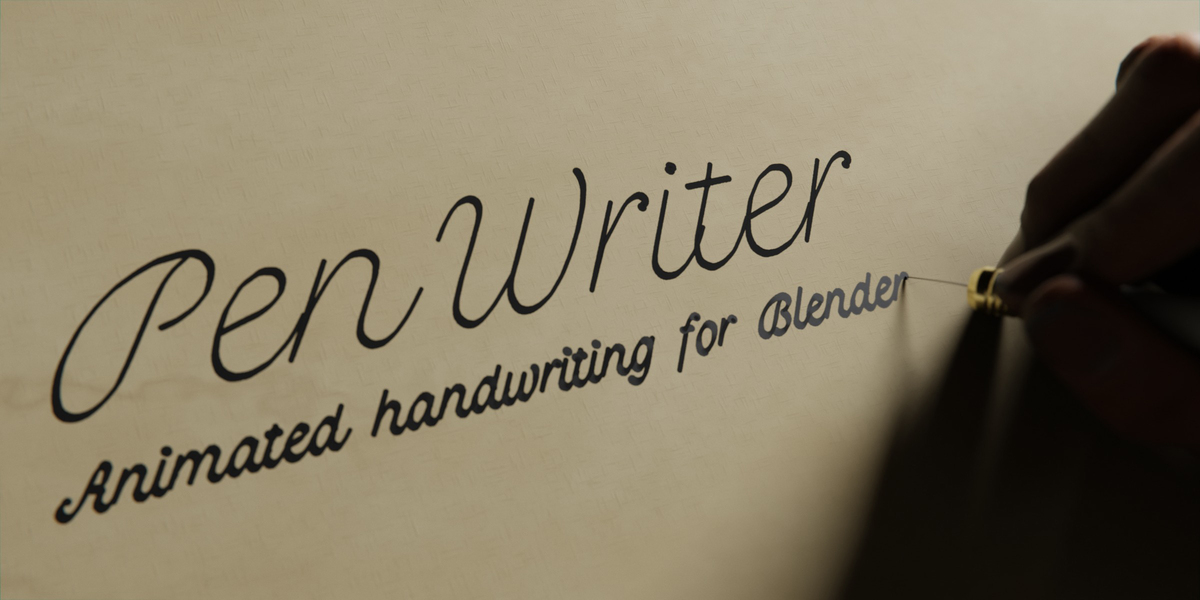
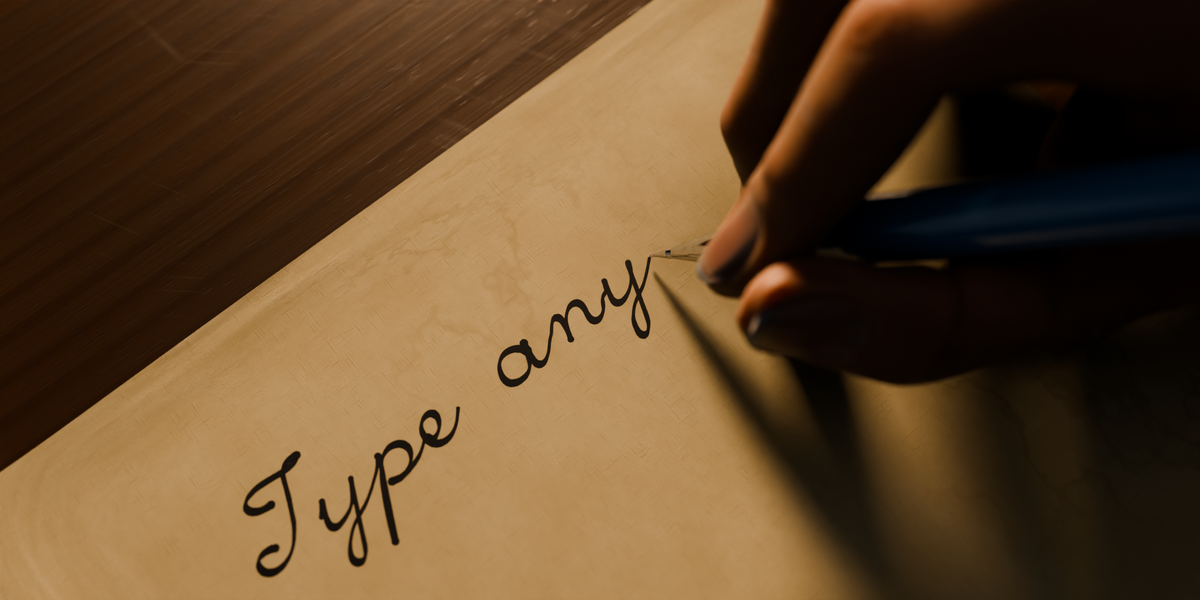
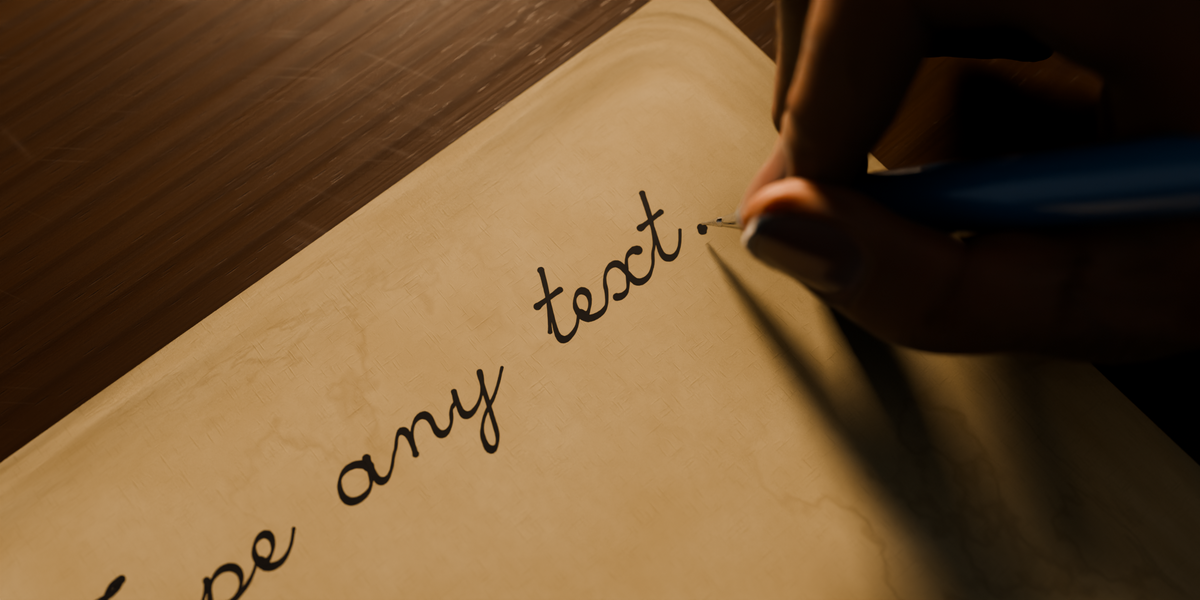
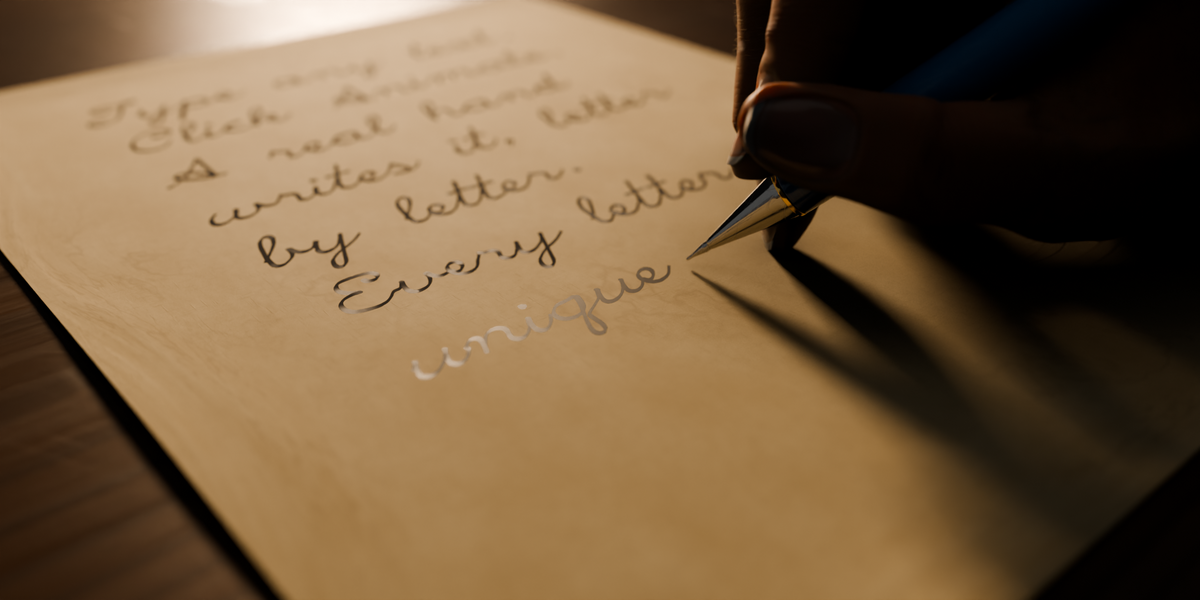
- 3 Animate: set the Duration (all the way left = Auto), then click Animate. You get the writing, the 3D tool, the rigged hand, paper, desk, camera and lights in one go.
- Press Space (or the play button in the dock) to play. Set Up Render prepares resolution, samples, motion blur and denoising.
Change anything and click Update animation. The trash button removes everything the add-on made. Esc cancels a bake and puts the scene back as it was.
The viewport wizard
The wizard lives in the 3D Viewport instead of the sidebar. Click a step to jump to it; a check marks finished steps. Fields with a small arrow open a popover with the full control. While Animate works, the wizard becomes a progress card and you can still orbit the view. When it finishes, a dock at the bottom gives you play / pause and a clickable timeline, and small labels on the tool and the sheet select them. The arrow at the top right shrinks the wizard to a pill. The pen button in the viewport header (or Turn On Viewport Wizard in the sidebar tab) switches between the wizard and the classic N > Pen Writer panel. Size and accent color are in Preferences > Add-ons > Pen Writer.
What you can write
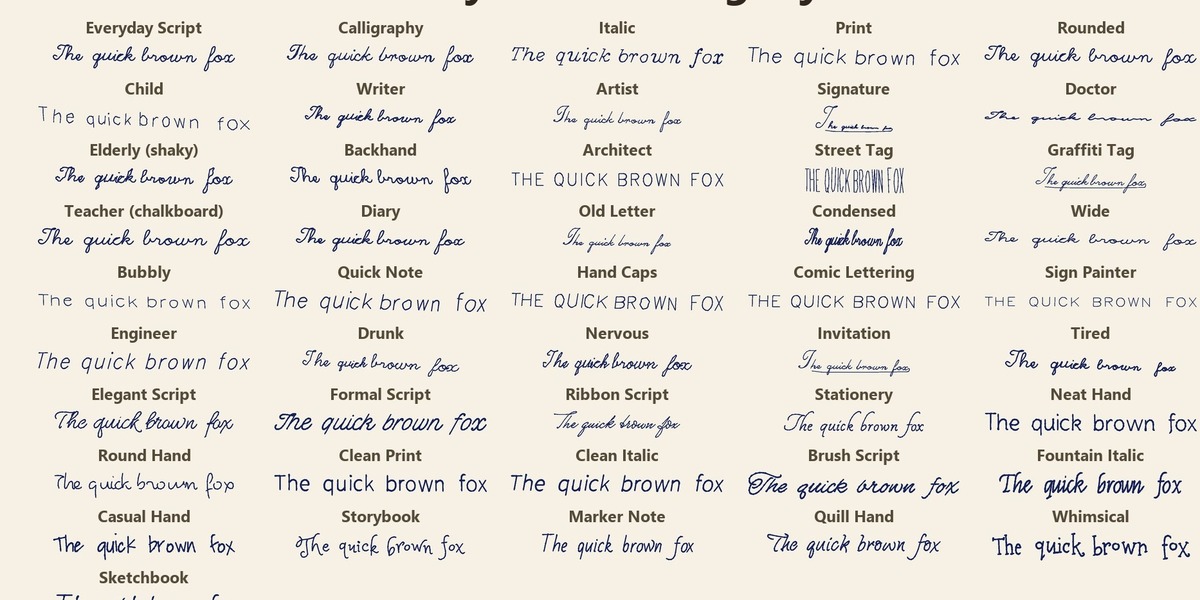
| Text | Procedural handwriting from any text you type: 46 hand styles, no two letters alike, human timing. |
| Drawing | Redraws your own Grease Pencil drawing with the timing you drew it, in the same place, size and stroke strength. |
| SVG | Draws the outlines of an SVG file and fills the shapes (hatching, zigzag, cross-hatching, waves, scribble, contour, stipple). |
| Board | Chalkboard / whiteboard video: the hand writes on a flat board, filmed from the front. Presets: Chalkboard, Blackboard, Whiteboard, Grid Whiteboard, Canvas, Parchment, Blueprint. |
Text
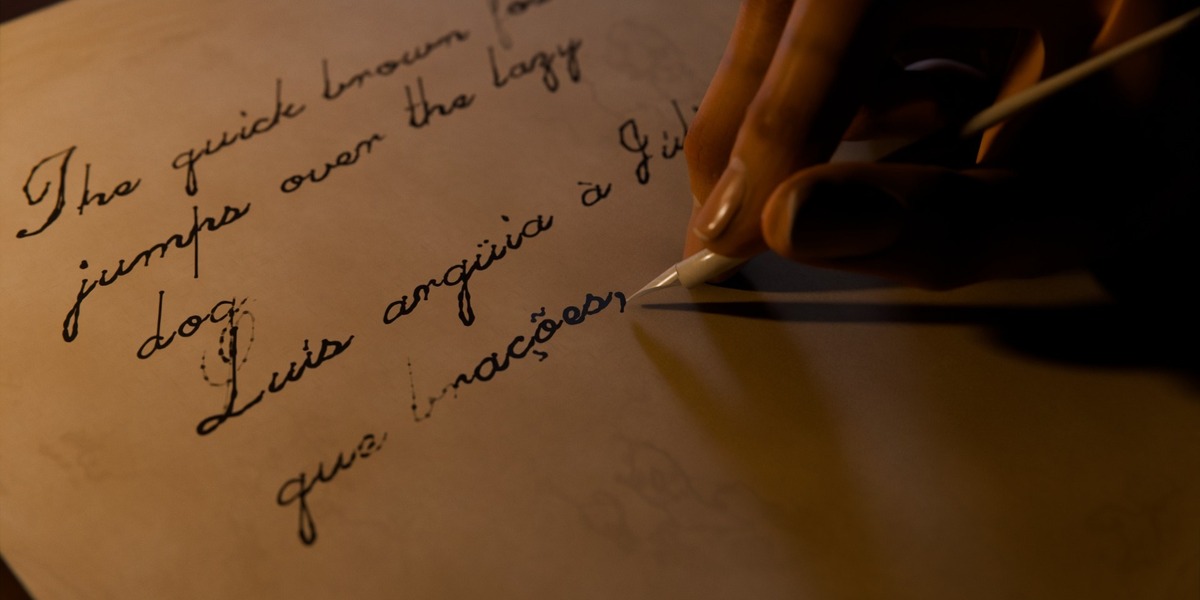
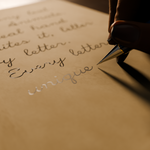
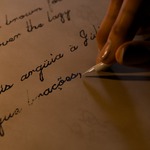
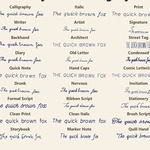
- Hand styles: Everyday Script, Calligraphy, Italic, Print, Child, Signature, Doctor, Elderly, Teacher, Diary, Old Letter and many more, plus 16 clean fonts. Sliders for variation, warp, baseline, tremor, slant, width, pressure, taper, grain and hand speed. Seed gives another hand in the same style; Live Update redraws as you drag.
- Human timing: the hand slows on curves, pauses between words, and adds dots, t-crosses and accents after the word, after the sentence or in random order.
- Clean Letters (identical letters, straight baseline), All Caps, Vertical, Underline Swash, letter height in mm, letter / word / line spacing.
- Custom Font: pick a .ttf, .otf, .ttc, SVG font or .jhf stroke font. Single-line fonts are written stroke by stroke; regular outline fonts are traced along the letter outline. Characters the font cannot write are listed under the text box.
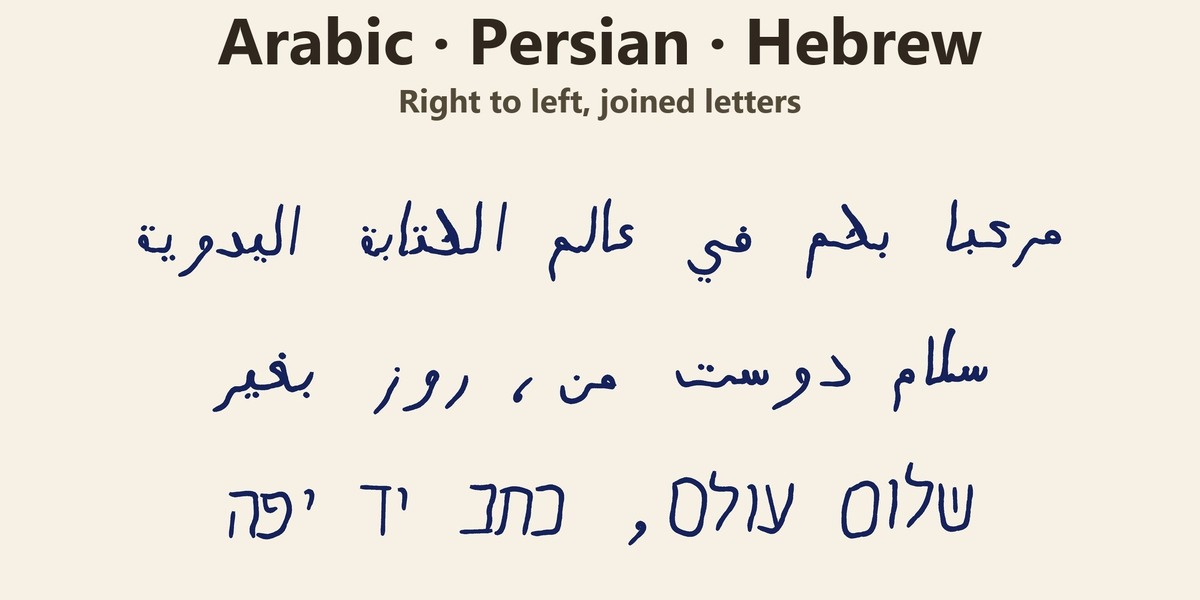
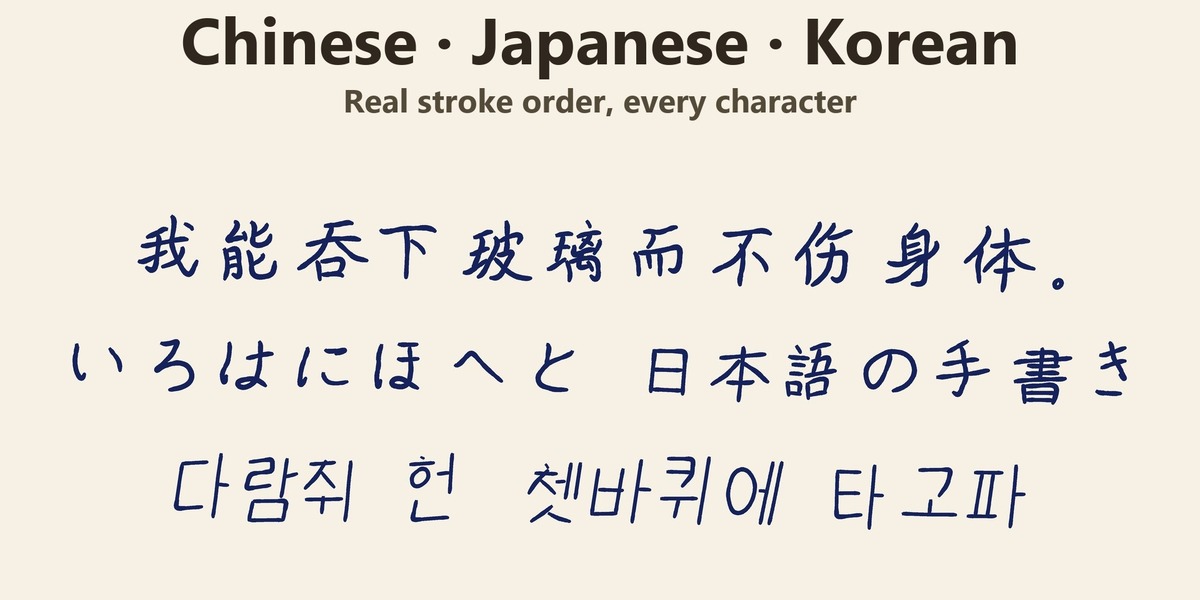
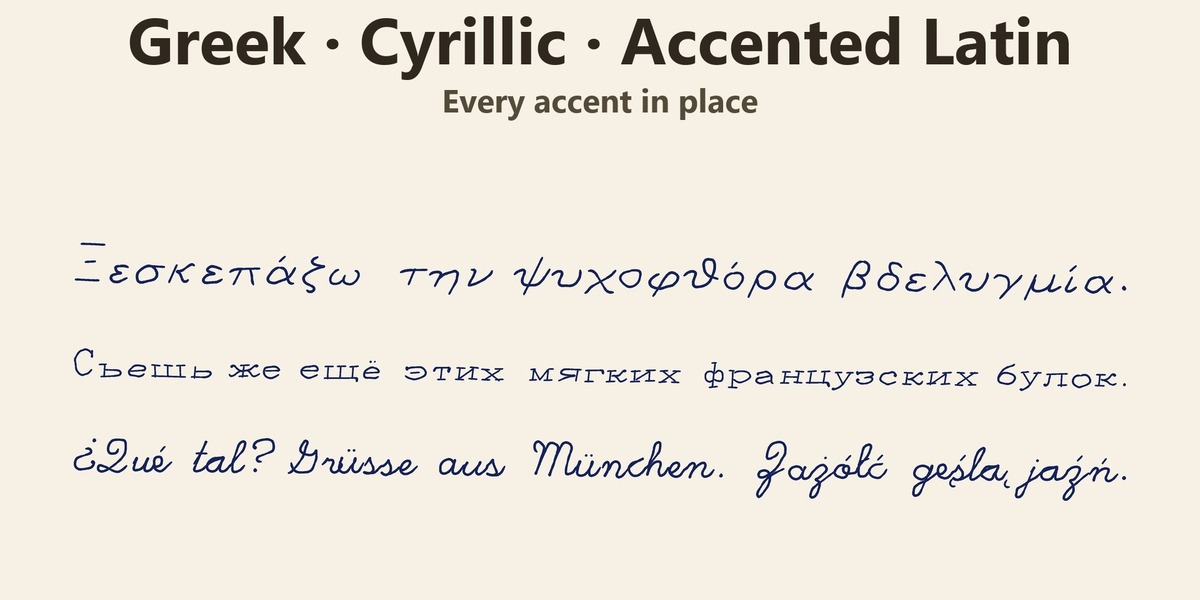
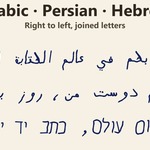
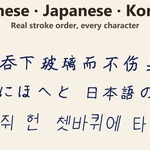
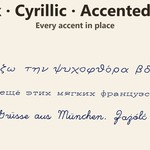
- Languages: Latin with every accent, Greek, Cyrillic, Arabic / Persian / Urdu and Hebrew (right to left, joined letters), Korean Hangul, Chinese (simplified and traditional) and Japanese, written with the real stroke order. Math symbols, check marks, checkboxes and music clefs are included.
- Text Editor: format the selection (bold, italic, underline, strike, scratch out, circle, box, highlighter, colour, size, pace), align paragraphs, insert page breaks and symbols, then Write.
- Import .txt / .srt: plain text or subtitles; each subtitle starts at its own time and gets a timeline marker.
- Pages: with Wrap and Turn Pages on, long text continues on new sheets and the left hand slides the written sheet away. Or turn on Book: the hand writes on the right page of an open book and turns the pages itself.
Formatting is stored as plain tags you can type anywhere:
[b]bold[/b] [i]italic[/i] [u]underline[/u] [x]scratched out[/x] [o]circled[/o]
[hl]highlighted[/hl] [color=#c00]red[/color] [size=1.5]bigger[/size]
[speed=0.5]slowly[/speed] [pause=1.5] [mark=Title] [page] [center] [check]
[pause=1.5] stops the hand for 1.5 s; [mark=Name] adds a timeline marker; [at=12.5] makes the hand wait until 12.5 s after the Start Frame, handy to sync with a voice-over.
Drawing
Pick Drawing and click Start drawing on a sheet: a real-size sheet on a desk, seen from the top, already in Draw Mode. Draw anything (ideally with a tablet), then click Animate. It also works on any existing Grease Pencil drawing with one layer and one frame.
SVG
Pick SVG and click Choose .svg file. SVG options holds placement, line styles from the SVG, outline mode, fill type, spacing, coverage, bleed, stroke order and more. Add SVG Page adds another file as the next sheet; Reload re-reads the file after you edit it. Gradients use their first colour; text, images, clip paths, masks and filters are skipped.
Board
Pick Board, choose a preset, type the text and click Create board, then Animate. Board options: width, height, letter height, placement and Chalk Dust. Endless keeps the hand still and slides the text (Line Feed or Ticker). Back to Paper moves the text back onto a sheet.
Writing tools
37 procedural 3D tools, real size: 11 pens, 9 pencils, 5 quills, 7 crayons / pastels / chalk and 5 brushes. Pick a family and a model (or Random); the reload button builds a new one with new proportions, colours and finish. Choose a Body material (plastic, acrylic, lacquer, resin, celluloid, metal, wood, bone, faux ivory) and Wear (scratches, polish swirls, hairline cracks). There are 11 ink presets (ballpoint, fountain pen, calligraphy nib, dip pen, brush, pencil, charcoal, felt-tip, marker, chalk, crayon); picking an ink switches the 3D tool to match. To use your own pen model, parent it to "PenTip"
Hands
- A rigged hand and arm hold the tool and write: the wrist turns, the elbow slides, the hand lifts or glides between words, the fingers move and the shoulder breathes. Each has a slider.
- Left-Handed, Hand Size (mm), pen tilt and direction, and a Support Hand that rests on the desk and turns pages.
- Skin: Fair, Light, Medium, Tan, Brown, Deep or matte Clay, with procedural subsurface scattering, pores, veins, fingerprints and nails. Body Hair is rendered as real hair curves in Cycles; 0 removes it.
Paper, ink and scene
- Paper: 10 types (Plain, Lined, Grid, Dot Grid, Kraft, Aged, Crumpled, Recycled Lined, Vintage, Folded Letter), many sizes, or your own paper image. Paper Drift lets the sheet slip under the hand.
- Inkwell: the pen dips before it starts and whenever the ink runs out. Five models.
- Wet Ink dries over time; Absorbed Ink (render) runs along paper fibres.
- Scene Look: 15 light, world and colour presets, plus procedural HDRI. Camera Angle: 21 presets with real depth of field following the letter being written.
- Film Finish: bloom, lens dispersion, vignette and film grain. Set Up Render: 1920x1080, motion blur, denoising.
The paper, desk, camera and lights are yours once created: what you change is kept on Update Animation. Delete one to get the automatic version back.
Timing
Set a Speed or a target Duration in seconds, and a Start Frame. Realism goes from 0 (clean, even motion) to 1 (raw timing with every pause). Rest at Start / End makes the hand wait on the desk, move in and leave at the end. If you change the frame rate, step 3 tells you to click Update animation.
Presets
Look Preset saves the whole look in one click (handwriting, ink, tool, hand, paper, book, inkwell, scene look, camera). Style Preset saves only handwriting and ink to reuse a hand in any scene. Both are shared by all your projects.
Requirements and limitations
- Blender 5.2 or newer (Grease Pencil v3). Renders in Cycles and EEVEE; hair and absorbed ink are best in Cycles.
- Scene Unit Scale must be 1.0 (the hand and tools are built in real metres).
- One source layer and one source frame per bake; use New Page for more sheets.
- Very long texts (thousands of letters) take a while to Animate.
- With a mouse the line width is constant; with a tablet it follows the brush pressure.
- Board: the writer has no body, only the arm.
Have questions about this product?
Login to message
| Blender Extension Compatible | Yes |
| Published | about 3 hours ago |
| Blender Version | 5.2 |
| Extension Type | Add-on |
| Render Engine Used | Cycles, Eevee |
| License | GPL |

Discover more products like this
writing ink pencil Pen Text animation calligraphy Grease Pencil chalkboard SVG hand rig Multilingual handwriting