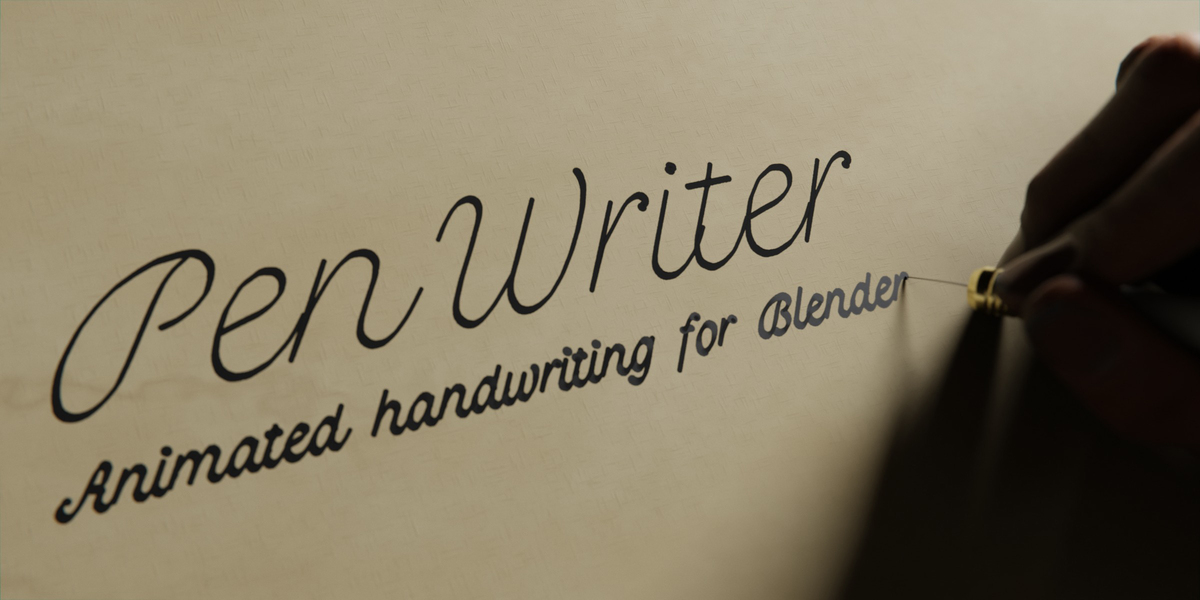
Pen Writer - Animated Handwriting
 Paulo Antunes
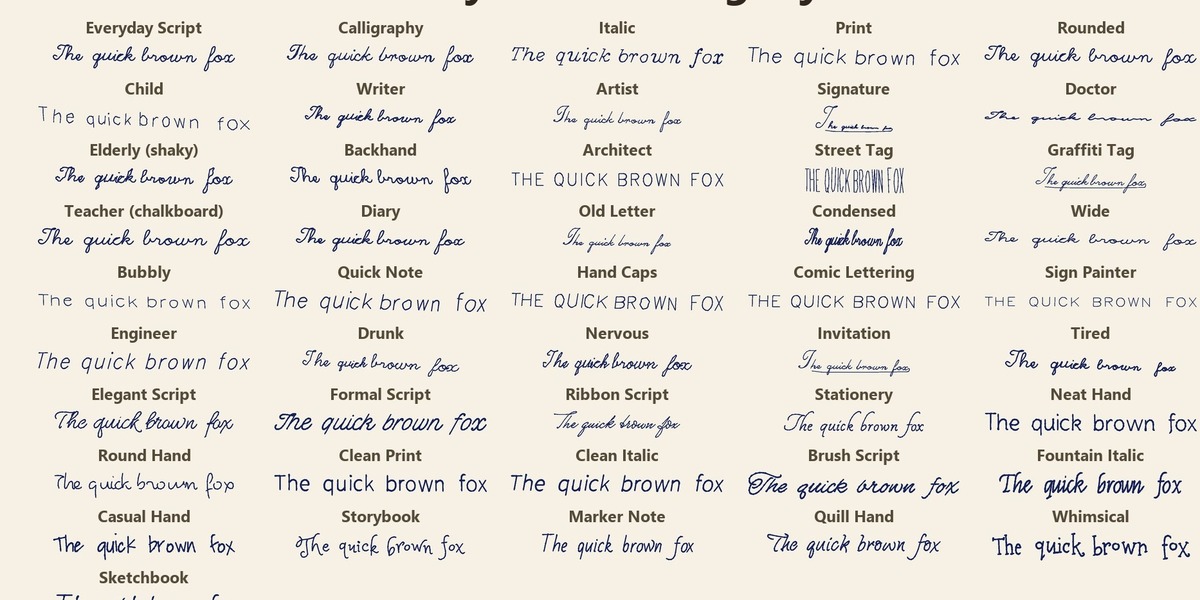
No. Text, SVG and Board need no drawing at all. A tablet only matters for the Drawing source, where line width follows your pen pressure; with a mouse the width is constant.
Yes. You can use everything Pen Writer makes (renders, videos, .blend files) in personal and commercial work, with no attribution and no royalties.
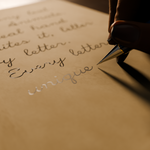
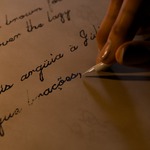
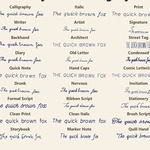
Yes. Pick Custom Font and choose a .ttf, .otf, .ttc, SVG font or .jhf stroke font: single-line fonts are written stroke by stroke and outline fonts are traced. You can also draw on a sheet yourself, or import an SVG, and the hand redraws it.
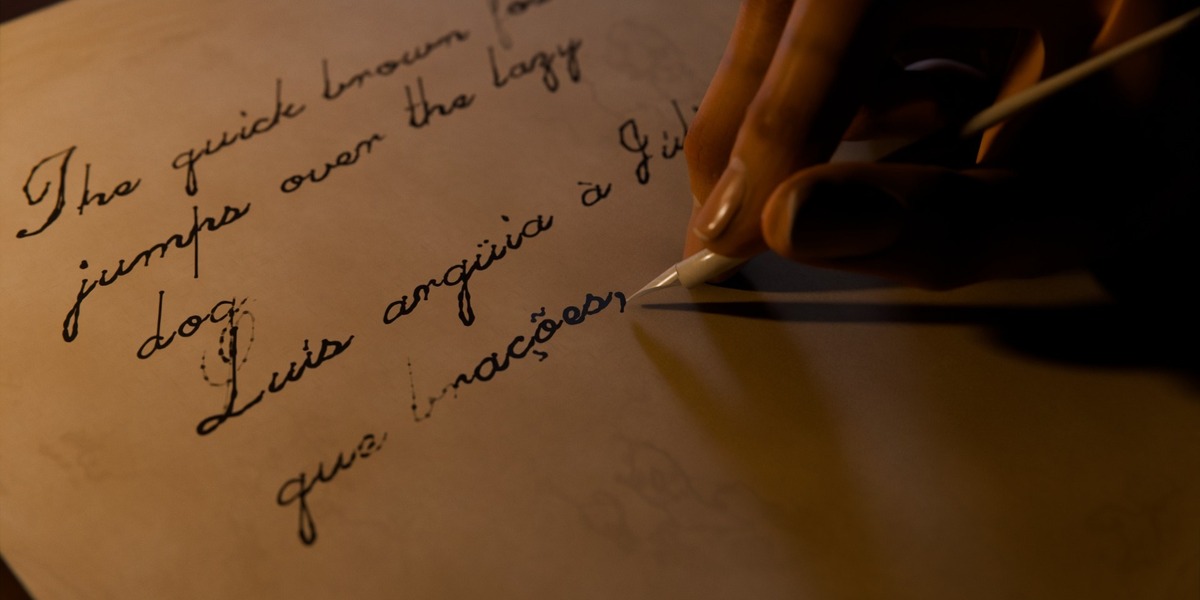
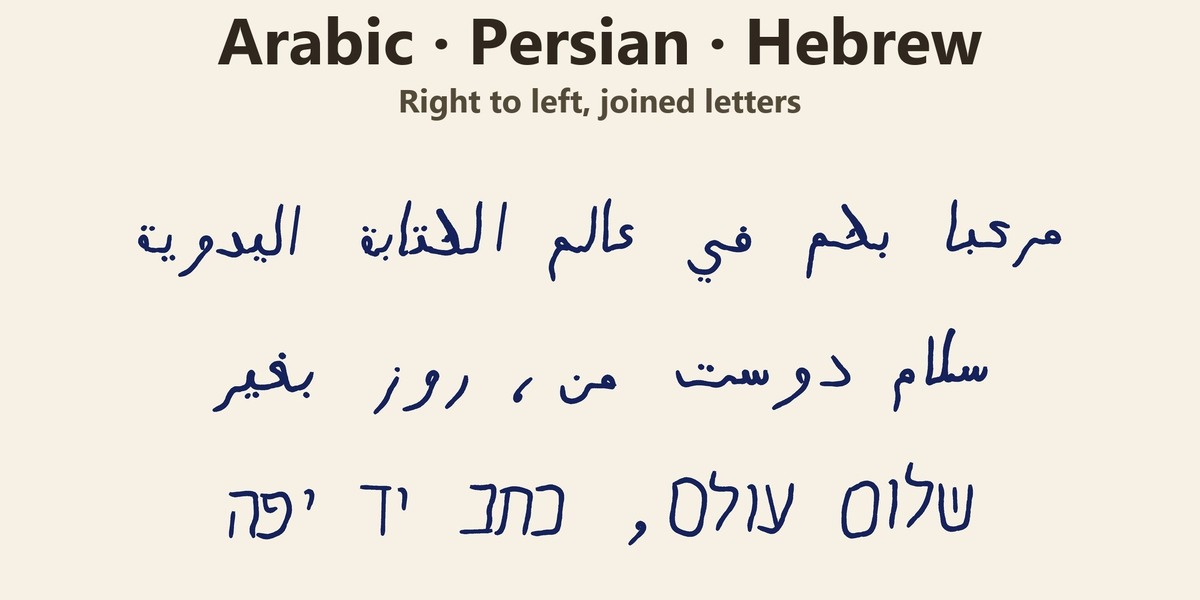
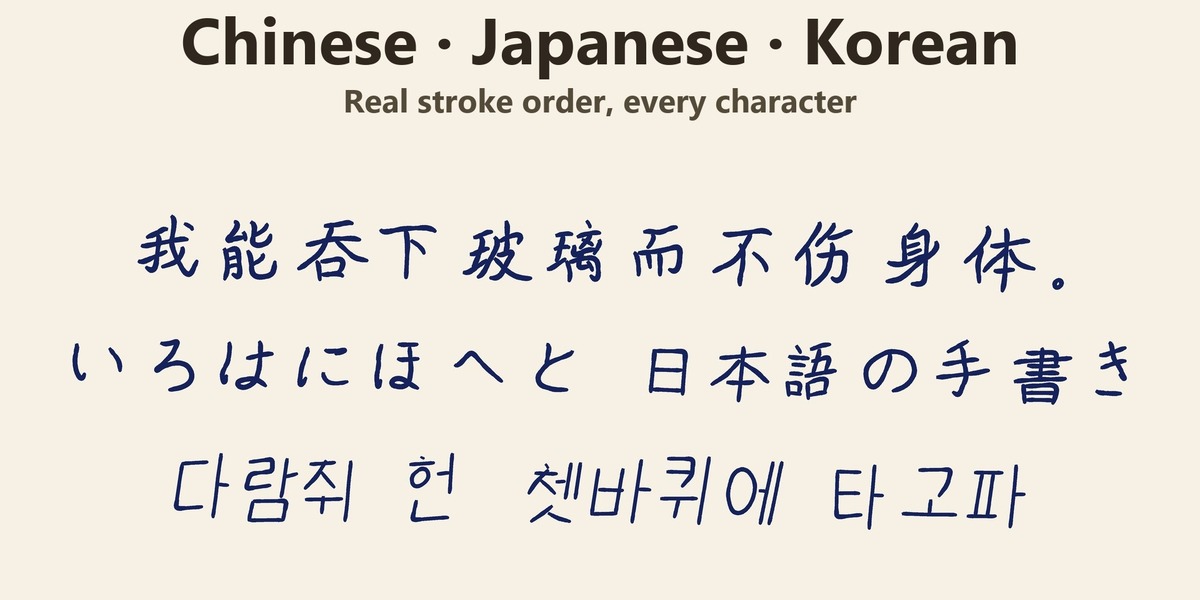
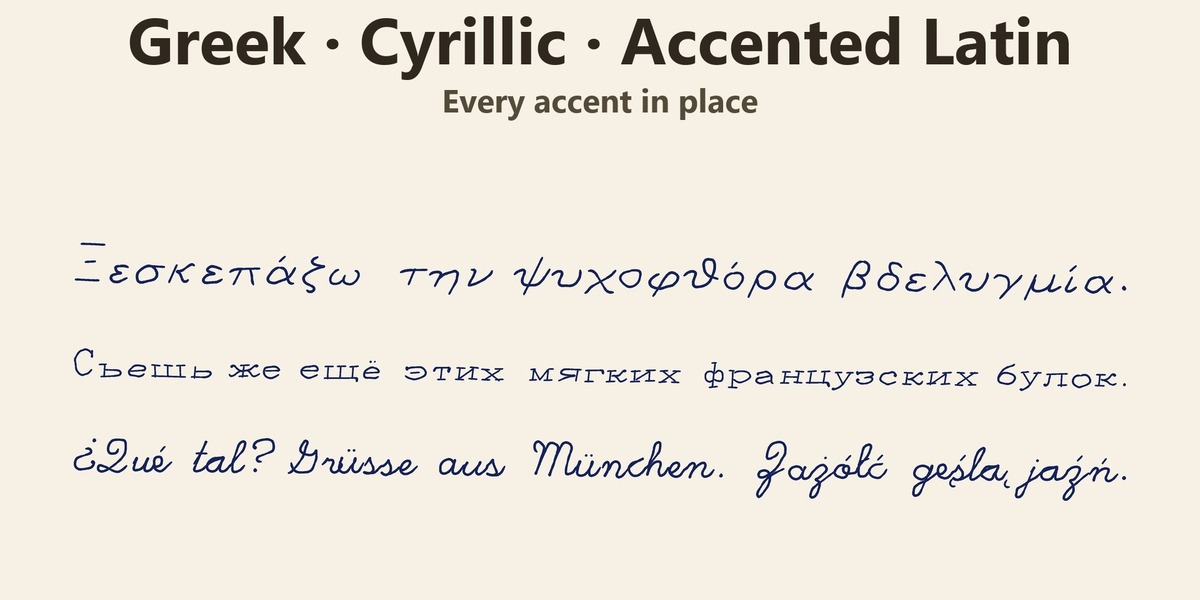
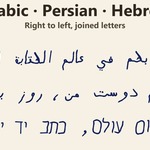
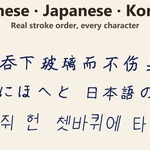
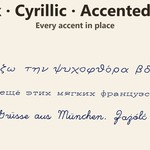
Latin with every accent, Greek, Cyrillic, Arabic / Persian / Urdu and Hebrew (right to left, with joined letters), Korean Hangul, Chinese (simplified and traditional) and Japanese, with the real stroke order. Math symbols, check marks and music clefs are included.
Yes, both. Everything is procedural, with no image textures. Body hair, absorbed ink and the best skin look are in Cycles.
No. The baked animation (Grease Pencil, the pen tip, the 3D tool and the hand rig) is plain Blender data and renders on any machine, with or without the add-on.
Blender 5.2 or newer. Pen Writer uses Grease Pencil v3, which older versions do not have.
Have questions about this product?
Login to message
| Blender Extension Compatible | Yes |
| Published | about 3 hours ago |
| Blender Version | 5.2 |
| Extension Type | Add-on |
| Render Engine Used | Cycles, Eevee |
| License | GPL |

Discover more products like this
chalkboard writing Grease Pencil calligraphy Text animation ink Multilingual pencil hand rig handwriting SVG Pen